
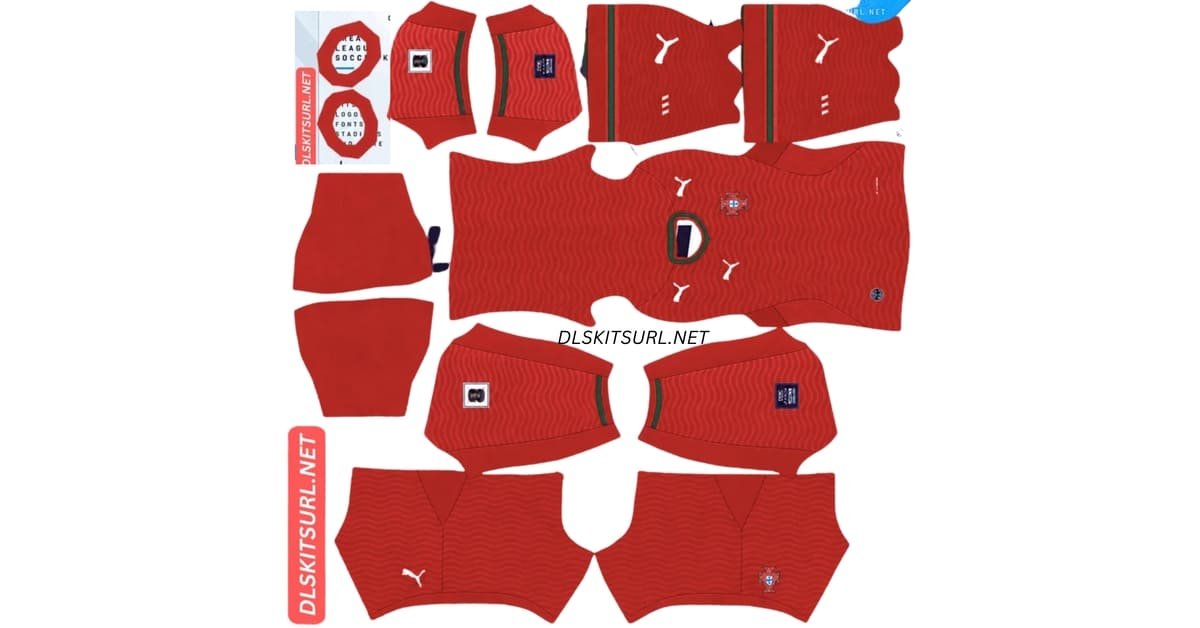
A Portugal DLS kits URL is a direct address for a kit image you can import into Dream League Soccer. Choose a Portugal shirt below, copy its URL and paste it into the game’s custom Kit option. Use the separate logo URL if you also want the Portuguese federation badge.
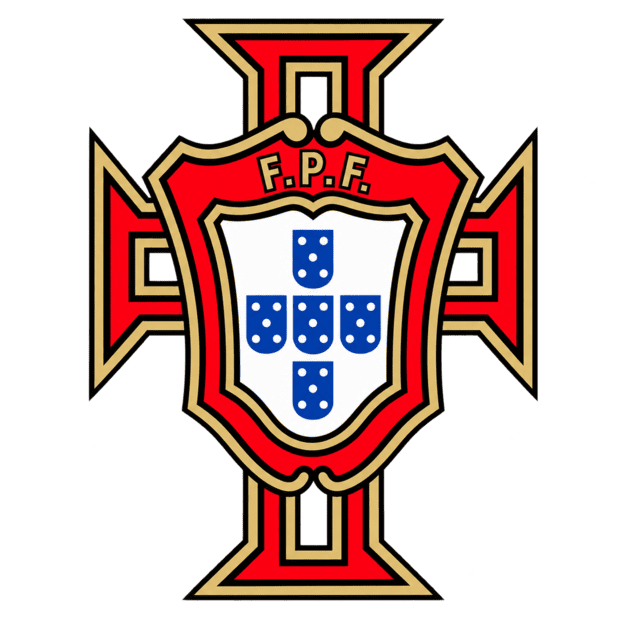
Portugal Logo
Official Logo 512×512
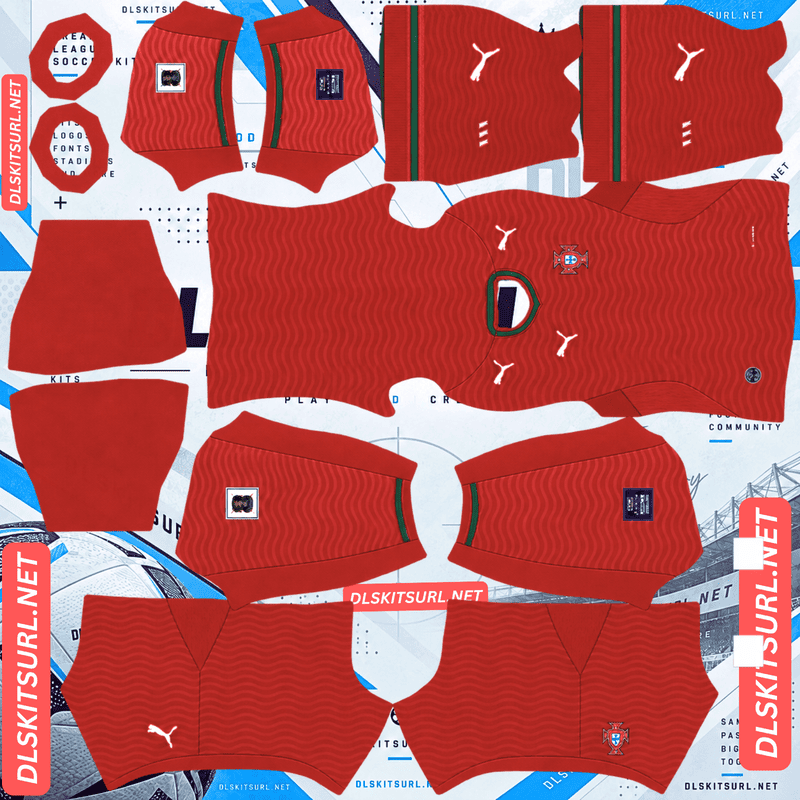
Portugal Home Kit
Home Kit 512×512 (2026/27)
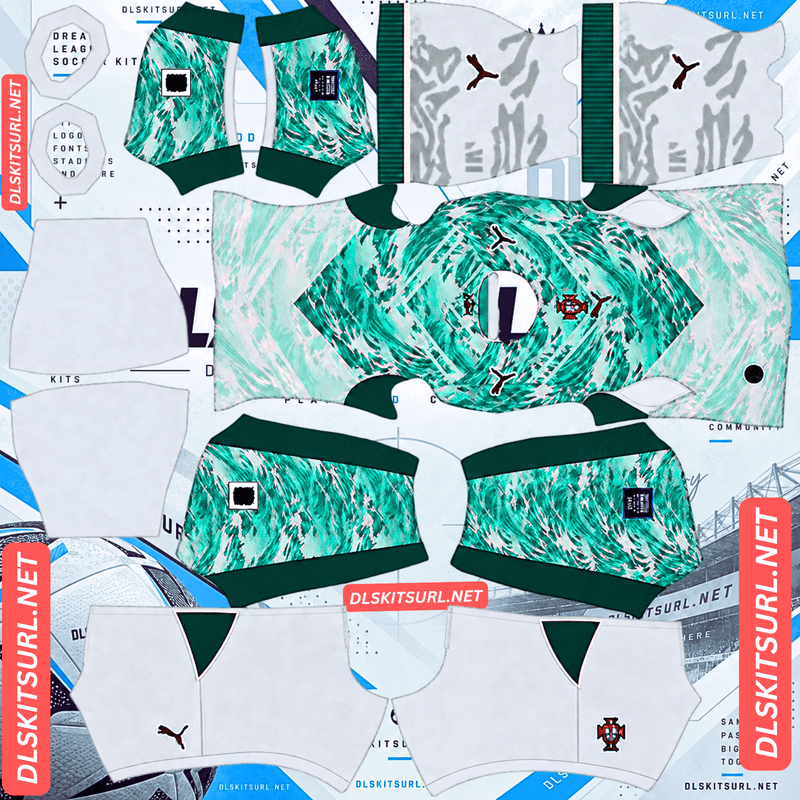
Portugal Away Kit
Away Kit 512×512 (2026/27)
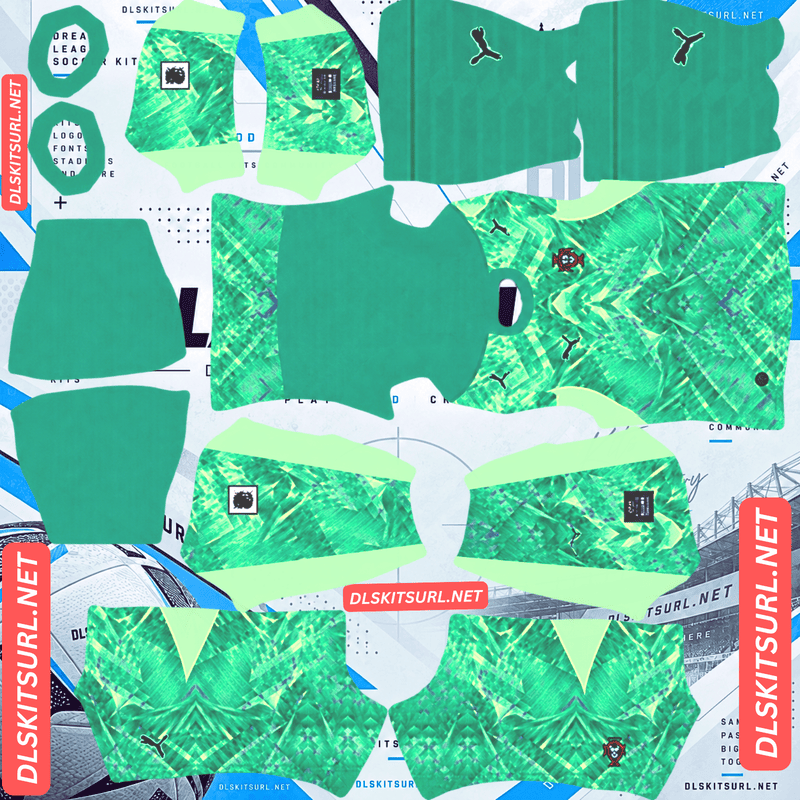
Portugal GK Home Kit
GK Home Kit 512×512 (2026/27)
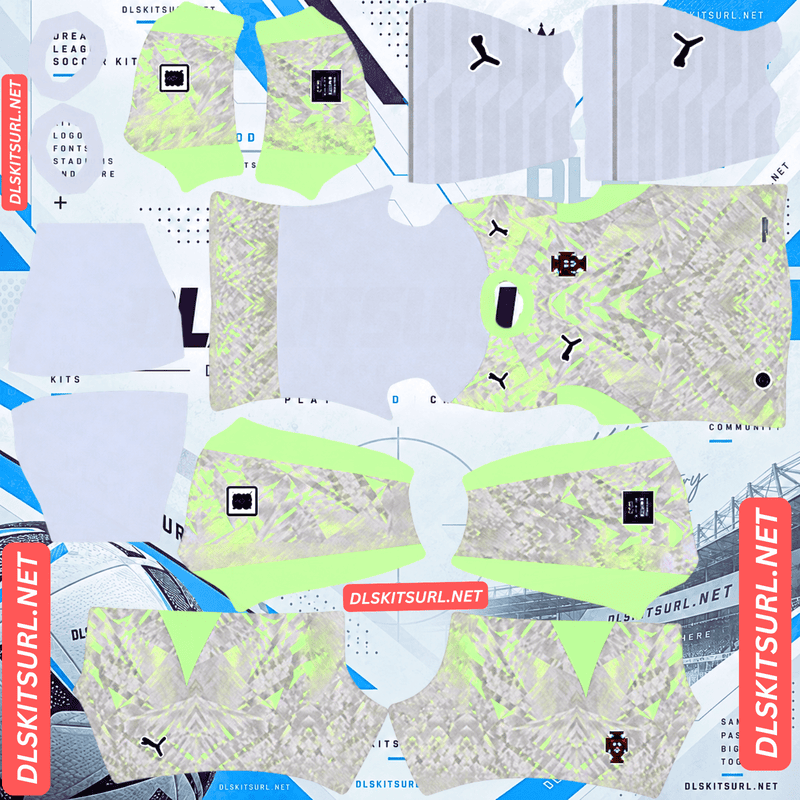
Portugal GK Away Kit
GK Away Kit 512×512 (2026/27)
The red home kit and white away kit share an ocean theme. There is also a black and gold shirt honouring Eusébio, which Portugal wore for one match. Each design presents a different challenge when turned into a 512×512 DLS kit, from subtle waves to the position of the badge.
Portugal’s 2026 home, away and tribute shirts
Puma makes Portugal’s current kits. If you find a Portugal shirt with a Nike swoosh, you are looking at an older design. That may be exactly what you want for a retro kit, but check the card label if you are trying to recreate the current team.
Home kit: red with an ocean-inspired pattern
Portugal’s home shirt keeps the deep red associated with the national team and adds green details. A wave-inspired pattern across the shirt connects the design to Portugal’s relationship with the ocean.
The red and green will be easy to recognise in a DLS match. The wave pattern is quieter. Check it in the full-size PNG and player preview, then expect it to become less obvious when the camera moves away from your players.
Away kit: white and lagoon green
The away shirt pairs white with lagoon green, carrying the ocean theme into a much lighter uniform. It gives your DLS squad a clear alternative when red would clash with an opponent’s kit.
If your chosen file places the federation crest in the middle of the shirt, check its position on the player preview after importing. A badge that sits slightly off-centre can be more noticeable on a light shirt than it is in the flat kit image.
Black and gold Eusébio tribute shirt
Puma and the Portuguese Football Federation released a special black and gold design to honour Eusébio, known as the Black Panther. It features a historic federation crest and details linked to his legacy.
Portugal wore the shirt against Armenia in November 2025 as a one-match tribute. You can still use it whenever you like in Dream League Soccer. Label its card as an Eusébio tribute kit so visitors do not confuse it with the regular 2026 home or away shirt.
The story behind the Eusébio kit
Eusébio remains one of Portugal’s defining footballers. The black and gold shirt marked 60 years since his 1965 Ballon d’Or win, using a colour scheme closely associated with his Black Panther nickname.
The historic crest is an important part of the design. If you want your DLS team to follow that look closely, check both the badge on the kit PNG and the separate logo you plan to import. A custom kit can contain its own chest badge artwork, while the game’s Logo option controls your team crest elsewhere.
You can choose whichever combination you prefer in game. The main thing is to identify the black shirt accurately: it is a special shirt Portugal did wear, rather than an unused concept kit.
Which Portugal DLS kit looks best in game?
The home shirt gives you the most familiar Portugal look. Its strong red base and green details remain easy to recognise at match distance.
The away shirt creates the biggest change from home. White and lagoon green look lighter on the pitch, making this a useful second choice when you need contrast.
The Eusébio shirt gives your team a darker heritage look. Its black and gold colours remain clear, although fine details such as a tonal crest pattern may be easier to see in the player preview than during a match.
You can also use goalkeeper, retro or fan-made Portugal designs if they appear on the page. Keep those card names distinct from the current home and away kits.
What makes a Portugal DLS kits URL work?
Dream League Soccer needs a URL that points to the PNG image itself. Open the address in a browser: the kit image should appear on its own. If you see a webpage containing the picture, that page address is not the direct kit URL.
The image also needs a DLS kit layout. Separate parts of the PNG are applied to the player’s shirt, sleeves, shorts and socks. A photograph of the real Portugal jersey will not work as a kit template, even if it measures 512×512 pixels.
Use the Copy URL button on the card for the design you want. Copying your browser’s address bar while reading this article will usually give you the article URL instead.
How to check a kit PNG before importing it
Check the colour boundaries
On the home kit, zoom in where a green detail meets the red shirt. On the away kit, inspect the edges of the lagoon green design. Reasonably clean boundaries are a good sign that the file will look clear on a player.
The dimensions alone do not prove quality. A blurry image enlarged to 512×512 pixels is still blurry.
Check the crest position
Look at where the crest appears in the flat kit file, then compare it with the imported player preview. This matters particularly if the away or tribute design uses a badge placement that differs from the usual left chest position.
Check subtle patterns at close range
The home shirt’s waves and any dark-on-dark detail in the black tribute shirt may be faint during play. If you can see them in the large player preview, the file may be working as intended. If the details are absent even there, inspect another version of the kit.
How to import a Portugal DLS kit URL
- Choose a Portugal kit card and tap Copy URL.
- Open Dream League Soccer and go to your club’s Customise options.
- Enter the Kit section and select the slot you want to edit.
- Open the custom kit option, paste the URL and confirm.
- Check the shirt, sleeves, shorts and socks in the player preview.
Repeat those steps for each design you want to use. Menu wording can vary by game version. Make sure kit images go into Kit slots; the separate Logo option is for a badge image.
Choose number colours that stand out
View the back of a player after importing each shirt. That is the easiest way to judge whether the squad number is readable.
A light number usually contrasts well with the red home and black tribute shirts. For the white away shirt, try a dark colour. If a kit’s shorts use a different base colour from its shirt, check the shorts number separately.
The player preview matters more than a general colour rule. Use the version that remains clear on your particular kit file.
How to add the Portugal DLS logo URL
Copy the badge URL from the Portugal logo card, then paste it into the game’s custom Logo option. Kit and logo URLs are different files used in different parts of the customisation menu.
Choose a clear badge image with space around the full crest. The federation badge contains small shapes that become harder to see when the logo appears at match size.
If the Eusébio tribute shirt is your main choice, you may prefer a historic crest to match it. Before changing your team logo, look at the chest badge already included in the tribute kit PNG; that artwork may be part of the shirt image itself.
Why a Portugal kit URL may fail
The address opens a webpage. Copy the direct image URL from the kit card rather than the address of this article or another gallery.
The image has been removed. Open the URL in a browser. If it does not load there, choose another file.
The file is a jersey photo. DLS needs a kit template with separate areas for parts of the uniform.
The kit artwork is misaligned. If the image imports but the crest, sleeves or colours appear in the wrong places, the PNG itself needs correcting or replacing.
Start by checking the copied URL in your browser. It will tell you whether the image is available before you troubleshoot its appearance in game.
Save your Portugal kit and logo URLs
Keep your preferred home, away, tribute and logo URLs in one note, with a label beside each address. Add any goalkeeper or retro designs under their own names.
That makes it easier to find the same kit again when you want to change your team’s look.
Frequently asked questions
What is a Portugal DLS kit URL?
It is a direct link to a Portugal kit PNG prepared for Dream League Soccer. Paste it into the game’s custom Kit option to import the uniform.
Does Portugal currently wear Puma or Nike?
Puma makes Portugal’s current kits. Nike shirts represent earlier designs and can be used if you want a retro look.
What does Portugal’s 2026 home kit look like?
It has a deep red base, green details and a subtle wave-inspired pattern connected with Portugal’s ocean heritage.
What colour is Portugal’s 2026 away kit?
It combines white with lagoon green, giving the national team a lighter alternative to its red home shirt.
Did Portugal wear the black Eusébio shirt in a match?
Yes. Portugal wore the special black and gold tribute shirt against Armenia on 16 November 2025.
Can I use the Eusébio shirt in Dream League Soccer?
Yes. If you have a working DLS kit PNG and direct image URL, you can import it into an available kit slot.
Why can’t I see the waves on my Portugal home kit?
The wave design is subtle and may fade at match size. If it is also missing from the large player preview, check whether the PNG is blurry or poorly prepared.
Is the Portugal logo URL the same as a kit URL?
No. Import shirts through the Kit section and the team badge through the Logo section.