
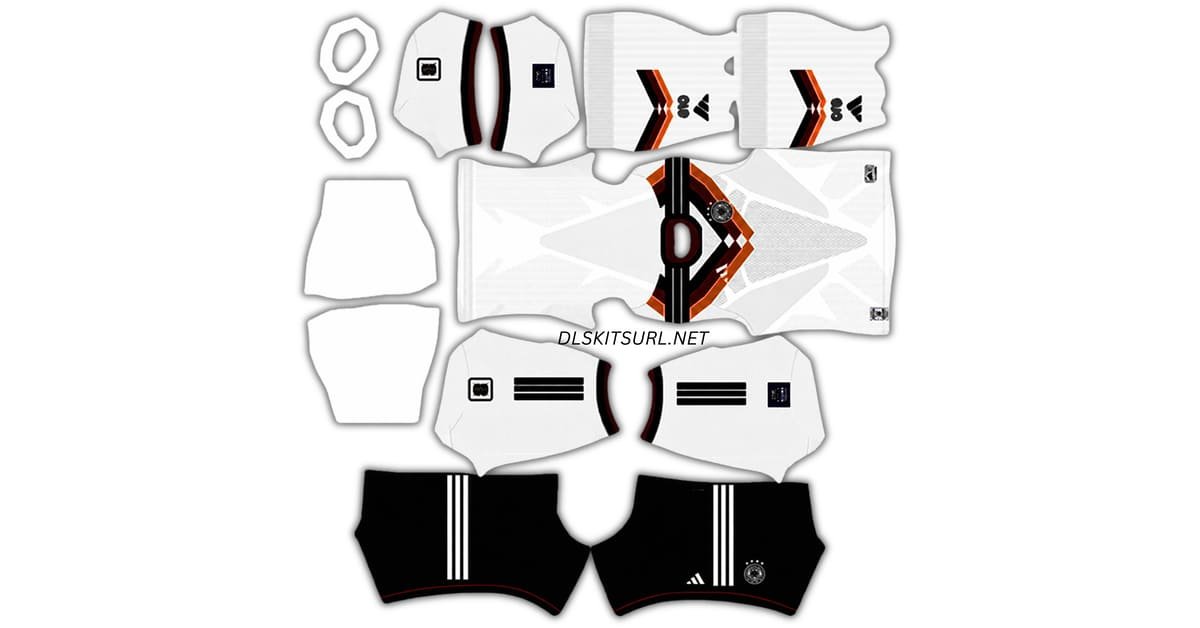
Germany DLS kits URL is the direct address for a kit image you can paste into Dream League Soccer. Choose a Germany shirt below, copy its URL and import it through the game’s Kit menu. The badge uses a separate logo URL.
Germany Logo
Official Logo 512×512 (2026/27)
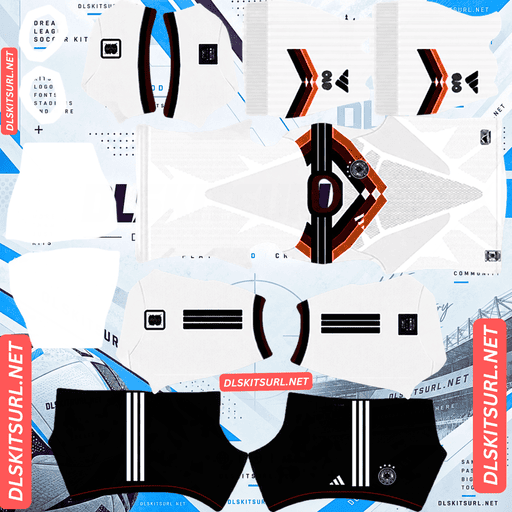
Germany Home Kit
Home Kit 512×512 (2026/27)
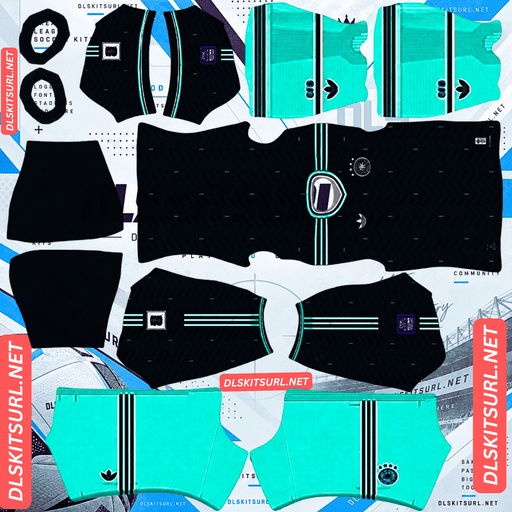
Germany Away Kit
Away Kit 512×512 (2026/27)
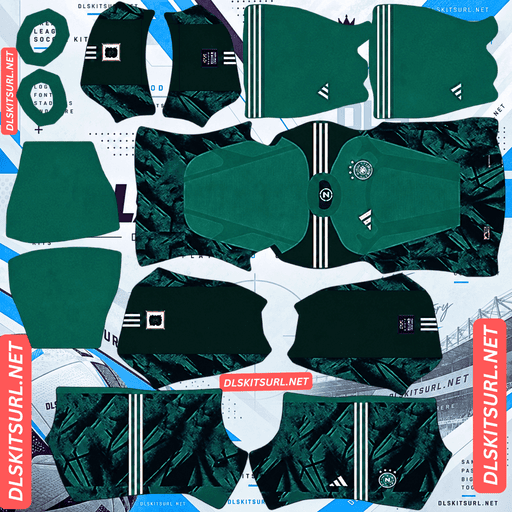
Germany Home GK Kit
Home GK Kit 512×512 (2026/27)
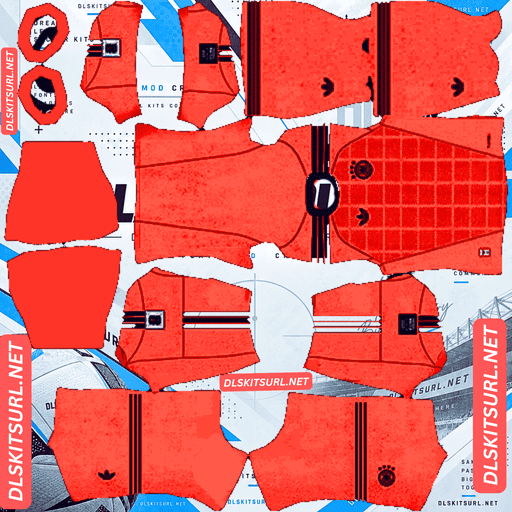
Germany Away GK Kit
Away GK Kit 512×512 (2026/27)
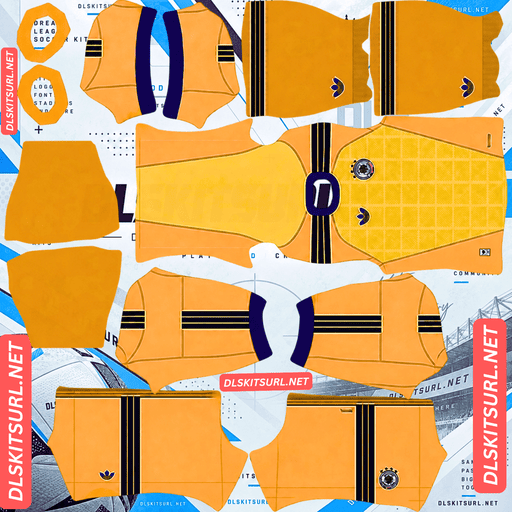
Germany Third GK Kit
Third GK Kit 512×512 (2026/27)
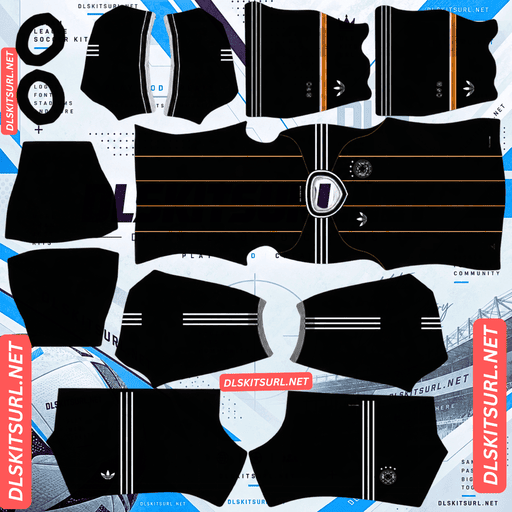
Third Adidas Farewell Kit
Germany Third Adidas Farewell 2026
Germany’s current collection includes a white home shirt, a deep blue away shirt and a black kit marking the end of its long Adidas partnership. They look different in game, so this guide explains what to expect from each design and how to check a file before importing it.
Germany’s final Adidas kit collection
Adidas has supplied Germany’s national team for decades. That partnership ends after 2026, with Nike taking over from 2027. The current shirts therefore mark the close of a familiar chapter in Germany’s football history.
That history is reflected in the designs. The home shirt revisits shapes and colours associated with earlier Germany kits. The away shirt develops the same visual idea in deep blue. The black third shirt gives the collection a final, distinctive look.
If you offer goalkeeper or retro Germany kits alongside these designs, label their cards clearly so visitors can identify the current home, away and third shirts.
Germany 2026 home kit: white with a bold chest design
The home shirt starts with Germany’s traditional white base. Across the chest, a diamond pattern brings together black, red and gold. Its zigzag arrangement draws inspiration from an earlier Germany shirt worn at the 1994 World Cup.,
Black shorts and white socks complete the look. The socks also carry part of the diamond theme, so a complete DLS kit file should represent more than the front of the jersey.
What to check in a DLS home kit file
The chest design is the first thing to inspect. Its shapes should be clear and centred when the file appears on a player. Check the sleeves and shorts as well: a good shirt front cannot compensate for pieces that land in the wrong place.
The large shapes and strong colour contrast make this kit easy to recognise during a match. Very small details may become less visible when the camera moves away, but the white base and black, red and gold graphic should remain clear.
Germany 2026 away kit: deep blue
The away shirt takes a different approach to Germany’s usual colours. It has a deep blue base, with a repeating design that develops the diagonal zigzag idea from the home kit. Lighter blue accents help break up the darker shirt.
The blue also recalls training clothing from Germany’s football history. It gives the away kit its own identity while keeping a connection to the collection’s broader design.
Why the pattern may look quieter in game
A repeating pattern is easy to see in a full-size shirt image. During a match, players occupy much less of the screen, and the pattern may read more as texture than as individual shapes.
Check the imported kit in the player preview first. If the design has disappeared even there, the PNG may be too soft or may not reproduce the shirt accurately. If it looks good in the preview but subtle during play, that may simply be how the design appears at match size.
Germany’s black final Adidas kit
The black kit is the most unusual option in this group. It pairs an all-black look with vertical gold lines and the Adidas Trefoil mark.
The gold lines are made from small diamond shapes. They connect the shirt to the geometric ideas used elsewhere in the collection while giving the black design a character of its own.
Check the fine lines before importing
Thin details are more demanding for a DLS image than the large shapes on the home shirt. Zoom in on the gold lines in the flat PNG. They should remain separate and reasonably clear, rather than merging into a blur.
Do not expect every small diamond to be visible when the match camera is far away. The practical test is whether the shirt still reads as black with gold vertical detail, rather than looking like a plain black uniform.
Which Germany kit looks best in Dream League Soccer?
That depends on what you want from your team:
- Home: the most familiar Germany look, with strong contrast and a graphic you can recognise from a distance.
- Away: a darker blue option with a pattern that becomes more noticeable in close-up views.
- Black kit: a striking alternative whose gold details reward a clear, well-made file.
You can place the designs in the available kit slots according to your preference. Check each card label before copying its URL, especially if the page also includes goalkeeper, classic or fan-made shirts.
What makes a Germany DLS kit URL work?
The URL must lead directly to an image file. Open it in a browser before importing: you should see the PNG by itself. If you arrive at a webpage containing the picture, you have copied the page address instead.
The PNG also needs a DLS kit template. The game takes sections of that image and places them on the shirt, sleeves, shorts and socks. A photograph of a Germany jersey does not have those sections, even if the photo measures 512×512 pixels.
Use the Copy URL button on the kit card. Copying the address from your browser while reading this article will usually give you the article URL, which is not a kit image.
How to import a Germany DLS kit URL
- Choose a Germany kit and tap Copy URL on its card.
- Open Dream League Soccer and go to your club’s Customise menu.
- Select Kit, then choose the slot you want to change.
- Open the custom kit option, paste the URL and confirm.
- Check the full player preview before importing another kit.
The wording of a button may vary by game version. Make sure you paste the shirt image into a kit slot. The Logo option is for your team badge.
Choosing readable player numbers
The number colour should remain visible against the back of each shirt. Check it on the player model after you import a kit.
On the white home shirt, a dark number is generally easier to read. On the deep blue away shirt and the black kit, a light number usually provides better contrast. Check the shorts separately if their colour differs from the shirt.
The flat kit image is useful for inspecting the uniform, but the player preview gives you the clearest view of how names and numbers will appear in game.
How to add the Germany DLS logo URL
Copy the badge URL from the logo card and paste it into Dream League Soccer’s Logo customisation option. The kit and badge use different image files and different menu sections.
If your badge includes Germany’s four stars above the crest, check that the image leaves enough room around them. A file trimmed tightly against the stars can make the design look cramped when displayed at a small size.
An imported kit may also contain badge artwork as part of its own template. If the crest does not appear on the shirt as you expected, inspect the kit PNG as well as the separate logo setting.
Why a Germany kit URL may fail
It opens a webpage instead of a PNG. Return to the kit card and copy the direct image URL.
The image is unavailable. Open the URL in a browser. If the file no longer loads there, choose another kit.
The image is not a DLS template. A normal photo of a jersey may load but will not fit the game’s shirt, sleeve and shorts sections correctly.
The template is misaligned. If the kit imports but puts a pattern on the wrong part of the player, the file itself needs correcting or replacing.
Start with the URL check. It helps you separate a broken link from a problem with the image layout.
Save your Germany kit URLs
Keep the home, away, black kit and logo URLs together in a note, with each address clearly labelled. Add any goalkeeper or retro designs you decide to use.
That way, you can find the exact kit again if you change a slot or want to recreate your Germany team later.
Frequently asked questions
What is a Germany DLS kit URL?
It is a direct link to a Germany kit PNG prepared for Dream League Soccer. Paste it into the game’s custom Kit option to import the uniform.
Are these Germany’s last Adidas kits?
Yes. The Adidas partnership ends after 2026, and Nike is set to become the German football association’s kit supplier from 2027.
What does Germany’s 2026 home kit look like?
It has a white base and a bold black, red and gold diamond design across the chest, paired with black shorts and patterned white socks.
What colour is Germany’s 2026 away kit?
It is deep blue, with a repeating zigzag design and lighter blue accents.
What does the black Germany kit look like?
It is predominantly black, with vertical gold lines formed from small diamond shapes and an Adidas Trefoil mark.
Why are the gold lines hard to see on my DLS kit?
They are fine details. Check whether they are clear in the 512×512 PNG and in the player preview. They will naturally be harder to distinguish when players appear small during a match.
Why is my Germany badge cut off?
If the stars or outer edges are too close to the file boundary, the badge can look cramped when displayed. Choose an image with clear space around the complete crest.
Is a Germany logo URL the same as a kit URL?
No. Import a uniform through the Kit menu and a badge through the Logo menu.