
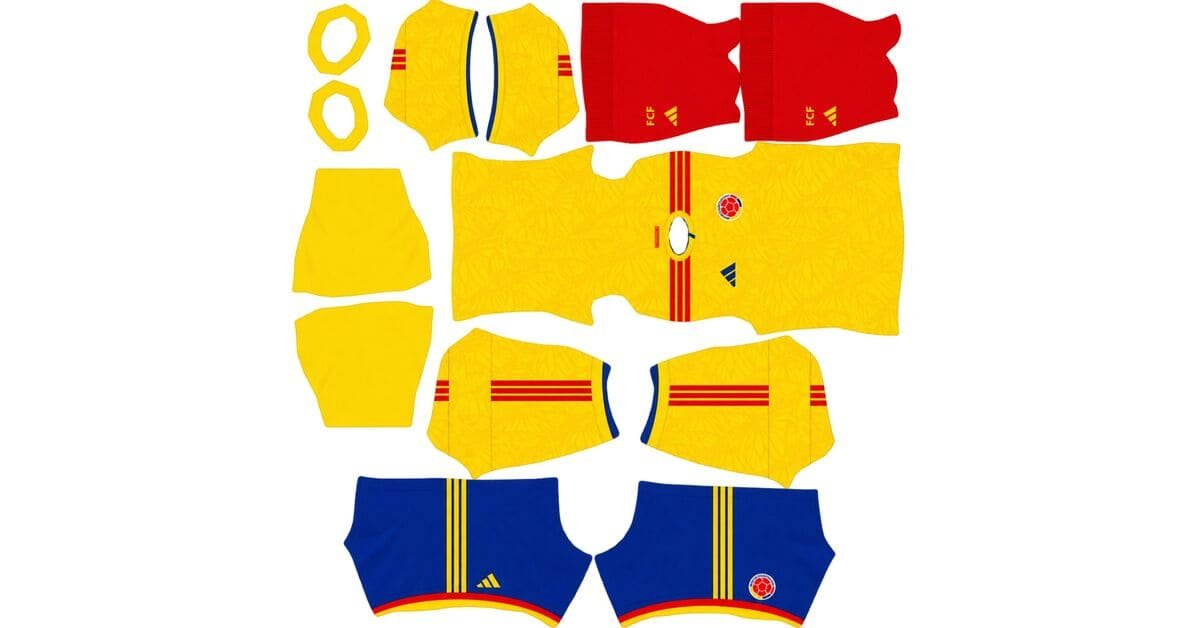
A Colombia DLS kits URL is a direct address for a kit image you can import into Dream League Soccer. Choose a Colombia shirt below, copy its URL and paste it into the game’s custom Kit option. The federation badge uses a separate logo URL.
Colombia Logo
Official Logo 512×512 (2026/27)
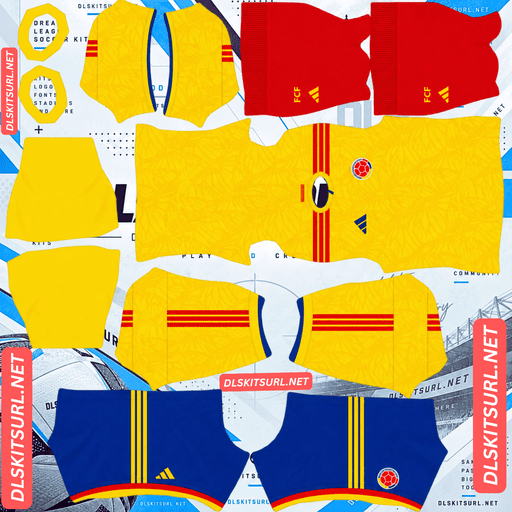
Colombia Home kit
Home Kit 512×512 (2026/27)
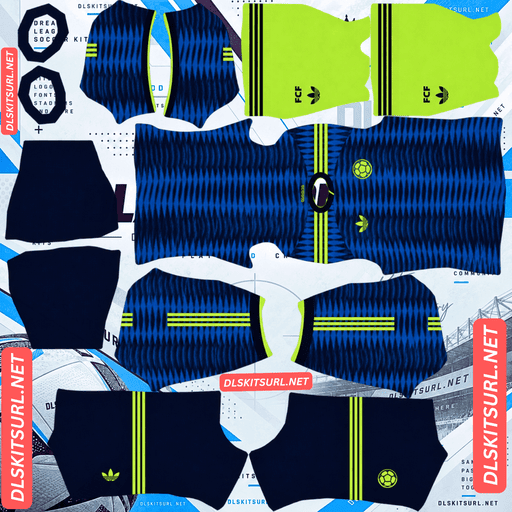
Colombia Away kit
Away Kit 512×512 (2026/27)
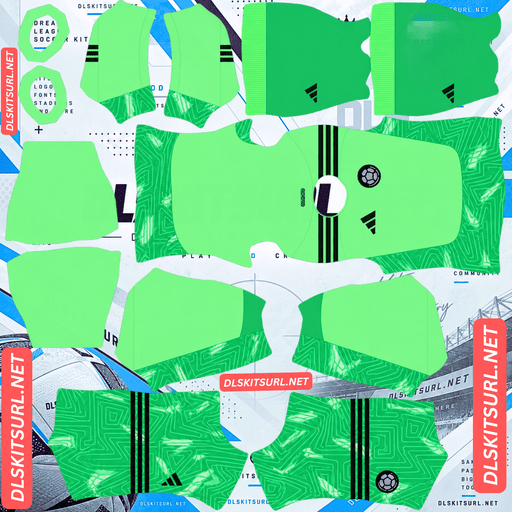
Colombia GK Home kit
Home GK Kit 512×512 (2026/27)
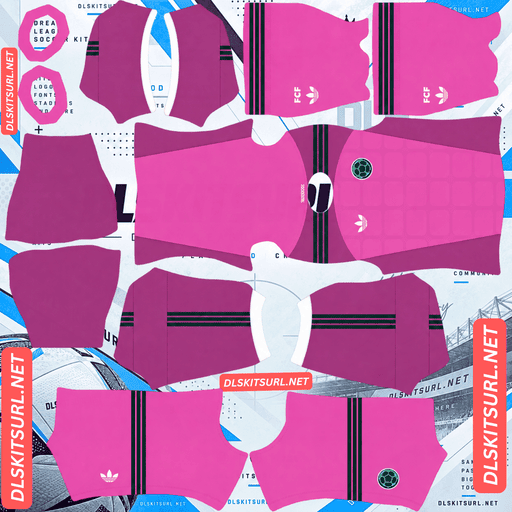
Colombia GK Away kit
Away GK Kit 512×512 (2026/27)
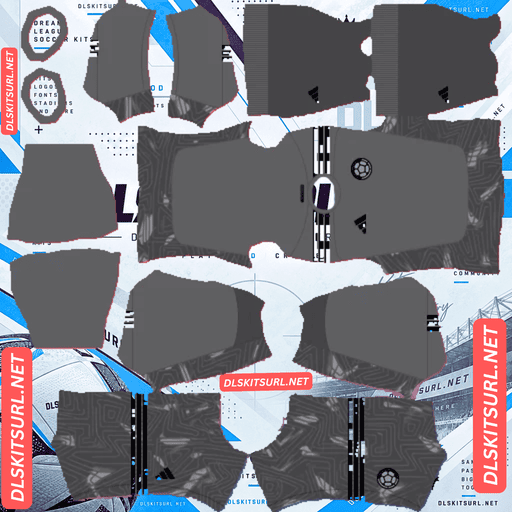
Colombia GK Third kit
GK Third Kit 512×512 (2026/27)
Colombia’s current home and away shirts tell two different stories. The yellow home kit features butterfly wings linked to the country’s cultural identity. The blue away kit draws on the Caribbean Sea and Pacific Ocean. Both have details worth looking for when choosing a 512×512 DLS file.
Colombia’s 2026 home and away kits
Adidas made both shirts for Colombia’s 2026 international campaign. They share a connection to the country’s natural and cultural identity but look very different on the pitch.
The yellow home shirt is the familiar Colombia choice. The deep blue away kit gives you a darker option with a flowing pattern. If this page also includes goalkeeper, retro or custom shirts, label those cards separately so visitors know which designs represent the current home and away kits.
Home kit: yellow with butterfly wings
The home shirt keeps Colombia’s bright yellow and adds a subtle pattern of butterfly wings across the fabric. Blue and red details reflect the national colours, including red Adidas stripes over the shoulders.
The butterflies are connected with magical realism, hope and transformation. They give the shirt a story beyond its familiar yellow colour, although the pattern may be difficult to see when DLS players appear small during a match.
Check the kit in the large player preview. You should be able to see the overall yellow design, shoulder stripes and crest clearly. The butterfly texture will be more noticeable there than from the match camera.
Away kit: blue inspired by two seas
Colombia’s away shirt has a deep blue base with a pattern in other blue and turquoise shades. Its flowing shapes draw inspiration from the Pacific Ocean and Caribbean Sea, which meet Colombia on opposite sides of the country.
Green details appear around the V-neck, shoulder stripes and sleeve edges. The federation crest is presented in green, alongside the Adidas Trefoil mark. Together, these accents give the dark shirt enough contrast to remain recognisable in game.
The wave design may appear more like an overall texture from a distance. Look at the player preview to see how much of it the DLS image preserves.
What makes these Colombia designs different?
Many national team kits rely mainly on flag colours. Colombia’s current shirts use those colours while building a separate idea into each fabric.
The home kit’s butterflies refer to art and culture. The away kit’s waves refer to geography and the country’s two coastlines. That makes the patterns part of the shirts’ identity, even though they may be quieter than the main colours in Dream League Soccer.
When comparing DLS files, look for those design elements as well as the correct yellow or blue base. A plain shirt in the right colour may still miss the feature that makes this season’s version distinct.
Why the home shirt can look plain yellow in DLS
The butterfly wings are subtle and use shades close to the shirt’s yellow base. A small or blurry source image can lose the pattern when it is turned into a kit PNG.
That does not mean every match view should show each wing clearly. Players appear much smaller on the pitch than they do in the kit preview. A useful check is whether you can see the pattern when looking closely at the flat image and the player model.
Check the shoulder stripes first
Zoom in where a red stripe meets the yellow shirt. That edge should look reasonably clean. If the larger, high-contrast parts of the file are blurry, the quieter butterfly design is unlikely to remain clear.
Look at the complete uniform
A DLS kit contains sections for the sleeves, shorts and socks as well as the shirt. Check that those pieces match the design shown on the card. An accurate shirt front can still produce an uneven player if the rest of the template was assembled poorly.
How the blue away kit appears in game
The deep blue base and green details give the away shirt a strong overall shape. Its ocean pattern is made from related blue shades, so the exact waves may be easier to see close up than during play.
Check the collar and shoulder details after importing. Then look at the front and back of the player to see whether the pattern continues naturally across the shirt.
If the kit appears as a flat dark blue with no visible wave shapes even in the large preview, inspect the PNG. A clearer file may capture more of the design.
What makes a Colombia DLS kit URL work?
The URL needs to lead to a PNG image itself, rather than a webpage containing that image. Open the copied address in your browser. You should see the kit image on its own.
The image must also use a Dream League Soccer kit layout. Separate parts of the PNG are placed on the player’s shirt, sleeves, shorts and socks. A normal photograph of a Colombia jersey will not fit that layout, even if the picture is 512×512 pixels.
Use the Copy URL button on your chosen card. Your browser’s address bar while reading this article contains the article URL, which is not the kit image address.
How to import Colombia DLS kits URL
- Find the Colombia kit you want and tap Copy URL.
- Open Dream League Soccer and go to your club’s Customise options.
- Choose Kit and select the slot you want to change.
- Open the custom kit option, paste the URL and confirm.
- Check the player preview to see how the full uniform appears.
Repeat the process for the other designs you want to use. Menu wording can differ slightly between game versions, but a kit image goes into a Kit slot. The federation badge goes into the separate Logo option.
Make Colombia’s player numbers readable
The home and away shirts have different base colours, so check the numbers on each imported kit.
A dark number generally reads better against the yellow home shirt. A light or bright number is easier to see against the deep blue away shirt. Check the shorts too, since their colour may differ from the jersey.
Turn the player around in the kit preview. If you can read the number comfortably there, your choice is more likely to work during a match.
How to add the Colombia DLS logo URL
Copy the URL from the Colombia logo card, then paste it into Dream League Soccer’s custom Logo option.
Choose a clear crest image with space around the entire design. Small writing or fine details can become difficult to read when the badge is displayed at match size. The central shapes and colours should remain easy to recognise.
A custom kit PNG may include its own chest badge artwork. If the crest on the imported shirt does not change when you set a separate team logo, inspect the kit image as well.
Why a Colombia kit URL may fail
The URL opens a webpage. Return to the kit card and copy the direct PNG address.
The image is unavailable. Open the URL in a browser. If the file does not load there, try another kit.
The file is a jersey photo. A DLS kit must be arranged as a template for the player model.
The artwork is misaligned. If the image imports but colours or marks land on the wrong sections, the PNG needs correcting or replacing.
Checking the link in your browser first will help you tell whether you have an address problem or an image-layout problem.
Save your Colombia kit and logo URLs
Keep the home, away and badge URLs together in a note, with each address labelled. You can add a retro, goalkeeper or custom Colombia shirt under its own name if you use one.
That makes it easier to return to the exact design you chose when you want to update a kit slot later.
Frequently asked questions
What is a Colombia DLS kit URL?
It is a direct link to a Colombia kit PNG prepared for Dream League Soccer. Paste it into the custom Kit option to import the uniform.
Why are there butterflies on Colombia’s home shirt?
The butterfly wings connect the design to magical realism and represent ideas including hope and transformation. The pattern also reflects Colombia’s cultural and natural identity.
What colour is Colombia’s 2026 home kit?
It is predominantly yellow, with a subtle butterfly-wing pattern, red shoulder stripes and blue and red details.
What does Colombia’s 2026 away kit look like?
It has a deep blue base with blue and turquoise wave shapes inspired by the Caribbean Sea and Pacific Ocean. Green details appear on the collar, shoulders, sleeves and crest.
Why does my Colombia home kit look plain yellow?
The butterfly pattern is subtle and harder to see at match size. If it is missing even in the large preview, the kit PNG may lack enough detail.
Is there a confirmed Colombia third kit for 2026?
The home and away shirts are the designs covered here. If you add a third, retro or fan-made kit card, label it accurately rather than presenting it as part of the current match collection.
Can I use a jersey photo as a DLS kit?
No. The game needs a PNG with separate areas arranged for the shirt, sleeves, shorts and socks.
Is the Colombia logo URL the same as a kit URL?
No. Import the uniform through Kit and the federation badge through Logo.