
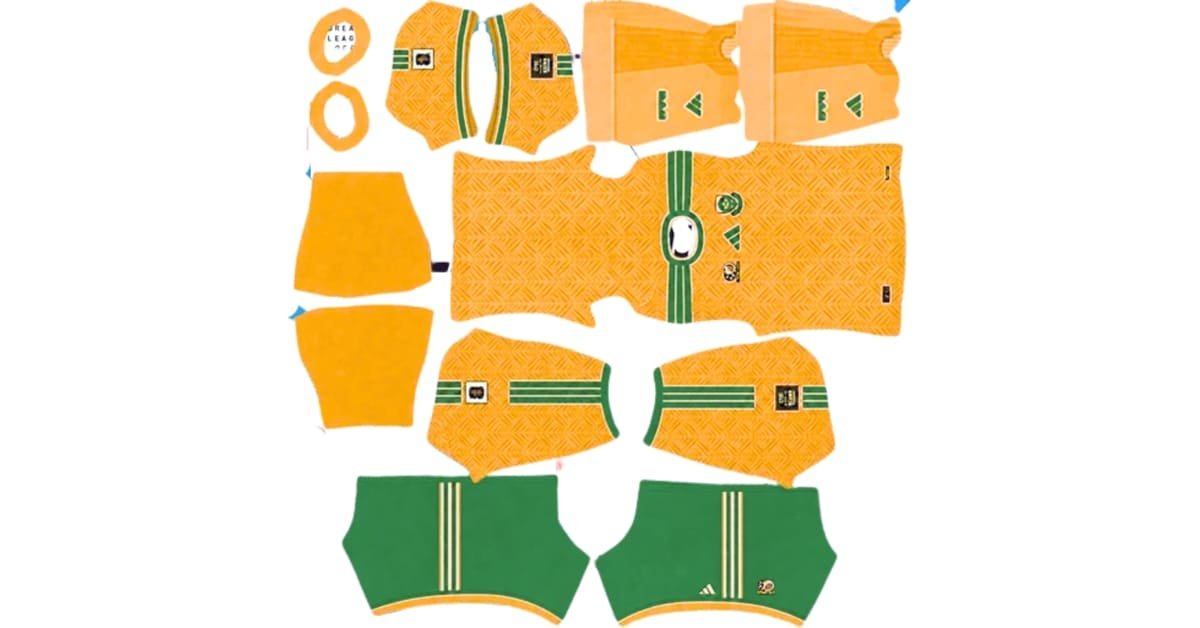
A South Africa DLS kit URL gives you a direct image address for adding a Bafana Bafana kit to Dream League Soccer. Choose the design you want, copy its URL from the card below, and paste it into the game’s custom kit option. You can add the South Africa badge separately using the logo card.
The 2026 home and away shirts bring South Africa’s yellow and green onto the pitch in two distinct designs. This guide helps you choose the right file, import it, and fix common problems if the kit does not appear as expected.

South Africa Logo
Official Logo 512×512 (2026/27)
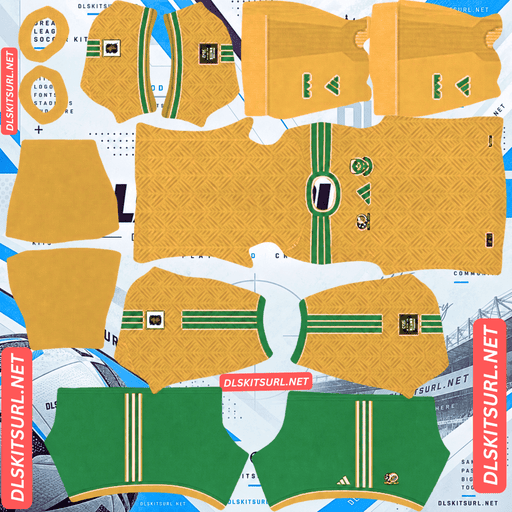
South Afira Home Kit
Home Kit 512×512 (2026/27)
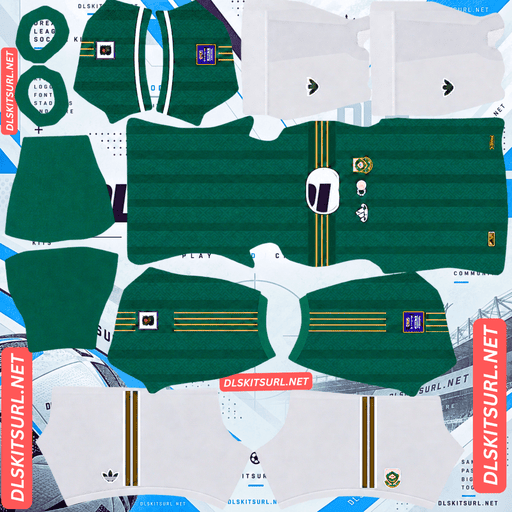
South Africa Away Kit
Away Kit 512×512 (2026/27)
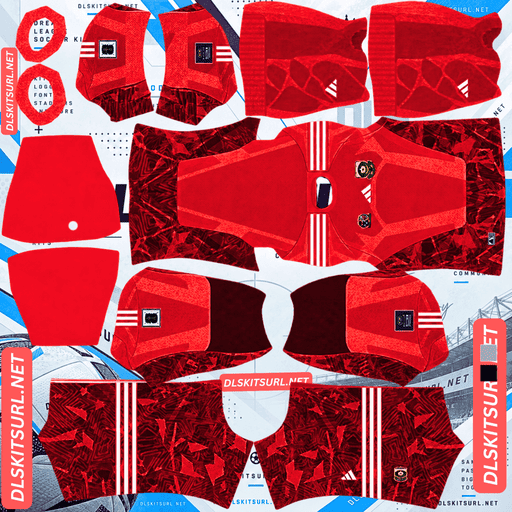
South Africa GK Home kit
GK Kit 512×512 (2026/27)
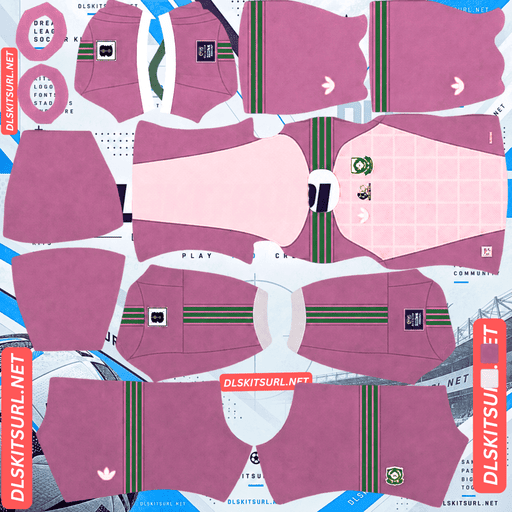
South Africa GK Away Kit
GK Kit 512×512 (2026/27)
South Africa’s 2026/27 home and away kits
South Africa’s current home and away shirts are made by Adidas. That is a useful detail when looking through DLS files: a shirt showing Le Coq Sportif branding represents an older kit.
You may also find goalkeeper, retro or custom South Africa kits online. Those can be fun to use in your DLS squad, but they should be labelled separately so you know which designs match the current home and away shirts.
Home kit: the familiar yellow shirt
The home kit keeps South Africa’s recognisable yellow as its main colour, with green details around the design. It is the natural choice if you want your DLS team to resemble Bafana Bafana in their primary strip.
When comparing home kit files, look beyond the front of the shirt. Check whether the sleeves, shorts and socks match the preview too. A file can look convincing as a flat image but appear uneven once the game places its different sections on a player.
Away kit: a deeper green look
The away shirt uses dark green with lighter green elements. It gives you a different look from the bright home strip while keeping the national colours.
The shades are fairly close, so some details may be less obvious during a match than they are in a large preview. A clear 512×512 file helps the edges between those greens remain visible. If an away kit looks like one flat colour in game, examine the image quality before assuming you imported it incorrectly.
What makes a South Africa DLS kits URL work?
A kit URL needs to point to the image file itself. When you open a direct image URL in your browser, you should see the PNG on its own. If you see a webpage with menus, text or buttons around the image, you have the page address instead.
The file also needs the correct DLS kit layout. Dream League Soccer takes different sections of the PNG and places them on the shirt body, sleeves, shorts and socks. A photograph of the real jersey is useful for seeing the design, but it cannot replace a game-ready kit template.
Use the Copy URL button on the kit card where available. Copying your browser’s address bar while viewing this article will give you the article URL, which the game cannot use as a kit.
How to check a kit file before importing it
A quick look at the preview can save you a trip back through the game’s menus.
Check the design and branding
For the current South Africa home and away designs, look for Adidas branding. Check that the home file is predominantly yellow and the away file is green. If you are choosing a retro kit instead, use its card label to identify the season or style.
Check the image layout
A DLS kit PNG will look unusual outside the game. It contains separate areas for parts of the uniform rather than one complete jersey. Those areas should have clean edges and sit in their intended positions.
Pay particular attention to sponsor marks, the crest and any text. If they are blurred or placed across a boundary in the flat file, the problem may become more noticeable on the player model.
Check the URL
Open the copied address in a browser. The PNG should load without requiring you to sign in or open a file viewer. If it does not load there, the game is unlikely to retrieve it either.
How to import a South Africa DLS kit URL
- Choose a South Africa kit card and tap Copy URL.
- Open Dream League Soccer and go to your club’s Customise options.
- Enter the Kit section and choose the slot you want to change.
- Select the custom kit option, paste the URL and confirm.
- View your team to check how the shirt, sleeves, shorts and socks appear.
The exact menu labels may differ between game versions. The key is to paste a kit image URL into a kit slot, rather than into the separate logo option.
If you have several kit cards on this page, you can choose a different design for each available slot. For example, you might use the yellow design as your home kit, the green design as your away kit, and a clearly labelled goalkeeper or retro design in another slot.
Why small details can look different in a match
A kit preview is much larger than a player on the pitch. Fine lines, tiny lettering and subtle colour changes become harder to see when the camera pulls back.
This matters most for the green away kit because its design uses related shades. The yellow home kit has a stronger difference between its main colour and green details, so its overall look is usually easier to recognise at match distance.
Judge a kit in two places: the large player preview and an actual match. The preview helps you spot misplaced pieces; the match shows whether the design still looks right at the size you normally play.
South Africa DLS logo URL: adding the badge
The logo uses its own URL. Copy it from the badge card and paste it into Dream League Soccer’s custom Logo option.
Choose a clear badge image with space around the design. Logos appear small in several parts of the game, so fine writing may be difficult to read even when the file is sharp. At that size, the central shape and colours do most of the work.
Do not paste a kit URL into the logo field. The game will treat the entire kit template as one badge image, giving you a collection of shirt pieces where the crest should be.
Why a South Africa kit URL may stop working
A kit link can fail even when its text still looks correct. The file at that address may have been removed, or the image host may no longer allow the game to download it.
If an import fails, try these checks in order:
- Open the URL in a browser. If nothing loads, choose another kit link.
- Check what opens. You need the PNG itself, rather than a webpage displaying it.
- Inspect the image. If it is a normal jersey photo instead of a DLS template, it is the wrong kind of file.
- Try the import again. Make sure you pasted the full address into the intended kit slot.
If the image imports but looks distorted, the issue is more likely the kit layout than the URL. Try another file made specifically for Dream League Soccer.
Keep your favourite kit and logo URLs handy
Once you have a South Africa setup you like, save the home kit, away kit and logo URLs in a note. Include a short label beside each one so you can tell them apart later.
That small step makes it easier to rebuild your preferred look if you change a kit slot, switch devices or need to import an image again.
Frequently asked questions
What is a South Africa DLS kit URL?
It is a direct address for a South Africa kit image made in the Dream League Soccer layout. You paste it into the game’s custom kit option to use the design.
What size should a South Africa DLS kit be?
Use a 512×512 PNG prepared as a DLS kit template. It should contain the sections the game needs for the shirt, sleeves, shorts and socks.
Who makes South Africa’s 2026 kits?
Adidas makes the 2026 home and away shirts. South Africa kits with Le Coq Sportif branding are from an earlier period.
What colour is the South Africa home kit?
The home design is mainly yellow with green details. If you want the familiar Bafana Bafana look in DLS, choose the yellow home kit card.
What colour is the South Africa away kit?
The away design uses dark green with lighter green details. Those details may look subtle when the player appears small during a match.
Can I use a photo of the real shirt as a DLS kit?
No. Dream League Soccer needs a kit image laid out for its player model. A regular photo does not have the separate sections the game uses.
Why is my South Africa kit URL not working?
The link may lead to a webpage instead of a PNG, the image may have been removed, or the file may not use the DLS kit layout. Open the URL in a browser first to see what it contains.
Do I need a separate URL for the South Africa badge?
Yes. Import kits through the Kit option and the badge through the Logo option.