
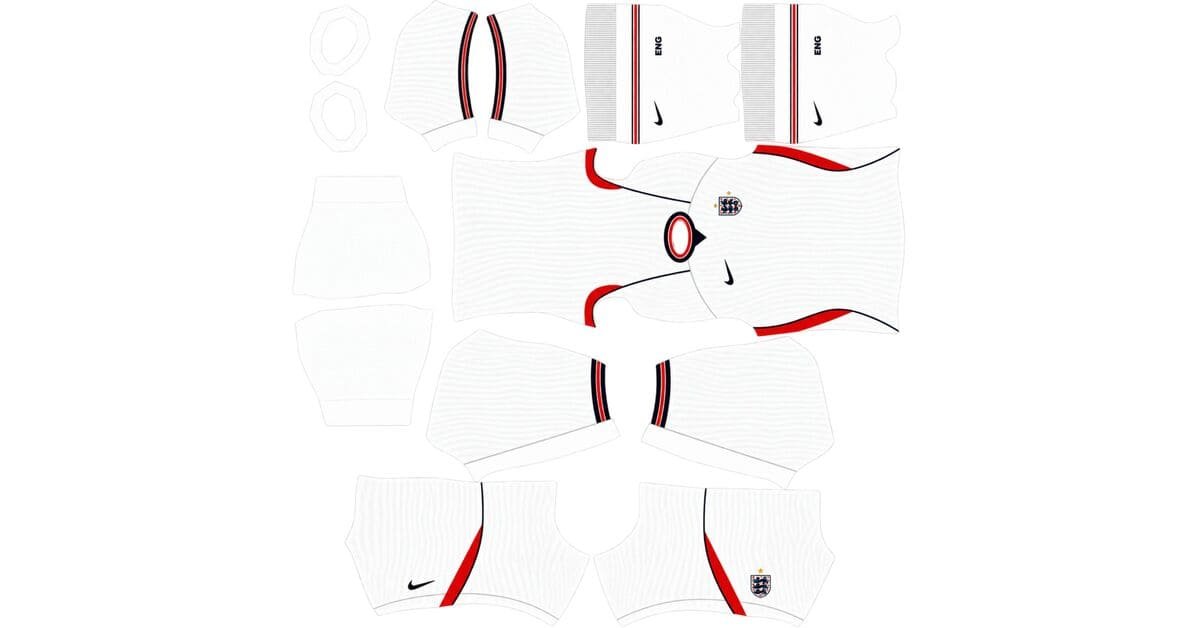
The England DLS kits URL is a direct address for a kit image you can import into Dream League Soccer. Choose a Three Lions shirt below, copy its URL and paste it into the game’s custom Kit option. The England badge has a separate logo URL.
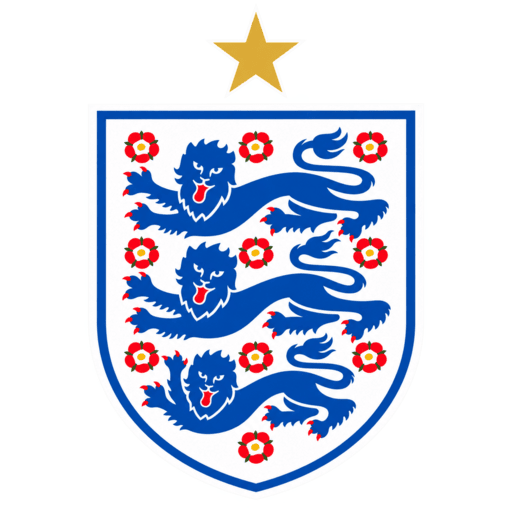
England Logo
Official Logo 512×512
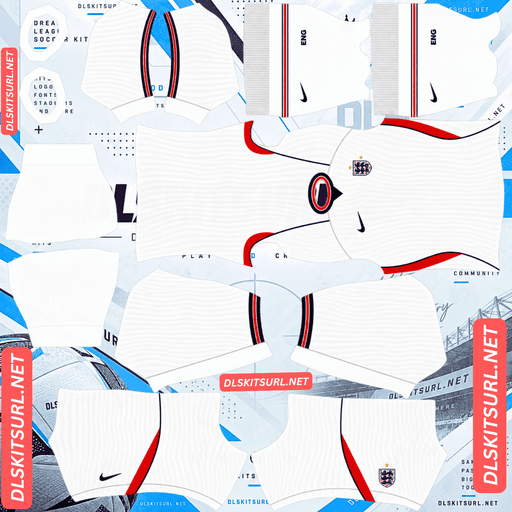
England Home kit
Home Kit 512×512 (2026/27)
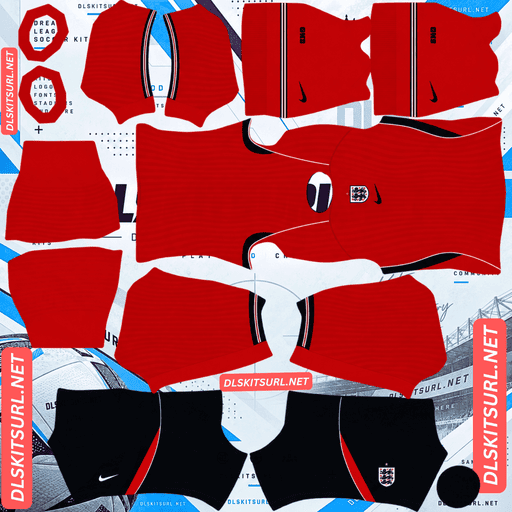
England Away kit
Away Kit 512×512 (2026/27)
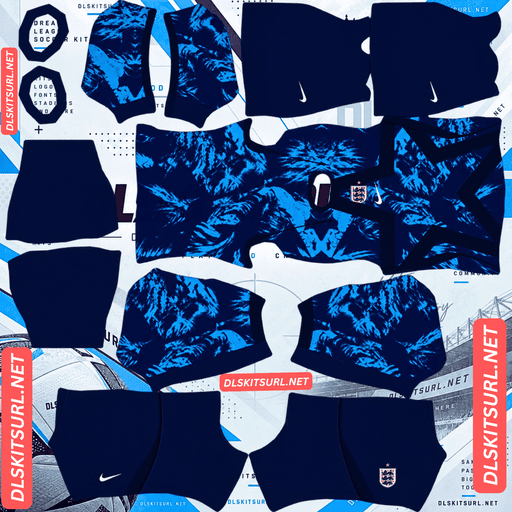
England GK Home kit
GK Home Kit 512×512 (2026/27)
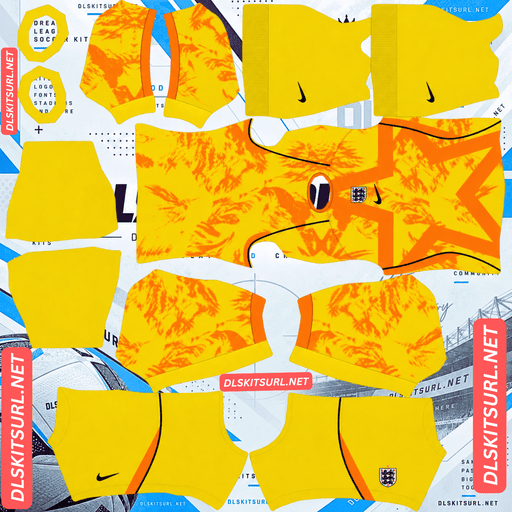
England GK Away kit
GK Away Kit 512×512 (2026/27)
The current home and away shirts make a clear pair: white with subtle texture for home matches and a strong red for away matches. The home design relies on details that can be difficult to see in game, while the away kit has a centrally placed crest that needs careful positioning in the PNG. Here is what to check before you import either one.
England’s 2026 home and away kits
Nike released England’s home and away shirts in March 2026. Both include familiar national team colours, but they use them differently. The home kit keeps the traditional white look; the away shirt puts red at the centre of the design.
If this page includes goalkeeper, retro or custom England kits, label those cards clearly. Visitors should be able to identify the current home and away designs before copying a URL.
Home kit: white with a subtle woven design
England’s home shirt is predominantly white, with red and dark navy details. Its texture comes from a bespoke knit design rather than a large coloured graphic across the chest.
A gold star sits above the Three Lions crest to represent England’s 1966 World Cup win. On a DLS player, the white shirt and darker trim will be easy to recognise. The woven detail is more likely to stand out in the large player preview than during a match.
Away kit: red with a central crest
The away kit uses Nike’s Speed Red with dark navy and white details. The crest and gold star sit in the middle of the chest, giving this shirt a noticeably different layout from the white home design.
That central placement makes the DLS file worth checking closely. View the player from the front after importing it. The crest should sit in the middle of the shirt, with the star aligned above it. If either mark appears off-centre, the kit image may need correcting.
How England finished at the 2026 World Cup
England finished third at the 2026 World Cup. After losing in the semi-finals, the Three Lions beat France 6–4 in the third-place match, with Bukayo Saka scoring a hat-trick.
It was England’s best World Cup finish since winning the tournament in 1966. If you are recreating that squad in Dream League Soccer, the white and red designs are the shirts from a memorable campaign.
Why England’s white home kit needs a good image
White fabric with a subtle woven pattern is harder to represent in a small game image than a shirt with broad, contrasting stripes. Much of its character comes from slight changes in texture and brightness.
A 512×512 PNG can show that detail in a close-up preview, but the pattern will be less obvious when players are small on the pitch. A weak file may make the home shirt look almost plain white even in the editor.
Check the collar and trim first
Zoom in where a dark or red detail meets the white shirt. The edges should look reasonably clean. If they are heavily blurred in the flat image, the finer woven pattern is unlikely to look clear after import.
Check the complete player model
Look at the shirt, sleeves, shorts and socks together. An image can have a sharp shirt front but still use mismatched colours elsewhere in the kit template. The player preview shows how all those pieces work together.
Judge texture at the right size
Compare the large player preview with the normal match camera. If the texture appears in the preview but fades during play, that is a normal result of viewing a small player from a distance. If it is absent even in close-up, inspect the source PNG.
Why the red away kit needs careful alignment
Red, navy and white are easy to distinguish on screen. The away kit’s bigger challenge is the position of its crest and star.
A DLS kit PNG contains separate areas that the game places on a player. A mark that looks centred in the flat file may not sit correctly on the shirt if it was placed against the wrong part of the template. Check the imported player facing forward. The central badge gives you a quick visual test of the file’s alignment.
Also inspect the back and sleeves. A good front view does not guarantee that every other section of the kit was prepared correctly.
What makes the England DLS kits URL work?
The address must point directly to a PNG image, not to the webpage that displays it. Open the copied URL in a browser. If the image appears by itself, you have the right type of link. If you see an article, gallery, or download page around it, copy the image’s direct address instead.
The image also needs a DLS kit layout. The game takes parts of the PNG and applies them to the shirt body, sleeves, shorts and socks. A normal photograph of an England jersey will not fit those sections, even if the photo measures 512×512 pixels.
Use the Copy URL button on the kit card. Copying the address from your browser bar while reading this page will usually give you this article’s URL.
How to import an England DLS kit URL
- Choose an England kit card and tap Copy URL.
- Open Dream League Soccer and go to your club’s Customise options.
- Enter the Kit section and choose the slot you want to change.
- Select the custom kit option, paste the URL and confirm.
- Check the full player preview before moving to another kit.
The menu wording may vary slightly with your game version. Kit images belong in a Kit slot; the crest goes in the separate Logo option.
If you want to use a retro or fan-made shirt in another available slot, label its saved URL so you can distinguish it from the current home and away kits later.
Make the player numbers readable
The home and away shirts need different number colours.
For the white home kit, choose a dark colour that you can read against the back of the shirt. White numbers may disappear into the fabric. For the red away kit, try a light colour and check it against both the shirt and shorts.
Use the player preview to make the final choice. The back of the uniform tells you more about legibility than the flat kit image does.
How to add the England DLS logo
Copy the URL from the England logo card and paste it into the game’s custom Logo option.
Check whether the badge image includes the gold star. Some Three Lions images show only the crest, while shirt artwork may place the star above it separately. Pick the version that gives your team the appearance you want, and leave enough space around the whole design in the logo image.
A custom kit PNG may contain its own chest badge. If changing the separate team logo does not produce the crest you expected on an imported shirt, inspect the kit image as well.
Why an England kit URL might fail
The URL opens a webpage. Copy the direct PNG address from the kit card rather than the address of the article or gallery.
The file has been removed. Open the URL in your browser to see whether the image is still available.
The image is a shirt photo. The game needs a kit template, with the uniform arranged in separate sections.
The template is misaligned. If the image imports but the away crest sits off-centre or colours appear on the wrong panels, the PNG itself needs correcting or replacing.
Start by opening the copied URL in a browser. That helps you separate a broken address from a problem with the kit artwork.
Save your England kit and logo URLs
Keep the home, away and badge URLs together in a note. Label any additional goalkeeper, retro or custom England kit by its design.
You can then find the exact image again if you change a kit slot or decide to rebuild the same Three Lions look later.
Frequently asked questions
What is an England DLS kit URL?
It is a direct link to an England kit PNG prepared for Dream League Soccer. Paste it into the game’s custom Kit option to import the uniform.
What does England’s 2026 home kit look like?
It is predominantly white, with a subtle knit design, red and dark navy details, and a gold star above the Three Lions crest.
What colour is England’s 2026 away kit?
It uses Speed Red with dark navy and white details. Its crest and gold star are positioned in the centre of the chest.
Why does my England home kit look plain white?
Its woven design is subtle and becomes harder to see when players appear small during a match. A blurry PNG can also lose the detail in the player preview.
Why is the crest off-centre on my England away kit?
The badge may have been placed incorrectly in the DLS kit template. Check the player from the front and try a better-aligned file if necessary.
How did England finish at the 2026 World Cup?
England finished third, beating France 6–4 in the third-place match. Bukayo Saka scored three of England’s goals.
Can I use a normal shirt photo as a DLS kit?
No. Dream League Soccer needs a PNG laid out for its player model, with separate areas for the shirt, sleeves, shorts and socks.
Is the England logo URL the same as the kit URL?
No. Paste a kit URL into the Kit section and a crest URL into the Logo section.