
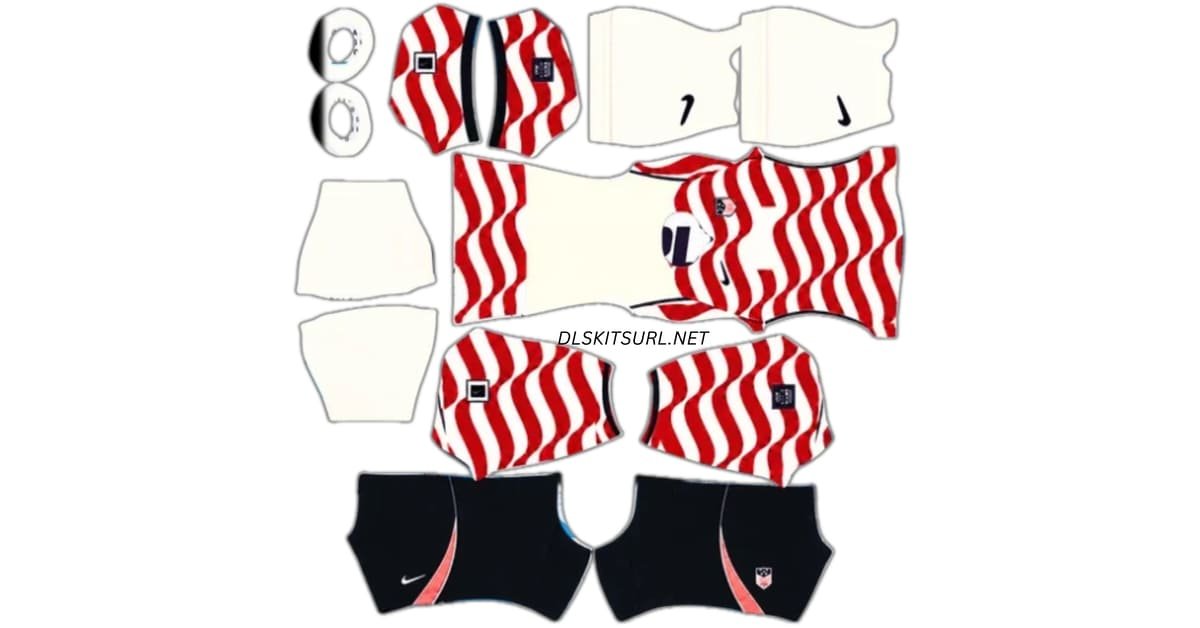
A USA DLS kits URL lets you add a United States shirt to your Dream League Soccer team. The 2026 home kit features wavy red stripes on a light base, while the away kit uses a dark colour with a subtle star pattern. Copy the image URL for the shirt you want, then paste it into the matching kit slot in the game.
USA Logo
Official Logo 512×512
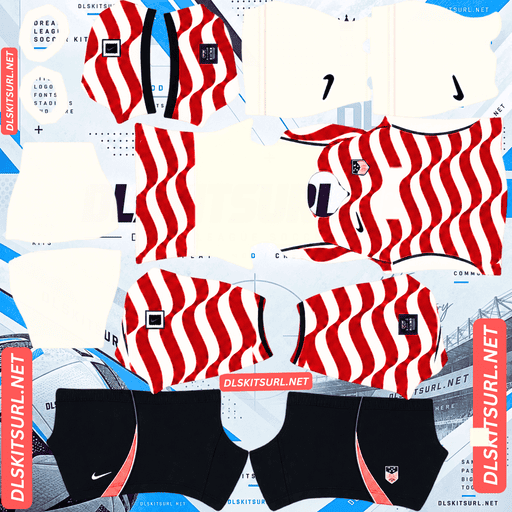
USA Home Kit
Home Kit 512×512 (2026/27)
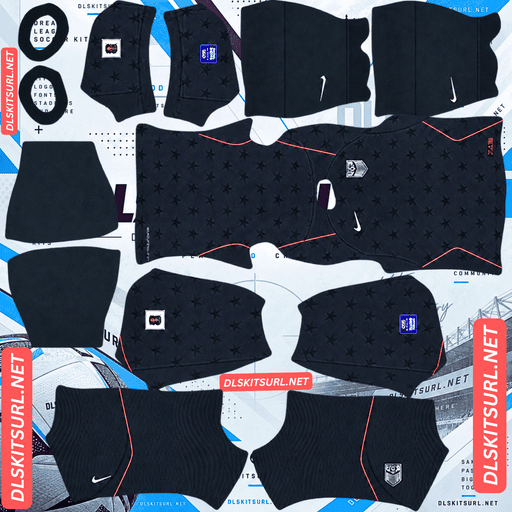
Senegal Away Kit
Away Kit 512×512 (2026/27)
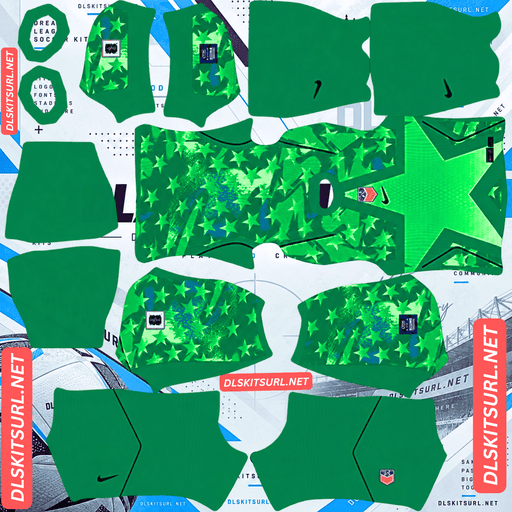
USA Home GK Kit
Home GK Kit 512×512 (2026/27)
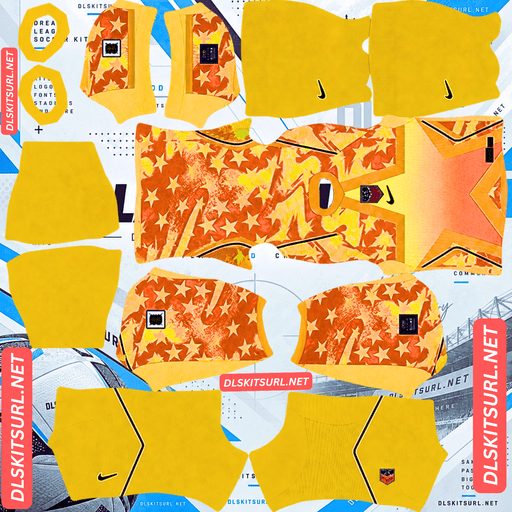
USA Away GK kit
Away GK Kit 512×512 (2026/27)
The two designs need different checks after importing. The home shirt’s waves should line up around the player; the away shirt’s stars should remain faintly visible instead of disappearing into a plain dark surface.
USA 2026/27 DLS Kit URLs
Use the Stripes design in your Home slot and the Stars design in your Away slot. A working DLS kit URL leads to a PNG laid out for the game’s shirt, sleeves, shorts and socks.
USA home kit: wavy Stripes
The USA home shirt takes its most familiar national symbol and gives it movement. Red stripes wave across a light background, suggesting a flag caught in the wind. Navy details frame the design.
Nike lists the shirt’s light base as Sail, an off-white shade. It can look white at first glance, especially on a bright screen, so a pure white appearance alone does not prove that a DLS file is outdated. The more useful check is the combination of its wavy stripes, light base and navy details.
On a DLS player, look at the sides of the shirt and the sleeves. The waves should continue in a way that looks natural as the template wraps around the model. A slight change at a seam may be unavoidable, but a stripe that jumps to a completely different height signals a poorly aligned image.
USA away kit: dark Stars
The away shirt, known as Stars, has a Dark Obsidian base with a subtle star design and red details. It is quieter than the home shirt: you notice its dark overall colour first, then the stars when you look closer.
That difference matters in Dream League Soccer. The star pattern is low contrast, so it may be clear in a large preview and barely visible during a match. Check that it appears on the imported player when you view the kit up close. At normal match distance, expect the shirt to read mainly as dark blue or near-black with red accents.
Stripes or Stars: which looks better in a match?
Choose the home kit if you want the USA design to stand out when the camera pulls back. Its red waves cover a large area and remain easy to recognise on small player models.
Choose the away kit if you prefer a darker, more restrained look. Its stars are a close-up detail rather than the part you will see most clearly during play.
Neither choice depends only on the flat image. Import the kit and look at the player preview. That will tell you whether the home stripes join well and whether the away pattern has enough definition for your taste.
How to check a USA DLS kit image
Before keeping a kit on your team, inspect more than its front colour.
Check the home kit’s stripe alignment
Look where the front meets the back and where the body meets the sleeves. The red waves should flow across these areas without looking abruptly cut off. The DLS kit template places different parts of the outfit in different areas of the PNG, so a good flat preview can still produce a poor result if those areas are misplaced.
Check the away kit’s star pattern
Open the player preview at its largest available size. You should be able to make out some star detail on the dark shirt. If the shirt appears entirely solid, compare it with the kit card image. A faint pattern may simply be difficult to see at match size, but it should exist in the file.
Check the complete outfit
Turn your attention to the shorts, socks, collar and back of the shirt. A DLS kit is a full outfit template, and those areas can reveal an incomplete or mismatched design.
USA DLS Logo URL 512×512
The USA DLS logo URL goes into the game’s custom logo option, separate from the two kit URLs. If you are recreating the current U.S. Soccer look, use a clear version of the current shield with USA lettering and stripes.
Some older USA crest images include three decorative stars. They belong to an earlier design, so check the preview if you want the current badge. Give the shield a little space inside its image file so the outer edge and lower point remain clear when displayed small.
How to import a USA DLS kit URL
Open Dream League Soccer and go to My Club, then your team’s customisation options. Select the kit you want to change, open the custom kit import option, paste the URL copied from its card and confirm. Menu labels may vary slightly between game versions.
Put Stripes in Home and Stars in Away. Check which slot is selected before confirming, because the imported image replaces the kit currently assigned there.
To change your badge, return to the customisation menu and select Logo or Custom Logo. Paste the separate USA logo URL. A kit image will not serve as a badge image, and a badge image is not laid out to dress the player model.
What makes a USA kit URL work in DLS?
The URL needs to lead directly to a suitable PNG image that the game can download. A webpage showing a shirt preview is not necessarily the image address.
If the game rejects a URL, open the exact address you copied. You should see the image on its own. If you see an article, a gallery or a sign-in page, copy the direct image URL from the kit card instead.
The image also needs the correct DLS kit layout. A square picture of the real USA shirt may be 512×512 pixels, but it will not correctly cover the sleeves, shorts and socks unless it has been arranged as a kit template.
Choosing number colours for the USA kits
After importing, inspect player names and numbers on the back of each shirt. Contrast matters more than matching a colour elsewhere on the kit.
A dark navy number can work on the light parts of the Stripes shirt, but check where the red waves pass behind it. On the dark Stars shirt, a light number will generally be easier to read. Inspect the shorts numbers too if they use a separate colour in your chosen template.
Make the final decision from the player preview. The number may sit over a different part of the pattern than you expect from looking at the flat PNG.
Why USA DLS kits URL may fail
Most import problems have a practical cause:
- The URL leads to a webpage. Copy the PNG’s direct image address.
- The image has been moved or deleted. Open the copied URL to see whether it still loads.
- The image is restricted. The game needs public access to download it.
- The file is a shirt photo or mockup. Use a PNG made for the DLS kit template.
- The wrong card was copied. Compare the pasted URL with the home or away preview you intended to use.
If the file downloads but the red waves do not line up, the link itself is working. The image layout needs correcting.
Save your USA kit URLs
Keep the home, away and logo URLs together in a note if you expect to switch designs later. You will be able to find the same images without searching for them again. Before reusing an older saved URL, open it once to check that the file is still available.
Frequently asked questions
What is a USA DLS kit URL?
It is a direct URL to a USA kit PNG formatted for Dream League Soccer. Paste it into a custom kit slot to apply the outfit to your team.
Which USA 2026 kit is the home shirt?
The light Stripes shirt with wavy red bands is the home kit. The dark Stars shirt is the away kit.
Is the USA home kit pure white?
Nike lists its light base colour as Sail, an off-white shade. Screen brightness and the image file can affect how white it appears, so check the full design rather than relying on that shade alone.
What does the USA away kit look like?
It has a Dark Obsidian base, subtle stars and red details. From a distance, it appears mostly dark; the star pattern is easier to see up close.
Why do the stripes look broken on my DLS player?
The wavy bands may be misaligned where the kit template’s body and sleeve areas meet. Preview the player from different angles to check the seams.
Why can’t I see stars on the away shirt during a match?
The stars have little contrast against the dark base, and the players appear small during play. Check the imported kit in the larger player preview to see whether the pattern is present.
Does the current USA logo have three stars above it?
No. A badge with three decorative stars is an older design. Check the logo card preview if you want the current USA shield.
Can I use a kit URL as a USA logo URL?
No. Import the home and away PNGs through Custom Kit, and use the separate badge image through Custom Logo.