
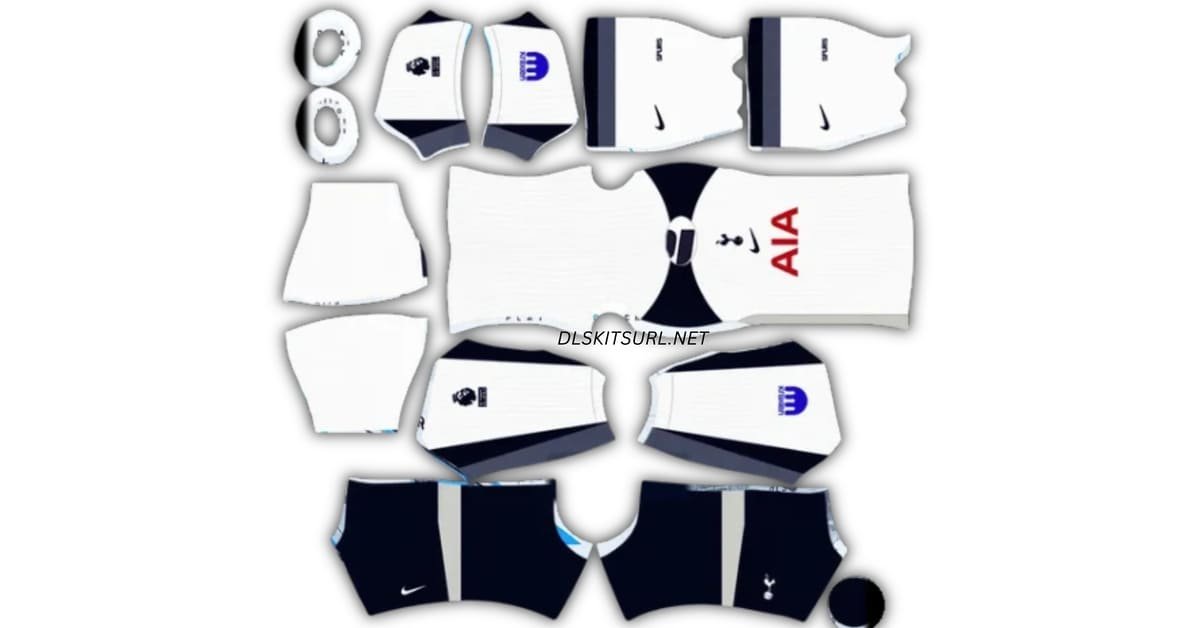
A Tottenham DLS kits URL is a direct address for a Spurs kit image you can import into Dream League Soccer. Choose a shirt below, copy its URL and paste it into the game’s custom Kit option. Use the separate logo URL to add the cockerel badge.

Tottenham logo
Official Logo 512×512 (2026/27)
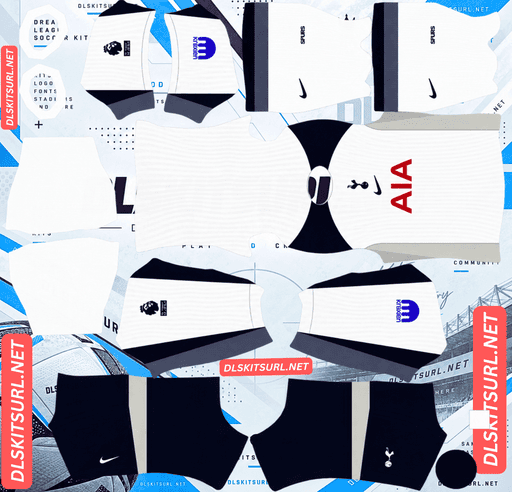
Tottenham Home Kit
Home Kit 512×512 (2026/27)
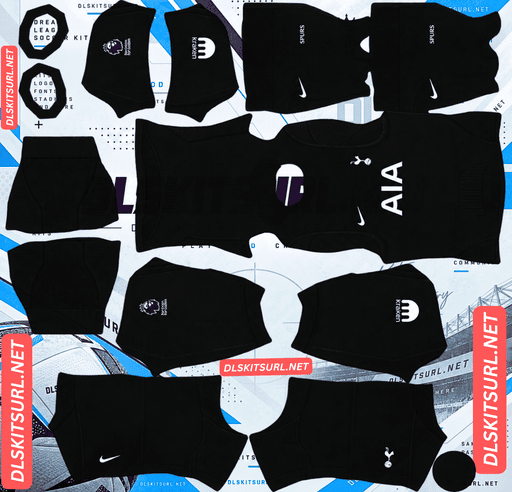
Tottenham Away Kit
Away Kit 512×512 (2026/27)
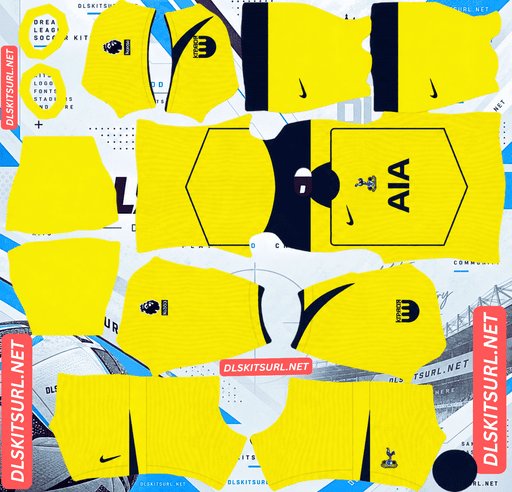
Tottenham Third Kit
Third Kit 512×512 (2026/27)
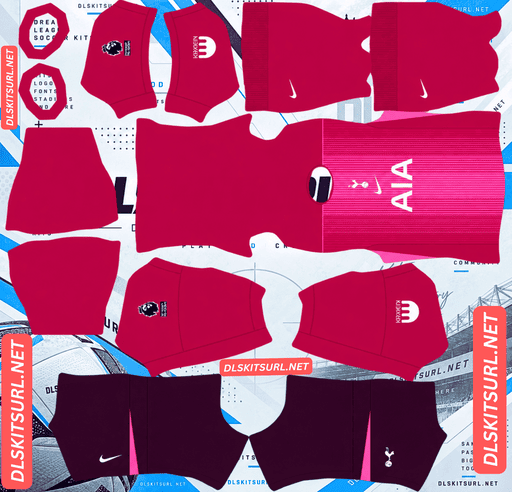
Tottenham Home GK Kit
GK Kit 512×512 (2026/27)
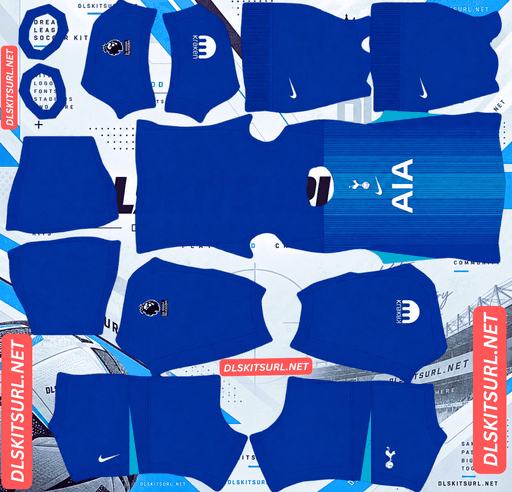
Tottenham Away GK Kit
GK Kit 512×512 (2026/27)
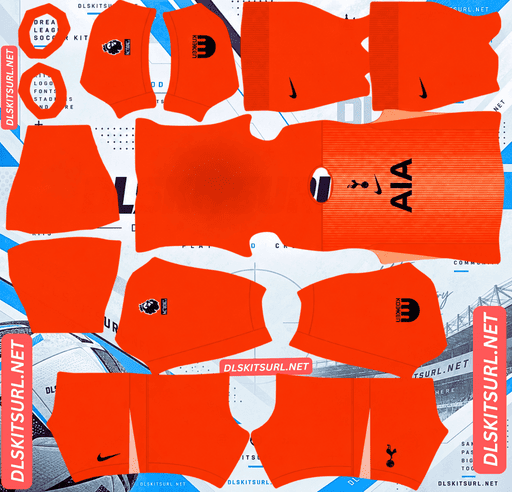
Tattenham Third GK Kit
Third GK Kit 512×512 (2026/27)
Tottenham’s 2026/27 shirts offer three very different looks: a restrained Lilywhite home kit, a dark away shirt with pink and orange across the front, and a purple third kit inspired by older Spurs colours. Here is how to choose a 512×512 PNG that captures each design and looks right on your players.
Tottenham’s 2026/27 home, away and third kits
Nike has kept the three Spurs designs easy to tell apart. That is useful in Dream League Soccer, where you may switch shirts to avoid a colour clash or simply choose the one you prefer seeing during matches.
If this page also includes goalkeeper, retro or custom kits, name those cards separately. Visitors looking for the current home, away or third shirt should know exactly which URL to copy.
Home kit: classic Lilywhite
The home kit keeps Tottenham’s familiar white shirt with navy details. Navy appears around areas such as the sleeve cuffs and beneath the arms, while navy shorts and white socks complete the traditional look.
The shirt also has subtle detailing within its white body. This kind of pattern is easier to see in a close-up image than when your players are moving on the pitch. In DLS, the important first check is whether the white and navy parts of the complete uniform are correctly placed.
Away kit: dark navy with pink and orange
The away shirt starts with a dark navy body and adds a flowing pink and orange graphic across the front. It is the boldest of the three designs and will look noticeably different from the home kit in a match.
The bright graphic should remain visible even when your players appear small. When inspecting a DLS file, check how it lines up across the front of the shirt and whether the sleeves and shorts retain their intended dark colour.
Third kit: purple with a nod to Spurs history
The purple third kit draws inspiration from Tottenham’s purple away shirts of the mid-1990s. It gives you a colourful alternative that still has a connection to the club’s earlier designs.
Purple can appear different across kit previews, so check the actual image you plan to import. Look at the collar, the pattern and the shorts as a complete set rather than judging the shirt colour from a card thumbnail alone.
Which Spurs kit works best in Dream League Soccer?
The home shirt is the most recognisable Spurs choice. Its white and navy colours look clear in game, although subtle fabric details may be difficult to see from the match camera.
The away shirt has the strongest front graphic. Pink and orange stand out against navy, giving you a kit that is easy to spot on the pitch.
The third shirt offers a different colour without moving away from Tottenham’s kit history. Inspect the larger player preview to see how much of its pattern remains visible after import.
The best choice is the one you enjoy using. A sharp kit file matters more than trying to preserve every tiny detail of the physical shirt.
Why Tottenham’s home kit can look plain white
Subtle patterns on a white shirt depend on small changes in tone. They can be visible when you examine the real fabric and much less noticeable on a small player in DLS.
If your imported home kit looks plain, compare the flat PNG with the player preview. If the detail appears in the large preview but fades during a match, that may be normal. If it is missing from the PNG itself, choose a more accurate file.
Check the navy trim
Zoom in where a navy section meets the white shirt. That edge should look reasonably clean. If even the high-contrast parts are blurry, the quieter white-on-white details are unlikely to look clear.
Check the shorts and socks
Spurs’ home look depends on the combination of a Lilywhite shirt, navy shorts and white socks. A kit file with the wrong shorts or socks will feel inaccurate even if its shirt front looks good.
Why the away kit needs careful placement
The pink and orange design covers a large part of the away shirt’s front. A mistake in the kit template can make the pattern jump awkwardly between sections or appear crooked on the player.
After importing, view the player straight on, then turn to the sides and back. Check that the front graphic stays within the intended area and that the crest and other marks are easy to distinguish.
A large graphic will survive match-size viewing better than a very fine pattern, but it will also make obvious alignment errors easier to spot.
What makes a Tottenham DLS kits URL work?
The URL must open the PNG image itself, rather than a webpage that contains the image. Paste the copied address into a browser first. If the kit appears on its own, you have the right kind of link.
The image also needs a Dream League Soccer kit layout. The game takes separate areas of the PNG and places them on the player’s shirt, sleeves, shorts and socks. A photograph of a real Tottenham shirt will not work as a complete kit template, even if the photograph is 512×512 pixels.
Use the Copy URL button on the kit card. Copying your browser’s address bar while reading this article will give you the article’s URL instead.
How to import a Tottenham DLS kit URL
- Choose a Spurs kit card and tap Copy URL.
- Open Dream League Soccer and go to your club’s Customise menu.
- Select Kit, then choose the slot you want to change.
- Open the custom kit option, paste the URL and confirm.
- Check the full player preview before moving to another design.
Repeat those steps for the other kits you want to use. Menu wording can vary by game version. A kit image belongs in a Kit slot; the cockerel badge belongs in the separate Logo option.
Make the player numbers readable
Number colour is worth checking on all three shirts, especially the white home design.
For the Lilywhite home kit, a dark number will generally be clearer than a white one. On the navy away kit, a light number should stand out against the back. A light number is also a useful starting point for the purple third shirt, but check its exact shade in the player preview.
Look at the shirt and shorts separately. If they use different base colours, the same number colour may not read equally well on both.
How to add the Tottenham DLS logo URL
Copy the URL from the Spurs logo card and paste it into Dream League Soccer’s custom Logo option.
The cockerel standing on a football has a recognisable outline even when displayed small. Choose a clear image with space around the full design so the crest does not sit against the edge of the file.
A custom kit PNG may include its own chest badge artwork. If the separate logo setting does not change the badge on an imported shirt, inspect the kit image too.
Why a Tottenham kit URL may fail
- The address opens a webpage. Return to the card and copy the direct PNG URL.
- The image has been removed. Open the URL in your browser to check that it still loads.
- The image is a regular shirt photo. DLS needs a kit PNG arranged in sections for its player model.
- The kit layout is incorrect. If colours or graphics land on the wrong parts of the player, the image file needs correcting or replacing.
Opening the URL in a browser first helps you tell a link problem from a kit-layout problem.
Save your Tottenham kit and logo URLs
Keep the home, away, third and logo URLs in a note, with each design labelled. Add any goalkeeper or retro kit you use under its own name.
That gives you a quick way to find the exact Spurs designs again whenever you change a kit slot.
Frequently asked questions
What is a Tottenham DLS kit URL?
It is a direct link to a Tottenham kit PNG prepared for Dream League Soccer. Paste it into the game’s custom Kit option to import the uniform.
What does Tottenham’s 2026/27 home kit look like?
It keeps the classic Lilywhite shirt with subtle detailing and navy accents, paired with navy shorts and white socks.
What colour is the Tottenham away kit?
It has a dark navy base with a prominent pink and orange graphic across the front.
What is Tottenham’s 2026/27 third kit?
It is a purple Nike design inspired by Spurs’ purple away shirts from the mid-1990s.
Why does my Spurs home kit look plain white?
Its subtle detailing may be hard to see at match size. If the pattern is also missing from the flat PNG and large player preview, try a clearer kit file.
Which Tottenham kit is easiest to see during a match?
The navy away shirt’s bright pink and orange front graphic usually stands out most clearly at a distance.
Why are the numbers hard to read on my home kit?
White numbers can blend into a Lilywhite shirt. Choose a darker number colour and check it on the back of the player in the preview.
Is the Tottenham logo URL the same as a kit URL?
No. Import the uniform through Kit and the cockerel badge through Logo.