
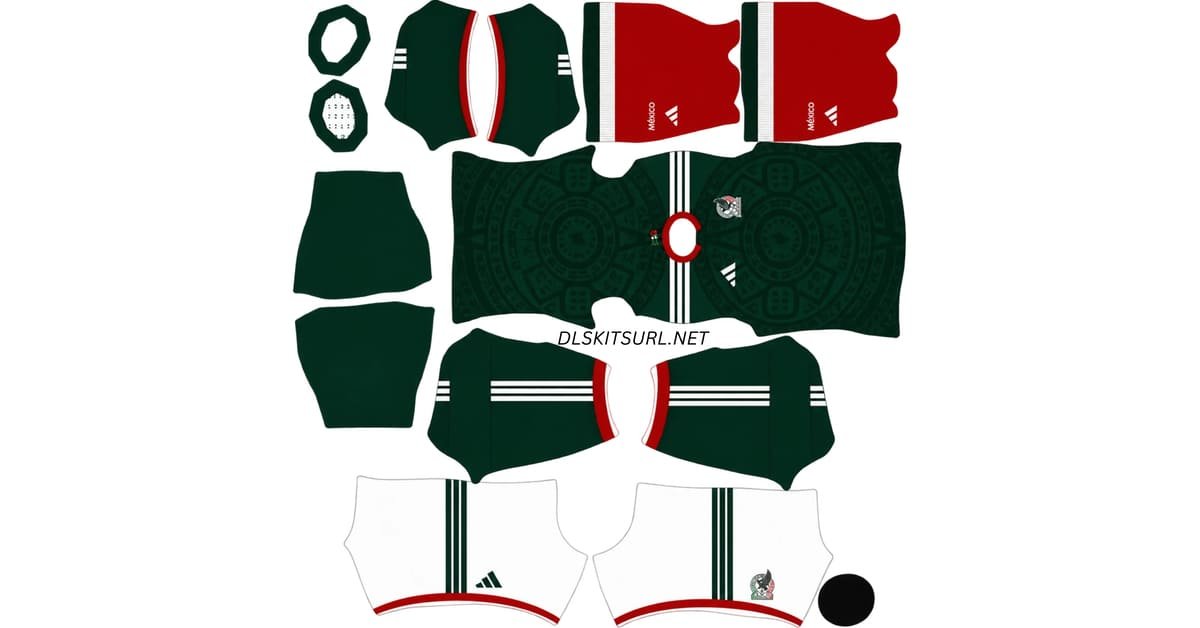
A Mexico DLS kits URL is a direct address for a kit image you can import into Dream League Soccer. Choose an El Tri shirt below, copy its URL and paste it into the game’s custom Kit option. The Mexico badge uses a separate logo URL.
Mexico Official Logo
Official Logo 512×512 (2026/27)
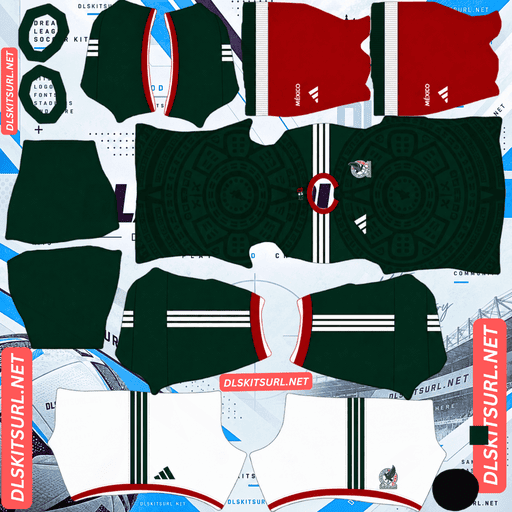
Mexico Home Kit
Home Kit 512×512 (2026/27)
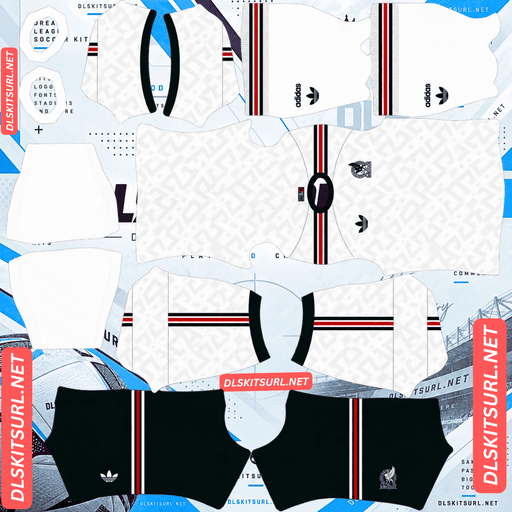
Mexico Away Kit
Away Kit 512×512 (2026/27)
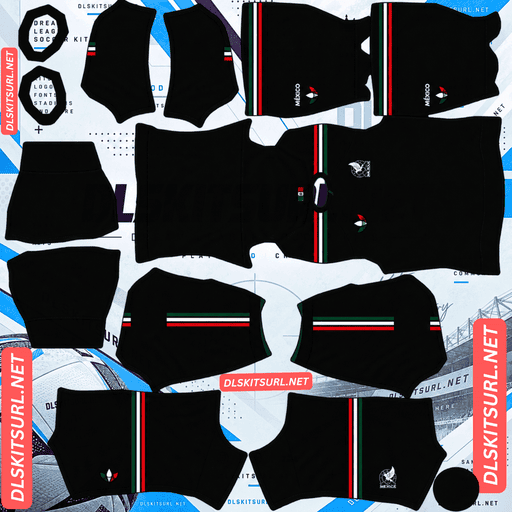
Mexico Third Kit
Third Kit 512×512 (2026/27)
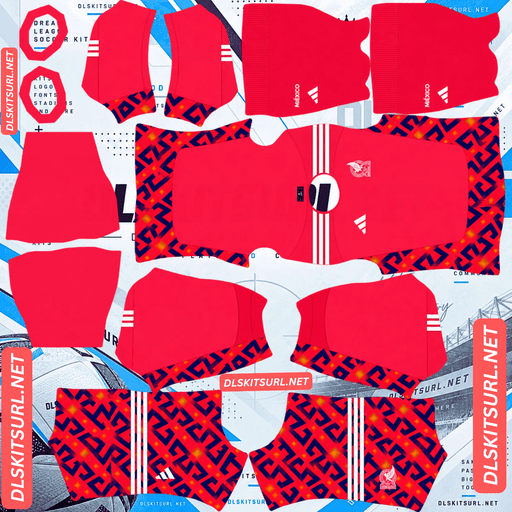
Mexico Home GK Kit
Home GK Kit 512×512 (2026/27)
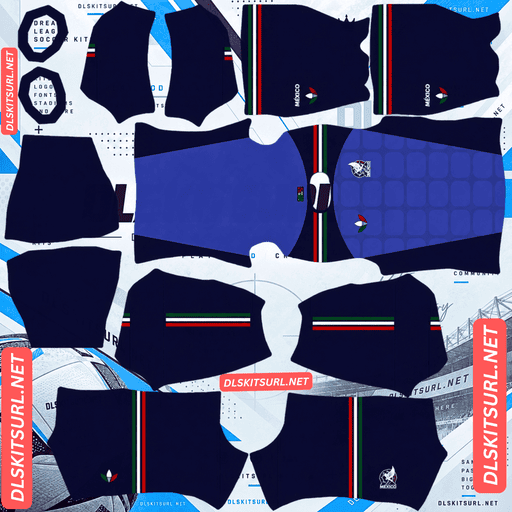
Mexico Away GK kit
Away GK Kit 512×512 (2026/27)
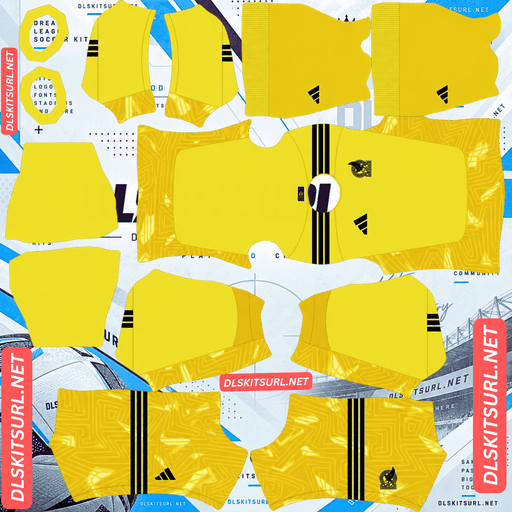
Mexico GK Third kit
Third GK Kit 512×512 (2026/27)
Mexico’s current collection gives you three different looks: a patterned green home kit, a white away kit with geometric details, and a black third kit. This guide explains what makes each design recognisable and how to choose a 512×512 PNG that looks right on your players.
Mexico’s three kits for 2026
Mexico co-hosted the 2026 World Cup, becoming the first country to host the men’s tournament three times after 1970 and 1986. Its Adidas shirts were released for that occasion, with designs drawing on Mexican colours, history and visual traditions.
If this page also includes goalkeeper, retro or fan-made kits, give those cards distinct labels. A visitor looking for the current home, away or third shirt should be able to choose one immediately.
Home kit: green with a historic feel
Mexico’s home shirt returns to deep green with a darker pattern across the body. The overall look recalls the bold, patterned green shirts that many supporters associate with El Tri, including the celebrated 1998 design.
Green remains the first thing you notice when the kit appears in a DLS match. The darker pattern becomes easier to inspect in the larger player preview. Check the collar, shoulder stripes and complete uniform in your chosen kit card rather than relying on the shirt front alone.
Away kit: white with grecas
The white away shirt includes grecas, stepped geometric shapes associated with Mexican art and architecture. They give the shirt its character without turning it into a brightly coloured kit.
This is a design worth inspecting up close. Pale patterning can become hard to see when players are small on the pitch. The main test is whether the shapes are present in the PNG and remain visible in the player preview, even if they appear quieter during a match.
Third kit: black with an MX pattern
Mexico’s black third shirt uses a tonal MX pattern and includes the message “Somos México,” meaning “We Are Mexico.” It gives you a darker option alongside the green and white shirts.
The black base should look clear during play. The tonal pattern is a finer detail, so check it in the player preview before deciding whether a kit file reproduces the shirt well.
The third kit and the Someone Somewhere collection
The black third kit was presented alongside a separate Adidas Originals collection made with Someone Somewhere. They are connected by the launch, but they should have different labels if you offer both on your site.
Use Mexico third kit for the match shirt. Use Adidas x Someone Somewhere lifestyle jersey for an image of the collaboration’s separate shirt. Dream League Soccer can import a correctly prepared DLS texture of either design, but visitors should know which one they are choosing.
Which Mexico kit should you use in DLS?
The green home kit gives your team the familiar El Tri appearance. Its darker pattern adds detail without changing the overall colour.
The white away kit creates the clearest contrast with home. Its grecas are best appreciated in a close-up player view.
The black third kit is a strong choice if you prefer a dark uniform. Its large areas of black remain easy to recognise, while the MX pattern gives it more to look at in the editor.
You can use the kits in your available slots according to your preference. Check each card’s name and preview before copying a URL, particularly if you have added retro, goalkeeper or lifestyle designs to the page.
Why some kit details disappear during a match
A flat 512×512 image can contain more detail than you will notice on a moving player. Dream League Soccer places parts of the file onto a player model and then displays that player at different sizes.
On the home kit, a dark pattern against green may blend into the shirt from a distance. On the away kit, pale grecas can be especially subtle against white. On the third kit, the tonal MX shapes may read as texture rather than separate letters during play.
That does not always mean the file is faulty. Compare three views: the flat PNG, the large player preview and a normal match. If a detail appears in the first two but fades in the third, it may simply be too fine to stand out at match size.
How to check a Mexico kit file
Inspect the colour edges
Zoom in where the collar or shoulder trim meets the main shirt colour. The boundary should look reasonably clean. An image enlarged from a smaller file can measure 512×512 pixels while still having visibly blurred edges.
Check the entire template
A DLS kit PNG contains separate areas for the shirt body, sleeves, shorts and socks. Look beyond the front graphic. If a sleeve or shorts section uses the wrong colour, it will show up once the image is placed on a player.
Check marks after importing
View the player from the front, sides and back. Look for a centred crest, correctly placed branding and patterns that do not jump awkwardly between sections.
The preview is particularly helpful for the white away shirt, where faint grecas can be difficult to judge from a small card thumbnail.
What makes a Mexico DLS kit URL work?
The URL must lead directly to the PNG image itself. Open the copied address in a browser. You should see the kit image on its own. If you land on an article or gallery with the kit somewhere on the page, you have copied a webpage URL.
The PNG must also follow the Dream League Soccer kit layout. A regular photograph of a Mexico jersey will not work as a complete uniform, even if that photograph is 512×512 pixels.
Use the Copy URL button on the kit card. Your browser’s address bar while viewing this article contains the address of the article, rather than the kit image.
How to import a Mexico DLS kits URL
- Choose a Mexico kit and tap Copy URL on its card.
- Open Dream League Soccer and enter your club’s Customise menu.
- Select Kit and choose the slot you want to edit.
- Open the custom kit option, paste the URL and confirm.
- Inspect the full player preview before importing another kit.
Repeat for the other designs you want to use. The wording of individual menu buttons may vary by game version. Kit PNGs belong in the Kit section; the federation badge belongs in Logo.
Choose number colours with enough contrast
Check the back of a player after importing each kit. The right number colour depends on both the shirt and shorts in your particular PNG.
For the green home shirt, try a light colour. On the white away shirt, a dark green or red number is generally easier to read. A light number usually stands out on the black third shirt.
If the shorts use a different colour from the jersey, check their numbers separately. A choice that works on the shirt may disappear against the shorts.
How to add the Mexico DLS logo URL
- Copy the URL from the Mexico badge card and paste it into Dream League Soccer’s custom Logo option.
- Choose a clear crest image with some space around the complete design. Fine lines and small lettering may be harder to recognise when the badge appears beside a score or on a player’s shirt.
- An imported kit PNG can also contain its own chest badge artwork. If changing the separate logo does not produce the shirt crest you expected, inspect the kit file as well.
Why a Mexico kit URL may fail
- The URL opens a webpage. Copy the direct PNG address from the kit card.
- The image is no longer available. Open the URL in a browser to check whether the file still loads.
- The image is a shirt photograph. DLS requires a kit template containing sections for the complete uniform.
- The kit sections are misaligned. If the file imports but colours or marks appear on the wrong areas of the player, choose a corrected template.
- Checking the image URL first helps you identify whether the problem is the address or the file itself.
Save your Mexico kit and logo URLs
Keep the green home, white away, black third and badge URLs together in a note. Label any goalkeeper, retro or lifestyle design separately.
That will make it easy to find the exact kit you chose when you want to change a slot or import it again.
Frequently asked questions
What is a Mexico DLS kit URL?
It is a direct link to a Mexico kit PNG prepared for Dream League Soccer. Paste it into the game’s custom Kit option to import the uniform.
What does Mexico’s 2026 home kit look like?
It is predominantly deep green with a darker pattern that gives the shirt a historic feel.
What is the pattern on Mexico’s white away kit?
It features grecas, stepped geometric shapes inspired by Mexican art and architecture.
What does Mexico’s 2026 third kit look like?
It is black with a tonal MX pattern and a “Somos México” message.
Is the third kit the Someone Somewhere collaboration shirt?
No. The third match kit was released alongside a separate Adidas Originals collection with Someone Somewhere. Label the two shirts separately if your page offers both.
Why does my Mexico away shirt look plain white?
Its geometric pattern is subtle and can be hard to see at match size. If the shapes are missing from the large player preview too, inspect the kit PNG’s quality.
How many men’s World Cups has Mexico hosted?
Three: 1970, 1986 and 2026. Mexico was the first country to host the tournament three times.
Is the Mexico logo URL the same as a kit URL?
No. Import the uniform through Kit and the federation badge through Logo.