
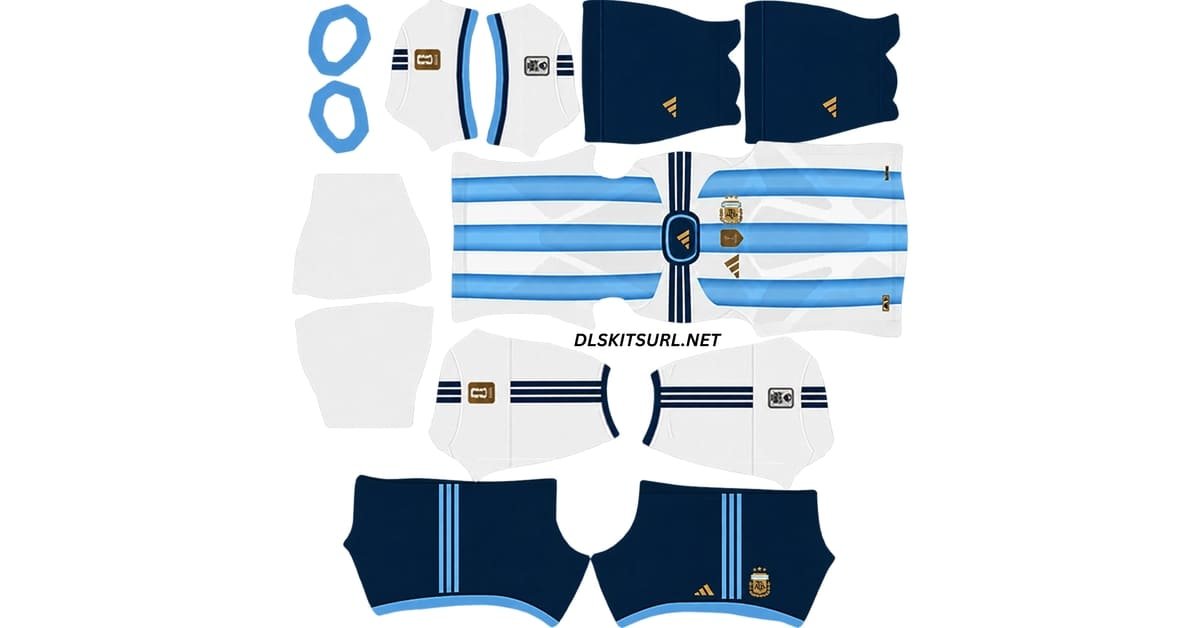
The DLS Kit URL 512×512 library gives Dream League Soccer players direct image links for custom club, national-team and special-design kits. Each link is intended to point straight to the kit image rather than a webpage, so it can be pasted into the game’s custom kit section.
The kit library is below, followed by a practical guide to checking URLs before you import them.
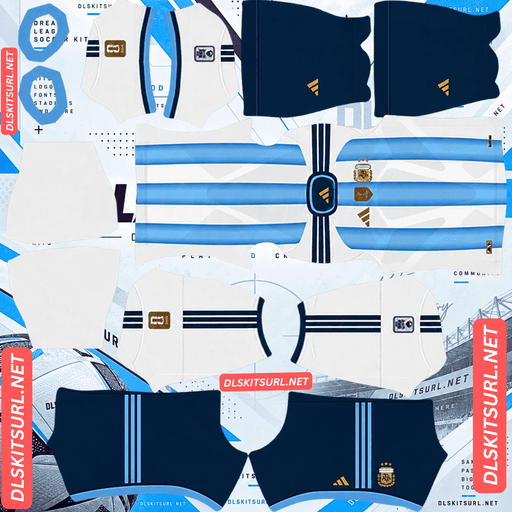
Argentina Home Kit
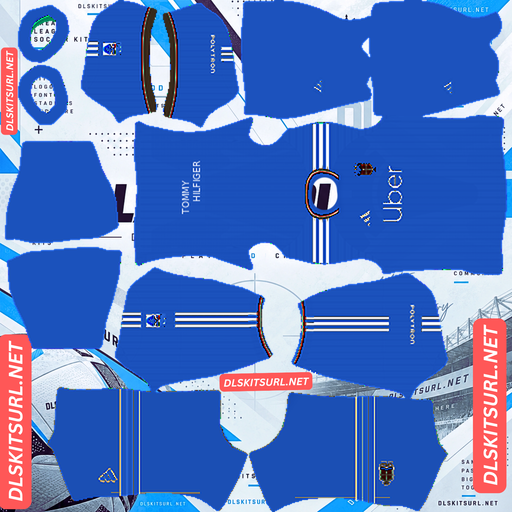
Como Home Kit
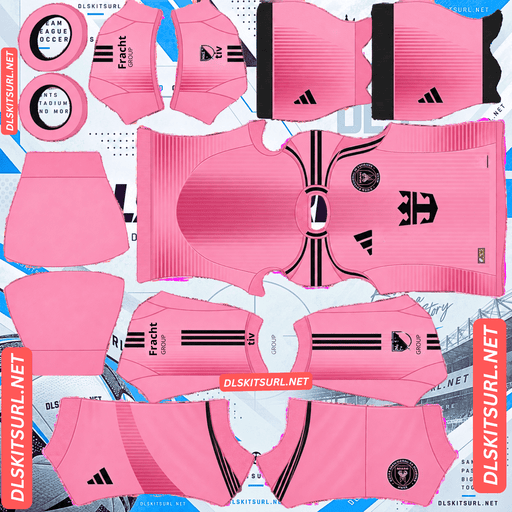
Inter Miami Home Kit
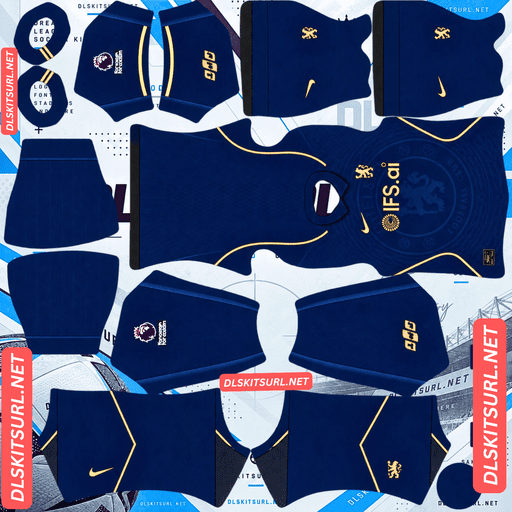
Chelsea Home Kit
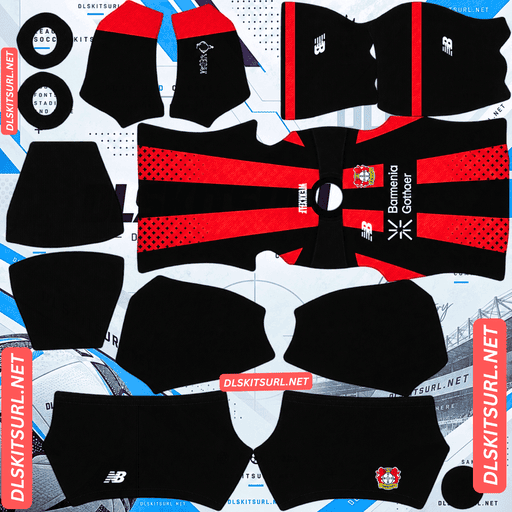
Bayer Leverkusen Home Kit
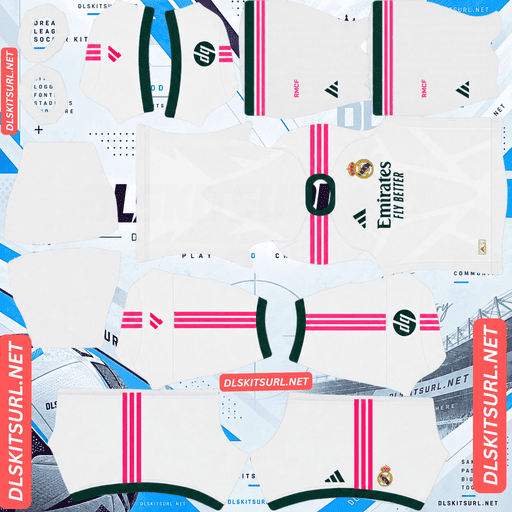
Real Madrid Home Kit
That distinction matters because many DLS kit links fail for reasons that are not obvious from the preview alone. A shirt can look perfectly fine on a website while the actual URL points to the wrong page, sits behind hotlink protection, uses the wrong dimensions or disappears after the image host removes the file.
What Is a DLS Kit URL?
A DLS kit URL is simply a web address that points directly to an image file used by Dream League Soccer.
When you paste the address into the custom kit section, the game requests that image from the internet and wraps it around the player model. There is no need to modify the game files, install a separate APK or manually place anything inside the app.
The important part is that the URL must lead to the image itself.
A webpage that happens to display a kit is not the same thing as a direct kit URL.
Image URL vs Webpage URL
Most kit websites display images inside normal webpages.
Those pages can contain navigation menus, text, adverts, buttons and other elements around the kit preview. The address in your browser bar belongs to the entire page, not necessarily to the PNG shown inside it.
Dream League Soccer needs the second one: the image address.
If you paste a normal webpage URL into the custom kit field, the game looks for an image and instead receives webpage code. The import then fails.
How to Tell if a Link Points Directly to the Kit
Open the URL in your browser.
If the kit image appears on its own with no website layout around it, you are probably looking at the actual image file.
If you see a page with a header, menu, text, advertisements or a separate download button, the URL belongs to the webpage rather than the image.
When you are working from a webpage, use the browser’s option to copy the image address rather than the page link.
That one difference solves a large percentage of failed DLS imports.
What Makes a DLS Kit URL Work?
A usable custom kit link needs to meet several basic conditions.
Some can be checked immediately, while others depend on the server hosting the image.
The URL Should Point to an Image File
A direct DLS kit URL commonly points to a .png image.
Some image formats may also load, but PNG is the standard format used for most Dream League Soccer custom kits because it preserves clean edges and supports transparent areas.
A URL ending in a normal webpage extension or opening a viewer page should not be treated as a direct kit file.
The most reliable test is still opening the address and checking what actually appears.
The Kit Should Use a 512×512 Layout
Dream League Soccer custom kits are normally prepared on a 512×512 template.
Using the correct dimensions helps the different sections of the shirt, sleeves, shorts and socks line up with the player model.
A smaller source may still be enlarged to 512×512, but that does not make it a high-quality file.
If a low-resolution image was stretched before being saved, the final dimensions can look correct while the design itself remains soft and blurry.
How to Spot an Upscaled Kit File
Open the image at full size and zoom in on a hard edge.
The boundary between a stripe and the base colour, or the point where collar trim meets the shirt, works well.
A good source should show a reasonably clean transition.
If the line spreads into a blur across several pixels, the image may have been enlarged from a smaller original.
That usually means logos, thin stripes and other details will also look soft in the game.
The Image Must Be Publicly Accessible
Dream League Soccer needs to download the kit without signing into an account.
If the image sits behind a login, password, private-sharing screen or other access restriction, the game cannot retrieve it.
This is why normal sharing links from cloud-storage or social platforms can cause problems. They often lead to viewer pages or permission-controlled content rather than a simple public image file.
A direct public URL is much more reliable.
The Image Host Must Allow External Requests
A kit URL can work perfectly in your browser and still fail inside Dream League Soccer.
One common reason is hotlink protection.
Some image hosts allow pictures to load when you visit their own website but block other applications from requesting the same file directly.
Your browser therefore shows the image normally, while the game’s request is rejected.
When that happens, there is usually nothing to change inside Dream League Soccer. The image needs to be hosted somewhere that allows direct external access.
How to Test a DLS Kit URL Before Importing
Testing the link in your browser first can save a lot of time.
Open the URL and check whether the image appears by itself. Then look at the address and confirm that it points directly to the image file.
If both things look correct, the link has passed the most important checks before you even open Dream League Soccer.
This simple habit is much faster than repeatedly pasting bad links into the game and trying to guess why nothing happens.
How to Use a DLS Kits URL in Dream League Soccer
Once you have a direct image URL, importing it only takes a few steps.
Unlock the Custom Kit Feature First
According to the supplied guide, the custom kit option needs to be unlocked the first time you use it.
Dream League Soccer may ask for a one-time in-game gem payment before custom kit downloads become available.
Once unlocked, you can replace your custom shirts without paying separately for every import.
Importing the Kit Step by Step
Copy the direct URL using the button provided with the kit rather than copying the normal page address from your browser.
Open Dream League Soccer and go to My Club, then choose Customise. Some versions may display this as Customise Team.
Open the Kit section rather than Logo.
Select the slot you want to replace, such as home, away, third or goalkeeper.
Tap Custom Kit. Older versions may label the same option Download.
Paste the image URL into the field and confirm the import.
Each kit slot is separate, so a complete four-kit set needs to be imported one file at a time.
Why a DLS Kit Import Fails
Most failed imports come down to a small number of causes.
Understanding them makes troubleshooting much easier.
The Link Points to a Page Instead of an Image
This is the most common problem.
The link may look correct because the webpage displays the kit, but Dream League Soccer needs the image file itself.
Open the URL in a browser. If a full website appears around the picture, find the direct image address instead.
Part of the URL Was Copied Incorrectly
A missing character, accidental space or extra text can break the request.
Copy the complete address cleanly and avoid manually typing long image URLs whenever possible.
Using a Copy URL button is safer because it reduces the chance of clipping part of the link.
The Image Is the Wrong Size or Poor Quality
A badly prepared file can cause either technical or visual problems.
Images built below the standard 512×512 layout may appear soft when enlarged across the player model. Files prepared for another layout can also cause graphics to appear in the wrong places.
Always check the dimensions and quality of the source before assuming the problem is inside the game.
The Host Is Blocking Dream League Soccer
Hotlink protection can make an otherwise correct URL fail.
The key sign is that the image works when opened directly in your browser but refuses to import into the game.
If other checks pass, the hosting service may be rejecting Dream League Soccer’s request.
In that situation, another direct host is needed.
The Connection Failed During Import
Dream League Soccer fetches the image when you confirm the URL.
A weak or interrupted connection can therefore make a valid kit fail temporarily.
Trying again on a more stable connection can help when the image and URL are otherwise correct.
The Old Kit Still Appears After a Successful Import
Sometimes the game may continue displaying an older cached version after the new file has been accepted.
If the import reports success but the visible kit does not change, close the game and reopen it before assuming the URL failed.
Why DLS Kit URLs Stop Working Over Time
A kit URL that worked months ago can stop loading even when the address itself has not changed.
Usually, something happened on the hosting side.
Image Hosts Delete Old Files
Free image hosts may remove old or inactive uploads.
The original URL can still look perfectly normal even though the file behind it has disappeared.
That is one reason old links from forums and abandoned websites often fail years later.
Hosts Can Enable Hotlink Protection Later
A hosting service may allow direct requests when a file is first uploaded and change its policy later.
If hotlink protection is enabled, many DLS kit URLs hosted there can stop working at the same time.
The kit image itself may still exist, but Dream League Soccer can no longer retrieve it directly.
The Hosting Account Can Disappear
If the account that uploaded the files is deleted or suspended, every kit attached to it may disappear at once.
One account can host dozens or even hundreds of designs, so a single deletion can break an entire collection.
That is why a useful DLS kit library needs ongoing maintenance rather than being published once and forgotten.
According to the supplied homepage copy, the files shown on your kit cards are intended to be the same files provided by the Copy URL buttons rather than separate previews pointing elsewhere.
DLS Kit URLs and Logo URLs Are Different
Kit URLs and logo URLs may both use PNG images, but Dream League Soccer handles them in very different ways.
Mixing them up produces some very obvious results.
How a DLS Logo URL Works
A logo image is imported through the Logo section.
The badge is displayed as a team emblem rather than wrapped around the player model.
Because logos are shown in a confined shape, artwork placed too close to the edge can be cut or become difficult to see.
Transparent padding around the badge usually helps.
How a DLS Kit URL Works
A kit image is a texture map.
Different areas of the 512×512 PNG correspond to the shirt front, back, sleeves, shorts, socks and other parts of the uniform.
The artwork therefore has to sit in the correct template zones.
A badge file pasted into a kit slot does not become a normal chest badge. It gets treated as a full kit texture and can appear stretched across the player’s uniform.
The two systems should always be kept separate.
Browse the DLS Kit Library
[LEAGUE SECTIONS]
The main library can be organised by league, club, national team or season so visitors can move directly to the kits they need.
You can also link to custom collections that are not based on real football shirts.
Useful categories include funny DLS kits, anime DLS kits, and the DLS kit template for players who want to build their own designs.
These pages serve a different purpose from official-style club kits and give players more freedom to customise their team.
Save Your DLS Kit URLs
Keep the direct links for your kits somewhere outside Dream League Soccer.
A simple notes app works well.
If you ever reinstall the game or move to another device, you may need to import your custom kits and badge again.
Saving the URLs also makes importing easier because you can work through the home, away, third and goalkeeper links one at a time without searching for the same pages again.
DLS Kits URL FAQ
What Is a DLS Kits URL?
A DLS kits URL is a direct web address pointing to an image prepared for Dream League Soccer’s custom kit system.
The standard format uses a 512×512 PNG that the game downloads and wraps around the player model.
How Do I Know if a DLS Kit URL Will Work?
Open the URL in your browser first.
If the image appears on its own and the address points directly to the image file, it has passed the most important basic check.
A full webpage surrounding the picture usually means you have the wrong URL.
Why Does a Kit URL Work in My Browser but Not in Dream League Soccer?
The image host may be using hotlink protection.
That allows the picture to load when you visit the host directly but blocks Dream League Soccer from requesting the same file externally.
Do I Have to Pay for DLS Kit URLs?
The kit links themselves are free.
According to the supplied guide, Dream League Soccer may require a one-time in-game gem unlock before the custom kit feature becomes available.
What Size Should a DLS Kit Be?
The standard custom kit layout is 512×512 pixels.
The source should also be a genuine high-quality image rather than a smaller picture enlarged to those dimensions.
Why Do Old DLS Kit URLs Stop Working?
Old links can fail because image hosts delete files, accounts disappear or hosting services change their hotlinking rules.
The URL can look unchanged even though the file behind it is no longer accessible.
Can I Import All Four DLS Kits at Once?
No.
The home, away, third and goalkeeper kits use separate slots and need to be imported individually.
What Is the Difference Between a Kit URL and a Logo URL?
A kit URL points to a full 512×512 uniform texture that wraps around the player model.
A logo URL is used separately for the team badge and should be imported through the Logo section.
Why Does My Kit Look Blurry Even Though It Is 512×512?
The image may have been enlarged from a smaller source.
Upscaling can make the file report 512×512 dimensions without restoring the detail that was missing in the original.
Do Custom DLS Kits Survive a Reinstall?
You may need to import them again after reinstalling Dream League Soccer or changing devices.
Saving all your direct kit and badge URLs outside the game makes restoring the team much easier.