
The DLS kits URL is a direct web address that points to a custom 512×512 kit image for Dream League Soccer. You can copy the URL, paste it into the game’s custom kit section, and replace your default uniform with shirts for clubs and national teams such as Real Madrid, Barcelona, Argentina, Spain, Portugal and many others.
Last Update 14 October 2026
National teams
-
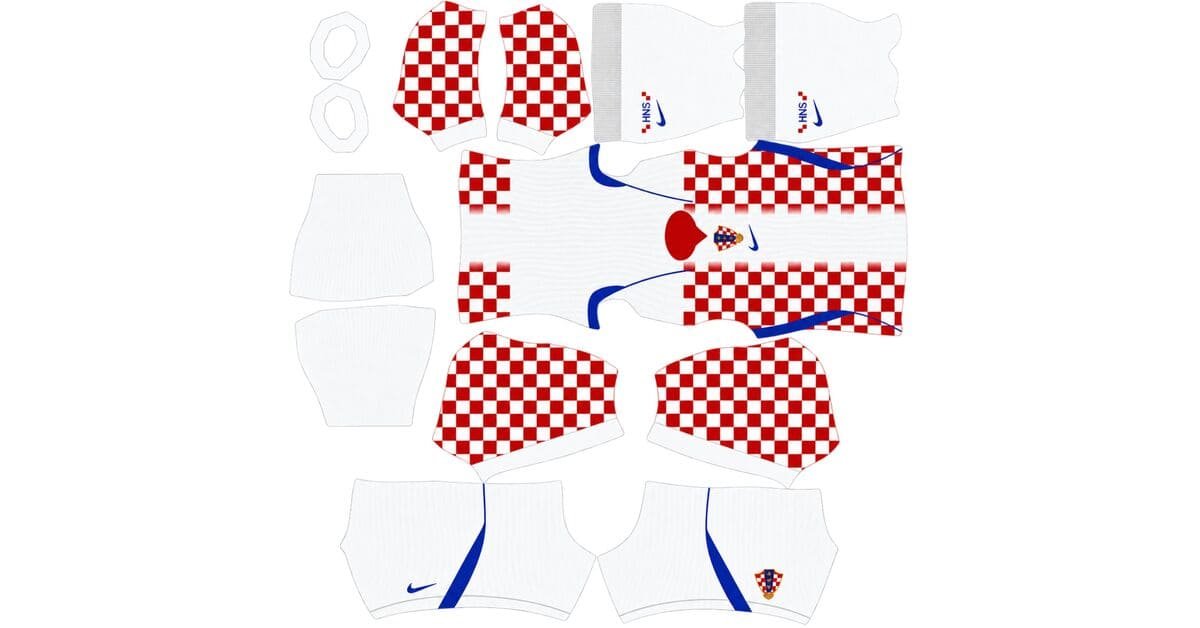
Croatia DLS Kits and Logo URL 512×512 | 2026/27
-
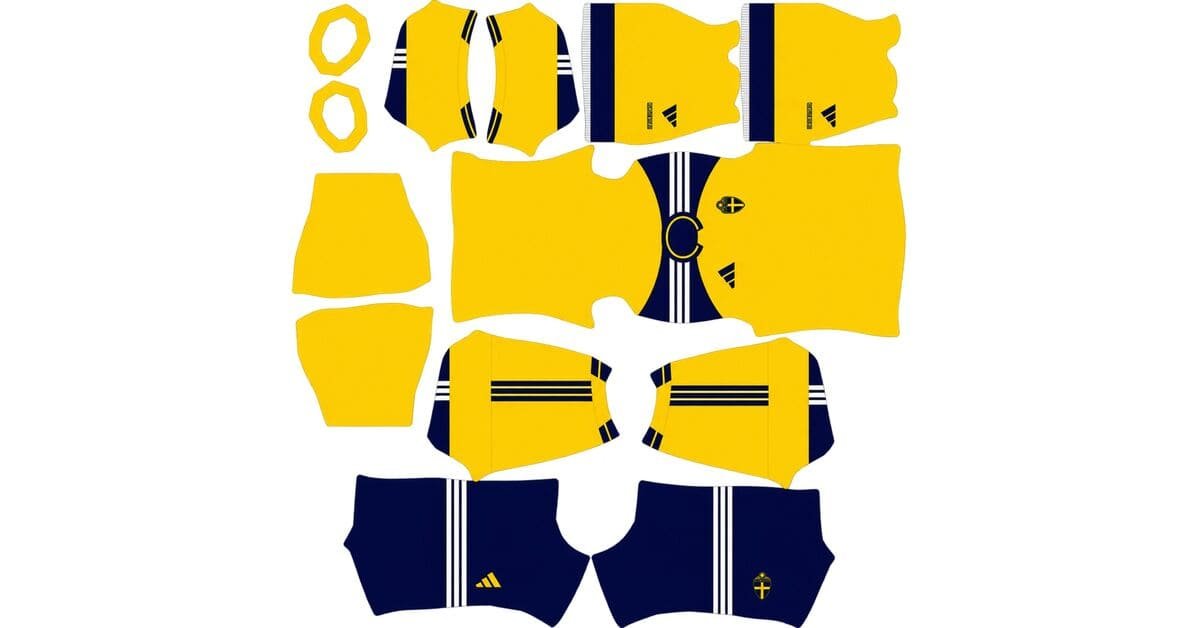
Sweden DLS Kits and Logo URL 512×512 | 2026/27
-
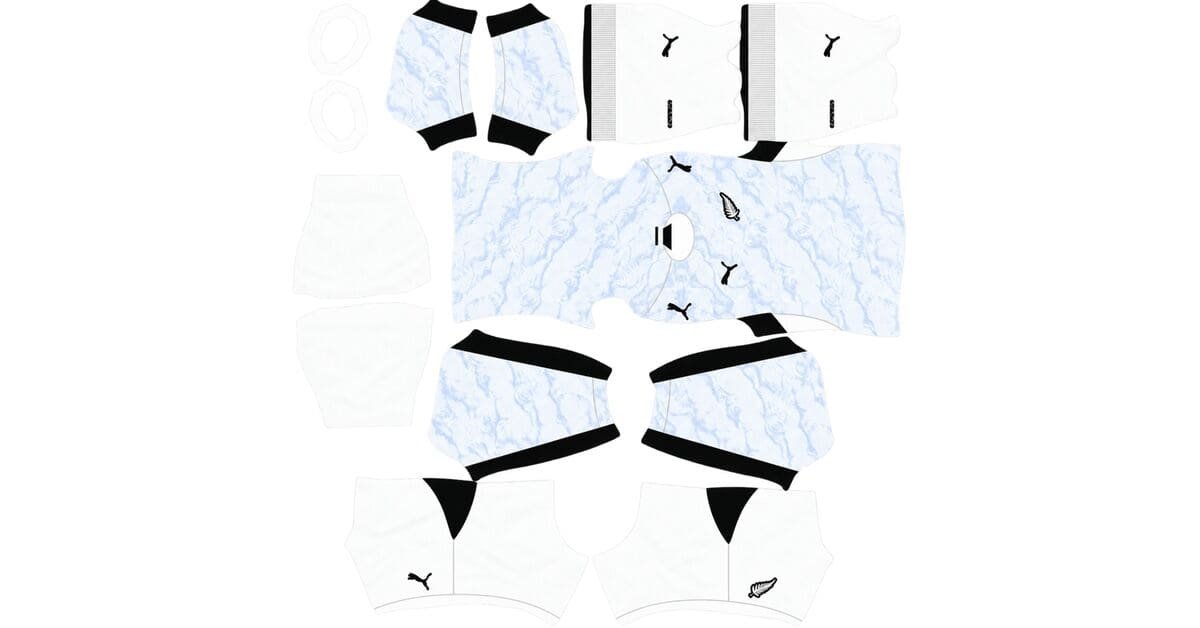
New Zealand DLS Kits and Logo URL 512×512 | 2026/27
-
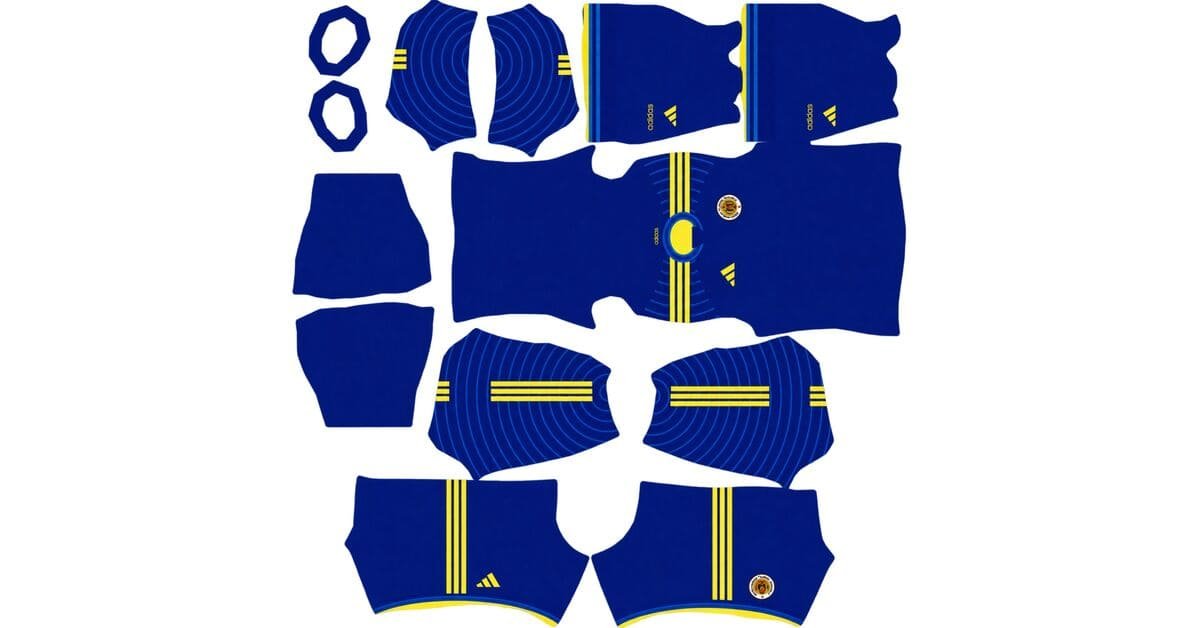
Curacao DLS Kits and Logo URL 512×512 | 2026/27
-
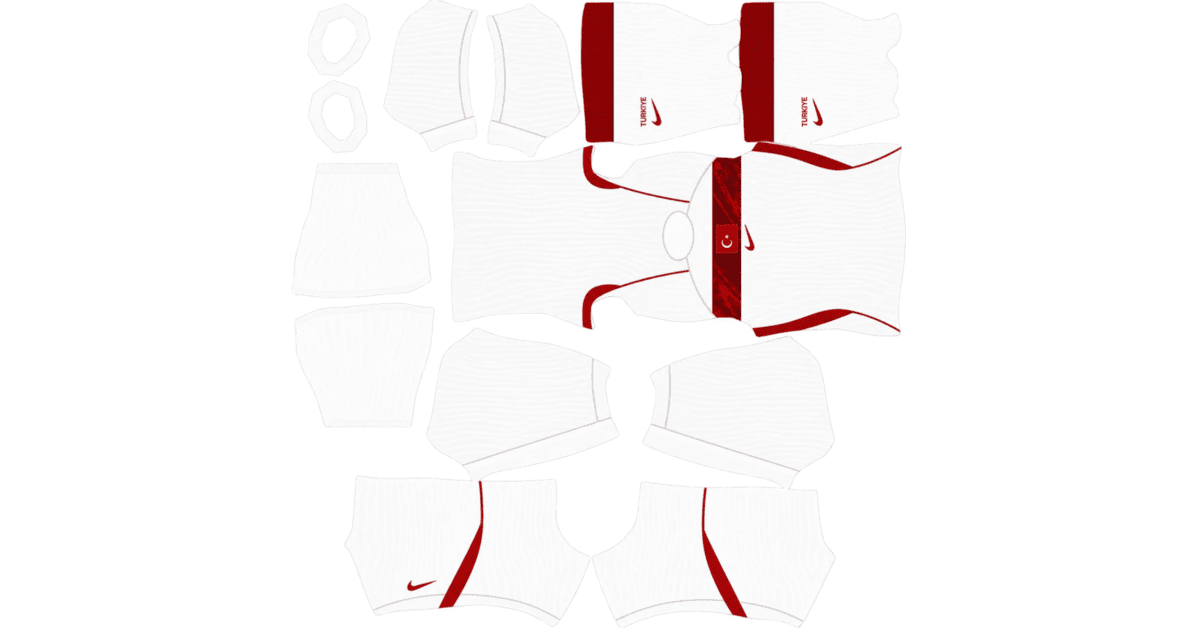
Turkey DLS Kits and Logo URL 512×512 | 2026/27
-
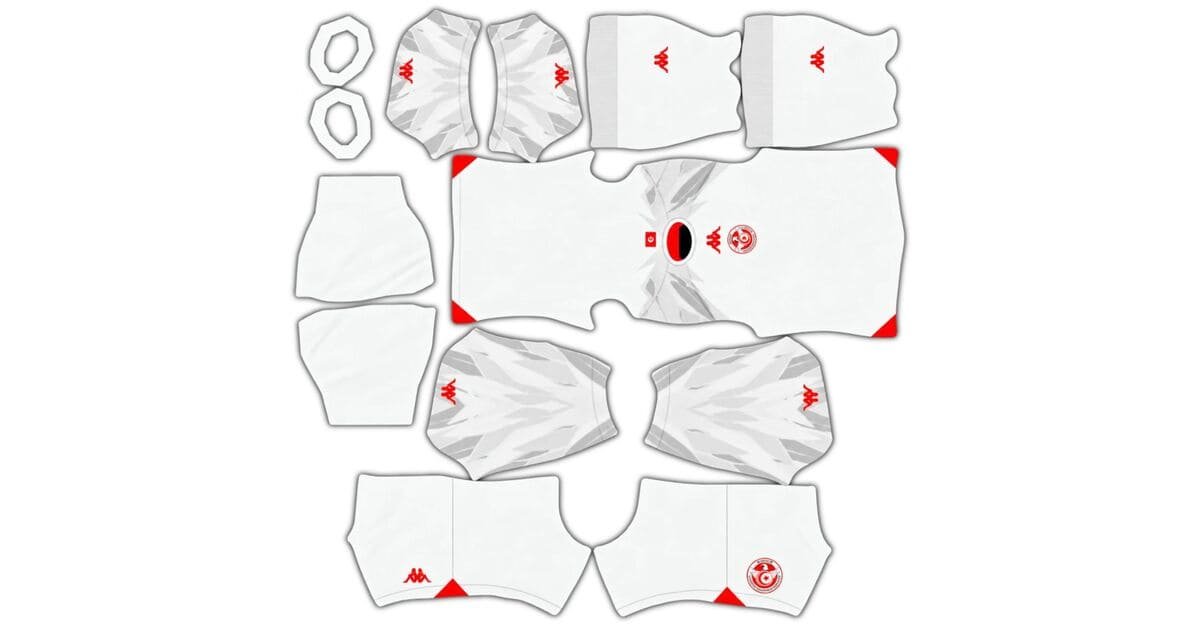
Tunisia DLS Kits and Logo URL 512×512 | 2026/27
-
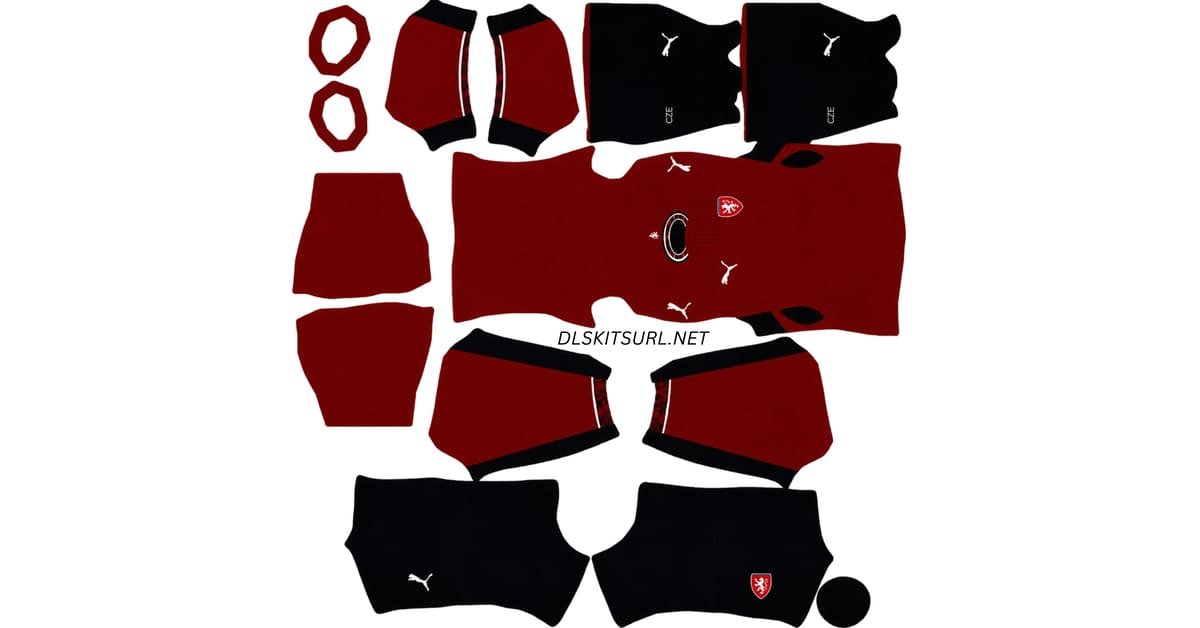
Czechia DLS Kits and Logo URL 512×512 | 2026/27
-
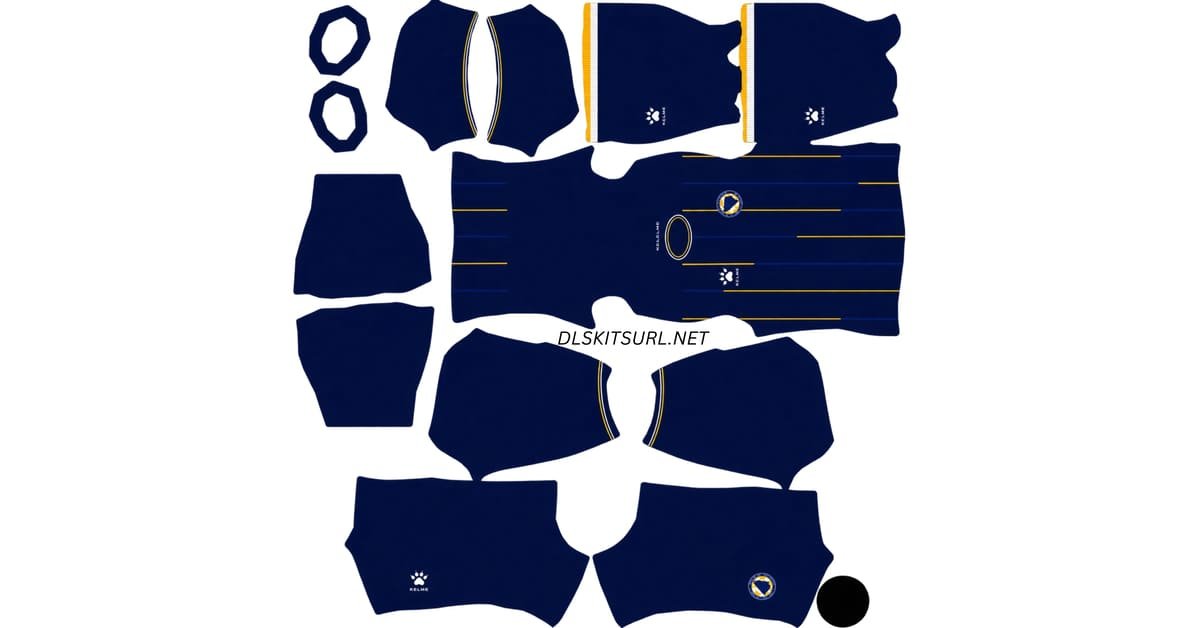
Bosnia DLS Kits and Logo URL 512×512 | 2026/27
-
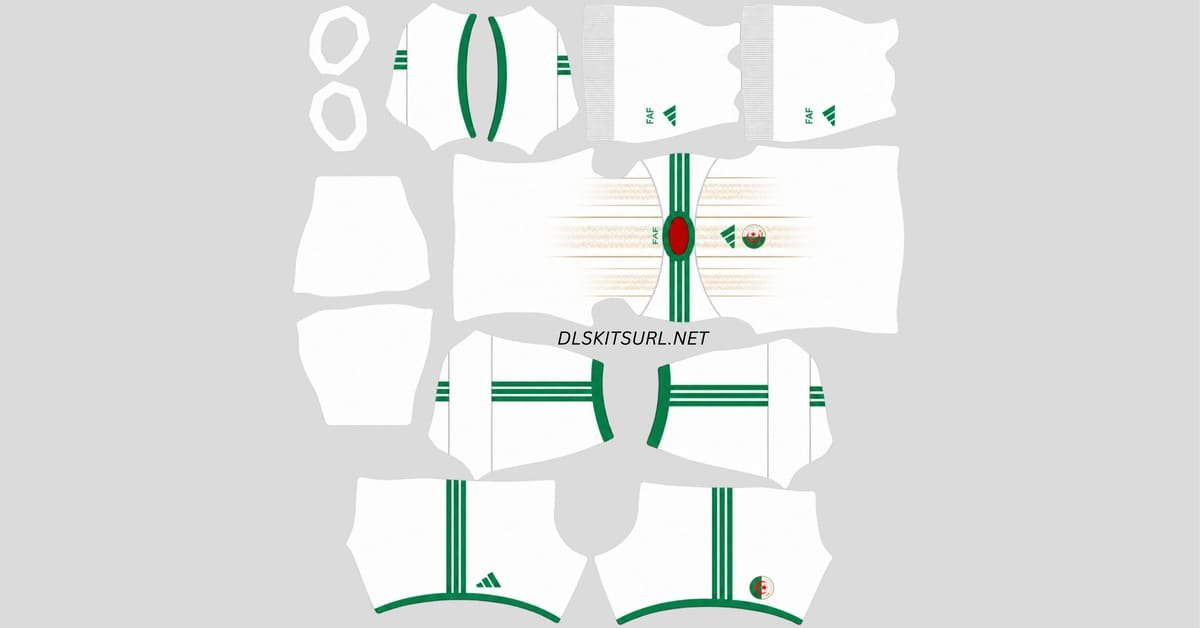
Algeria DLS Kits and Logo URL 512×512 | 2026/27
-
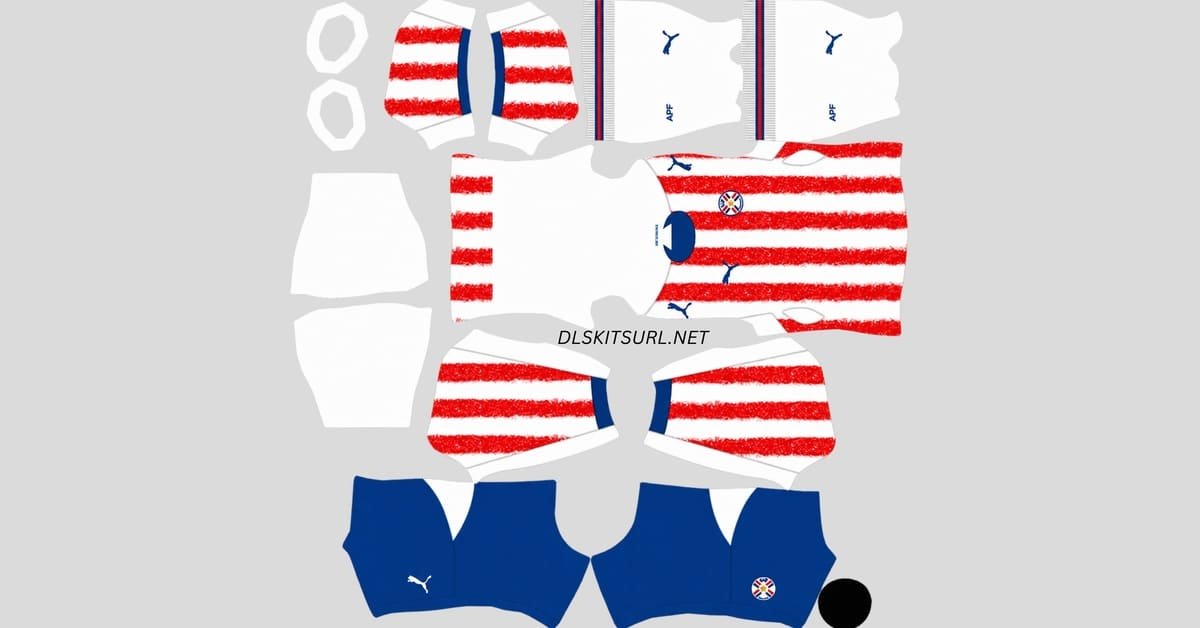
Paraguay DLS Kits and Logo URL 512×512 | 2026/27
-
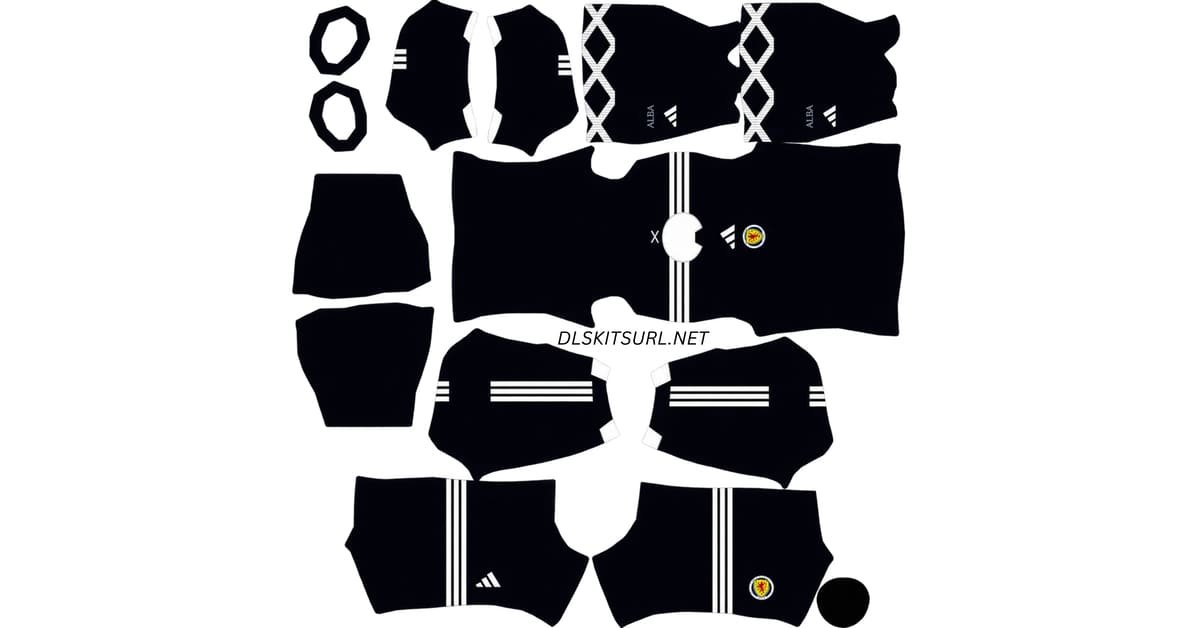
Scotland DLS Kits and Logo URL 512×512 | 2026/27
-
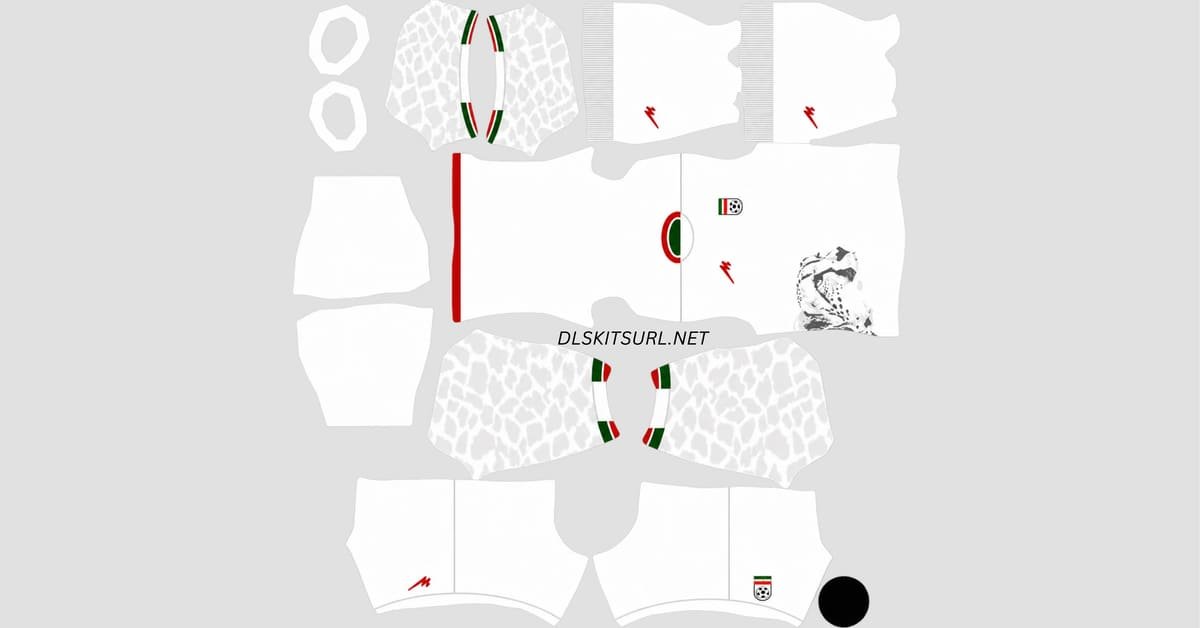
Iran DLS Kits and Logo URL 512×512 | 2026/27
Premier League
-
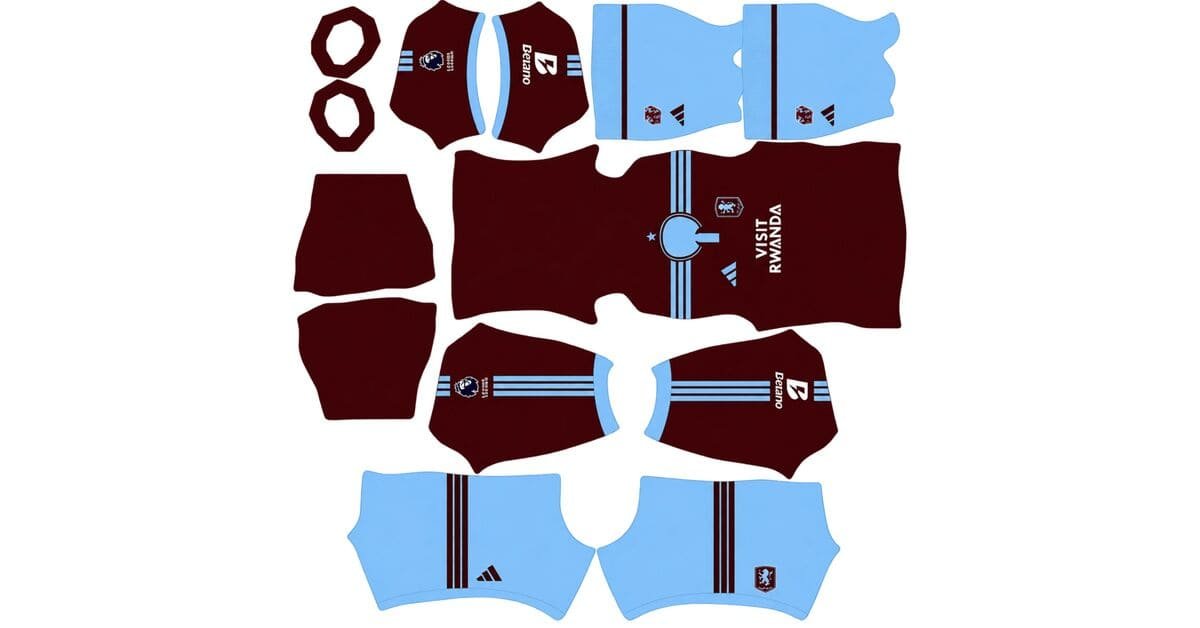
Aston Villa DLS Kits and Logo URL 512×512 | 2026/27
-
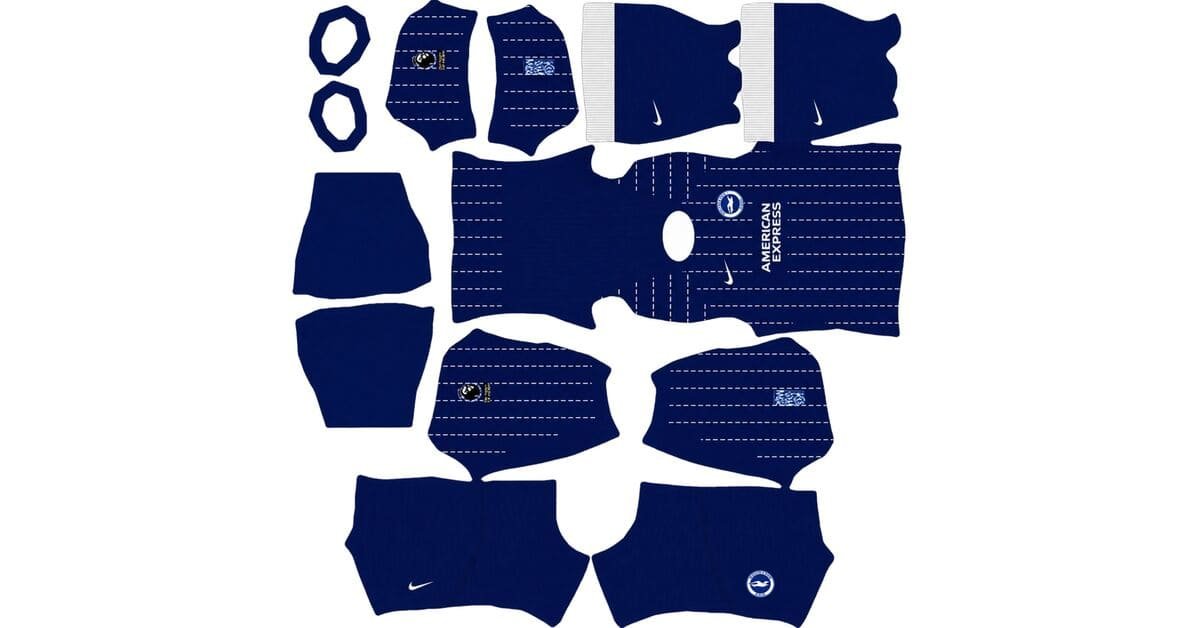
Brighton & Hove Albion DLS Kits and Logo URL 512×512 | 2026/27
-
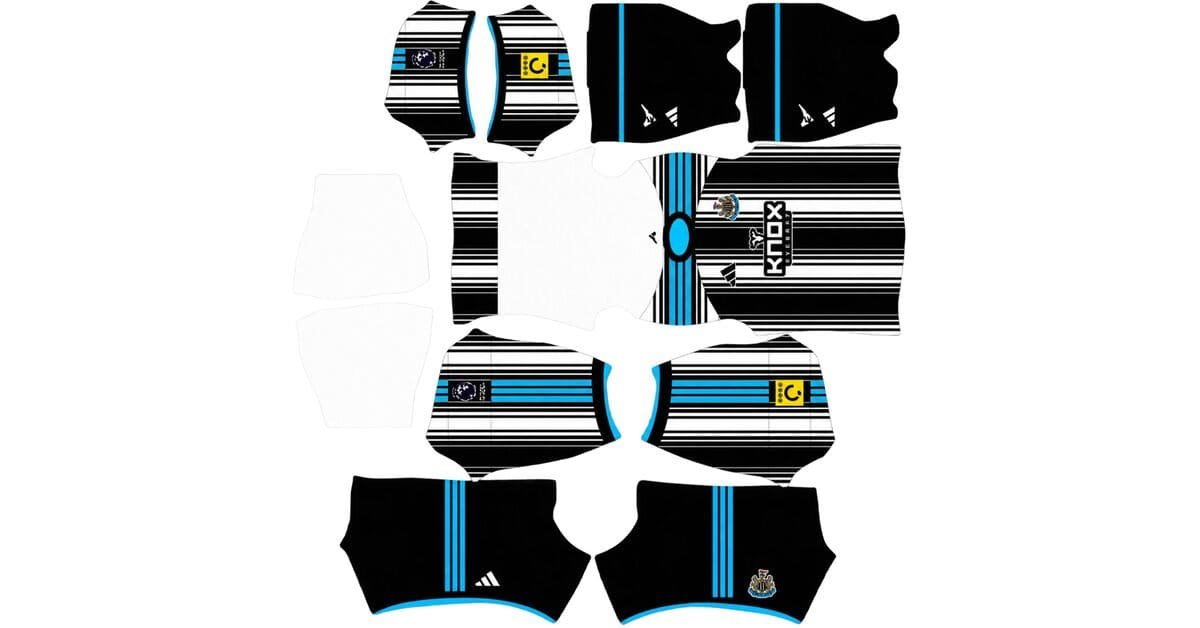
Newcastle United DLS Kits and Logo URL 512×512 | 2026/27
-
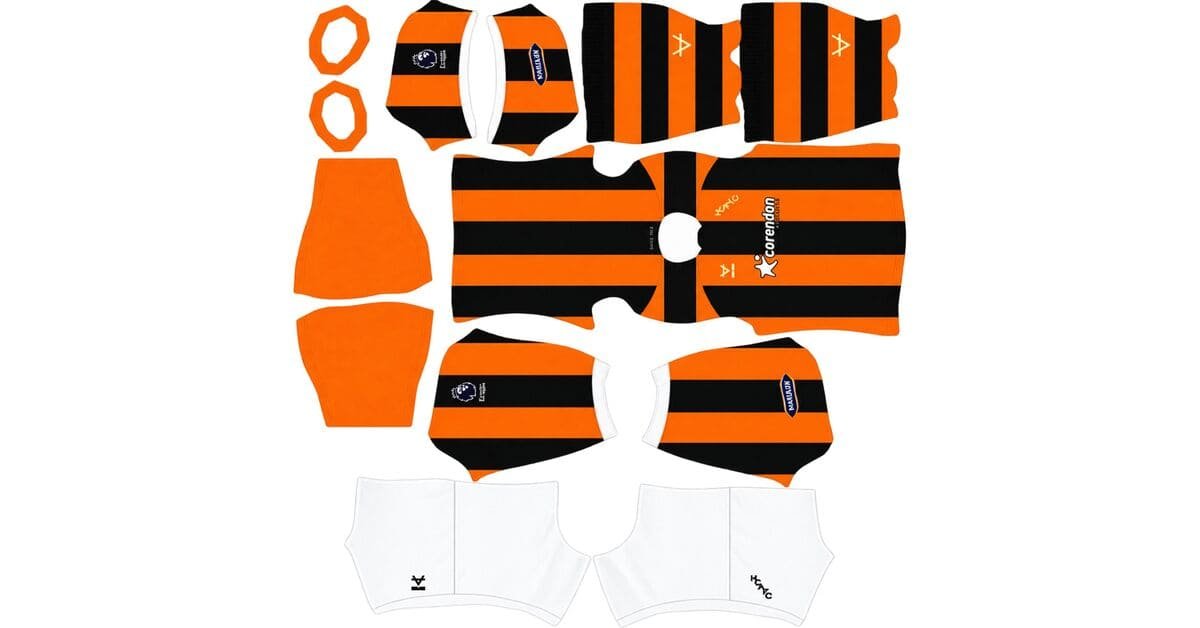
Hull City DLS Kits and Logo URL 512×512 | 2026/27
-
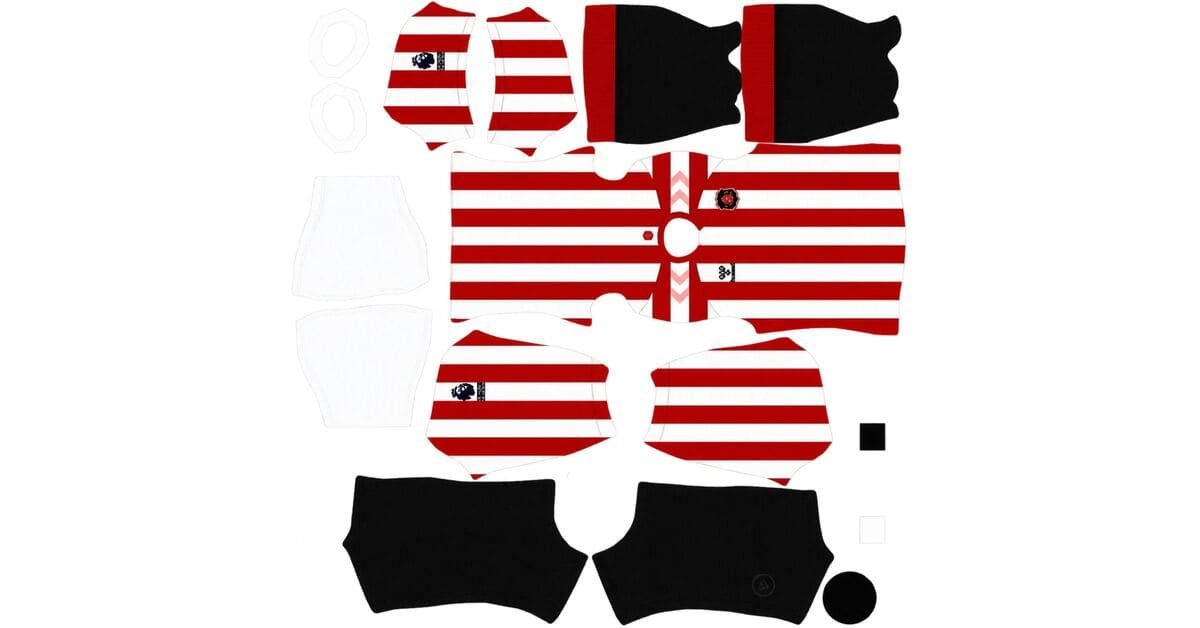
Sunderland AFC DLS Kits and Logo URL 512×512 | 2026/27
-
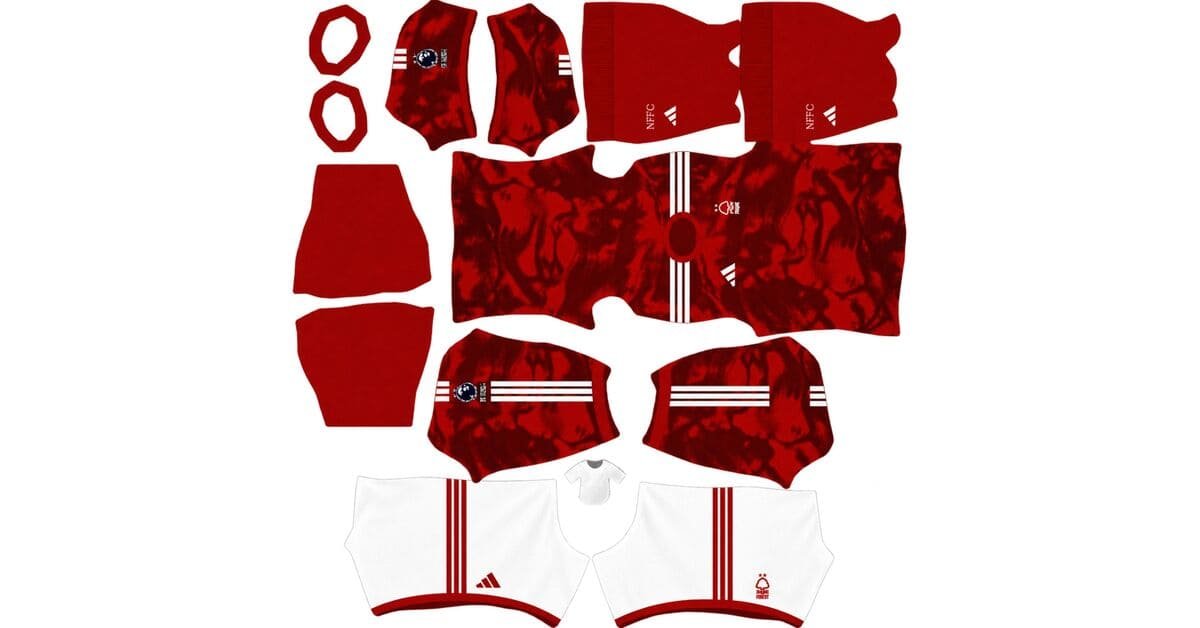
Nottingham Forest F.C. DLS Kits and Logo URL 512×512 | 2026/27
-
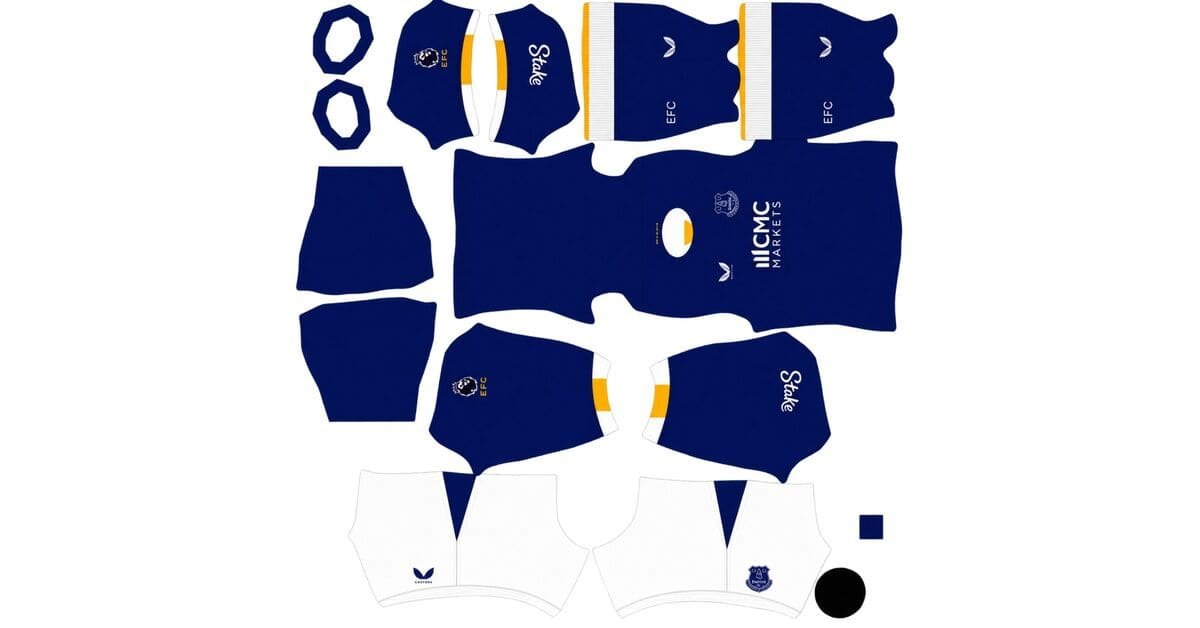
Everton DLS Kits and Logo URL 512×512 | 2026/27
-
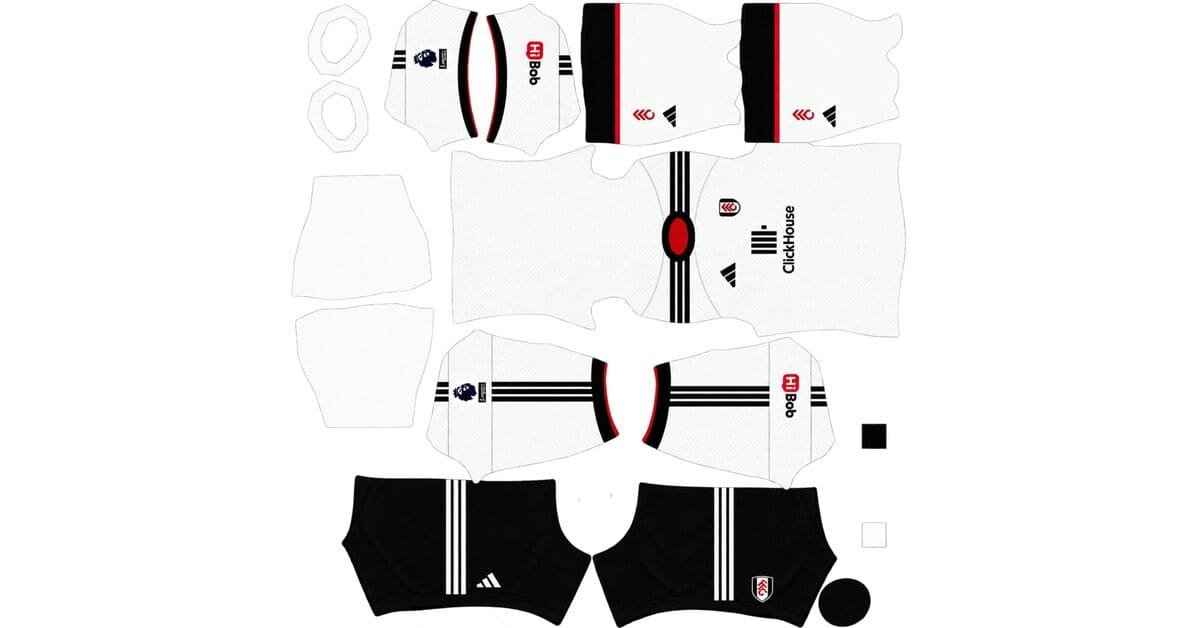
Fulham DLS Kits and Logo URL 512×512 | 2026/27
-
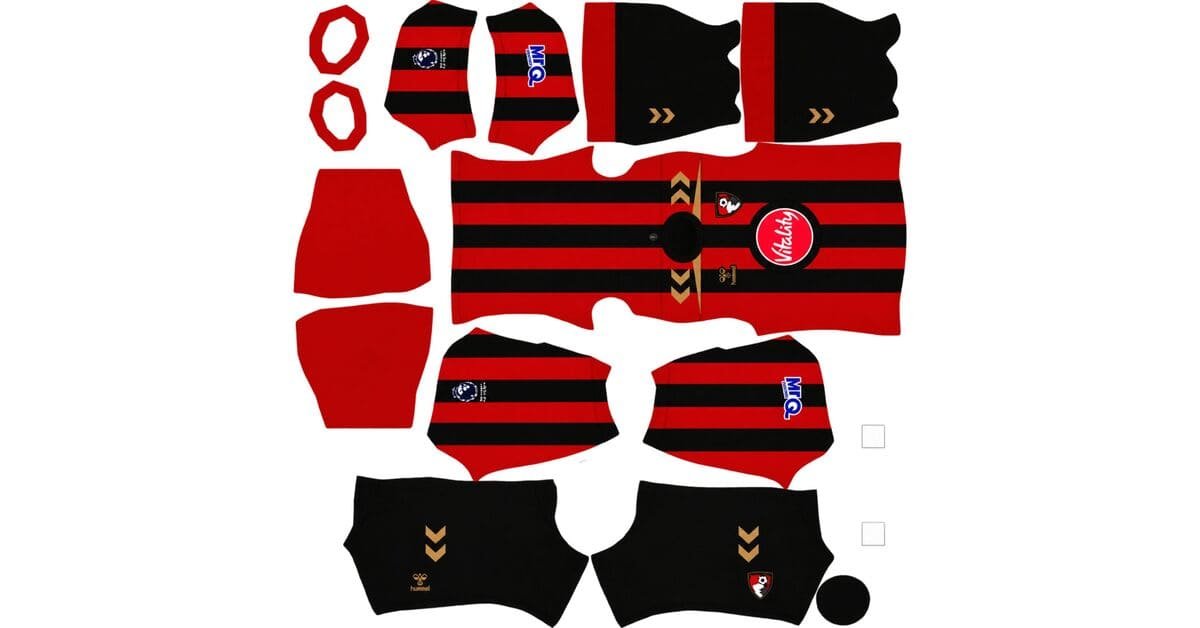
AFC Bournemouth DLS Kits and Logo URL 512×512 | 2026/27
-
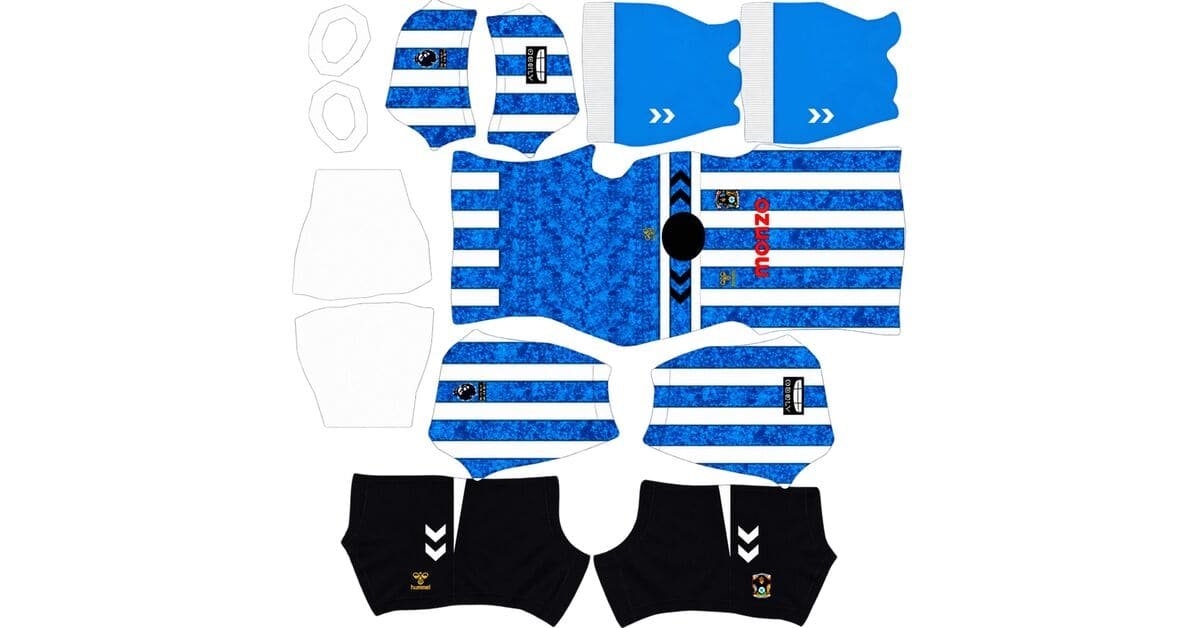
Coventry City DLS Kits and Logo URL 512×512 | 2026/27
-
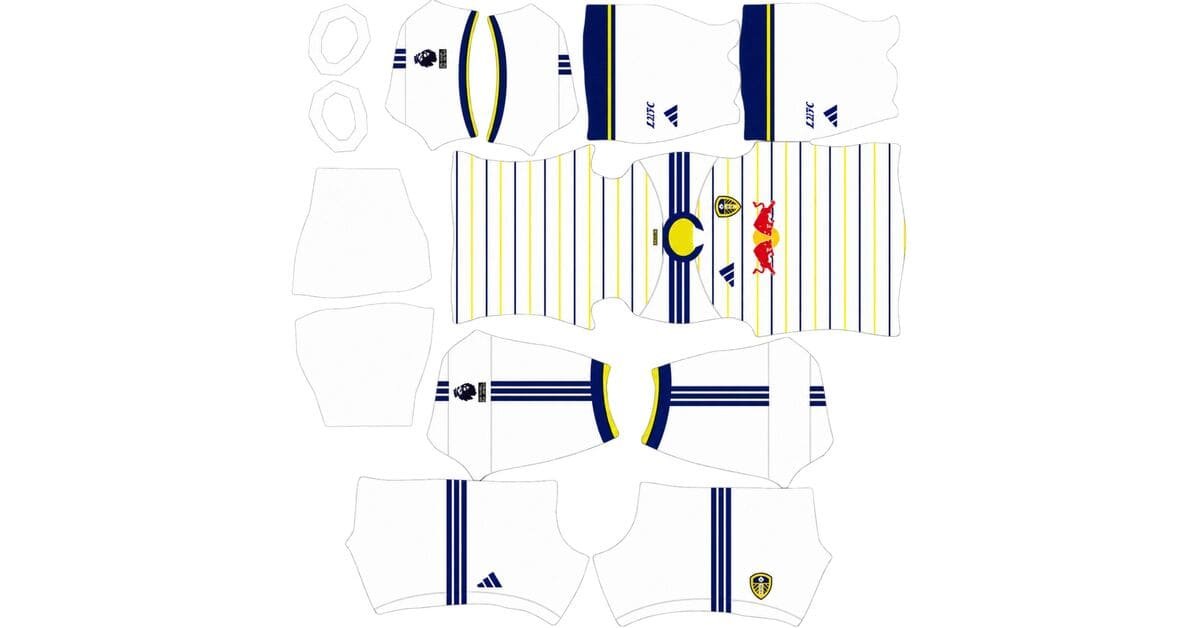
Leeds United DLS Kits and Logo URL 512×512 | 2026/27
-
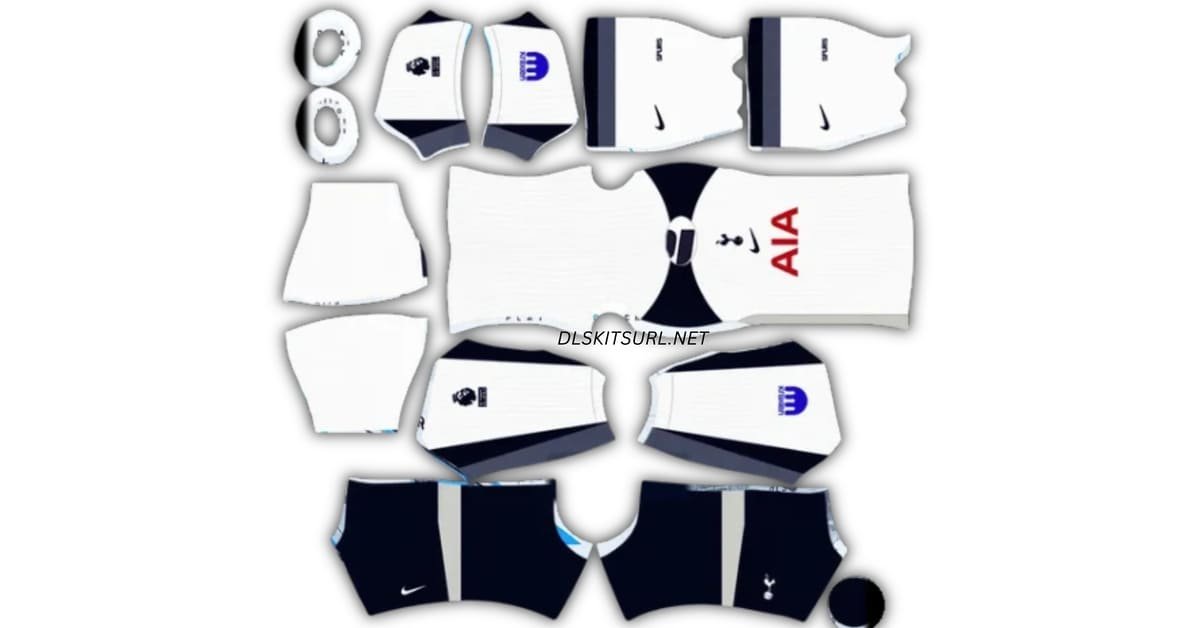
Tottenham DLS Kits and Logo URL 512×512 | 2026/27
La Liga
-
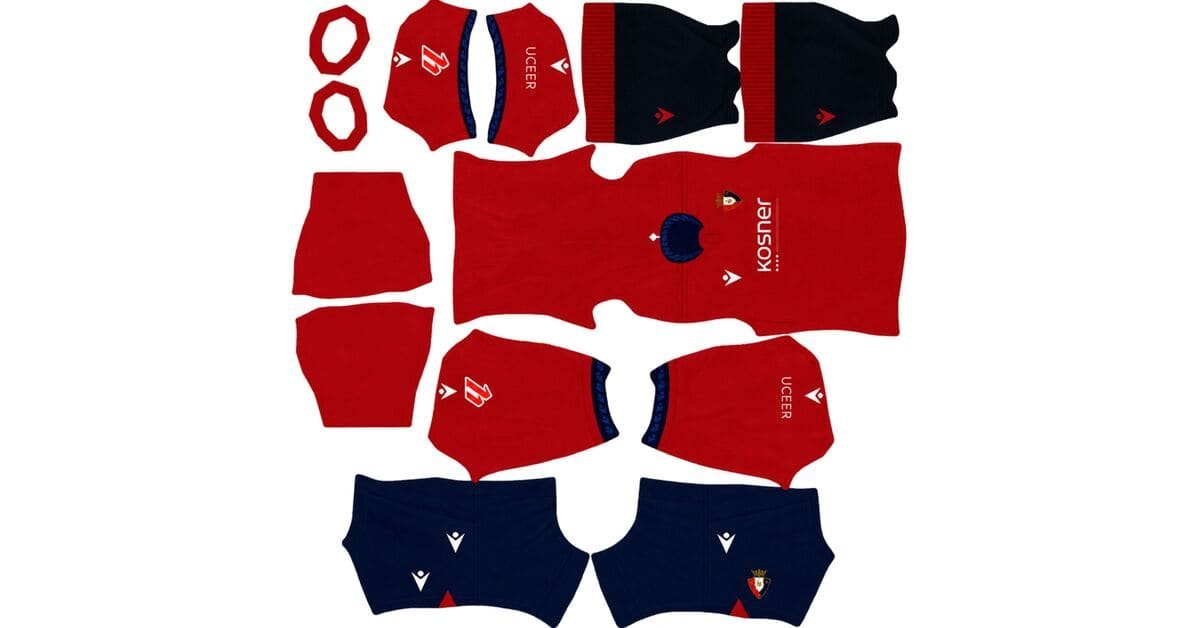
CA Osasuna DLS Kits and Logo URL 512×512 | 2026/27
-
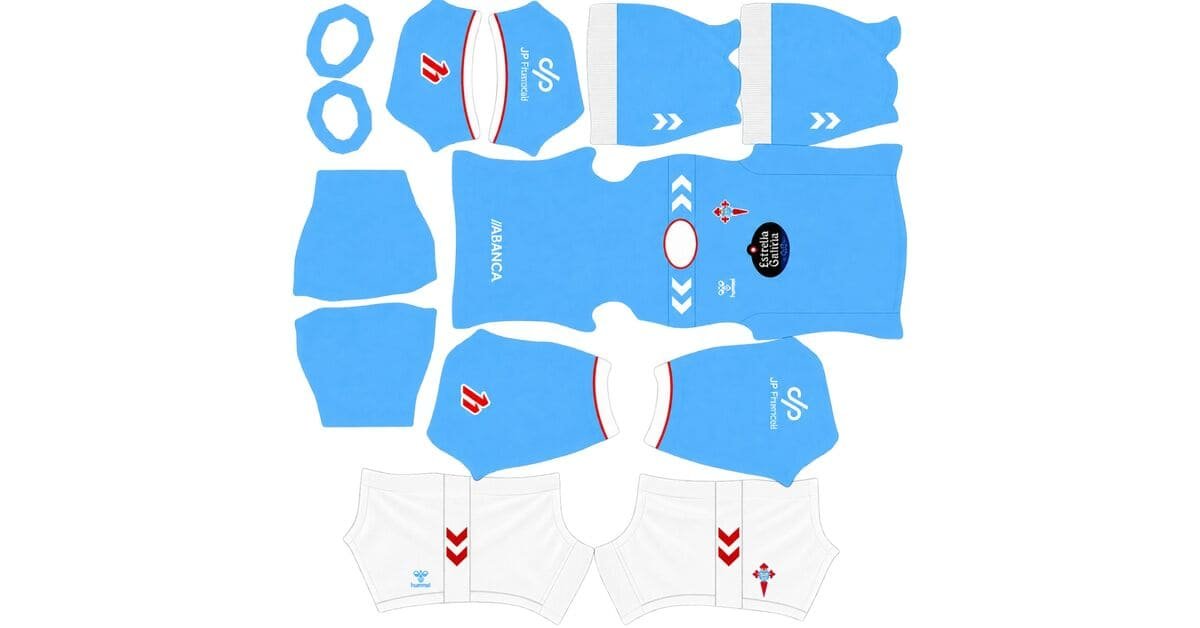
Celta de Vigo DLS Kits and Logo URL 512×512 | 2026/27
-
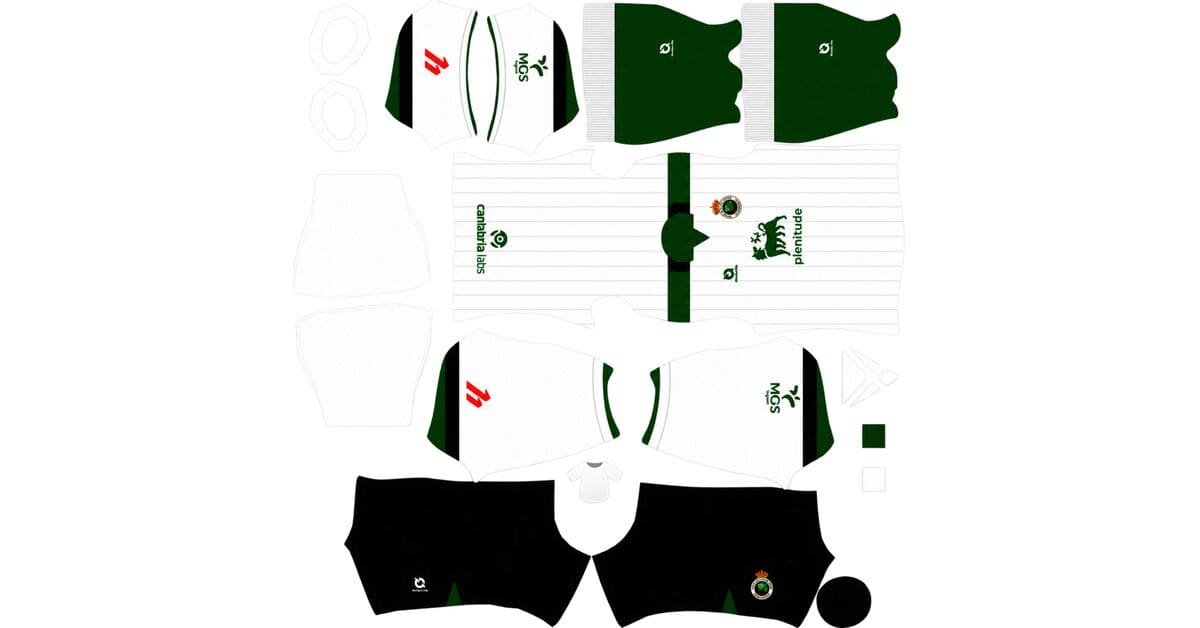
Racing de Santander DLS Kits and Logo URL 512×512 | 2026/27
-
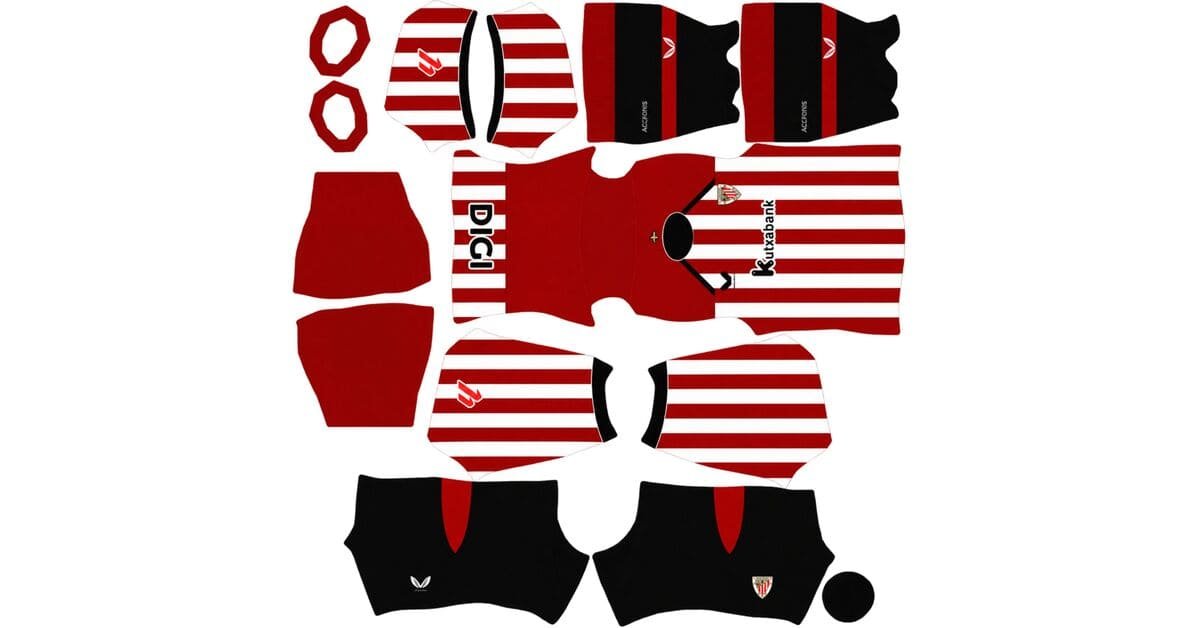
Athletic Club Bilbao DLS Kits and Logo URL 512×512 | 2026/27
-
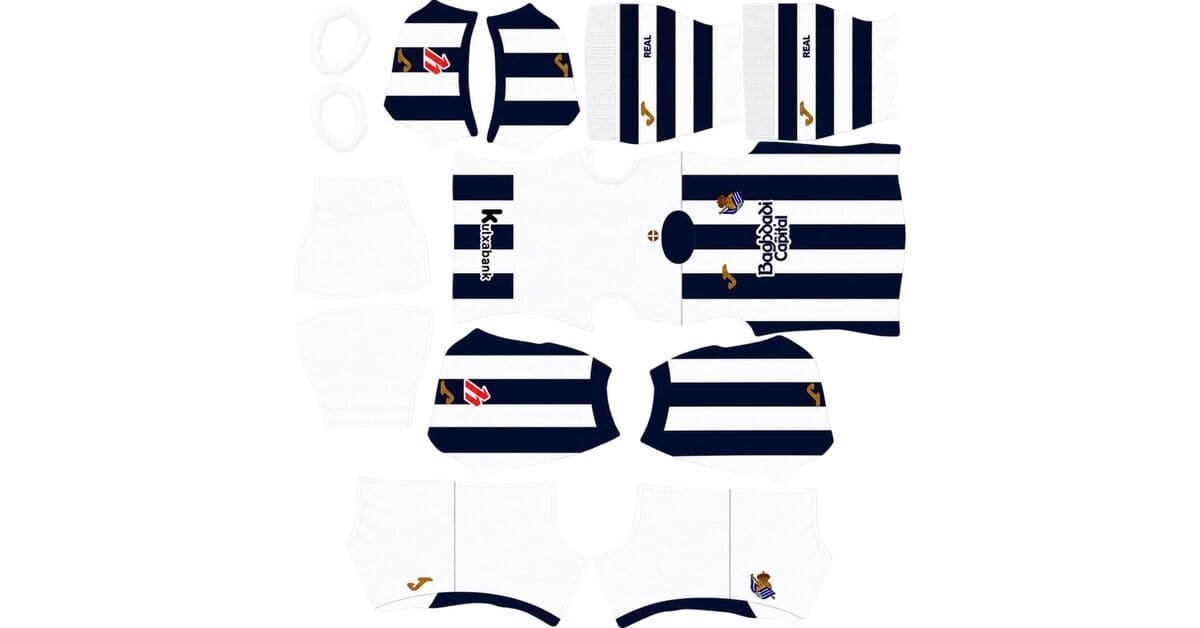
Real Sociedad DLS Kits and Logo URL 512×512 | 2026/27
-
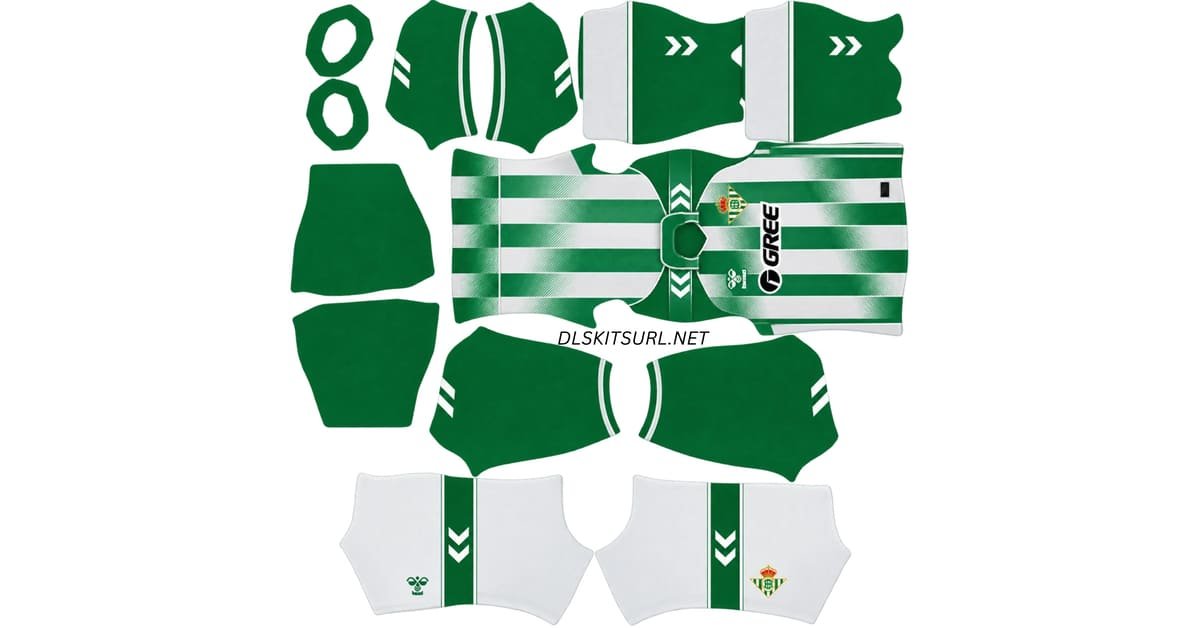
Real Betis DLS Kits and Logo URL 512×512 | 2026/27
-
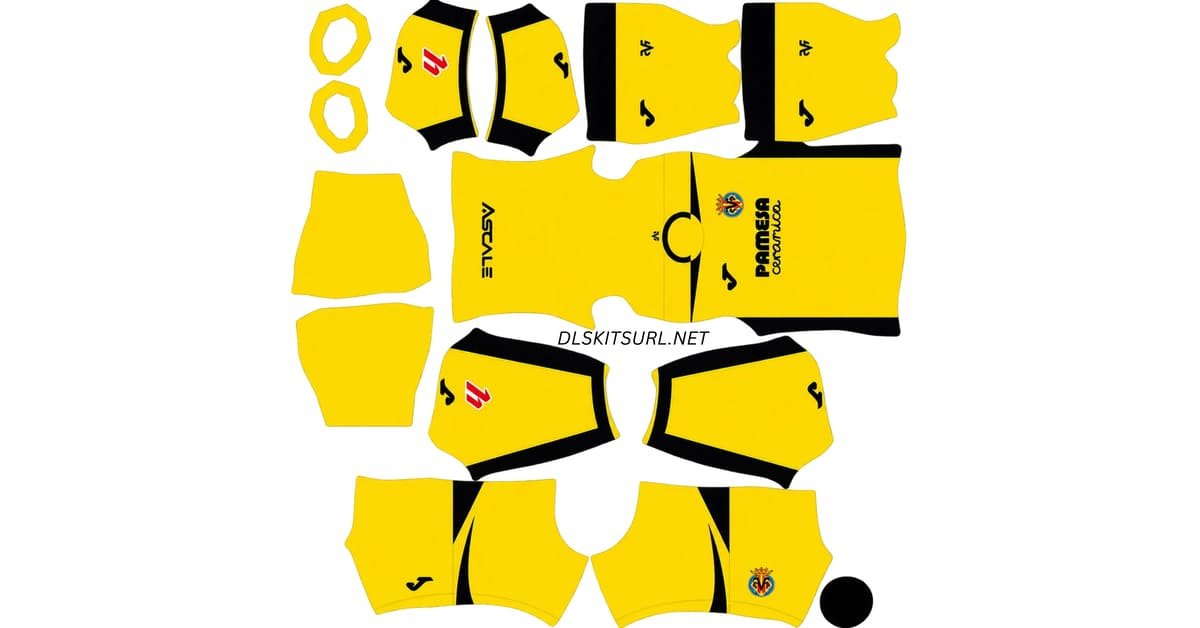
Villarreal CF DLS Kits and Logo URL 512×512 | 2026/27
-
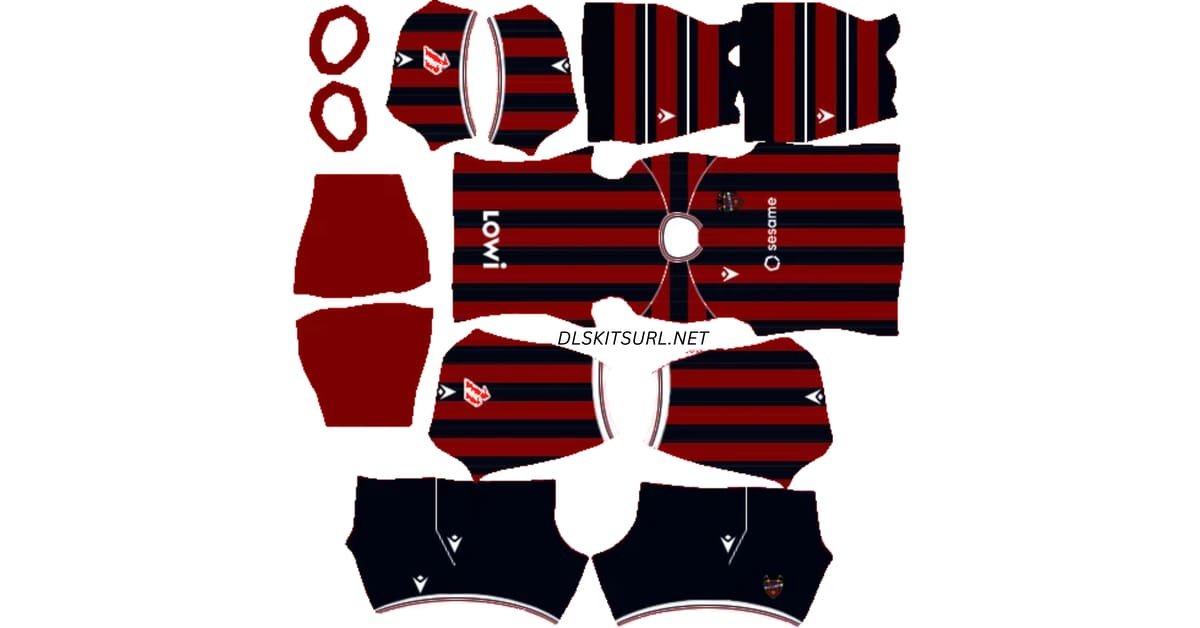
Levante UD DLS Kits and Logo URL 512×512 | 2026/27
-
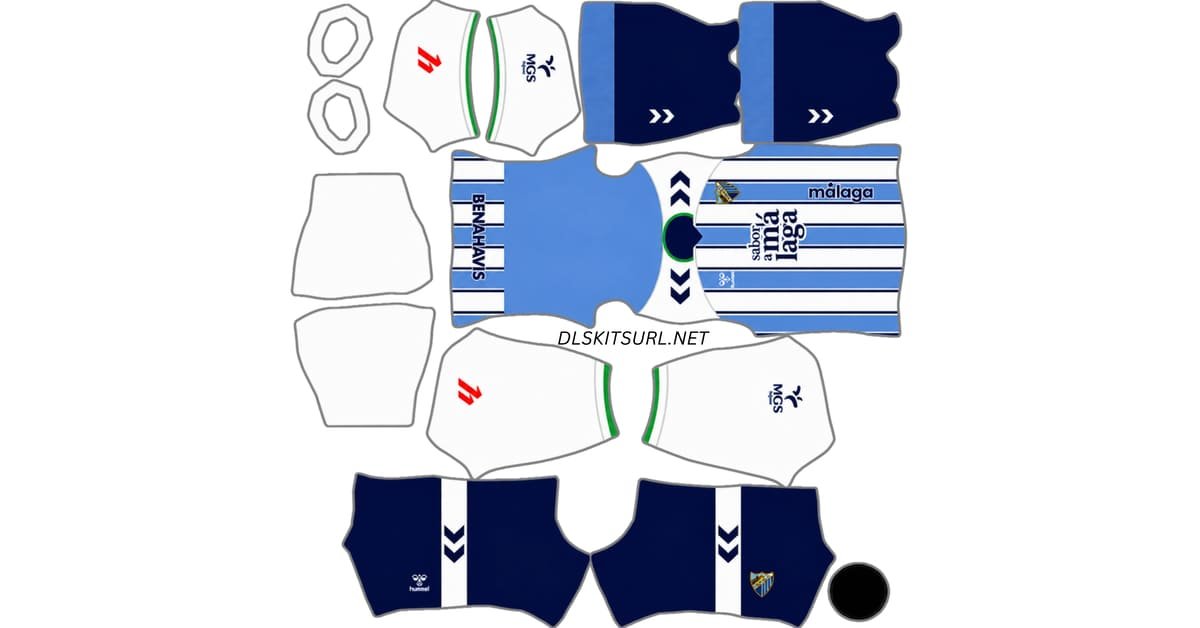
Málaga CF DLS Kits and Logo URL 512×512 | 2026/27
-
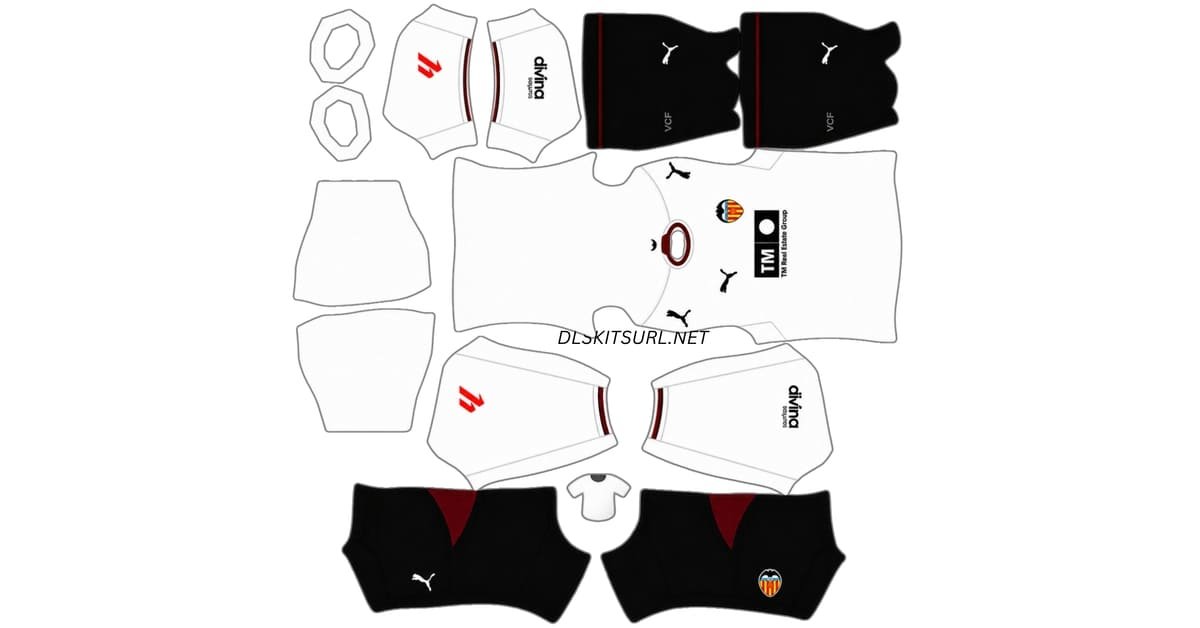
Valencia DLS Kits and Logo URL 512×512 | 2026/27
-
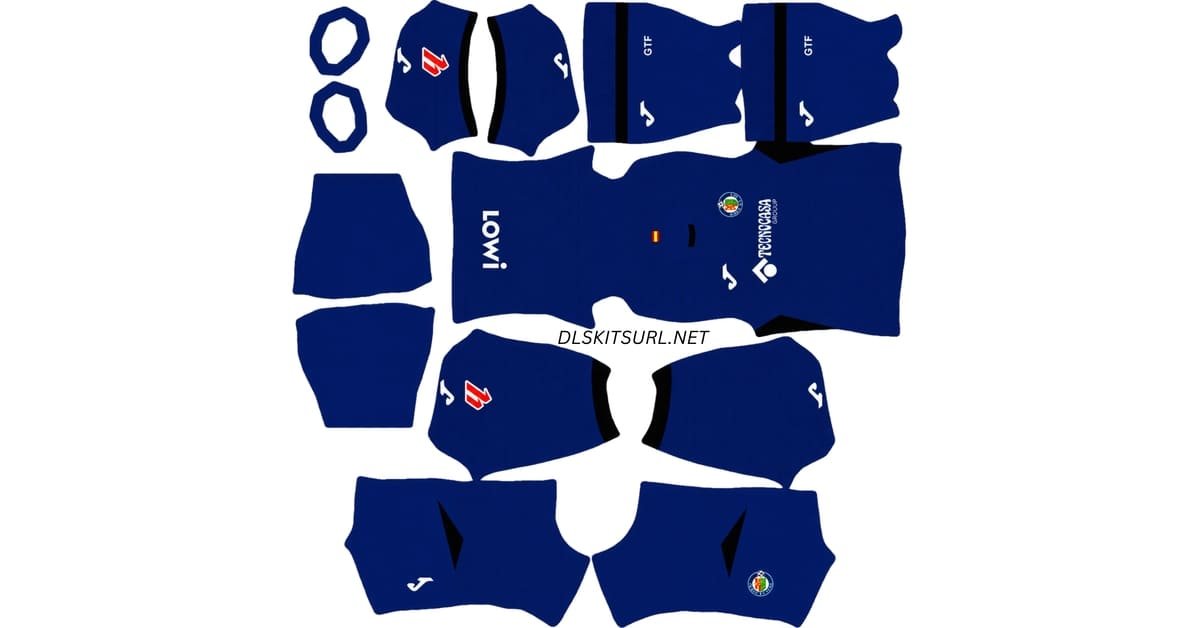
Getafe DLS Kits and Logo URL 512×512 | 2026/27
-
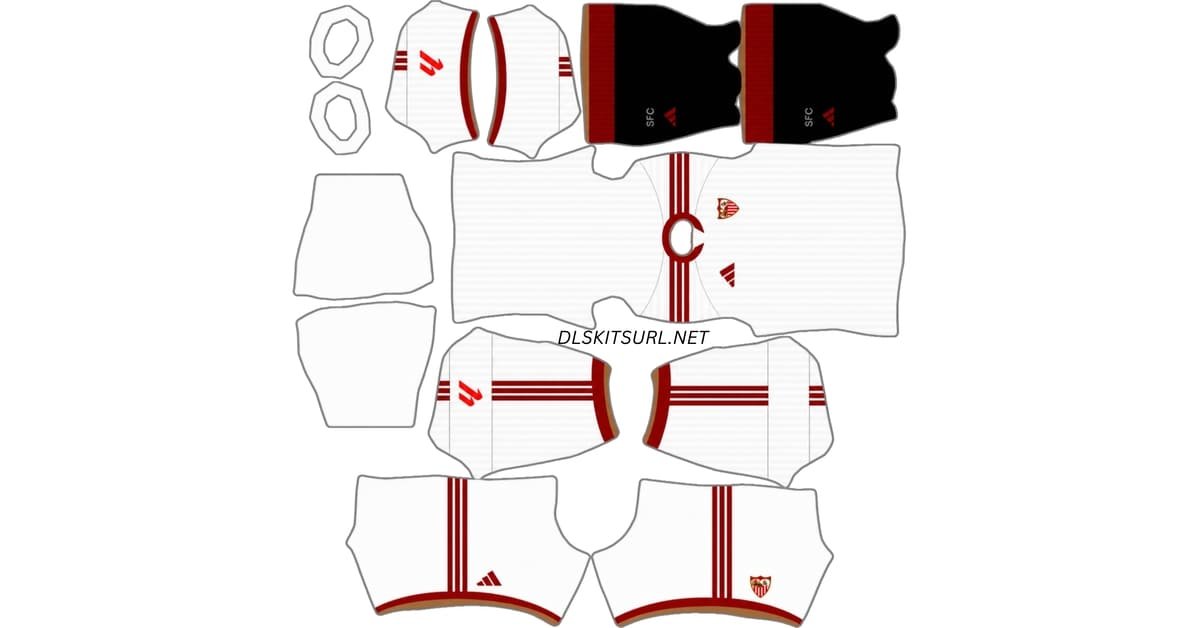
Sevilla DLS Kits and Logo URL 512×512 | 2026/27
Serie A
-
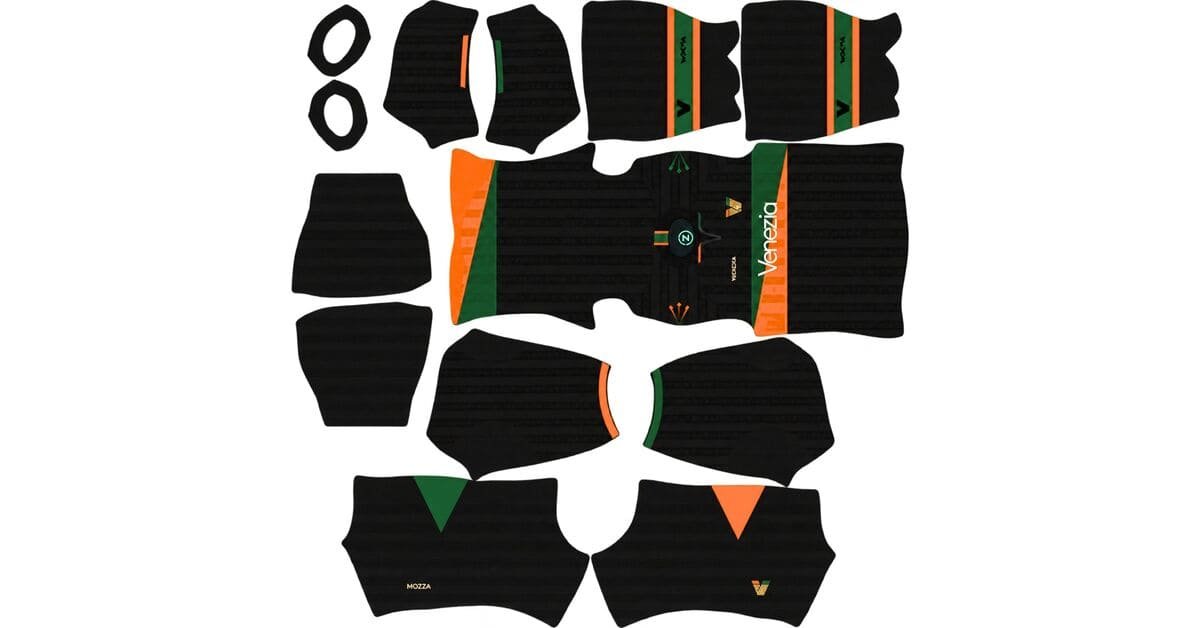
Venezia DLS Kits and Logo URL 512×512 | 2026/27
-
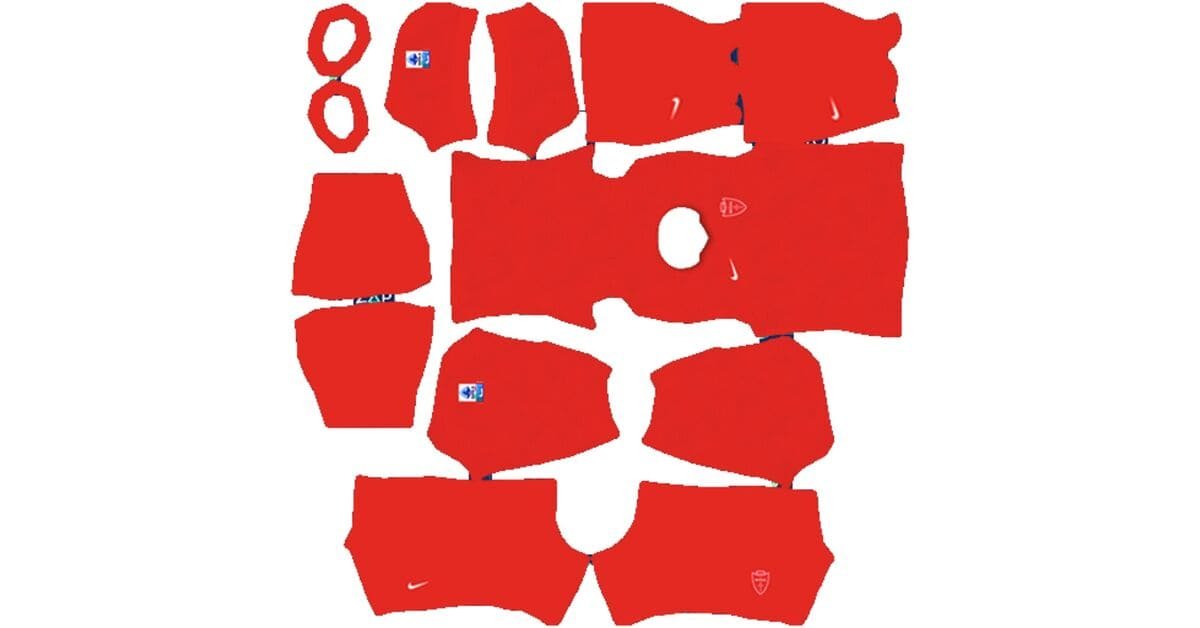
AC Monza DLS Kits and Logo URL 512×512 | 2026/27
-
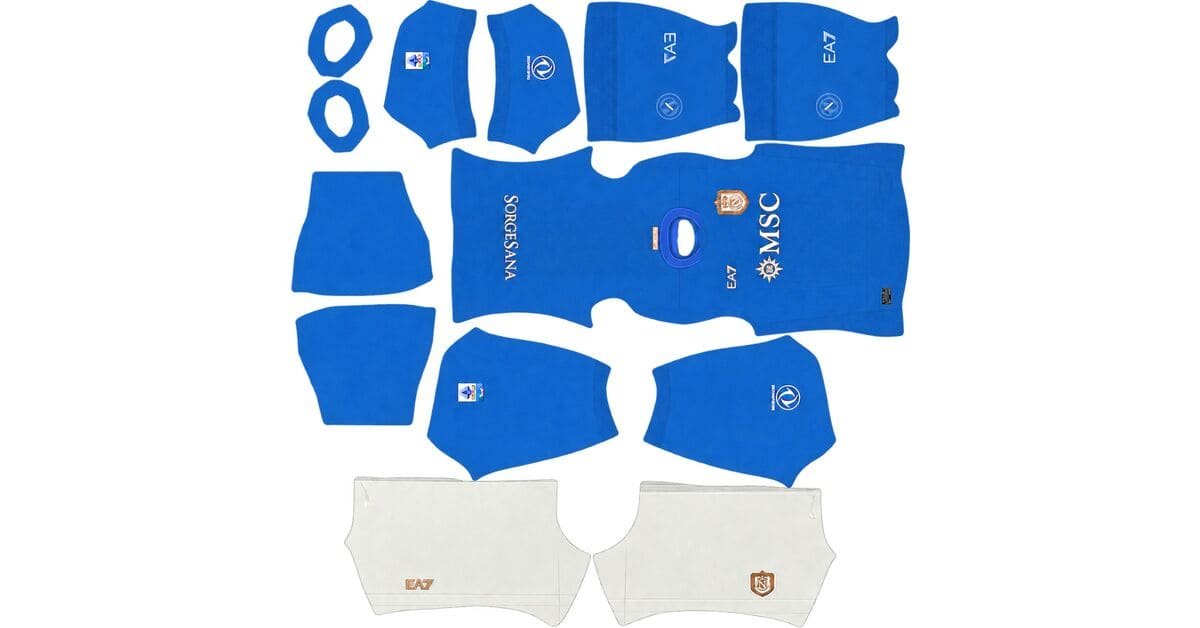
SSC Napoli DLS Kits and Logo URL 512×512 | 2026/27
-
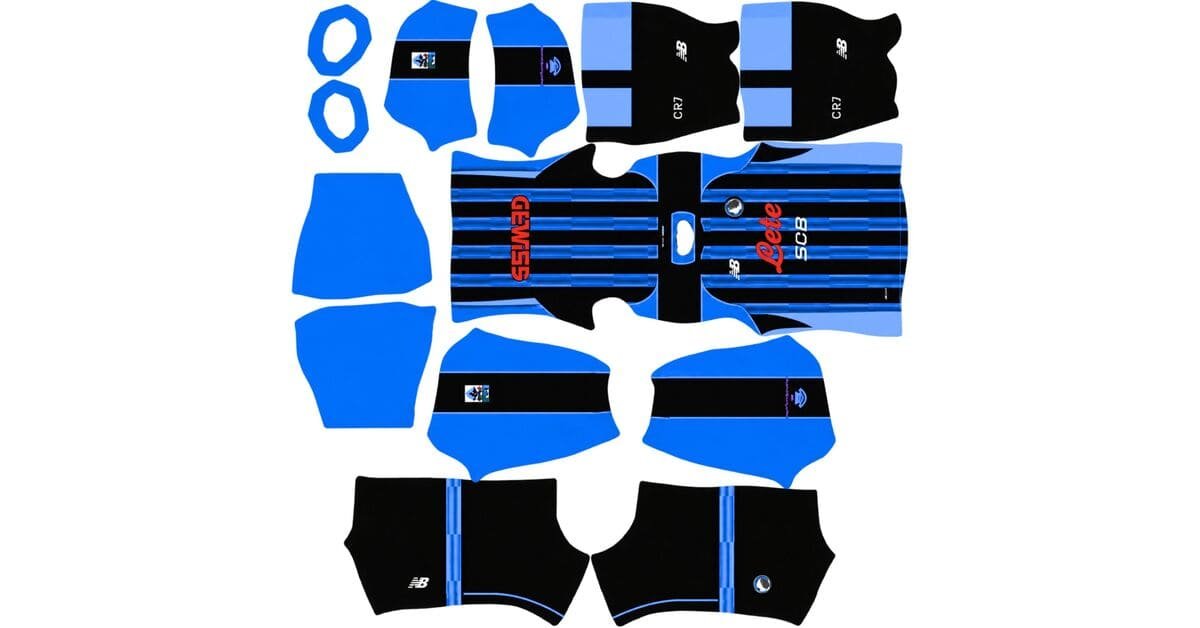
Atalanta DLS Kits and Logo URL 512×512 | 2026/27
-
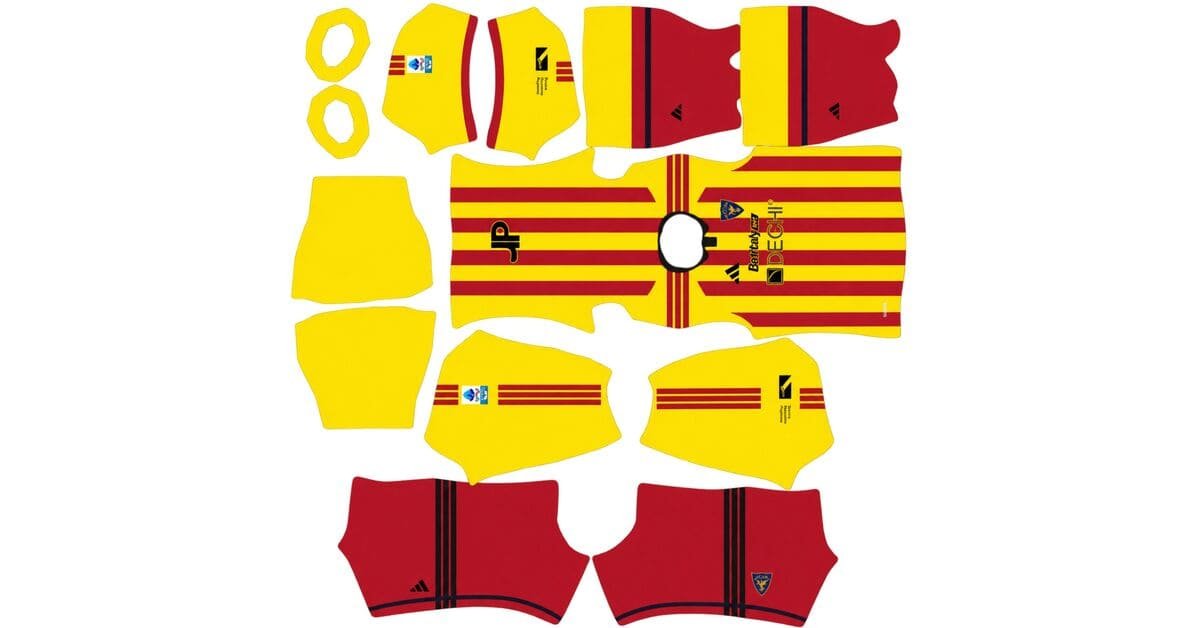
Lecce DLS Kits and Logo URL 512×512 | 2026/27
-
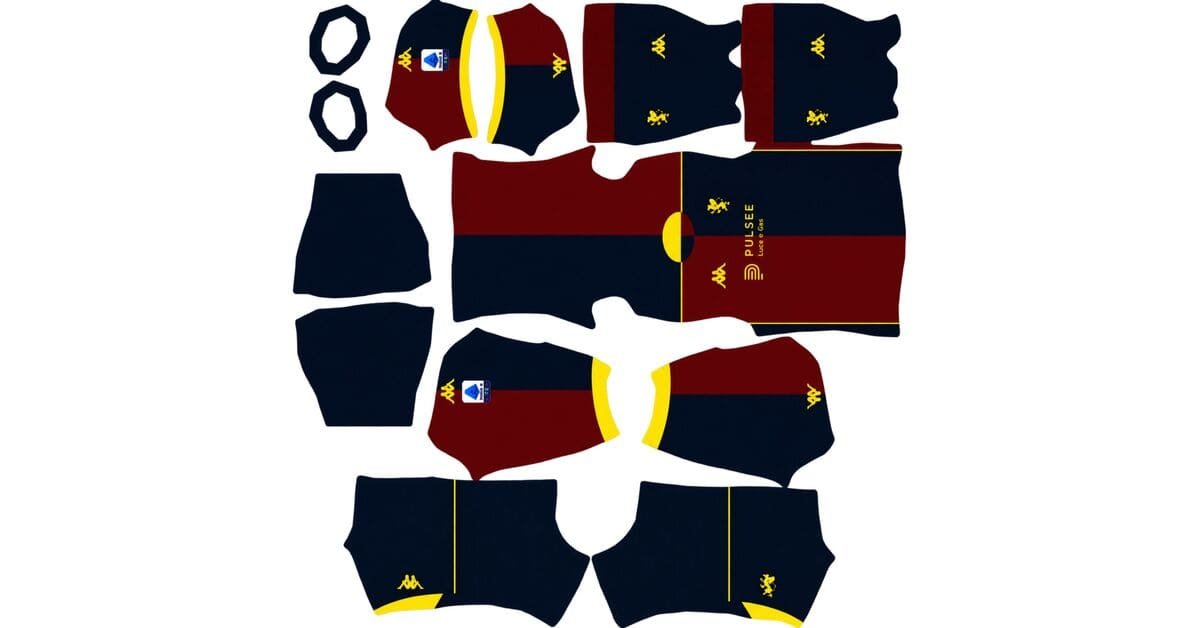
Genoa CFC DLS Kits and Logo URL 512×512 | 2026/27
-
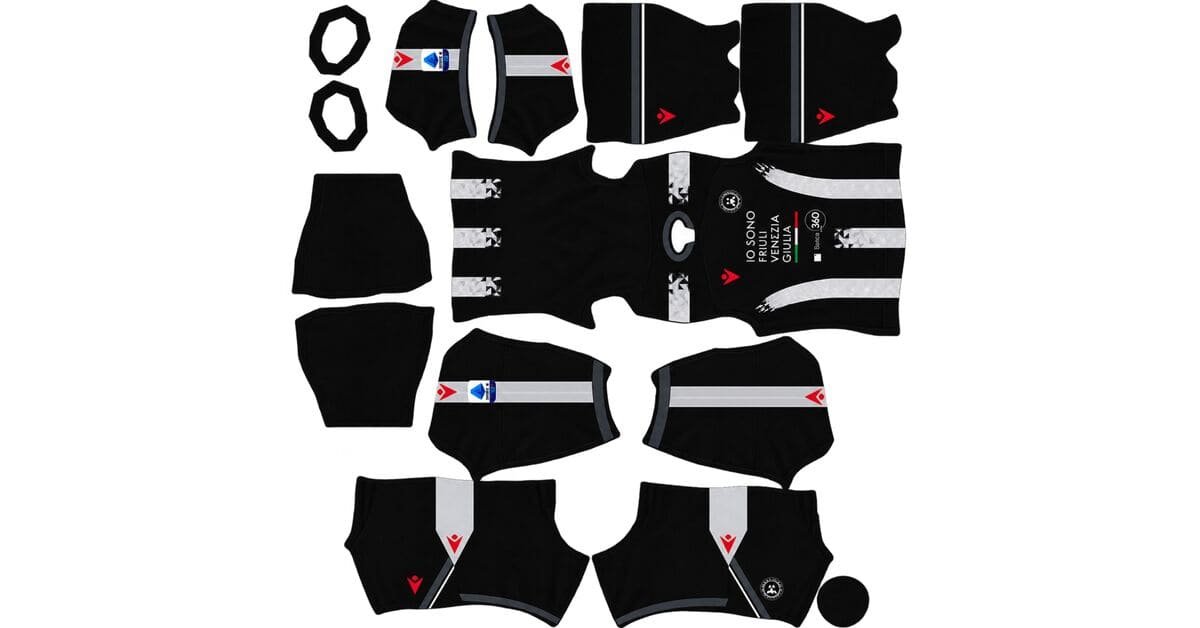
Udinese Calcio DLS Kits and Logo URL 512×512 | 2026/27
-
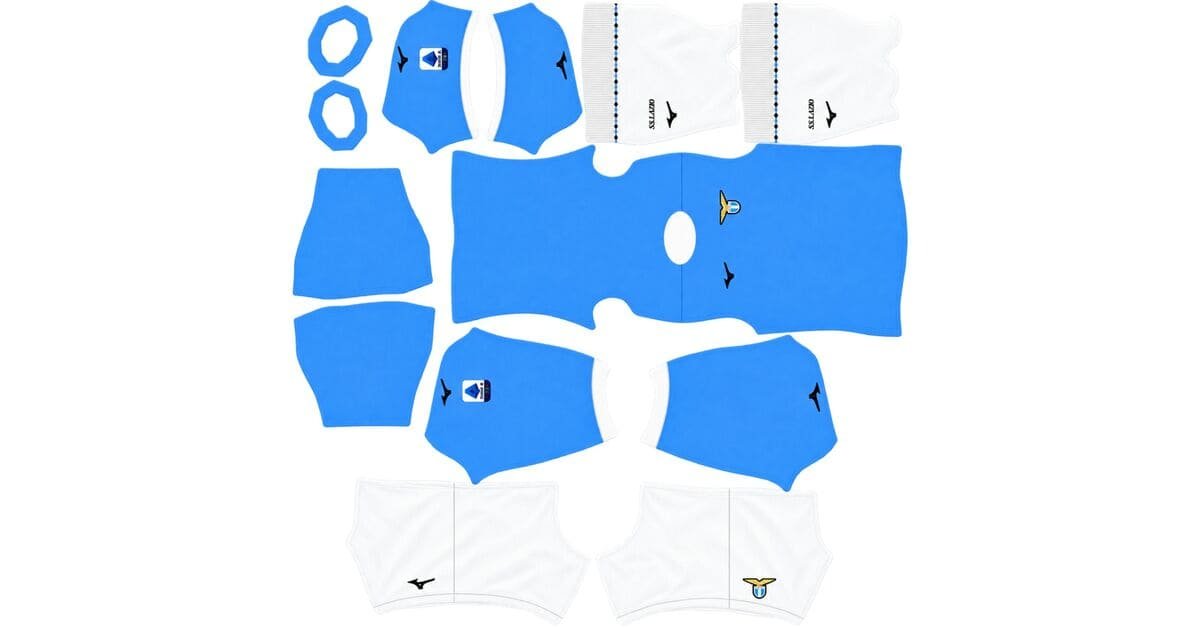
Lazio DLS Kits URL 512×512 – Dream League Soccer 2026/27
-
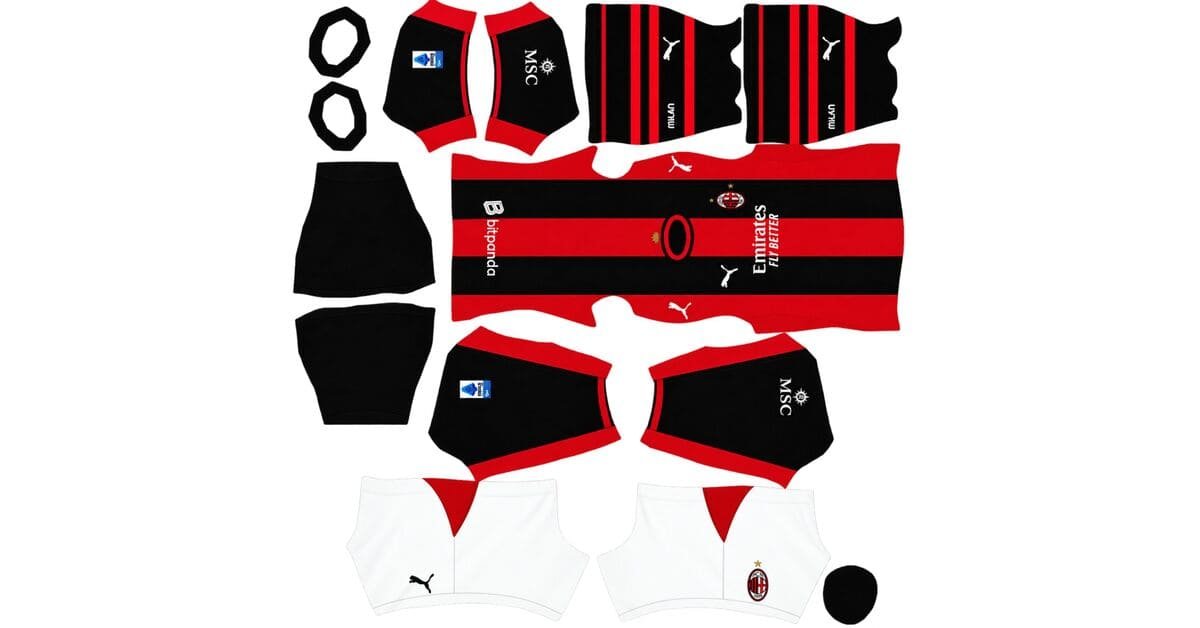
AC Milan DLS Kits URL 512×512 – Dream League Soccer 2026/27
-
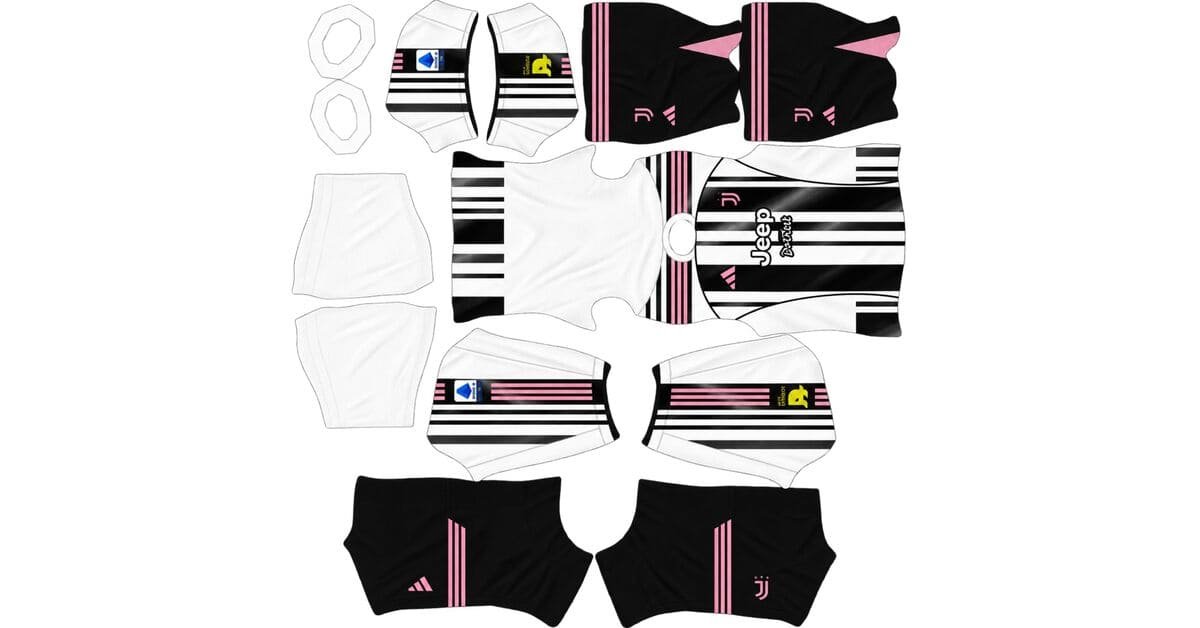
Juventus DLS Kits and Logo URL 512×512 | 2026/27
-
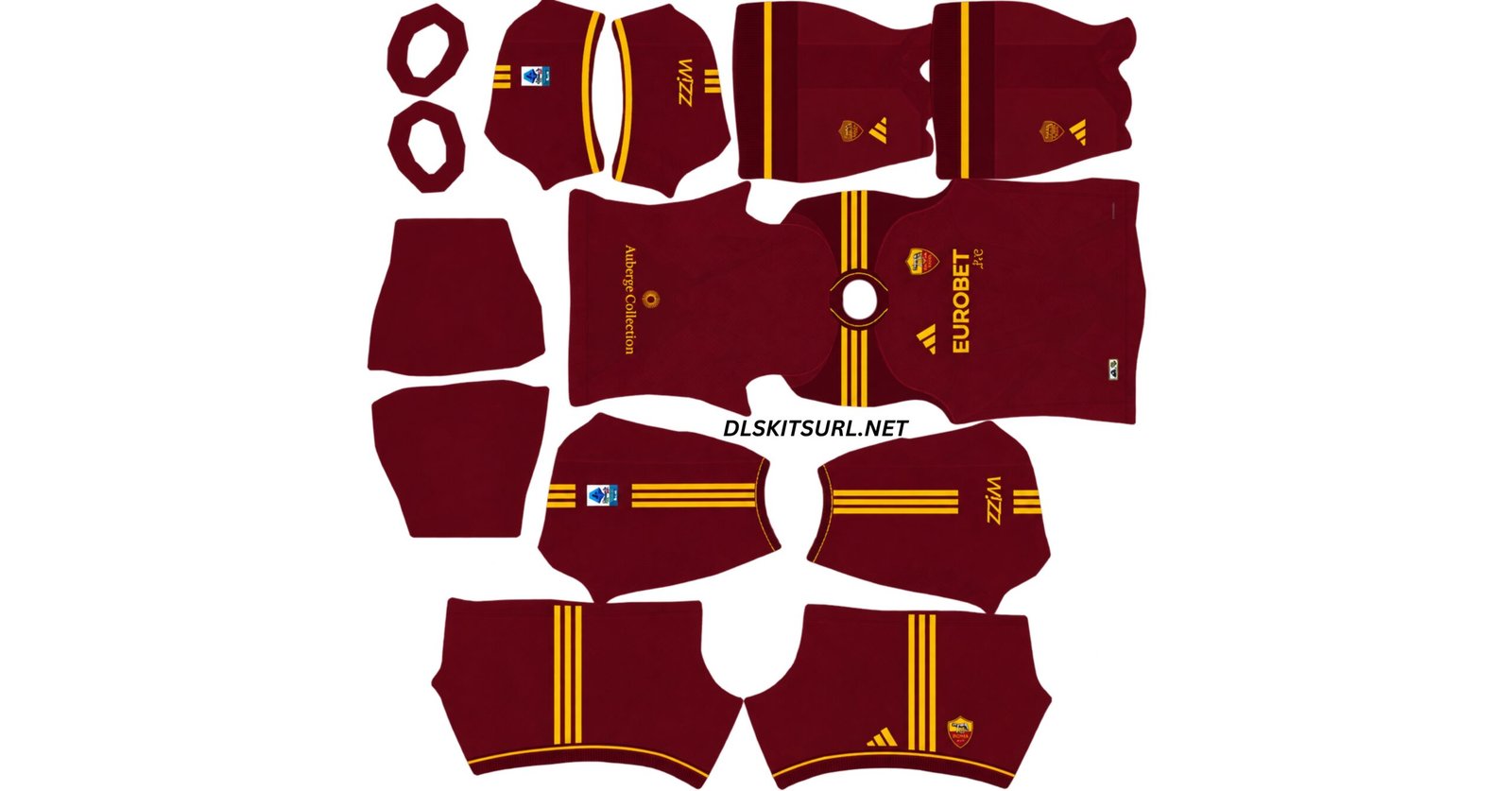
AS Roma DLS Kit URL – Dream League Soccer 2026-2027
-
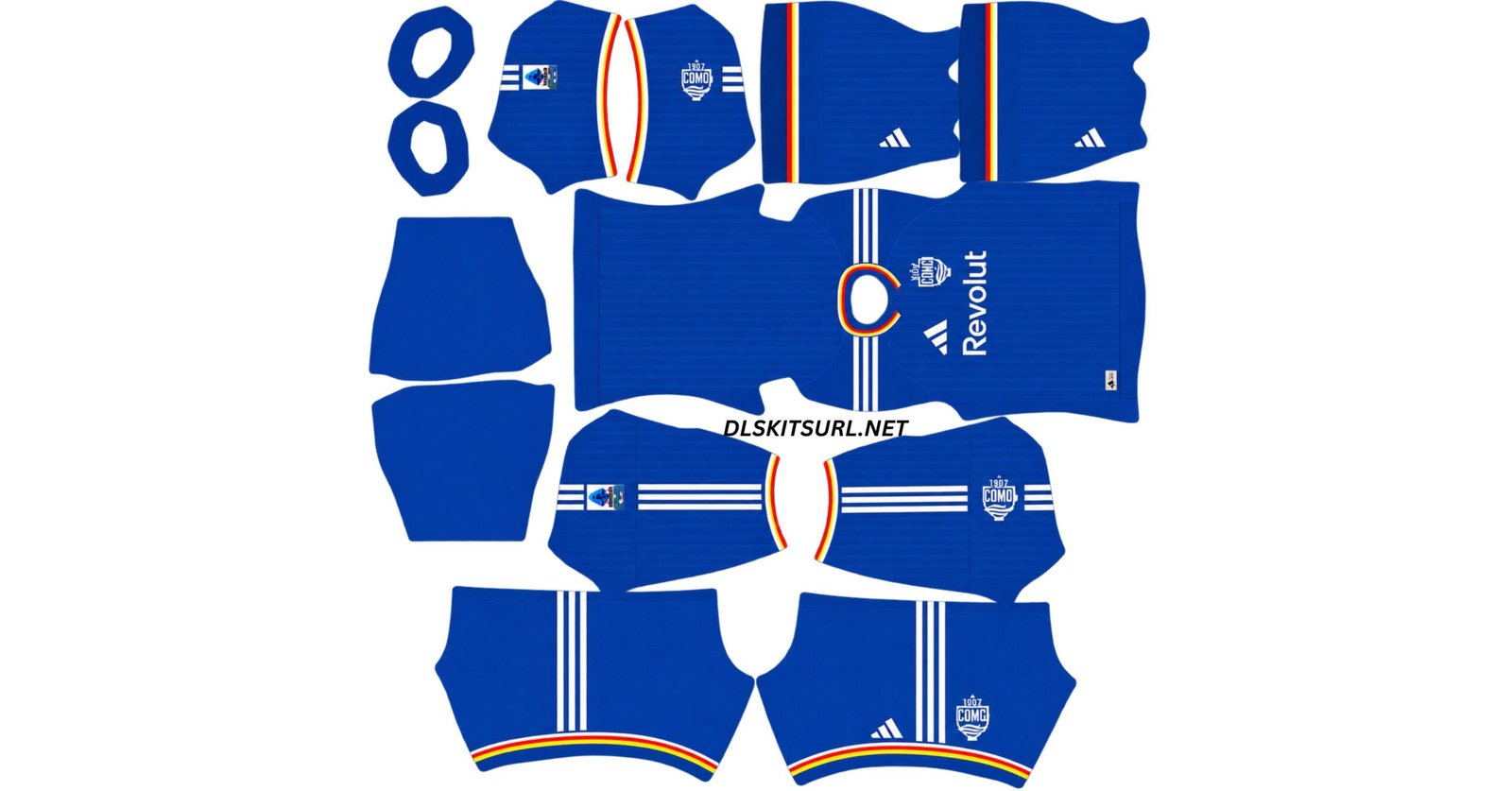
Como DLS Kit URL – Dream League Soccer Logo & Kits 2026/2027
Bundesliga
-
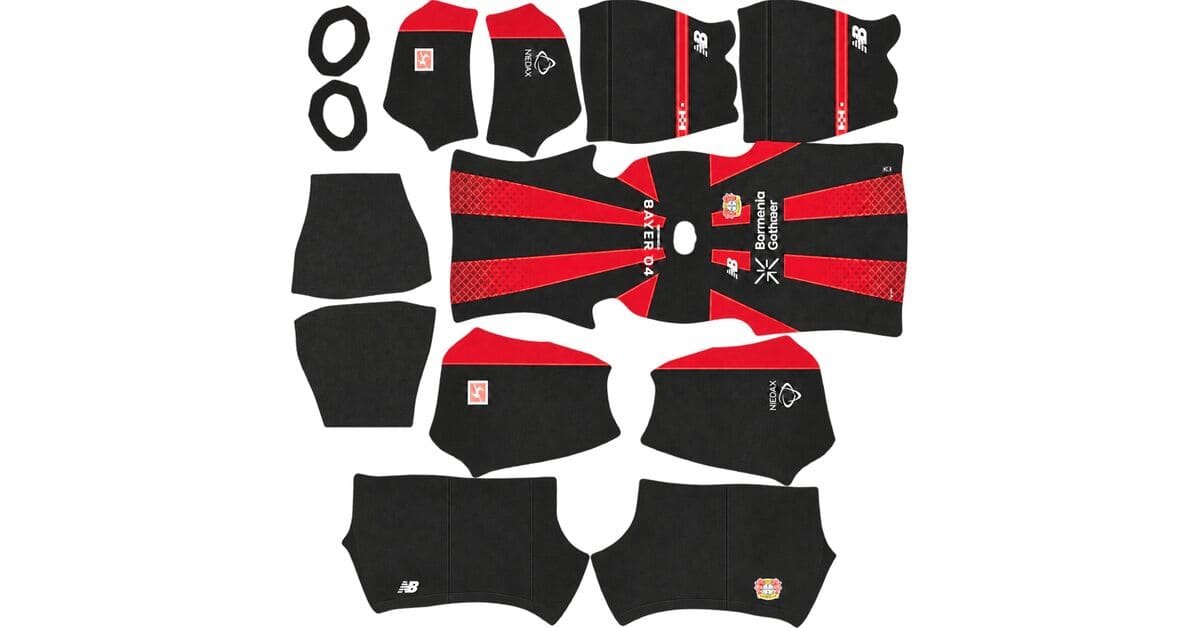
Leverkusen DLS Kits and Logo URL 512×512 | 2026/27
-
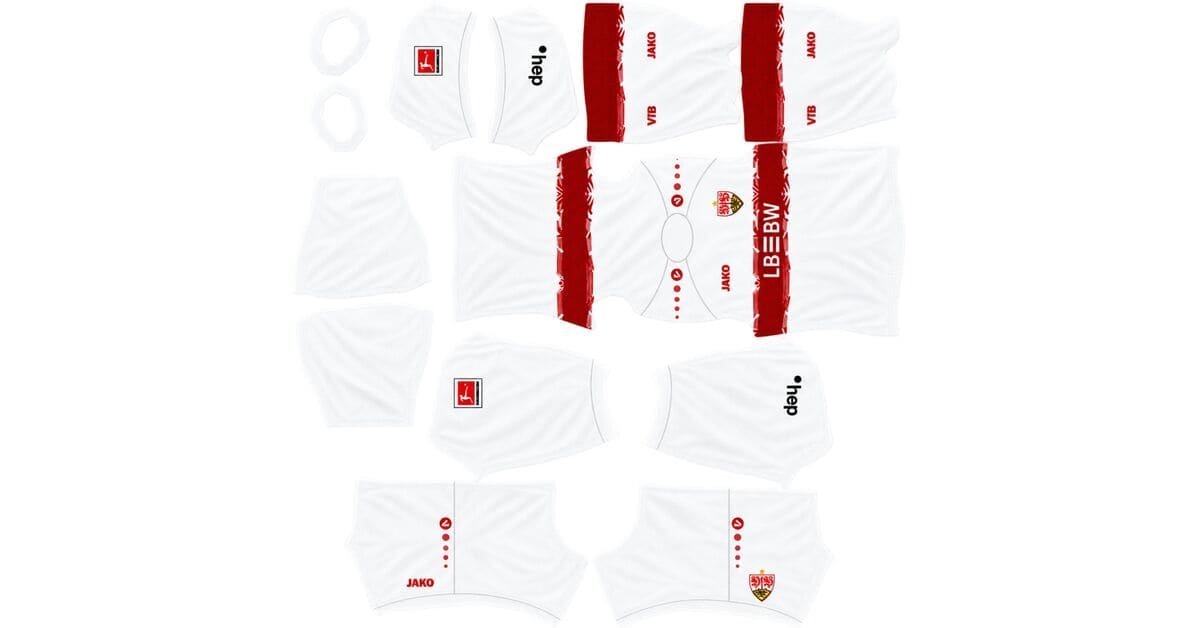
Stuttgart DLS Kits and Logo URL 512×512 | 2026/27
-
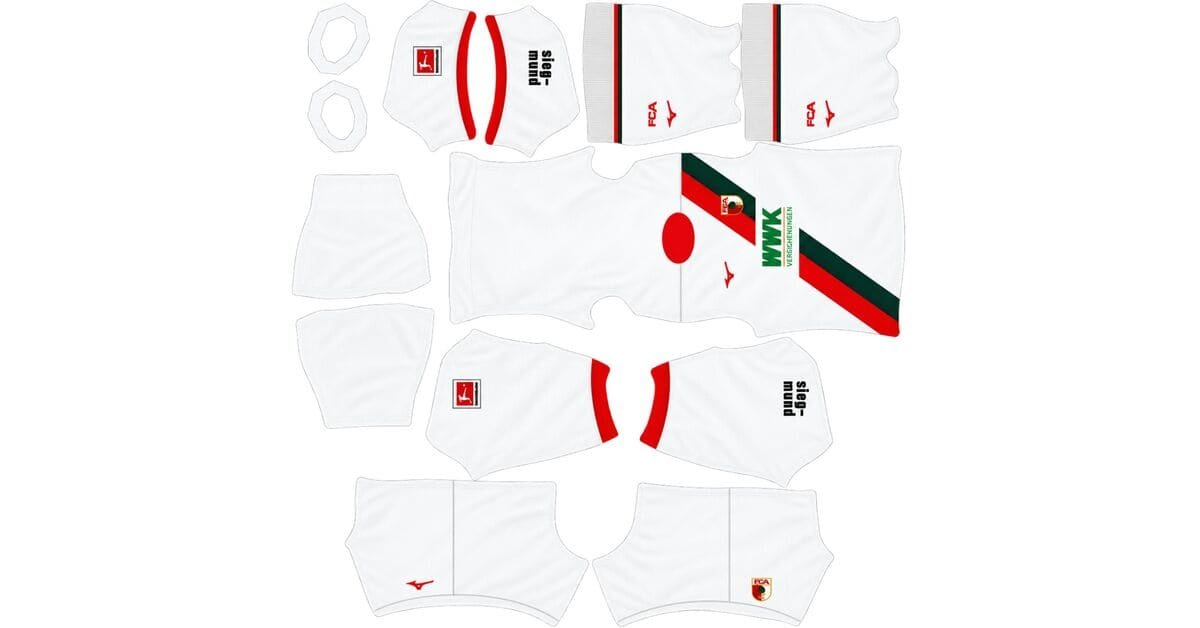
FC Augsburg DLS Kits and Logo URL 512×512 | 2026/27
-
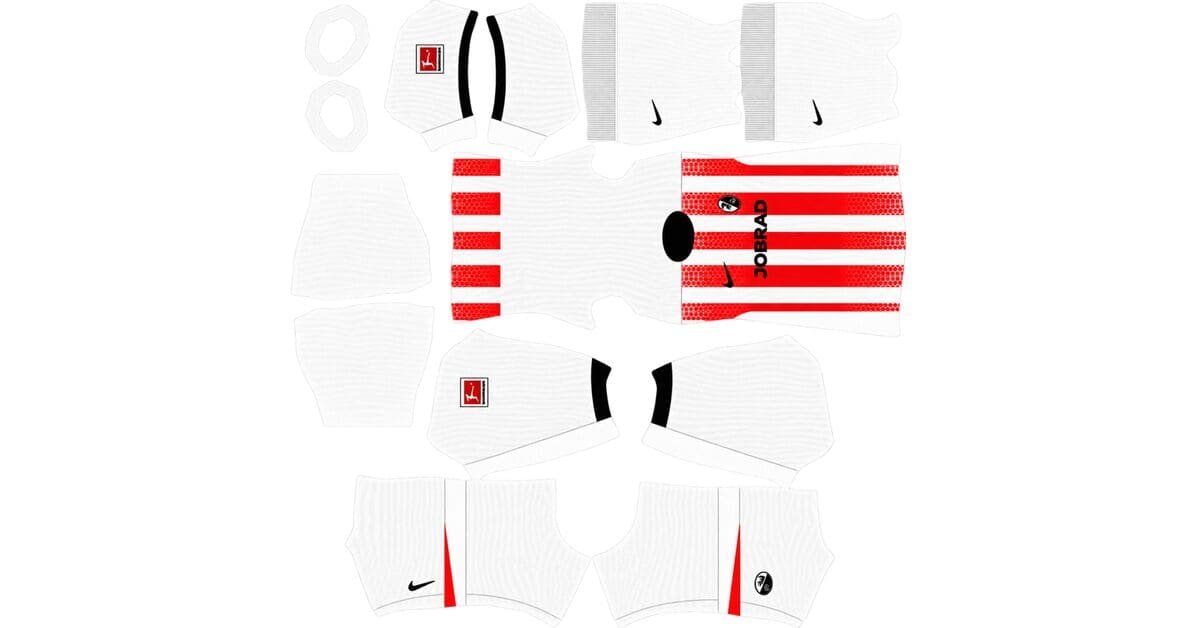
SC Freiburg DLS Kits and Logo URL 512×512 | 2026/27
-
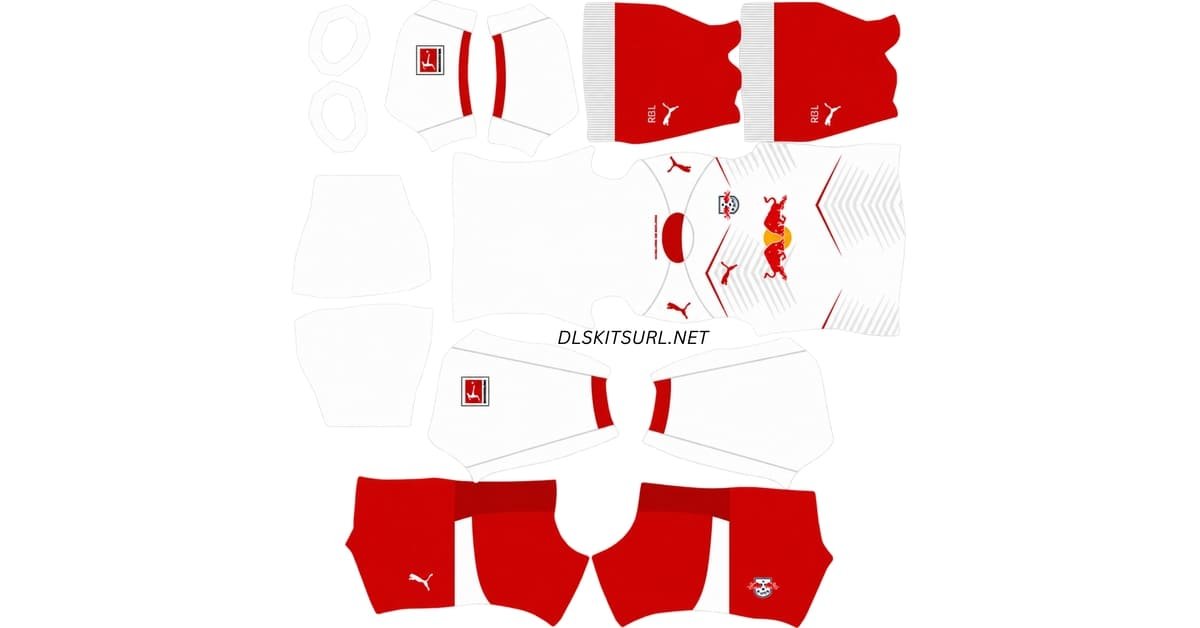
RB Leipzig DLS Kits and Logo URL 512×512 | 2026/27
-
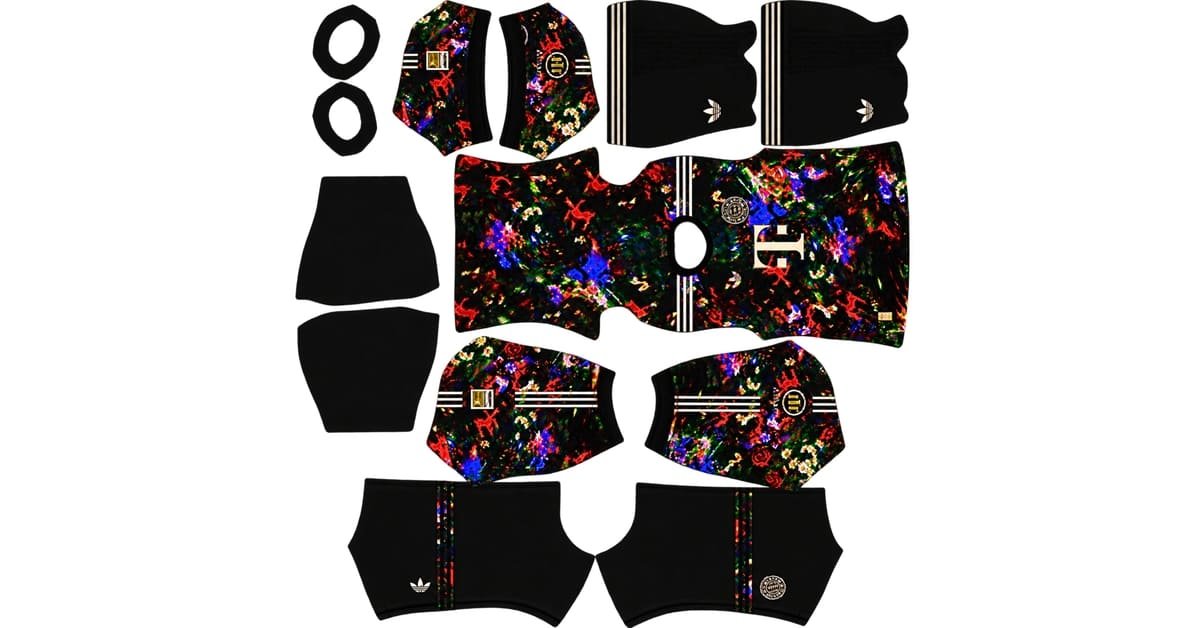
Bayern Munich Oktoberfest DLS Kit URL – 2026 Wiesn Kit and Logo
-
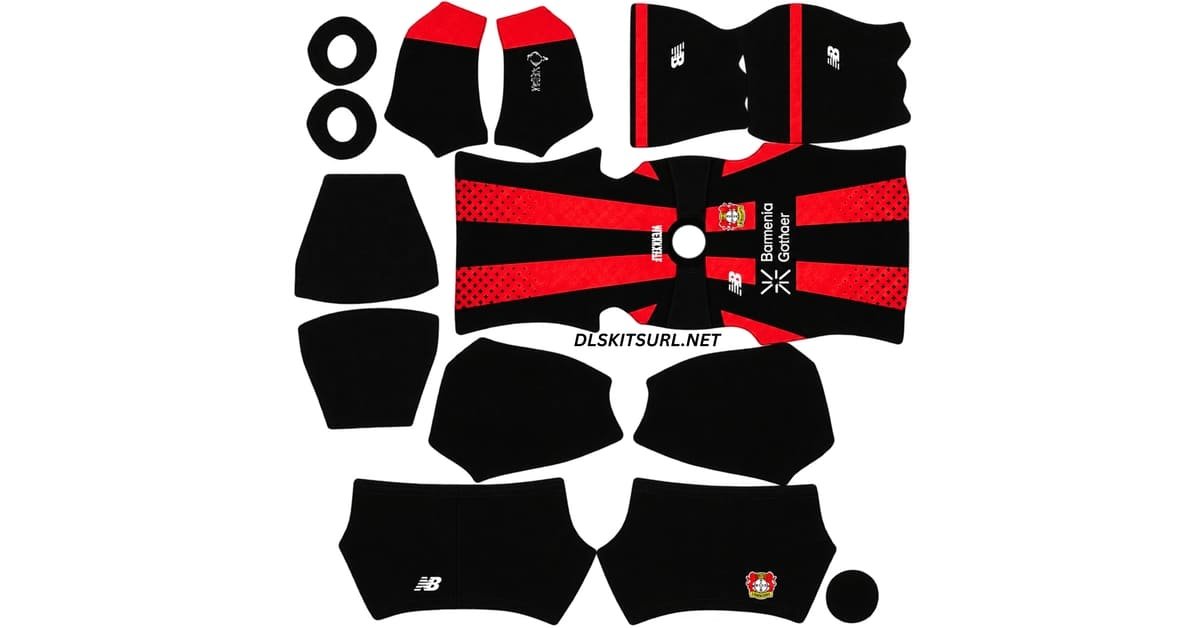
Bayer Leverkusen DLS Kit URL – Dream League Soccer 2026-2027
-
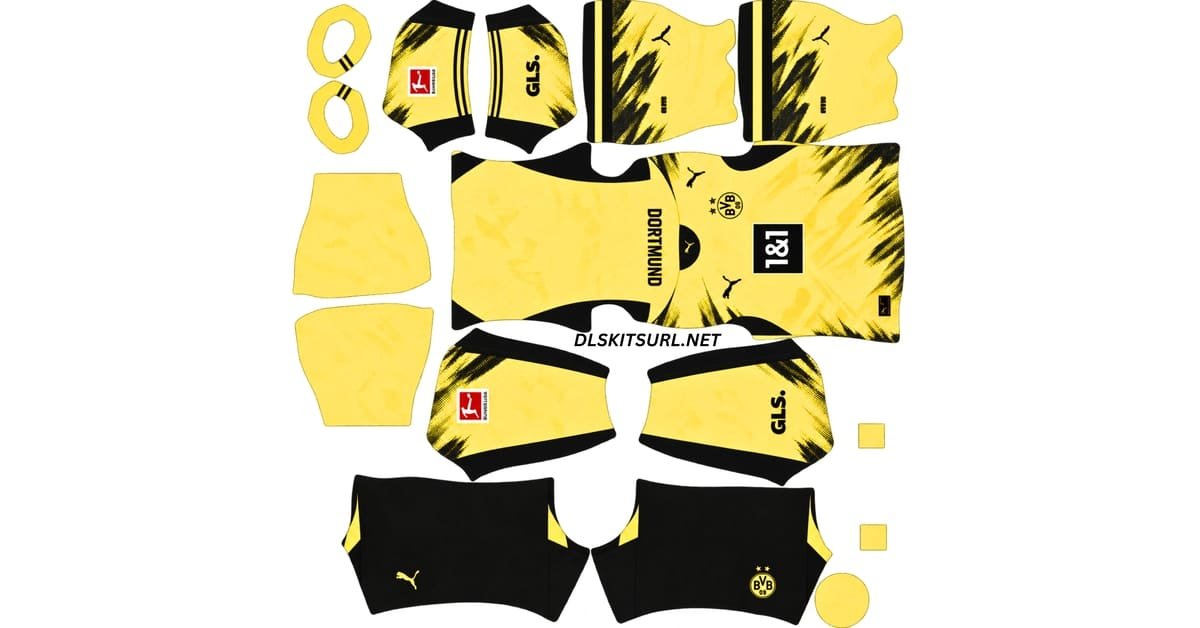
Borussia Dortmund DLS Kit URL – Dream League Soccer 2026-2027
-
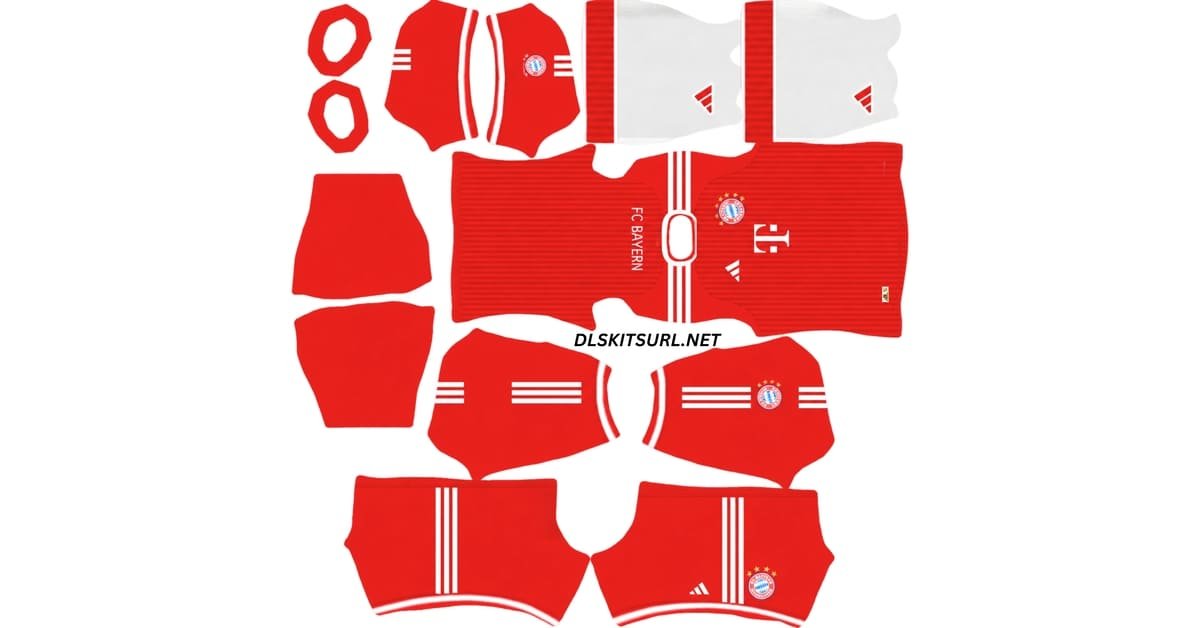
Bayern Munich DLS Kit URL – Dream League Soccer 2026-2027
Ligue 1
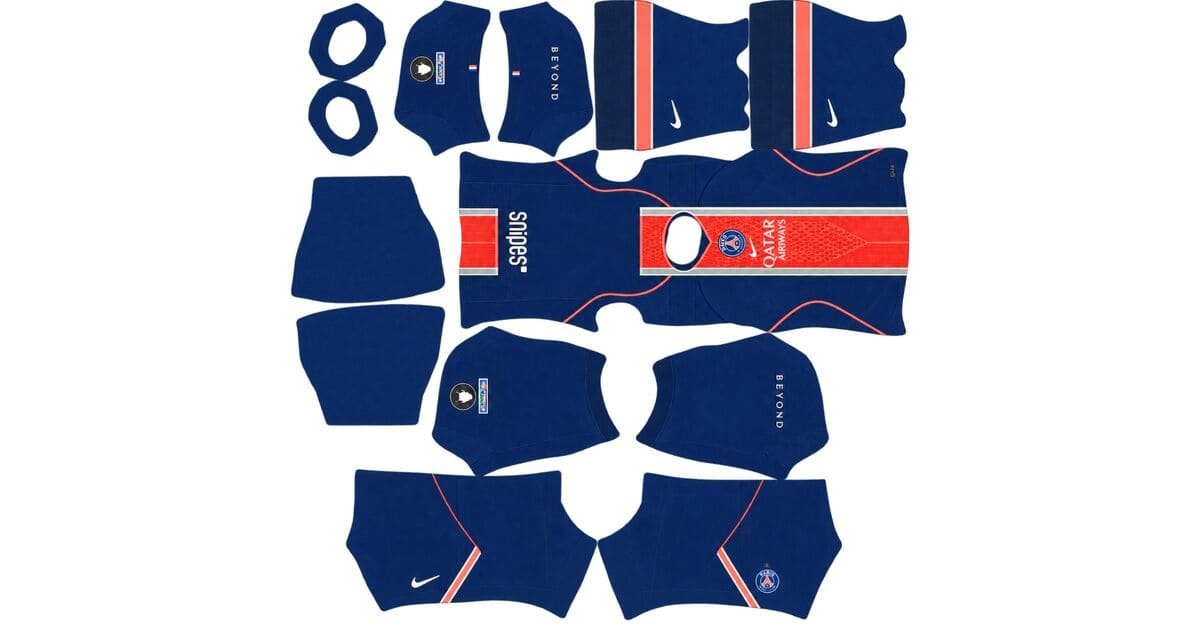
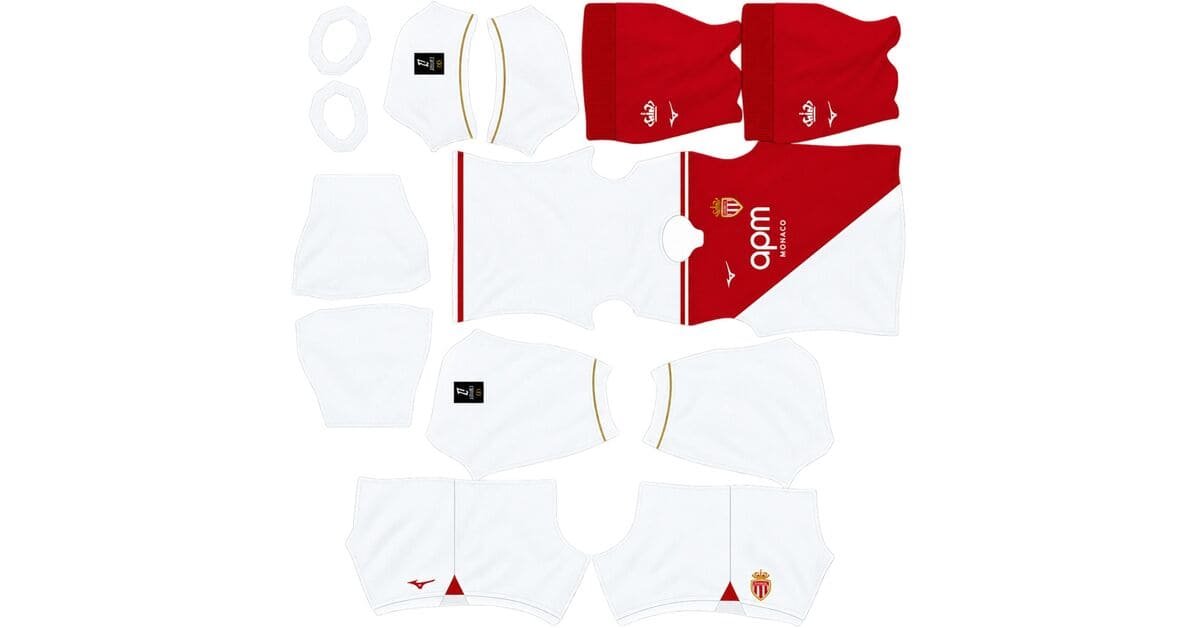
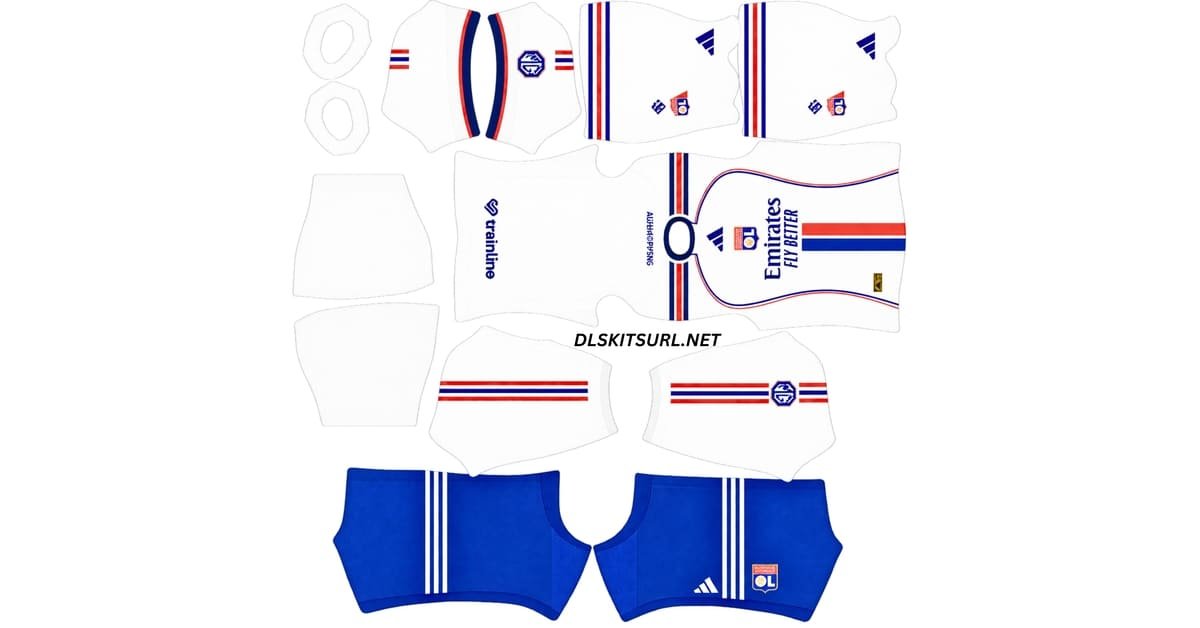
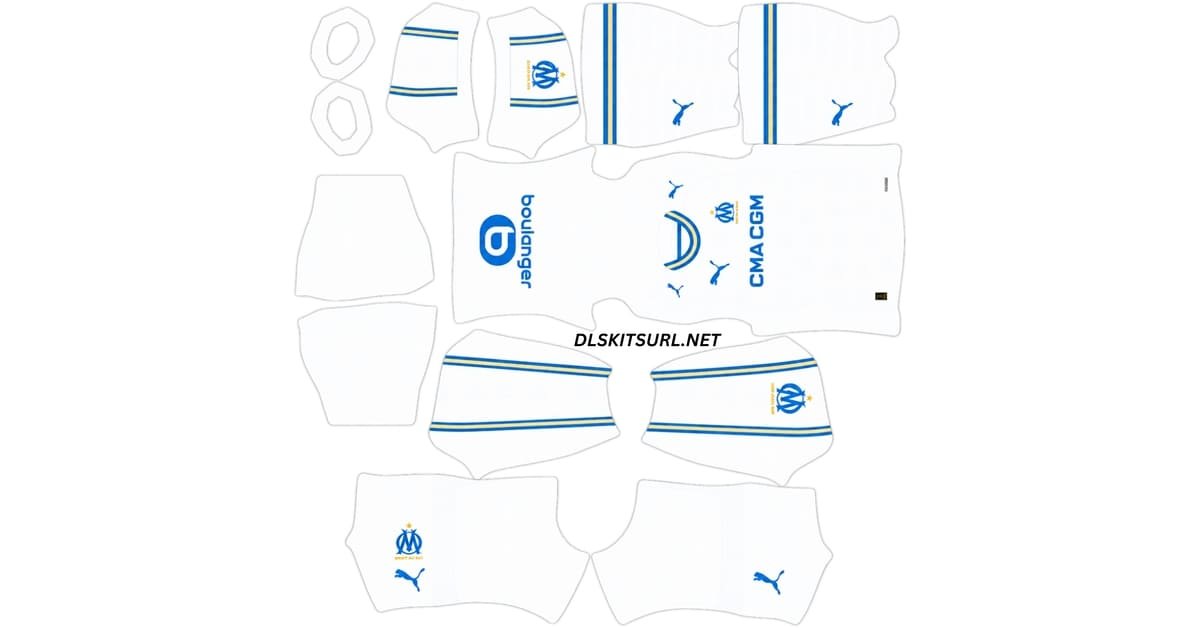
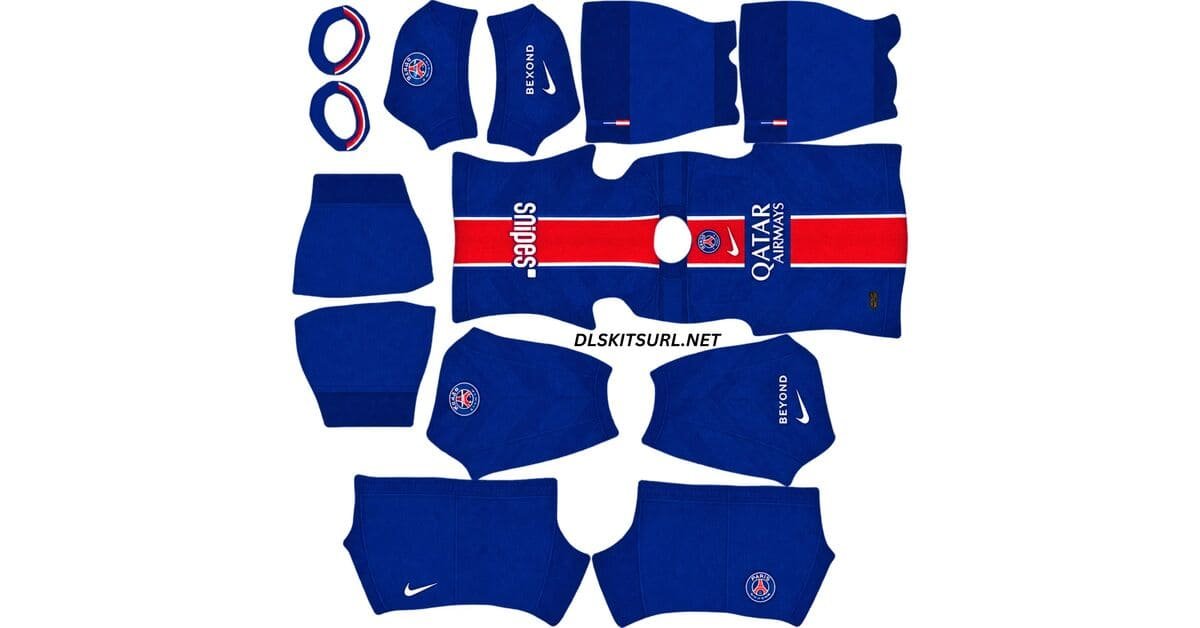
Saudi Pro League
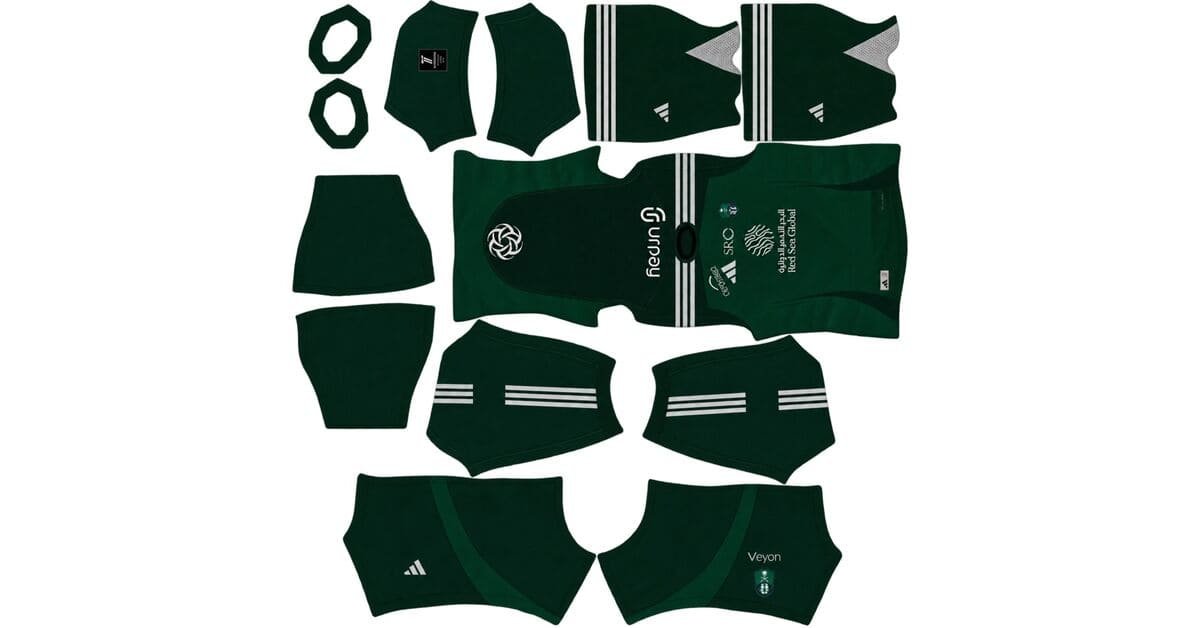
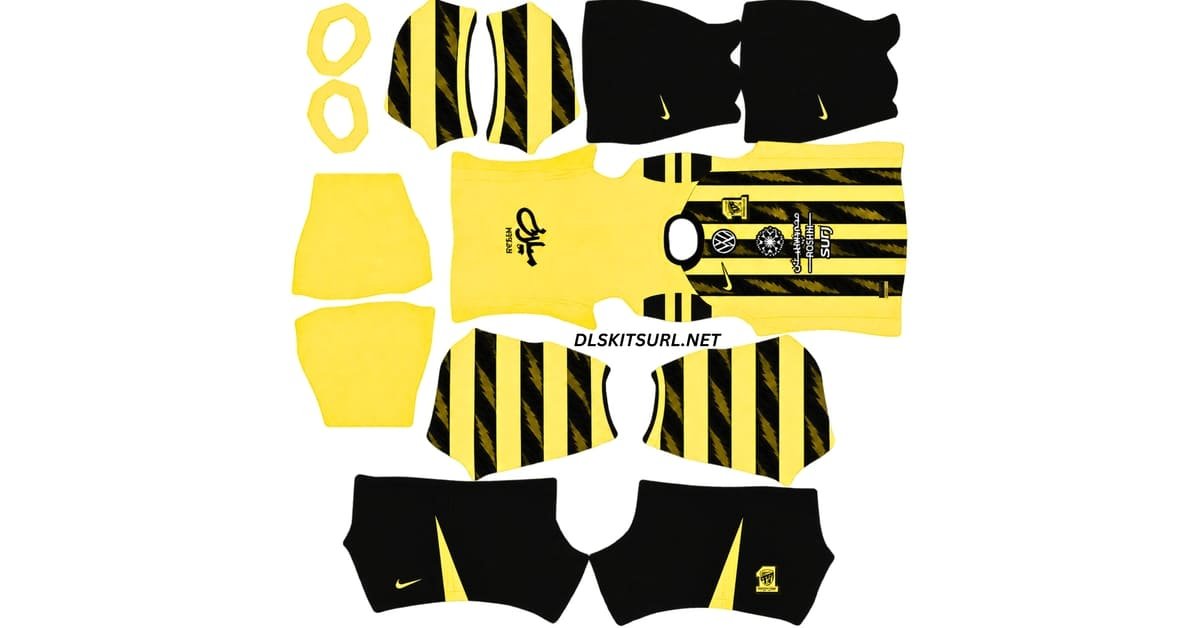
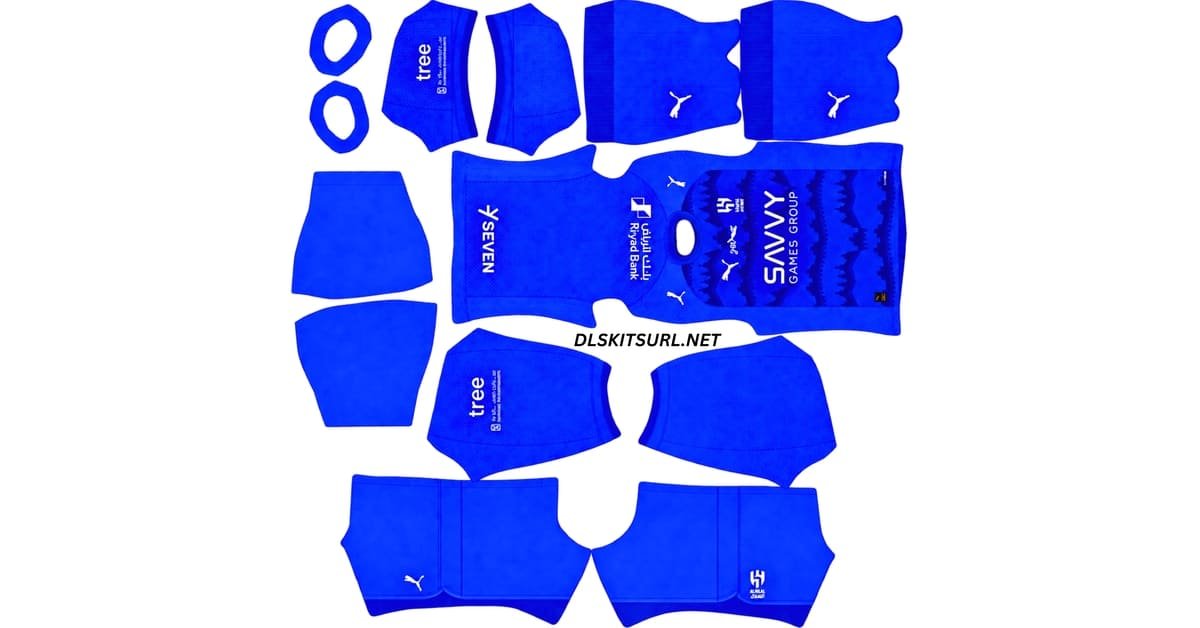
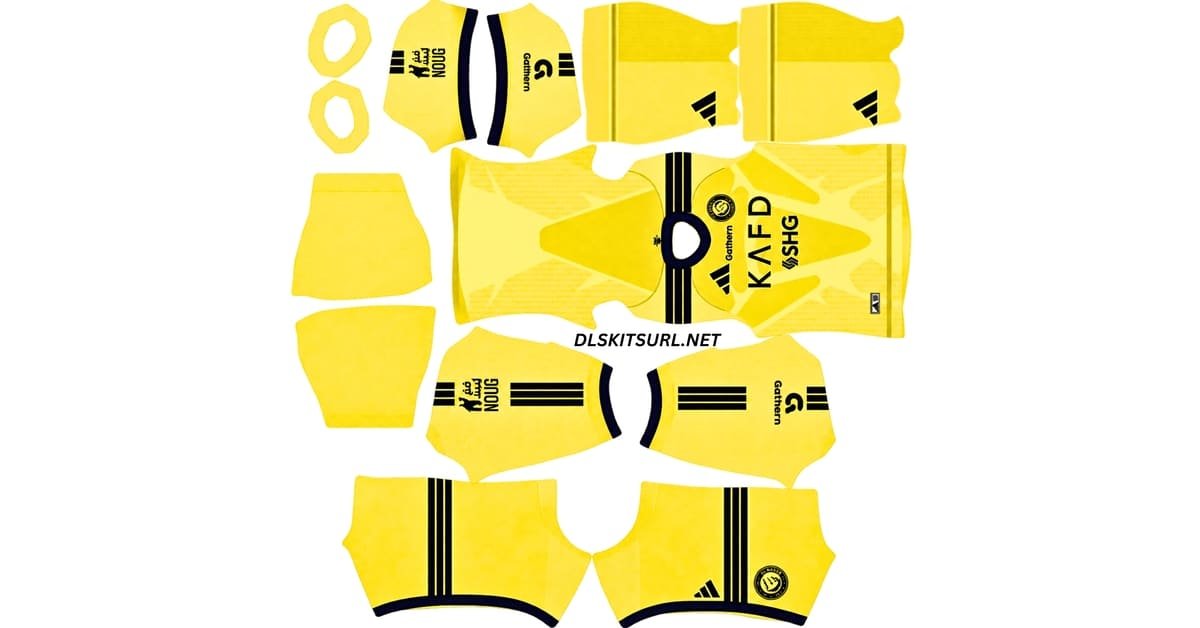
Turkish Süper Lig
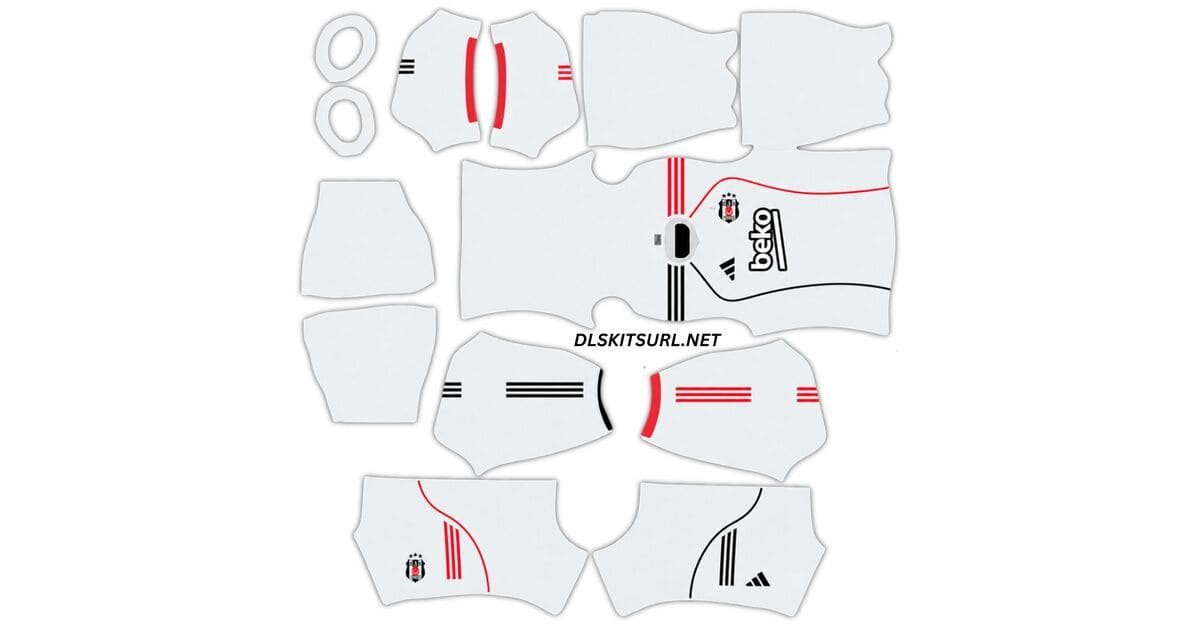
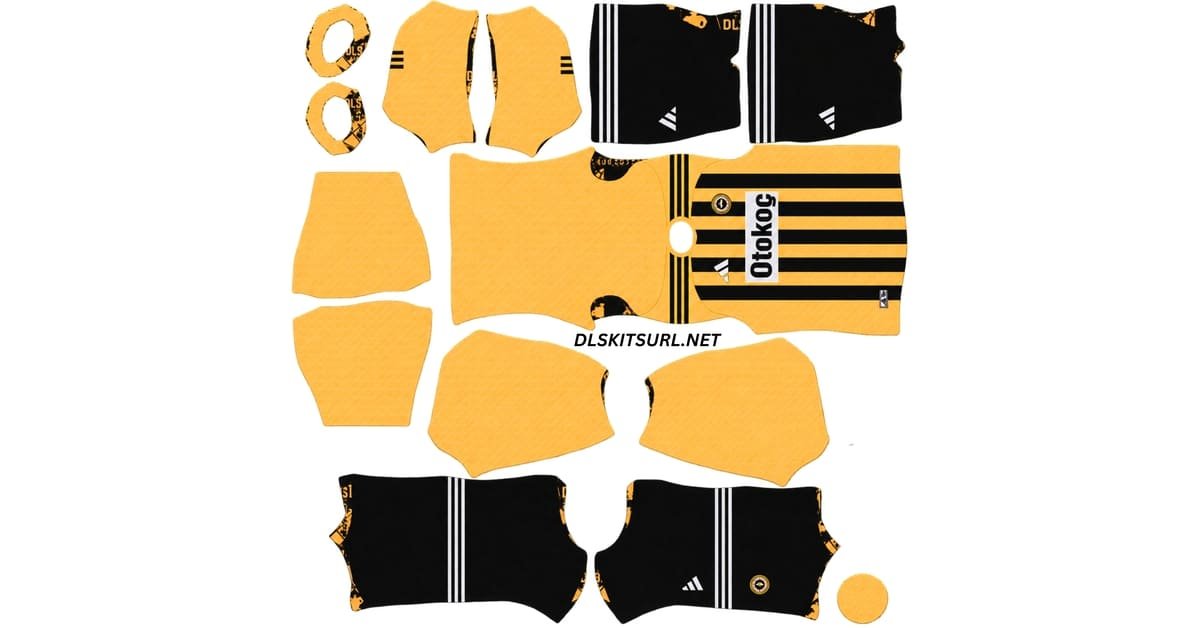
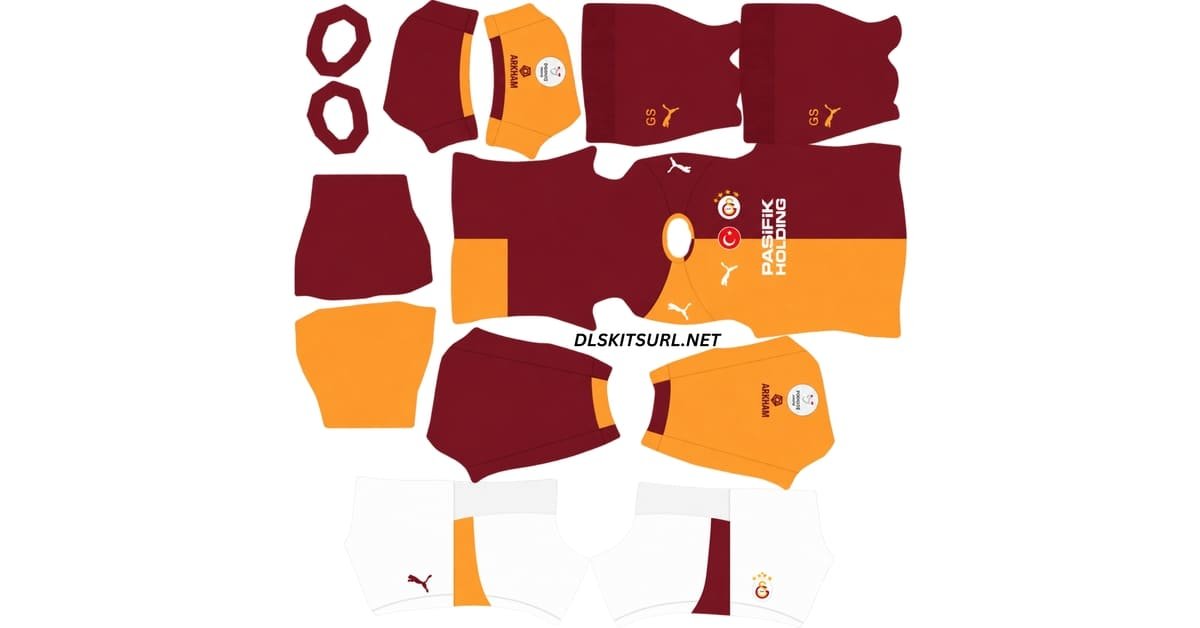
MLS
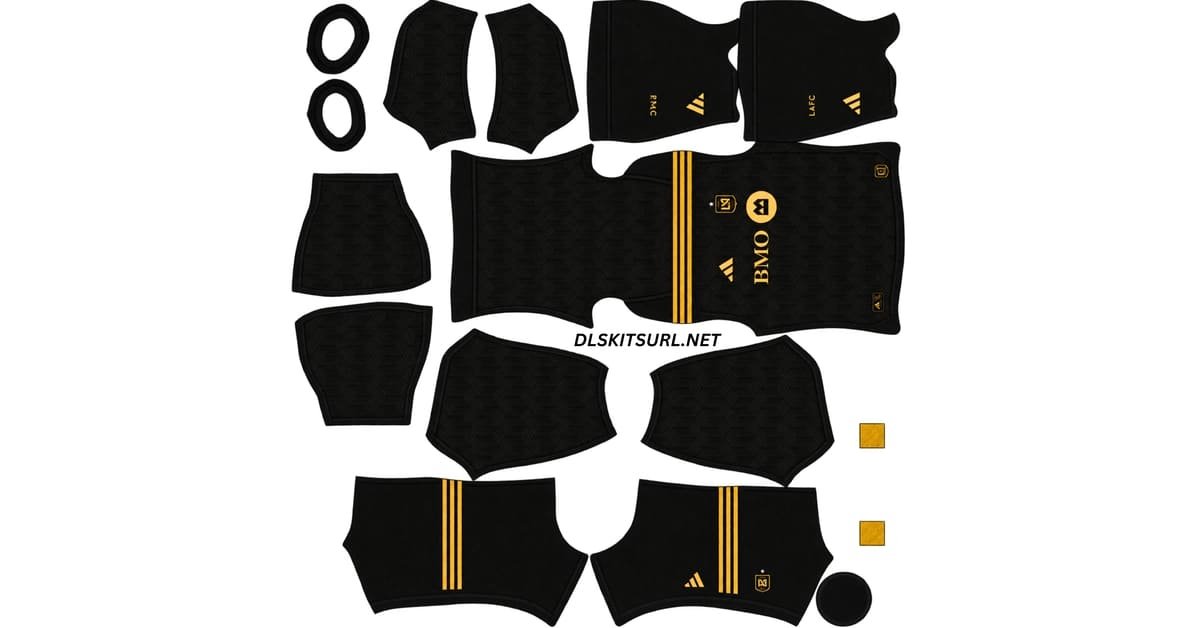
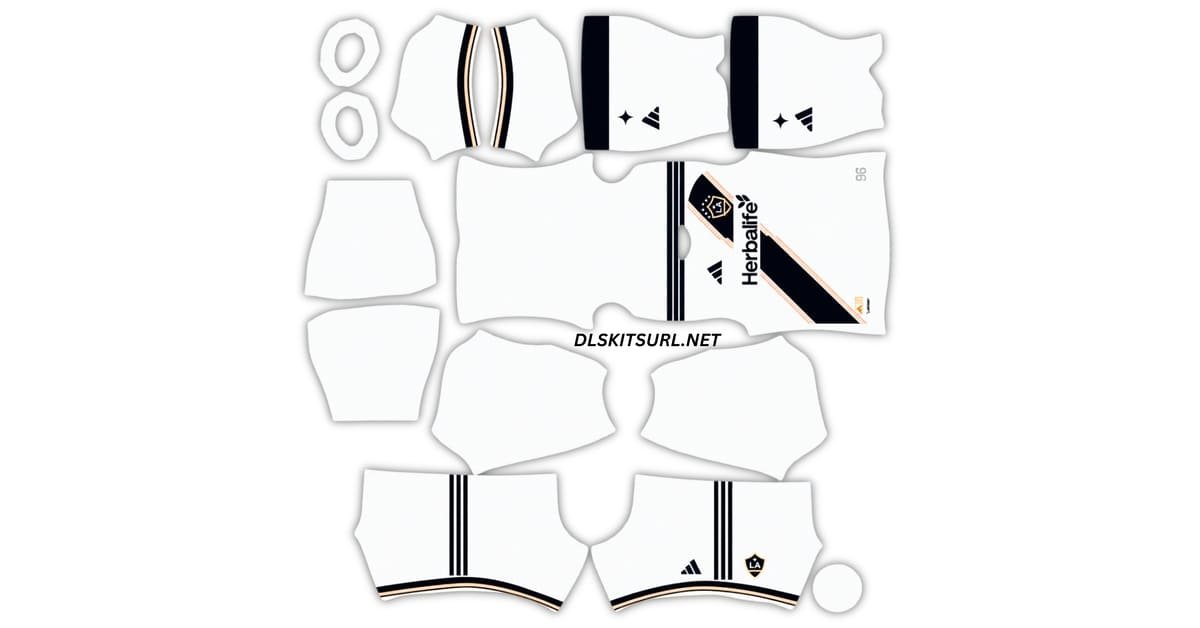
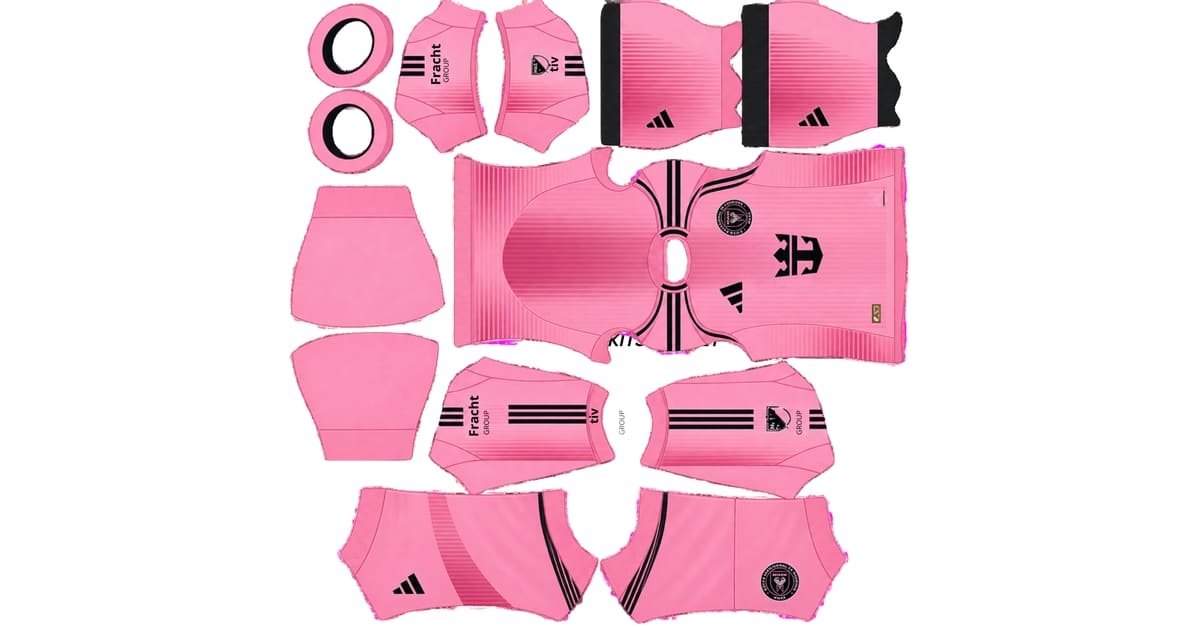
Special Kits
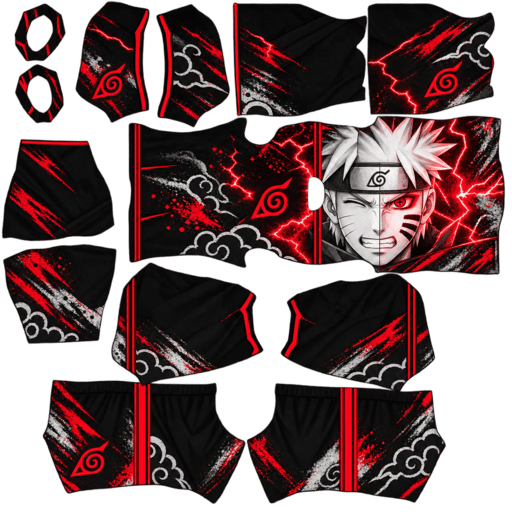
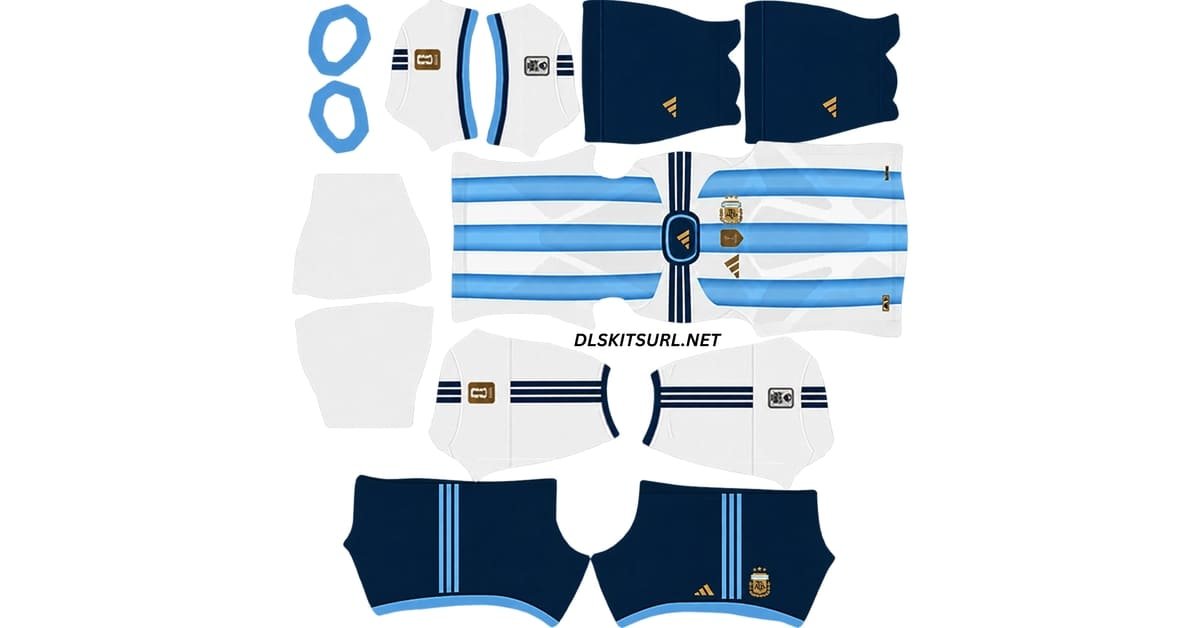
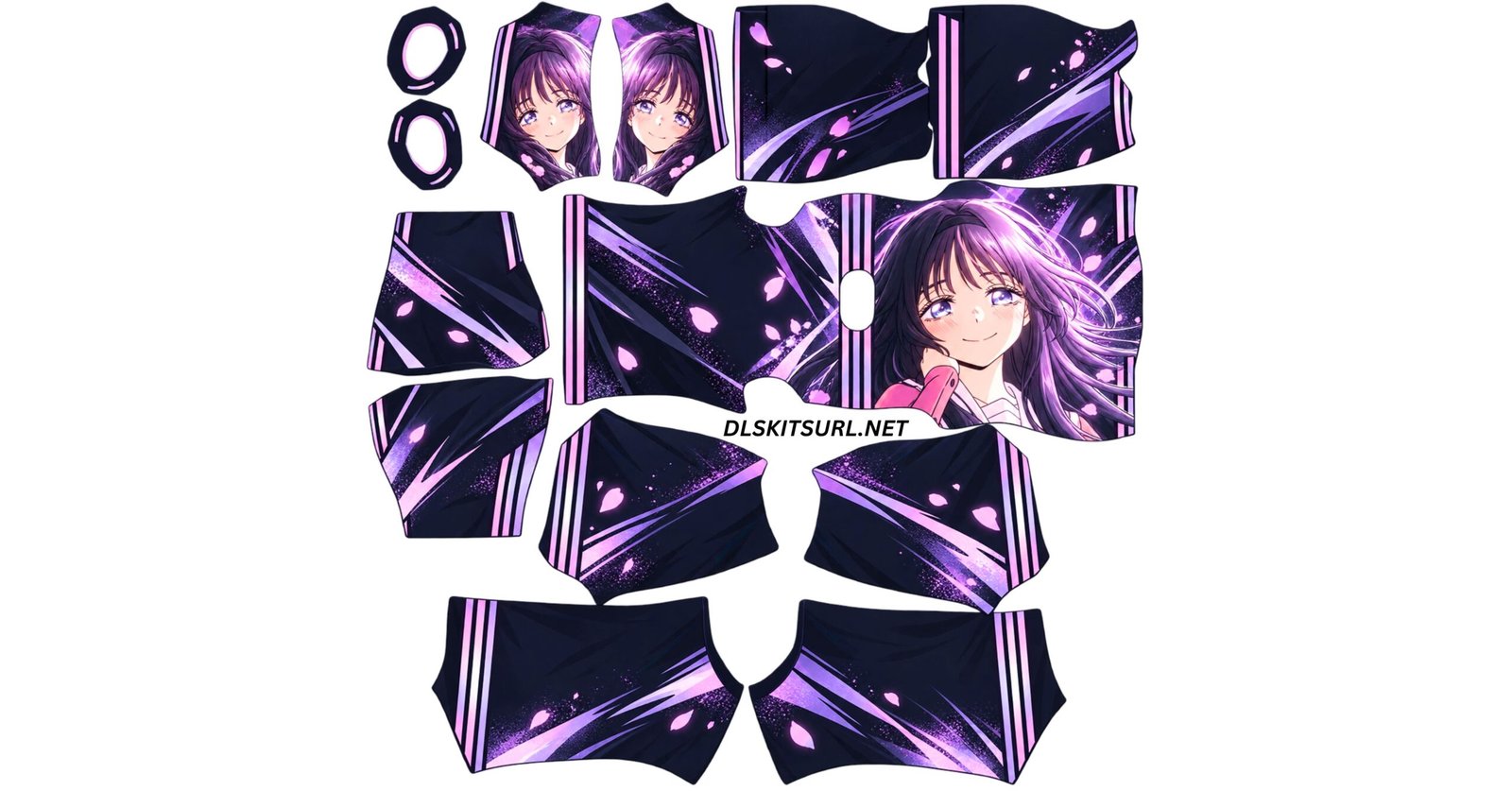
This page brings together Dream League Soccer kits from major leagues, national teams and special collections. The links published here are intended to point directly to the kit images rather than normal webpages, and the collection is checked throughout the season so broken or outdated links can be identified and replaced.
All links above are loaded into the game prior to this page, and are rechecked throughout the season.
If your team’s kit is not listed here, click the search icon at the top right and enter your team name.
What is a DLS kits URL?
A DLS kits URL is the direct web address of a custom Dream League Soccer kit image. The important word here is direct. The URL must open the actual image file. It should not send you to a download page, image gallery, social media post, or website containing the image. A typical working kit URL points directly to a .png file.
When you paste the URL into Dream League Soccer, the game connects to that address, downloads the kit texture, and applies it to the selected kit slot. For standard DLS custom kits, the image is normally prepared at 512 x 512 pixels using the Dream League Soccer kit template.
How to import DLS Kit in Dream League Soccer
A quick guide to copying a kit URL and importing it into Dream League Soccer in a few taps.
Copy the kit URL
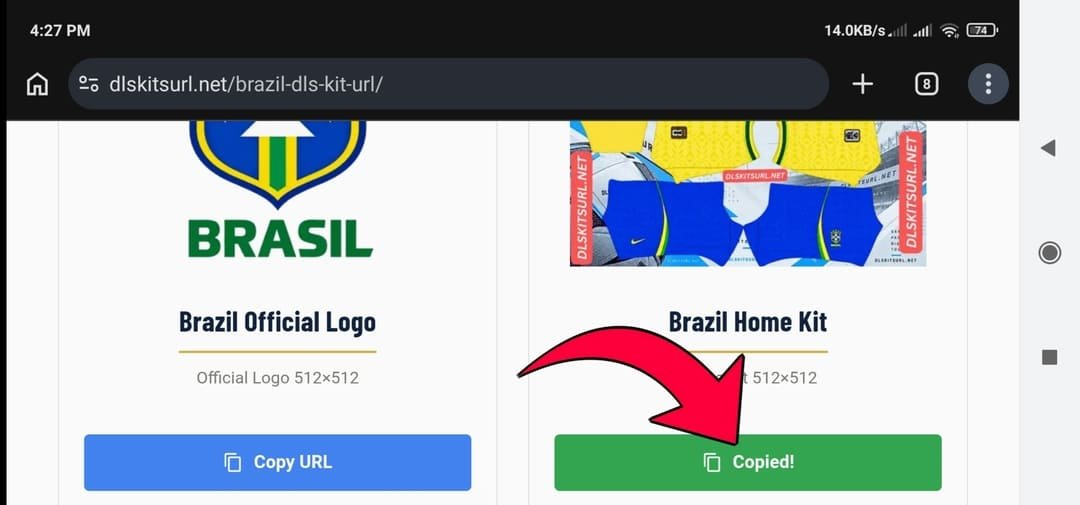
Find the kit you like on our site and tap the “Copy URL” button below it. The link is now saved on your phone.
Open My Club
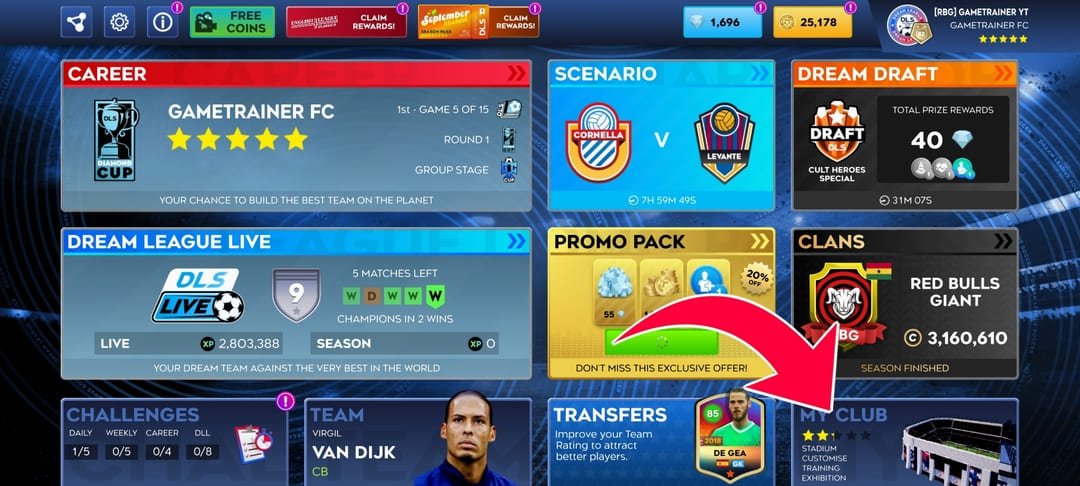
Open Dream League Soccer and tap “My Club” at the bottom right of the screen.
Go to Customise
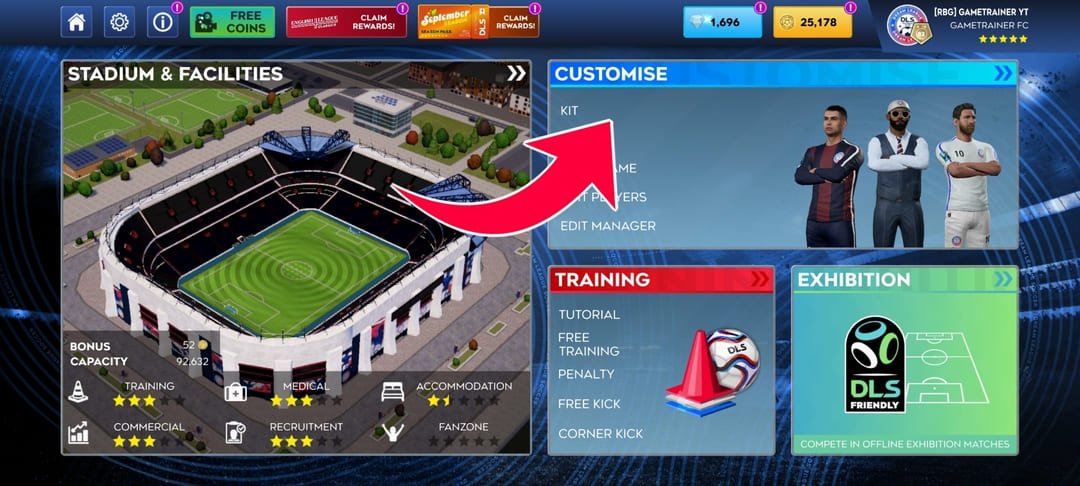
Now tap “Customise.” This is where you can change your team’s kit, logo, and more.
Tap Edit Kit
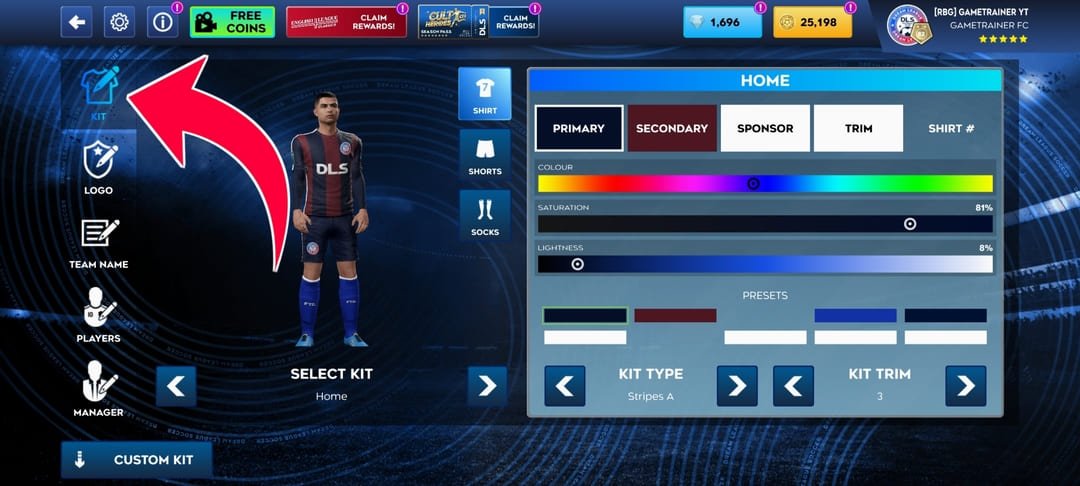
Tap “Edit Kit,” then choose which kit you want to change: Home, Away, Third, or Goalkeeper.
Tap Custom Kit
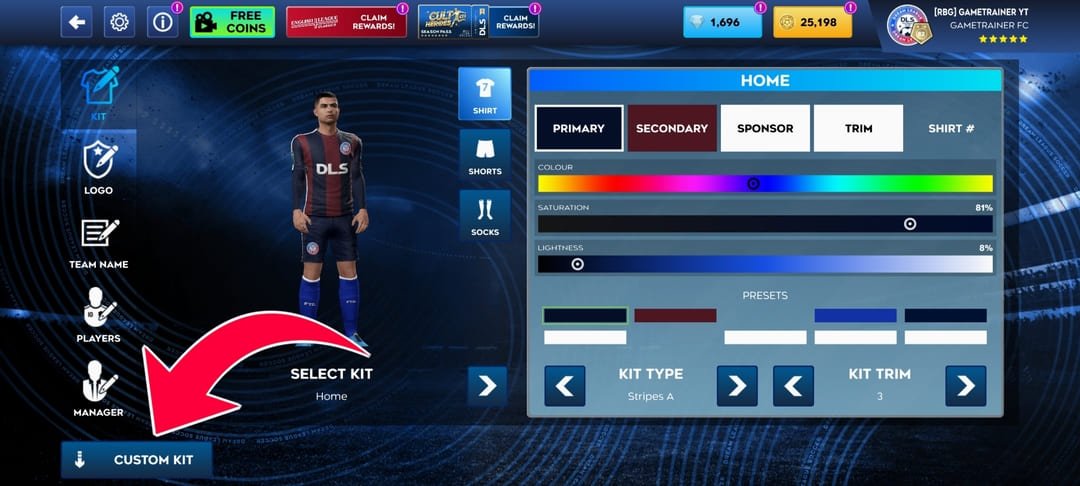
You’ll see a “Custom Kit” button. Tap it, and a box will open.
Paste the URL
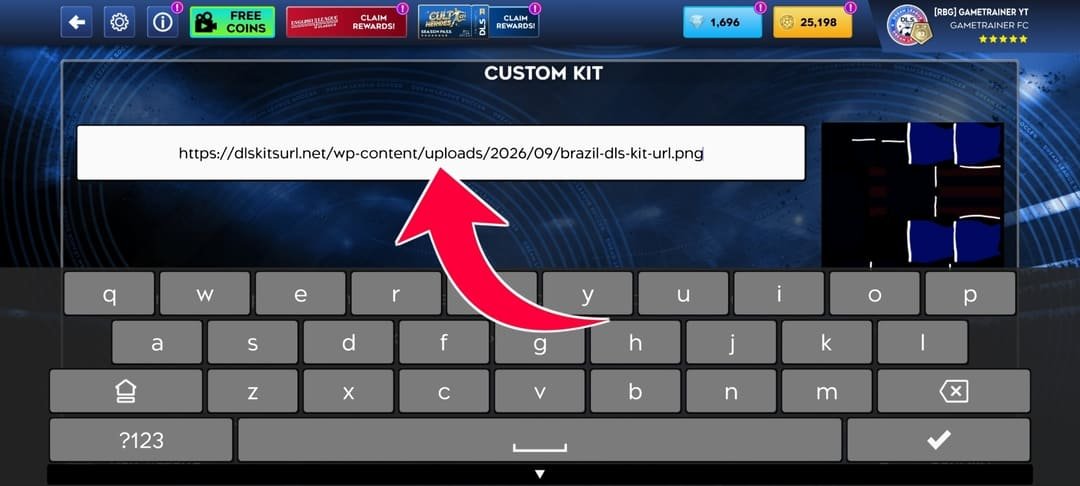
Press and hold inside the box, then tap “Paste.” The kit link you copied will appear.
Tap Confirm
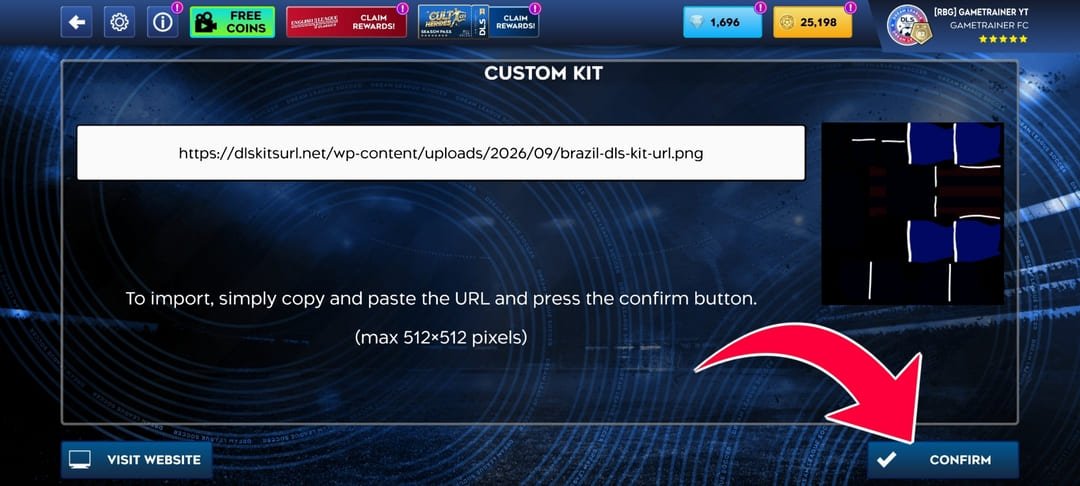
Tap “Confirm,” and that’s it! Your new kit is ready, and your players will wear it in your next match.
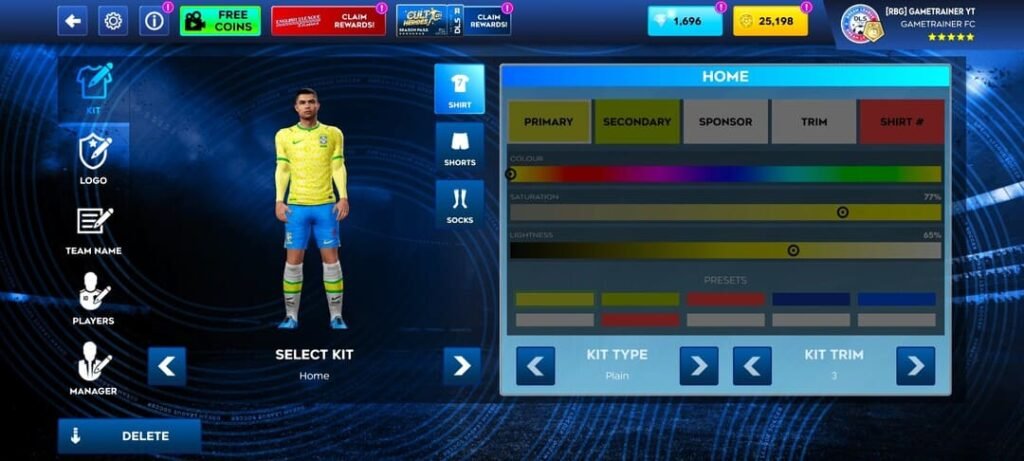
Step by Step Video Guide to Importing DLS Kits
Custom Kit Unlock Requirement
Dream League Soccer may require the custom-kit feature to be unlocked before you can paste your own URLs. According to the supplied guide, this is handled through the game’s in-game currency system, although exact prices and menu wording can vary between versions and platforms.
Once the customisation option is available, you can replace previously imported kits whenever needed. If you cannot find a URL field or Custom Kit option, check whether the feature is unlocked before assuming the link itself is broken.
How to Test a DLS Kits URL Before Importing It
Testing the URL in your browser first can save time.
Before opening Dream League Soccer, paste the kit URL into your browser and check the following points.
Check that the DLS Kits URL opens
- A working link should load normally.
- If you see a 404 error, missing-image message, server error, or deleted-file notice, the URL is no longer usable.
- Dream League Soccer cannot download an image that is no longer available online.
Check that you are viewing the image itself
- The kit image should normally open by itself.
- If you see navigation menus, adverts, comments, download buttons, or other website content around the image, you are probably viewing a webpage rather than the direct image file.
- You need the image address instead.
Check the file format
- A DLS custom kit is normally provided as a PNG image.
- Direct kit URLs commonly end with:
- .png
- Remember that some links redirect. Check the final address shown in your browser after the image has loaded.
Check the image dimensions
The recommended DLS kit dimensions are:
- 512 x 512 pixels
- On a computer, you can often check this by opening the image in a separate tab or viewing its image properties.
- Using the proper dimensions helps the kit display more clearly and align correctly with the game’s player model.
How to Identify an Upscaled DLS Kit
- Not every file labelled 512×512 was originally created at that resolution.
- Some kit images begin as smaller files such as 256×256 and are later enlarged to 512×512. Technically, the image then has the correct dimensions, but enlarging a small image cannot recreate details that were missing from the original.
- The result may look blurry or soft in Dream League Soccer.
Zoom in on detailed areas
Open the kit image and zoom in on:
- Stripes
- Collar edges
- Sleeve details
- Sponsor graphics
- Badges
- Pattern boundaries
A well-made 512×512 kit normally has relatively clean edges.
An upscaled image often shows noticeably blurred transitions or soft edges across several pixels.
Look at the overall detail
- File size can sometimes provide a clue, although it should not be used as the only test.
- A detailed PNG may naturally be larger than a very simple design. A surprisingly small file combined with blurry edges can indicate that the source image was low resolution.
- Complex patterns, thin stripes and textured designs usually show upscaling problems more clearly than plain shirts.
Why Is My DLS Kits URL Not Working?
Several problems can prevent Dream League Soccer from importing a custom kit.
The URL is not a direct image link
- This is one of the most common problems.
- You may have copied the webpage address instead of the image address.
- Open the link in your browser. If the page contains menus, buttons or other website content, find the actual kit image and copy its direct image address.
Part of the URL is missing
- A missing character can make the entire link invalid.
- The same applies to accidental spaces before or after the URL.
- Copy the complete address again and paste it carefully.
The image dimensions are incorrect
- Using the wrong image size may cause poor quality or prevent the kit from displaying correctly.
- A standard Dream League Soccer custom kit should be prepared at 512×512 pixels.
The wrong kit template was used
- A PNG can be the correct size and still display incorrectly.
- Dream League Soccer wraps different parts of the kit image around different areas of the 3D player model. If the design was made using an incompatible template, sponsors, stripes, sleeves or other details can appear in the wrong place.
- In this situation, changing the URL will not fix the design. You need a kit created with the correct DLS template.
The custom kit option is locked
If Dream League Soccer does not allow you to enter a custom URL, check whether the custom kit feature has been unlocked in your game.
Your device is offline
Dream League Soccer needs an internet connection when importing the kit because it has to download the image from the URL.
The image host is blocking the request
- Some image-hosting websites limit repeated requests or prevent other apps and websites from loading their images directly.
- This is known as hotlink protection.
- A link may therefore work perfectly in your browser but fail inside Dream League Soccer.
The old kit still appears
- Sometimes the import completes successfully but the previous kit remains visible temporarily.
- Closing and reopening Dream League Soccer may refresh the displayed kit.
Why DLS Kits URL Stop Working
A DLS kits URL can work today and stop working later.
The kit itself may be fine. The problem is often the hosting service.
The image was deleted
Free image hosts sometimes remove old or inactive files.
When that happens, the original URL remains in old posts and websites even though the actual image is gone.
Hotlink protection was enabled
Some hosts allow visitors to view an image on their website but block external apps from downloading it.
That can create a confusing situation where the image loads in your browser but Dream League Soccer refuses to import it.
The original hosting location changed
Websites sometimes display a cached thumbnail while the original full-size image is stored somewhere else.
If the external source disappears, the thumbnail may continue to appear even though the downloadable kit URL no longer works.
For this reason, reliable hosting is important when sharing DLS kit links.
DLS Kits URL Requirements
A good Dream League Soccer custom kit should follow a few basic technical requirements.
A direct, publicly accessible PNG URL is much more reliable than a link to a cloud-storage preview page or social media post.
Why Google Drive, Dropbox and Social Media Links May Not Work
A common mistake is uploading a kit to a file-sharing service and copying the normal sharing link.
These links often open a viewer page instead of the actual PNG file.
The page may also use:
- Login checks
- JavaScript
- Cookies
- Permission controls
- Temporary download addresses
- Redirects
Dream League Soccer needs to reach the image directly.
For that reason, a public direct-image URL is generally more suitable than a normal Google Drive, Dropbox or social media sharing link.
What Is a DLS Kit File?
A Dream League Soccer kit file is not simply a square photograph of a football shirt. It is a texture map.
Different parts of the 512×512 image correspond to different parts of the 3D player model, including the shirt front, shirt back, sleeves, shorts and socks. Dream League Soccer reads those areas separately and wraps them around the player.
That explains why a PNG can look completely normal when viewed as a flat image but appear wrong after import. A sponsor can move towards the side, a stripe can break at a seam or sleeve details can appear in unexpected places if the design was created on an incompatible template. breaks at a seam, or a design appears on the wrong sleeve, the template layout is probably incorrect.
Why You Cannot Simply Use a Photo of a Football Shirt
Taking a photograph of a real football shirt and resizing it to 512×512 does not create a usable DLS texture. Dream League Soccer expects every garment section to appear in a particular location within the template.
The front, back, sleeves, shorts and socks each have dedicated areas. A usable kit therefore needs to be designed from scratch on the DLS template or carefully converted so that every part of the real shirt is moved into the position the game expects.
How to Check Whether a Kit Uses the Correct Template
Look for design elements that should stay aligned after the texture is wrapped around the player. A central stripe, sponsor logo, side pattern, collar graphic or set of sleeve stripes can all reveal template problems.
If those elements appear split, stretched or pushed noticeably away from their intended position after import, the file may have been made using a different template. Changing the URL will not fix that problem because the mistake exists inside the image itself.
A correctly prepared version of the kit is required.pear split, badly stretched or pushed to one side after import, the kit may have been created using the wrong template.
How to Make Your Own DLS Kit
You can also create your own Dream League Soccer custom kit.
You will need:
- A 512×512 DLS kit template
- An image editor that supports layers
- Your team colours and design
- Logos, sponsors or patterns where required
- PNG export support
Popular editing options include desktop programs and browser-based image editors. Mobile image-editing apps can also work as long as they support accurate positioning and PNG export.
Start with the DLS template
Open the 512×512 Dream League Soccer kit template in your editor.
Keep the template visible while designing so you can see where the different body sections begin and end.
Add your design on separate layers
Create your shirt colours, stripes, patterns, sponsor graphics and other details on layers above the template.
Working with separate layers makes it much easier to adjust individual elements later.
Pay attention to template boundaries
Any graphic that crosses from one section of the template to another needs to align correctly.
For example, a stripe continuing from the front of the shirt to the back should meet properly at the seam.
Small positioning errors in the image can become very obvious once the texture is wrapped around a 3D player.
Design for the size used in the game
Small text and extremely thin details may be difficult to see during a match.
Simple shapes, clear patterns and good contrast generally remain more visible when the player is shown from a distance.
Export at exactly 512×512
When the design is complete, export the finished kit as a 512×512 PNG.
Avoid accidentally resizing the image during export.
Then upload the PNG to a host that provides a direct, publicly accessible image link.
DLS Kits URL on Android and iPhone
The basic kit-import process is similar on Android and iPhone. In both cases, you copy the direct image URL, open Dream League Soccer, select the appropriate custom-kit slot and paste the address.
The main differences usually involve clipboard behaviour and the way each operating system displays the paste menu.
Pasting on Android
On most Android devices, pressing and holding inside the custom-kit URL field brings up the Paste option. Select it, check that the full address appears correctly and confirm the import.
Pasting on iPhone
On iPhone, you may need to tap the field first to activate the cursor before the paste controls appear. Clipboard behaviour can also vary depending on the iOS version and privacy settings.
If you are importing several kits, save all the URLs in a notes app beforehand so you can copy each one without returning to the website repeatedly.
Which Dream League Soccer Versions Support Kit URLs?
The custom-kit system has been available across multiple versions of Dream League Soccer. The main differences are usually the wording and location of menu options rather than the basic import method itself.
One version may display Custom Kit, while an older build may use Download. Similarly, you may see Customise or Customise Team depending on the interface.
The essential process remains the same: open team customisation, enter the Kit section, choose a slot and paste the custom image URL.
What Happens to Custom Kits After an Update or Reinstall?
Deleting and reinstalling Dream League Soccer can remove locally stored custom-kit data. If that happens, your imported images may need to be added again.
The easiest protection is keeping a backup of every kit URL you use. Reimporting four saved links takes much less time than trying to find the same images again months later.
What Happens When You Change Phones?
Moving your Dream League Soccer account to another device does not necessarily mean every locally imported custom image will transfer with it.
Keep the direct URLs for your Home, Away, Third, Goalkeeper and logo files somewhere outside the game. A notes app, document or cloud note works well for this purpose.
Remember the Goalkeeper Kit
Dream League Soccer gives you separate slots for Home, Away, Third and Goalkeeper kits.
The goalkeeper slot is easy to overlook, especially when you are focused on recreating a club’s three main outfield shirts. Importing the matching goalkeeper design makes the full collection look more complete when all the kits appear together in the team customisation screen.
Each slot must be changed individually.
DLS Kits URL and Logos URL Are Different
DLS kit URLs and logo URLs may both point to PNG files, but Dream League Soccer uses them for completely different purposes.
A DLS logo URL belongs in the Logo section and is treated as the team’s badge. A DLS kit URL belongs in the Kit section and contains the full uniform texture used across the shirt, sleeves, shorts and socks.
Do not paste a club badge URL into the custom-kit field, and do not use a complete kit texture as the team logo.
When Do Football Clubs Release New Kits?
Football clubs do not always unveil their Home, Away and Third shirts at the same time. The home kit often arrives first, followed by the away and third later in the summer or season.
Clubs may also release anniversary shirts, cup kits, special editions, one-match designs and alternative goalkeeper kits. This means a DLS kit collection can remain incomplete for part of the season even when the available files are fully current.
If a club only has one or two 2026/27 designs available, another official shirt may still be released later.r.
How to Check the Season of a DLS Kit
Football shirts normally change every season even when a club keeps the same basic colours. Look at noticeable details such as the collar shape, sleeve trim, sponsor, manufacturer logo, pattern, stripe arrangement and colour shades.
The kit manufacturer is especially useful when a club has recently changed supplier. A logo from the previous manufacturer can immediately identify an older file.
Season labels such as 2025/26 and 2026/27 are helpful, but the actual design should always be checked rather than trusting the filename alone.
How DLS Kits URLs Should Be Checked Before Publishing
A good DLS kit library should verify more than whether an image looks attractive on a webpage. The design needs to match the correct football shirt, the direct image link needs to remain publicly available, and the file should ideally be tested in Dream League Soccer before publication.
First, confirm that the kit matches the stated club and season rather than a concept, leak or older design. Next, open the direct URL and make sure the PNG loads without login requirements or errors. Finally, recheck older links periodically because image hosts can delete files or change their access rules over time.
Browse DLS Kits URL by League
Players often search for Dream League Soccer kits by league, club or national team. Organising the library around those search patterns makes it easier to reach the correct collection quickly.
Premier League DLS Kits
Popular searches include:
- Arsenal DLS kits URL
- Manchester City DLS kits URL
- Manchester United DLS kits URL
- Liverpool DLS kits URL
- Chelsea DLS kits URL
- Tottenham DLS kits URL
La Liga DLS Kits
Popular clubs include:
Serie A DLS Kits
Common searches include:
Bundesliga DLS Kits
Popular teams include:
Ligue 1 DLS Kits
Commonly searched clubs include:
Saudi Pro League DLS Kits
Popular searches include:
National Team DLS Kits
Frequently searched national teams include:
Save Your DLS Kits URLs
Keeping a backup of your kit links is one of the simplest ways to avoid losing a custom setup. Create a note containing the URLs for your Home, Away, Third, Goalkeeper and club-logo images.
This is particularly useful if you reinstall Dream League Soccer, move to another phone or need to restore the same team later. Saving everything in one place also makes the initial import easier because you can copy each URL from the same note rather than searching for every kit individually.age again.
DLS Kits URL FAQ
What is a DLS kits URL?
A DLS kits URL is a direct web address pointing to a custom Dream League Soccer kit image. The standard kit format is normally a 512×512 PNG created using the DLS kit template.
What Size Should a DLS Kit Be?
A standard Dream League Soccer custom kit should be 512×512 pixels. Using the correct dimensions helps the shirt, sleeves, shorts and socks align properly on the player model.
What File Format Should a DLS Kit Use?
PNG is the most commonly used format for Dream League Soccer custom kits because it preserves clean graphics and supports transparent areas.
How Do I Import a DLS Kit URL?
Copy the direct kit URL, open Dream League Soccer, go to My Club and Customise, choose the Kit section and select the slot you want to replace. Tap Custom Kit, paste the URL and confirm.
Why Is My DLS Kits URL Not Working?
The URL may point to a webpage instead of the image, contain a missing character, use an incompatible template, point to a deleted file or be hosted on a server that blocks external requests.
Why Does My DLS Kit URL Work in a Browser but Not in the Game?
The image host may be using hotlink protection. This can allow the image to load directly in your browser while preventing Dream League Soccer from downloading it.
How Can I Tell if a DLS Kit Is Really 512×512?
Check the image properties or dimensions in your browser. You should also inspect sharp edges because a smaller image can be enlarged to 512×512 while remaining blurry.
Why Does My DLS Kit Look Blurry?
The source may have been created at a smaller resolution and enlarged later. Upscaling changes the image dimensions but cannot restore missing detail.
Why Does My Kit Look Correct as a PNG but Wrong in DLS?
The file may use the wrong kit-template layout. Dream League Soccer maps different parts of the image onto different sections of the player model, so incorrect positioning can move stripes, sponsors or sleeves.
Can I Use a Photo of a Football Shirt as a DLS Kit?
No. A normal shirt photo does not place the front, back, sleeves, shorts and socks in the positions required by the DLS template.
Can I Make My Own DLS Kit?
Yes. Start with a 512×512 DLS kit template, use an editor that supports layers, design each garment section carefully and export the finished image as a PNG.
Can I Import Home, Away, Third and Goalkeeper Kits?
Yes. Dream League Soccer provides separate slots for Home, Away, Third and Goalkeeper designs, and each one must be imported individually.
Amazing work! The website looks clean, useful, and very well organized. The kits are fantastic and really easy to use. Keep it up!
Thank you so much for your positive response. We are glad that it’s helpful for you. 🙂
I need UEFA champions league (league phase ) anda CAF champions league and other champions league I dls
Sure. We will upload that soon.