
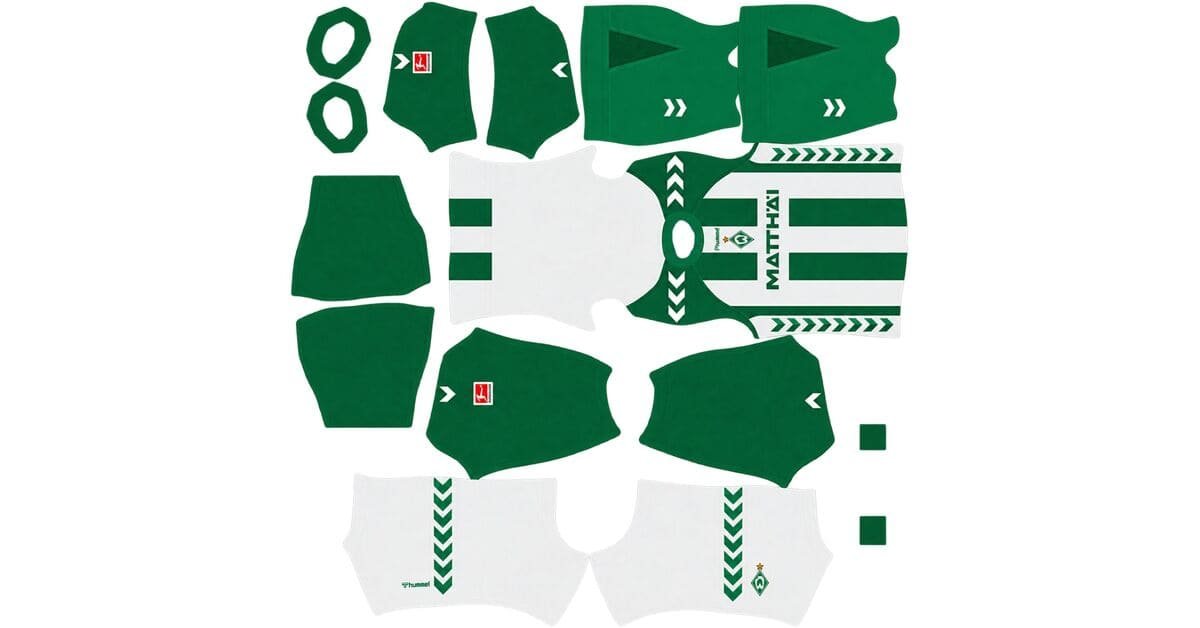
A Werder Bremen DLS kits URL is a direct link to a 512×512 PNG shirt that you can import into Dream League Soccer. All the kit options are listed below, and each image has been loaded into the game before being published here.
SV Werder Bremen Logo
Official Logo 512×512 (2026/27)
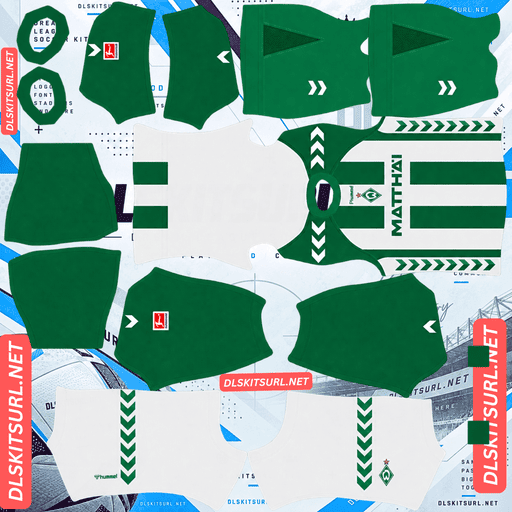
SV Werder Bremen Home Kit
Home Kit 512×512 (2026/27)
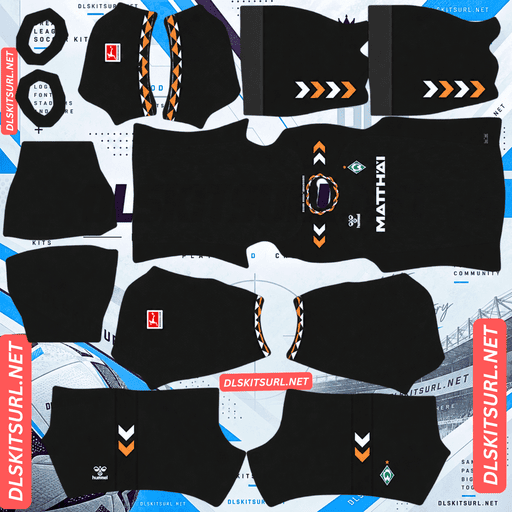
SV Werder Bremen Away Kit
Away Kit 512×512 (2026/27)
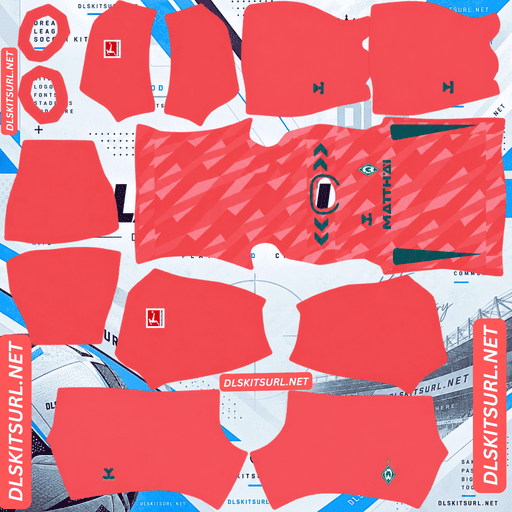
SV Werder Bremen Third Kit
Third Kit 512×512 (2026/27)
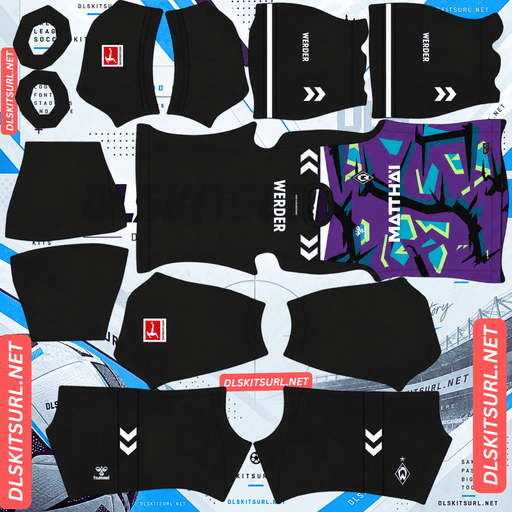
SV Werder Bremen GK Home Kit
GK Kit 512×512 (2026/27)
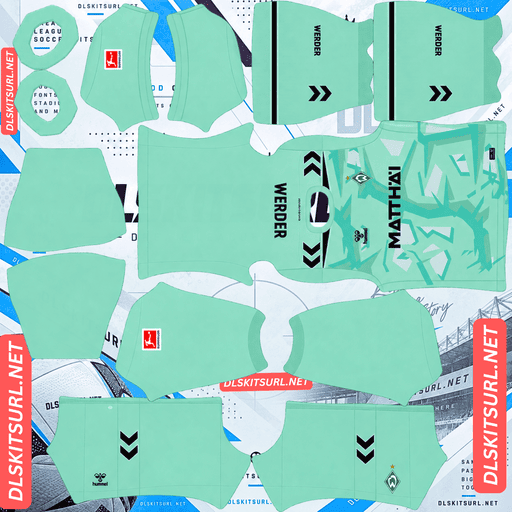
SV Werder Bremen GK Away Kit
GK Away Kit 512×512 (2026/27)
Hummel produced four shirts for the 2026/27 season under the theme “The Fabric of Werder,” inspired by Bremen’s textile heritage. However, the designs behave differently in Dream League Soccer: some retain their defining details, while others lose important elements when converted into flat images.
The Weserstadion Turns 100
The Weserstadion opened on 17 October 1926, and Werder Bremen marked its centenary with a special-edition shirt.
The commemorative kit features a clean white base, delicate green piping and tonal white branding. Its minimalist design celebrates the stadium without relying on bold colours or oversized graphics.
The main commemorative detail is a stadium graphic accompanied by text on the inside of the collar.
Why the Centenary Detail Cannot Appear in DLS
The inside of the collar is not mapped by the Dream League Soccer kit template. Details printed on that interior surface cannot be imported, regardless of the manufacturer.
Unfortunately, that means the feature specifically marking the Weserstadion’s 100th anniversary is also the feature that cannot transfer into the game.
The rest of the shirt presents another challenge: its branding is tonal white on white. Because the colours are so similar, the design intentionally avoids strong contrast.
What you will see in-game: a clean white shirt with green piping. The overall appearance remains accurate and elegant, but the commemorative detail that explains the shirt’s significance is missing.
When checking the centenary file, focus on the green piping, as it is the clearest contrasting feature on the shirt.
Four Shirts, Three Outfield Slots
Werder Bremen released more designs than Dream League Soccer can accommodate in its three outfield-kit slots.
Kit
Main colours
Release date
Home
Green and white stripes
July 2026
Away
Dark green
3 August 2026
Third
Coral red
1 July 2026
Centenary
White
September 2026
Dream League Soccer provides home, away and third kits, along with a separate goalkeeper kit. That means one of the four outfield designs must remain outside the main rotation.
My recommendation: keep the home kit, because its green and white stripes are essential to Werder’s traditional identity. The coral third kit is also an excellent choice because its contrasting colours remain clear in-game. For the final slot, choose between the dark green away shirt and the white centenary edition.
You can change kits without paying additional gems after the initial unlock, so there is no need to abandon the centenary shirt permanently. You can rotate it in for a special commemorative match.
Which Werder Bremen Kit Survives Best in DLS?
The coral third kit performs best, mainly because of its strong colour contrast.
Three of the four shirts use tonal patterns, where the design appears in shades similar to the base colour. These patterns are among the first details to disappear when a shirt is reduced to a 512×512 image.
The important difference is what each design places over its tonal pattern: some use strong contrasting colours, while others rely on subtle fabric details.
Third Kit — Petrol Green on Coral Red
Released on 1 July 2026, the third kit breaks away from Werder Bremen’s traditional green and white colours.
Its base is coral red (Korallrot), with an all-over tonal geometric pattern across the front and back. The design draws inspiration from Bremen’s allotment gardens, the Weserstadion and what the club described as Hanseatic serenity.
Petrol green appears on the Hummel logo, shoulder chevrons, sleeve detailing and Matthäi sponsor. A gold star sits above the club crest on the left chest.
Petrol green against coral red creates a strong contrast. The tonal geometric pattern may become less noticeable in Dream League Soccer, but the colours and branding that identify the shirt remain prominent.
Green shorts and coral socks complete the look.
Away Kit — The Woven Pattern Disappears
Released on 3 August 2026, the away shirt features a deep dark-green base with subtle tonal stripes woven into the fabric. The design reflects Bremen’s textile heritage.
Woven patterns rely on light interacting with raised and recessed threads. A flat kit image cannot reproduce the actual depth of the fabric, so the subtle stripes may become almost invisible against the dark green background.
However, the collar provides a useful contrast point.
Hummel added a distinctive orange, white and dark green diamond pattern to the collar and sleeve cuffs. Unlike the woven body pattern, these colours are clearly defined and do not depend on physical texture.
Judge the away file by its collar diamonds. If the shapes and colours remain sharp, the image is likely to be good quality, and the shirt should still be recognisable as Werder Bremen.
Home Kit — The Most Reliable Design
Released in July 2026, the home kit is the most straightforward of the four to reproduce in Dream League Soccer.
It features classic green and white vertical stripes. The bands are relatively wide, the colours contrast clearly, and the vertical layout is comparatively simple to align on the kit template.
Because the design relies on large areas of contrasting colour rather than subtle fabric effects, a decent 512×512 image should reproduce the home shirt well.
Where Does the Gold Star Sit?
The gold star sits above the crest on the left chest of the third kit. Check its position before importing the design.
Werder’s championship star represents the club’s Bundesliga titles. On the coral third shirt, it appears directly above the club crest.
Dream League Soccer places your imported badge in a fixed position on the chest, over the shirt image. Depending on the layout, the badge you import could overlap the printed crest or sit close to the gold star.
Before choosing a badge, open the kit image at full size and inspect the left chest.
This differs from the issue with Uruguay and France, where stars included in a crest image may be cut off by the game’s circular logo crop. On Werder’s third shirt, the star is printed directly on the shirt, so the main concern is overlapping elements rather than the star being cropped away.
The Away Kit Was Leaked as Black
There is one important detail to remember when identifying the correct 2026/27 away shirt.
Early leaks described Werder Bremen’s away kit as a black shirt with white and orange trim. That description circulated before the official release and led to confusion about the final design.
The released away kit is dark green, not black. If you find a black Werder away shirt labelled 2026/27, it is based on the earlier speculation rather than the released design.
Norway’s away kit generated similar confusion this season for a comparable reason.
What Number Colours Work on Werder Bremen’s Kits?
Dream League Soccer uses two small colour swatches on the kit template to control the numbers. One determines the shirt numbers, while the other controls the shorts numbers. The game does not automatically take these colours from the imported image.
Recommended colours for each kit:
Home: black or orange. Green and white stripes make either of Werder’s traditional colours disappear against part of the shirt, so a contrasting number colour is more practical.
Away: white or orange against the dark green shirt. Both options complement the diamond pattern on the collar.
Third: petrol green to match the branding against the coral base. White is another clear option.
Centenary: green to match the piping. White numbers would be difficult to see against the white shirt.
Set the shirt and shorts number colours separately. This is particularly important for the third kit, which combines a coral shirt with green shorts.
How Visible Are Werder Bremen’s Kits on the Pitch?
The coral third kit is the easiest to track, while the dark green away kit is the least visible against the grass.
Dream League Soccer displays players at a relatively small size, so the contrast between a shirt and the pitch can affect how easily you recognise a team.
Coral third kit: coral red contrasts strongly with the green grass, making the shirt the most noticeable of the four. The petrol green branding also adds contrast within the design.
Green and white home kit: the alternating white bands help define the player’s silhouette. This makes the home shirt easier to distinguish than a completely green design.
Dark green away kit: the base colour sits relatively close to the colour of the pitch. Nottingham Forest, Pakistan and Young Africans face a similar visibility challenge with green-heavy designs. The orange collar diamonds provide an important point of contrast, making image quality particularly important.
White centenary kit: the white base stands out comfortably against the grass, although the shirt has a softer appearance than the coral third.
How to Tell If a Werder Bremen Kit File Is Current
Use these four checks to identify the correct 2026/27 designs:
Supplier and sponsor: look for Hummel branding and Matthäi on the chest.
Away colour: the released away shirt should be dark green, not black. Black versions are based on an early leak.
Away collar: look for the orange, white and dark green diamond pattern.
Third-kit details: the shirt should be coral red with petrol green branding and a gold star above the crest.
These features are more reliable than the filename alone when checking whether you have the correct kit.
How to Use a Werder Bremen DLS Kits URL
Copy the direct image link using the button on the kit card. Avoid copying the browser address of the article, because that usually points to the webpage rather than the shirt image.
Follow these steps:
Open Dream League Soccer.
Tap My Club.
Select Customise.
Open the Kit section, not Logo.
Choose the slot you want to replace.
Press and hold the URL field, then tap Paste.
Tap Confirm. Older versions may display Download instead.
Choose the slot before pasting the URL, because the currently selected slot is the one that will be replaced.
Werder have four shirt designs but only three outfield-kit slots. Decide which three you want to use before importing them. You should also check the goalkeeper slot rather than leaving the default design in place.
The first custom kit requires a one-time gem unlock. After that, changing kits does not cost additional gems.
Test the Link First
Open the copied URL in your browser before importing it into Dream League Soccer.
A direct image link should display the shirt on its own, and the address should end in .png. If the image appears inside a webpage with navigation, headers or buttons, you may have a viewer link rather than a direct image URL.
On a computer, right-click the image and open it in a new tab to check the dimensions reported by your browser. Make sure the file is actually 512×512 pixels.
Why Do Werder Bremen Kit URLs Stop Working?
Three common issues can prevent a kit link from working, and not all are immediately obvious.
Free image hosts delete files. Some hosts remove unused uploads after months or years. The saved URL may still look correct even though the image itself is no longer available.
Hotlink protection blocks the request. Some image hosts allow a file to open in your browser but reject requests coming from another application. As a result, the image may load when you click the link but fail when Dream League Soccer tries to import it.
The preview and the copied link point to different files. A webpage may display a thumbnail stored on its own server while the copy button provides a link to an image hosted elsewhere. The preview can continue working even after the direct image link has stopped working.
For the links provided here, the displayed shirt and the copied URL refer to the same image file on the same server.
The Werder Bremen Badge
Import the club crest through the same customisation menu, but select Logo instead of Kit.
Werder Bremen’s crest is a green diamond containing a white W. Its bold geometric design makes it one of the most recognisable badges in German football.
That simplicity is useful in Dream League Soccer. The large shapes and single letter remain easy to identify at the small size used beside the match score, where more complicated designs may lose detail.
However, the game crops imported badges into a circle. Since a diamond has points at the top and bottom, a tightly cropped image may lose part of the crest.
Choose a badge file with enough transparent or empty space around the entire design.
If you want the championship star included, use a badge image that places the star above the diamond and leaves extra padding around both elements. The additional space helps reduce the risk of the circular crop cutting off the star.
Keeping Your Werder Bremen Kits
Custom kits are stored on your device rather than permanently attached to your account. Game updates usually preserve imported designs, but reinstalling the game or switching phones may remove the kits and badge.
The Weserstadion centenary shirt is a special-edition design, so save its URL even if you decide not to use it immediately.
Before importing anything, copy all four kit links into a notes app, including the design you leave out of your three main outfield slots.
Frequently Asked Questions
What is a Werder Bremen DLS kits URL?
A Werder Bremen DLS kits URL is a direct link to a 512×512 PNG shirt that you can import through Dream League Soccer’s kit screen. A working direct image link typically ends in .png.
What is the Werder Bremen centenary kit?
It is a special-edition white shirt with green piping, created to mark 100 years of the Weserstadion, which opened on 17 October 1926. The commemorative stadium graphic and text are located on the inside of the collar.
Will the Weserstadion centenary detail show in DLS?
No. The stadium graphic and commemorative text sit on the inner collar, which is not mapped by the Dream League Soccer kit template. The rest of the shirt has tonal white branding, making the green piping its clearest contrasting feature.
How many kits do Werder Bremen have for 2026/27?
Werder Bremen have four designs described here: the green-and-white striped home kit, the dark green away kit, the coral red third kit and the white Weserstadion centenary shirt. Dream League Soccer provides three outfield-kit slots.
Which Werder Bremen kit works best in DLS?
The coral third kit is the strongest option for visibility. Its tonal geometric pattern may fade, but the petrol green branding contrasts clearly against the coral base, preserving the shirt’s main identifying features.
Is the Werder Bremen away kit black or green?
The released 2026/27 away kit is dark green. Early leaks described a black shirt with white and orange trim, so black versions may still circulate online, but they are based on pre-release speculation.
Why does my Werder away kit look plain dark green?
The shirt has subtle tonal stripes woven into its fabric. Because these stripes rely on the texture of real cloth, they may disappear in a flat kit image. The orange, white and dark green collar diamonds provide the most visible detail.
What number colour works on the Werder Bremen home kit?
Black or orange are useful options because the home shirt alternates green and white stripes. Using either club colour for the numbers could make them disappear against part of the shirt.
Can I use the Werder Bremen centenary kit in the third-kit slot?
Yes. If you have a working 512×512 PNG URL, you can import the centenary design into an available custom-kit slot. You can also rotate kits later without paying additional gems after the initial unlock.