
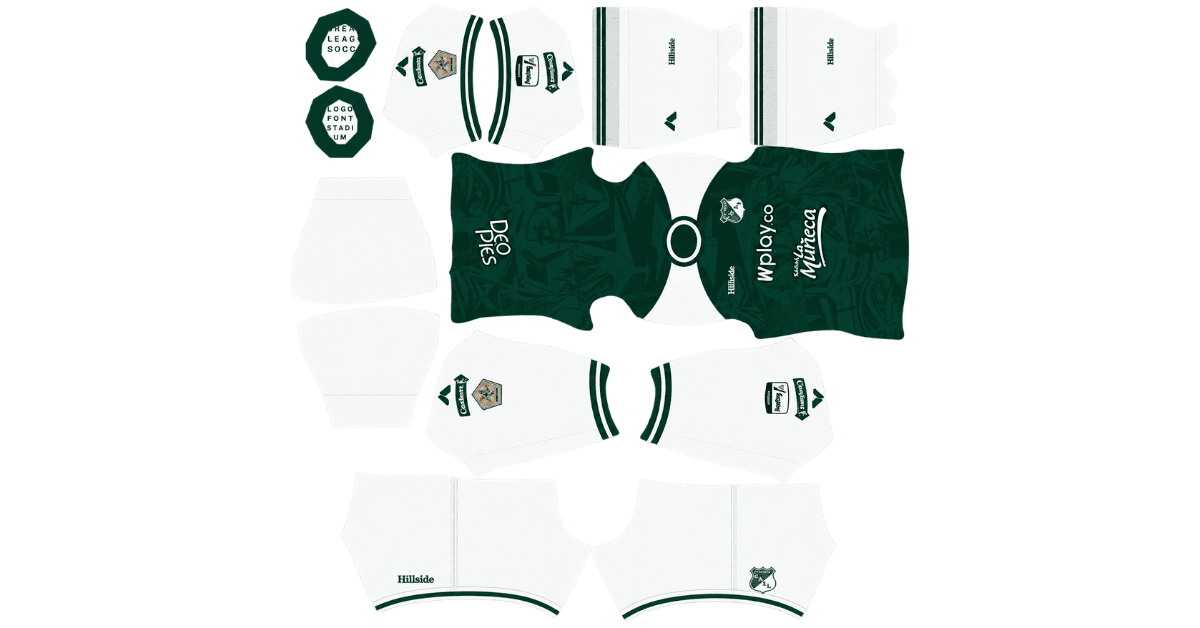
Looking for a Deportivo Cali DLS kits URL to update your Dream League Soccer team? This guide brings together direct links to 512×512 PNG kit images for the Colombian club, ready to import into the game. All four kit slots are included below, and each image has been tested in the game before being added to the page.
Deportive Cali Logo
Official Logo 512×512 (2026/27)
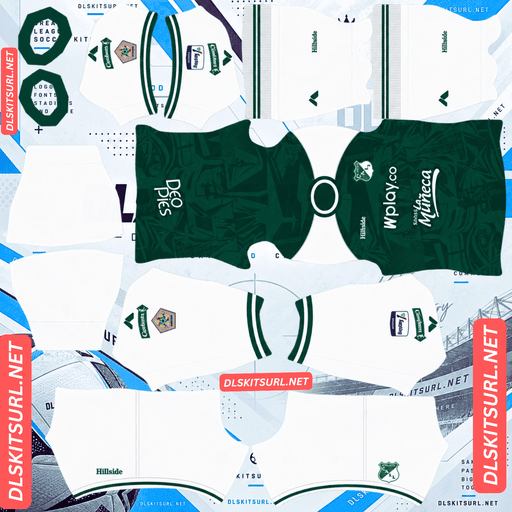
Deportive Cali Home Kit
Home Kit 512×512 (2026/27)
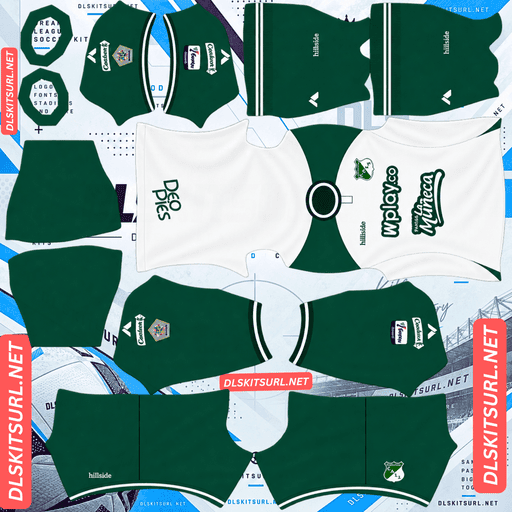
Deportive Cali Away Kit
Away Kit 512×512 (2026/27)
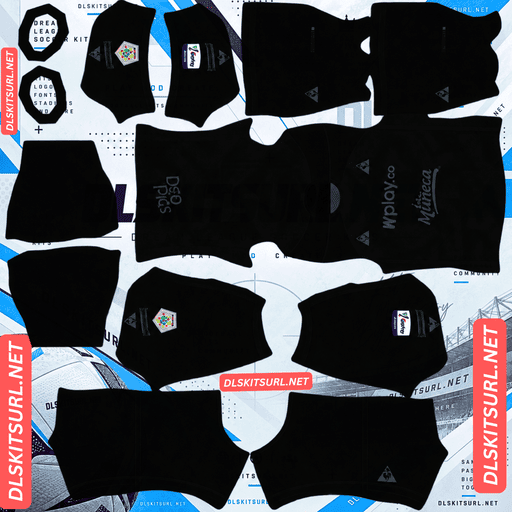
Deportive Cali Third Kit
Third Kit 512×512 (2026/27)
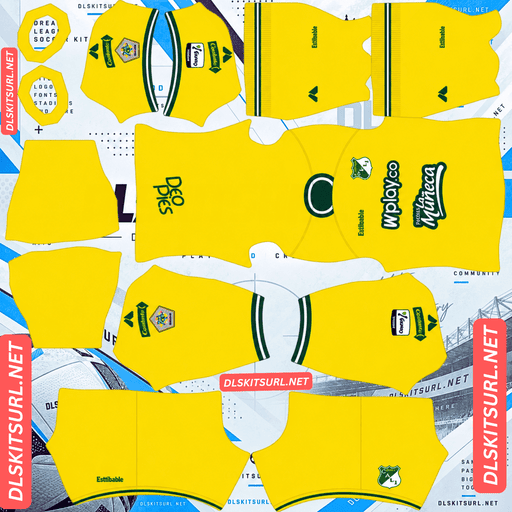
Deportive Cali GK Home Kit
GK Home Kit 512×512 (2026/27)
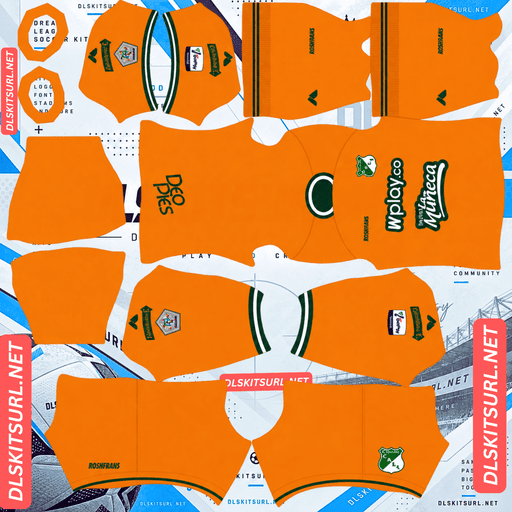
Deportive Cali GK Away Kit
GK Away Kit 512×512 (2026/27)
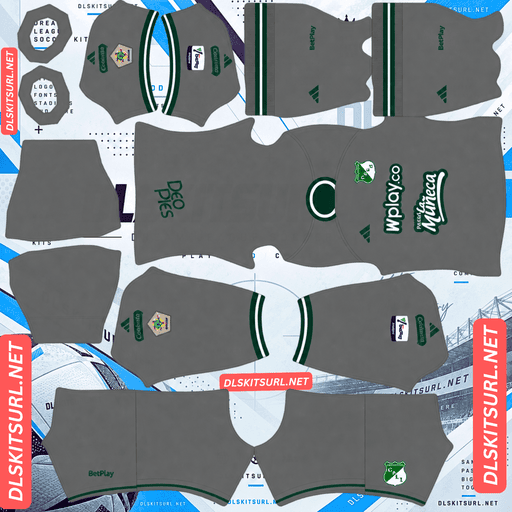
Deportive Cali GK Third Kit
GK Third Kit 512×512 (2026/27)
Deportivo Cali’s traditional green-and-white colours are relatively easy to recreate in DLS, but finding good-quality kit files can be a different story. The club’s current kit manufacturer has limited international visibility, and Colombian football does not receive the same level of kit coverage as some of South America’s bigger leagues.
Here, you’ll find the available kits, advice on choosing the right number colours, instructions for importing the shirts, and tips for keeping your custom uniforms working.
Hillside Takes Over Deportivo Cali’s Kit Production
Hillside, a Colombian sportswear brand, supplies Deportivo Cali’s kits for the 2026 season. The company also produces shirts for other clubs competing in Colombia’s Categoría Primera A.
The change followed a series of previous kit manufacturers. Kappa took over from Le Coq Sportif in 2023, while Umbro supplied the club’s shirts in an earlier period.
Why Deportivo Cali DLS Kits Can Be Difficult to Find
Finding a reliable Deportivo Cali kit image often takes more effort than searching for a shirt made by Nike, Adidas, or Puma.
Those global brands have extensive international distribution, and their new football kits usually appear across multiple websites shortly after release. Their designs are also widely shared by kit collectors and Dream League Soccer communities.
Hillside does not have the same international reach. As a result, fewer overseas websites cover its releases, and fewer creators prepare the corresponding 512×512 images for DLS.
The league’s limited international kit coverage adds another challenge. Colombia’s Categoría Primera A receives less attention from international kit databases than competitions such as the Brasileirão and Argentina’s Primera División.
For that reason, don’t assume every image labelled Deportivo Cali 2026 is suitable for the game. Check the actual design and resolution before importing it.
On a computer, right-click the image and open it in a new tab. You can then check its dimensions rather than relying on the filename alone.
How the Manufacturer Helps Identify an Older Kit
The manufacturer logo is one of the quickest ways to distinguish an older Deportivo Cali shirt from a current release.
A shirt carrying Kappa branding is associated with the club’s earlier Kappa period, including the 2023 and 2024 seasons. A Le Coq Sportif or Umbro logo points to an earlier design rather than the current Hillside collection.
For a 2026 kit, Hillside branding is the first detail to check. It is a more useful starting point than a season label that may have been added by whoever uploaded the image.
Why Deportivo Cali’s Green-and-White Colours Work So Well in DLS
Deportivo Cali are widely associated with the nickname El Verdiblanco, reflecting the club’s traditional green-and-white identity.
The home shirt’s familiar vertical stripes are particularly well suited to Dream League Soccer because they create clear colour separation without relying on complicated graphics.
White Stripes Make Green Easier to See
Green can be a challenging colour in football games because it sits relatively close to the colour of the pitch. When a uniform is entirely green, the players may blend into the background, especially when viewed from a distant camera angle.
White helps solve that problem.
The alternating bands break up the green surface and give the shirt a more distinct outline. Even when the player model appears small, the contrast between the two colours helps the uniform remain recognisable.
The same principle applies to other clubs with green-based shirts, although the final result depends on the shade of green and the colours used alongside it.
Club
Main Colour Combination
Visual Effect in DLS
Deportivo Cali
Green and white stripes
Strong contrast across the shirt
Juventude
Green and white stripes
Clear separation between colours
Çaykur Rizespor
Green and blue stripes
Blue adds a contrasting element
Kocaelispor
Green and black
Darker overall appearance
Deportivo Cali benefit from having white as a prominent part of their traditional home design rather than relying entirely on green.
Why Vertical Stripes Are Easy to Reproduce
Vertical stripes are relatively straightforward to map onto the standard DLS kit template. They follow the length of the shirt and create a recognisable pattern across the main body.
The contrast between green and white also means that the design does not depend on subtle shading or tiny details.
As long as the source image has a clean layout and sufficient resolution, the imported shirt should retain the familiar Deportivo Cali appearance.
In this case, the bigger challenge is usually finding a suitable image rather than getting the colours to display correctly.
Deportivo Cali’s 2026 Kit Collection
Hillside’s 2026 collection includes the regular home, away, and third shirts, along with a pre-season home design and a training vest.
That gives supporters several designs to choose from, although not every item is intended for use as a standard match kit.
Choosing Between the Home, Away, and Third Kits
Dream League Soccer typically offers three outfield kit slots and a separate goalkeeper slot. This means you can use the regular home, away, and third shirts together, while keeping the goalkeeper uniform in its own slot.
The pre-season shirt and training vest provide additional options for collectors, but their availability as suitable DLS PNG files may vary.
Some online supporter ratings favour the third kit over the other regular shirts, while the away kit receives comparatively weaker feedback. However, vote totals for less widely covered clubs can be limited, so these rankings should be treated as an indication of preference rather than a definitive result.
Before selecting a kit, compare the actual image with the design you want. A good-quality PNG is more important for gameplay than an online popularity score.
Deportivo Cali 1965 Commemorative Kits
Deportivo Cali also released a limited-edition collection on 21 September 2026, commemorating the club’s first Colombian league title, won in 1965.
The shirts were presented as collector’s items, with customised packaging and a certificate of authenticity.
Are the 1965 Anniversary Shirts Available for DLS?
These commemorative shirts may be harder to find as custom kit files than the regular home, away, and third designs.
Limited collector releases tend to circulate among smaller groups of supporters. Fewer photographs may be available, and even fewer people may take the time to prepare a properly sized 512×512 PNG for Dream League Soccer.
If you want to recreate the commemorative shirt in the game, check the kit cards above first. Compare the badge, colours, and shirt details against the original release before using an image.
You may need to look beyond the usual DLS kit databases if no suitable file is available. If you find the original shirt artwork, make sure the image is correctly formatted for the game’s kit template before importing it.
Best Number Colours for Deportivo Cali DLS Kits
The number colours are controlled by the kit template’s colour swatches, not automatically copied from the PNG image. Dream League Soccer uses separate settings for shirt numbers and shorts numbers.
Choosing colours that contrast with the shirt makes the players easier to identify during a match.
Number Colours for the Green-and-White Home Kit
Black or navy is a sensible starting point for the striped home shirt.
White numbers may disappear against the white stripes, while green numbers can become difficult to read over the green sections. A dark number colour stands apart from both parts of the design.
Check the appearance of the numbers against the exact kit image you import, as the shade of green and the placement of the stripes can affect readability.
Number Colours for the Away and Third Kits
For the away and third shirts, choose a number colour that contrasts with the main body of the design.
If the shirt has a light base, dark numbers are usually a good choice. If the main body is dark, a lighter number colour may work better.
Use the trim as a guide, but make sure the numbers remain readable against the fabric itself. Set the shirt and shorts swatches separately so that both parts of the uniform look consistent.
How Visible Are Deportivo Cali Kits During Matches?
The traditional striped home shirt has an advantage over a solid-green uniform: the white bands help distinguish the player from the pitch.
Home Kit Visibility
Green is naturally close to the colour of the football field, so a shirt made entirely from green fabric can be harder to follow at match distance.
Deportivo Cali’s white stripes create contrast within the shirt itself. This helps the uniform stand out even when the players occupy only a small part of the screen.
The final result still depends on the exact shade of green, the width of the stripes, and the camera angle, but the traditional combination is generally a practical choice for DLS.
Away and Third Kit Visibility
The alternative shirts may offer even better visibility if they use a lighter or more contrasting base colour.
Check the kit cards to see which design separates most clearly from the green pitch. A shirt with a pale background or strong contrasting panels can be easier to track than a darker uniform.
If your priority is identifying players quickly during a match, choose the design with the clearest overall contrast rather than simply the most complicated pattern.
How to Identify a Current Deportivo Cali Kit File
Before importing a shirt, check a few details to make sure the image matches the intended season.
Four Checks Before Downloading
Check the manufacturer logo. Hillside branding is expected on the current 2026 collection, while Kappa is associated with an earlier period.
Compare the home colours. The traditional home design should reflect Deportivo Cali’s green-and-white identity.
Compare the actual artwork. Use the kit cards above to check the pattern, colour placement, and overall design instead of relying only on a filename.
Identify special releases separately. The 1965 commemorative shirts are a distinct collection, not simply another version of the regular home kit.
These checks can help you avoid importing an outdated shirt or a low-quality image that does not match the original release.
How to Use a Deportivo Cali DLS Kits URL
Once you have the correct PNG link, importing the kit is a simple process. The main thing is to select the correct slot and use a direct image URL.
Step 1 — Copy the Kit URL
Find the Deportivo Cali shirt you want and click its Copy URL button.
Avoid copying the webpage address from your browser’s address bar. That address usually points to the page displaying the shirt rather than the image itself.
Step 2 — Open the Customisation Menu
Start Dream League Soccer and navigate to:
My Club → Customise → Kit
Make sure you open the Kit section rather than Logo. These are separate areas, with Kit used for uniforms and Logo used for your club badge.
Step 3 — Select a Kit Slot and Paste the Link
Choose the slot you want to replace before entering the URL. Selecting the wrong slot can overwrite a different uniform than intended.
Press and hold the URL field, choose Paste, and then tap Confirm. In some older versions of the game, the button may be labelled Download.
Wait for the kit to load and check the result on your team before importing the remaining shirts.
Step 4 — Set Up Your Complete Kit Collection
Use the three outfield slots for the home, away, and third kits. The goalkeeper kit has its own slot, so you can configure it separately.
If you find a suitable file for the 1965 commemorative shirt, you can use it in place of one of the regular outfield designs.
The first custom kit import may require a one-time gem unlock, depending on your game version. After unlocking the feature, subsequent kit changes generally do not require another payment.
Test Your Deportivo Cali Kit URL Before Importing
Checking the link in a browser first can help you avoid errors in the game.
Make Sure the Link Opens the PNG Directly
Open the copied URL in a new browser tab. A direct image link should display the kit by itself rather than a webpage with menus, buttons, or other content surrounding the image.
The address will usually end in .png. Although the file extension is a useful clue, checking the actual image is more important than relying on the extension alone.
If the URL opens a preview page instead of the image file, find the direct image link before continuing.
Confirm the Image Dimensions
For these kits, the target image size is 512×512 pixels.
On a computer, open the image in a new tab and check its dimensions through your browser’s image information or properties options.
A low-resolution image may look blurry after import, while an image that has been stretched or poorly cropped can distort the shirt design. Check that the main body, sleeves, and colour boundaries look clean before using the file.
Why Do Deportivo Cali DLS Kit URLs Stop Working?
A kit URL can stop working even if the image was available when you first found it. Most problems come from the hosting service or the link itself.
1. The Image Has Been Removed
Free image-hosting websites sometimes delete files because of storage limits, inactivity, or changes to their policies.
This can be especially inconvenient when a particular Deportivo Cali design is difficult to find elsewhere. Once the original file disappears, a saved URL may no longer lead to the image.
2. The Website Blocks Direct Image Requests
Some hosts use hotlink protection to prevent external applications from loading their images.
As a result, a picture might open normally when you visit the hosting website but fail when Dream League Soccer attempts to retrieve it directly.
If a URL works in your browser but fails inside the game, the hosting service may be blocking the request.
3. The Preview and the Download File Are Different
Some websites display a preview image hosted on their own server while providing a separate URL for the actual download.
If that external file is removed or moved, the preview can remain visible even though the copied link no longer works.
For the most reliable results, use a direct PNG URL and test it independently before importing it. The image displayed on the kit card should match the file returned by the copied link.
Deportivo Cali Badge for Dream League Soccer
After importing the shirts, you can add the club badge through the same customisation menu.
Select Logo instead of Kit and paste the direct URL for the Deportivo Cali crest.
Choosing a Clear Deportivo Cali Crest
The Deportivo Cali badge reflects the club’s green-and-white identity and includes its initials and star details associated with its championship history.
Dream League Soccer displays imported badges within a circular area, so the way the source image is cropped matters.
A file trimmed too tightly around the crest may lose some of the details near its edges. Stars positioned above the main emblem are particularly worth checking.
Choose a clear 512×512 image with enough empty space around the complete design. This gives the circular crop room to work without cutting off the crest or its decorative elements.
If possible, use a high-quality original badge image rather than enlarging a smaller file, which can make fine details look blurry.
How to Keep Your Deportivo Cali Kits and Badge
Custom kits and logos are generally saved on your device rather than automatically stored with your account. A regular game update may leave them in place, but reinstalling the game or moving to a new phone can mean importing everything again.
This is worth preparing for when you have found a good-quality Deportivo Cali kit, particularly if you want to keep a limited-edition design.
Before reinstalling the game or changing devices, save the following in a notes app:
Home kit URL
Away kit URL
Third kit URL
Goalkeeper kit URL
Deportivo Cali badge URL
Keep backup copies of the original PNG files as well, where possible. Saving both the links and the images gives you another option if a hosting website removes a file.
Frequently Asked Questions About Deportivo Cali DLS Kits
What Is a Deportivo Cali DLS Kits URL?
A Deportivo Cali DLS kits URL is a direct link to a PNG image of the club’s shirt that you can import into Dream League Soccer. The target resolution for the kits in this guide is 512×512 pixels.
Who Makes Deportivo Cali’s 2026 Kits?
Hillside, a Colombian sportswear brand, supplies Deportivo Cali’s 2026 kits. The brand replaced Kappa after the club’s earlier partnership with Le Coq Sportif and previous use of Umbro.
Why Are Deportivo Cali Kit Files Hard to Find?
Hillside has less international exposure than global manufacturers such as Nike, Adidas, and Puma. Colombian football also receives less international kit coverage than some larger South American competitions, so fewer creators publish compatible DLS images.
Are Green-and-White Stripes Easy to Reproduce in DLS?
Yes. The contrast between green and white makes the traditional Deportivo Cali shirt relatively easy to recreate. Vertical stripes also form a straightforward pattern for the standard kit template.
Is Green a Problem for Visibility in Dream League Soccer?
Green can blend into the pitch when used on its own. Deportivo Cali’s white stripes help solve this problem by breaking up the green surface and making the players easier to distinguish during matches.
What Are the Deportivo Cali 1965 Commemorative Kits?
They are limited-edition shirts released on 21 September 2026 to celebrate the club’s first Colombian league title in 1965. The collection was presented with collector’s packaging and a certificate of authenticity.
How Can I Identify an Older Deportivo Cali Kit?
Check the manufacturer’s logo. Kappa branding points to the club’s earlier Kappa period, including the 2023 and 2024 seasons, while Le Coq Sportif and Umbro identify earlier designs. Hillside branding is the main indicator to look for on the 2026 collection.
What Number Colour Works Best on Deportivo Cali’s Home Kit?
Black or navy is a good starting point for the green-and-white striped home shirt. These colours stand apart from both the green and white sections, helping the numbers remain readable.
How Many Deportivo Cali Kits Can I Use in DLS?
Dream League Soccer generally offers three outfield kit slots and a separate goalkeeper slot. You can use the home, away, and third kits together, with the goalkeeper shirt configured separately.
Why Is My Deportivo Cali Kit URL Not Working?
The image may have been removed, the host may block external requests, or the URL may lead to a preview webpage instead of a direct image. Open the link in your browser and check that the PNG displays correctly before importing it.
Do I Need a Separate URL for the Deportivo Cali Badge?
Yes. The badge is imported through the Logo section, separately from the kit. Use a clear image of the crest and make sure there is enough space around its edges to prevent the circular crop from cutting off important details.
Will My Deportivo Cali Custom Kits Remain After Reinstalling the Game?
Not necessarily. Custom kits and logos are generally stored locally, so reinstalling the game or changing devices may remove them. Save the URLs and original PNG files so you can restore your collection later.