
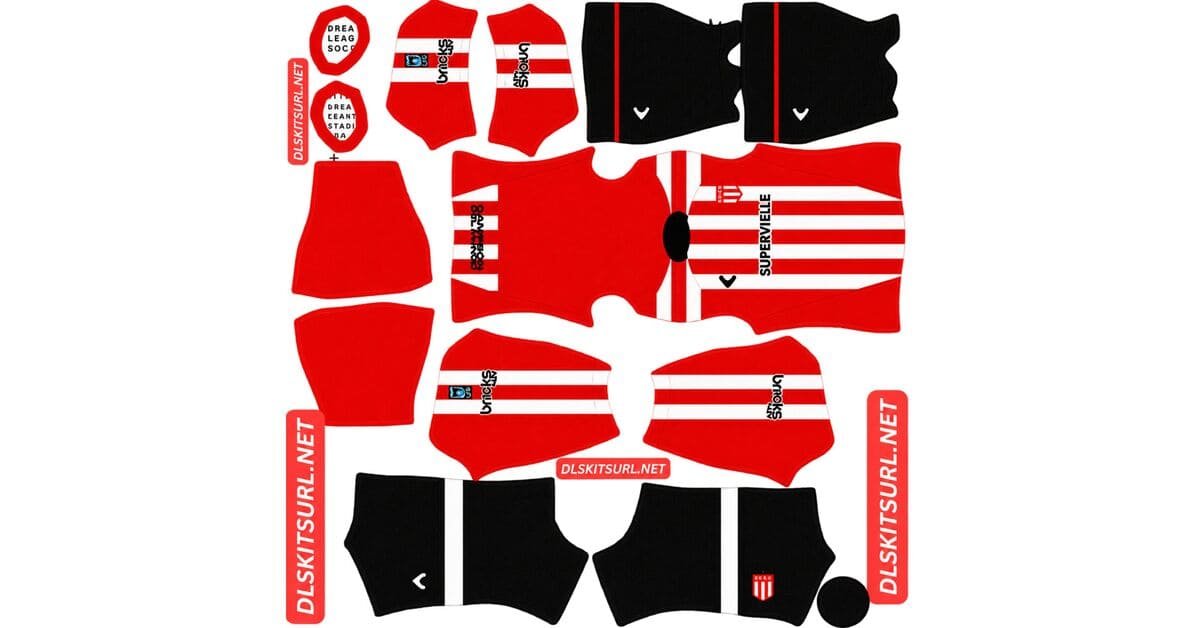
An Estudiantes DLS kits URL is a direct link to a 512×512 PNG shirt that you can import into Dream League Soccer. All four slots are listed below, and every file has been loaded into the game before being added to this page.
Estudiantes de La Plata Logo
Official Logo 512×512 (2026/27)
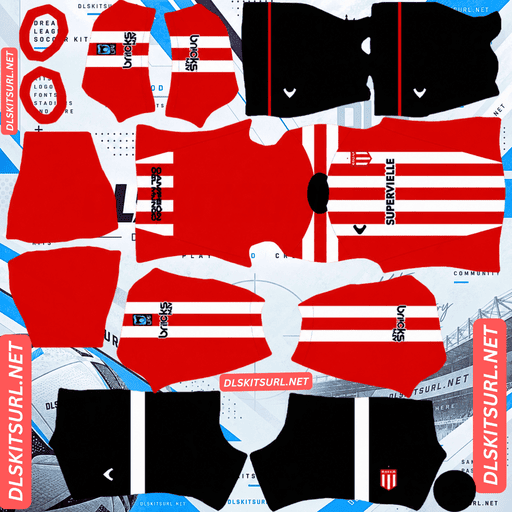
Estudiantes de La Plata Home Kit
Home Kit 512×512 (2026/27)
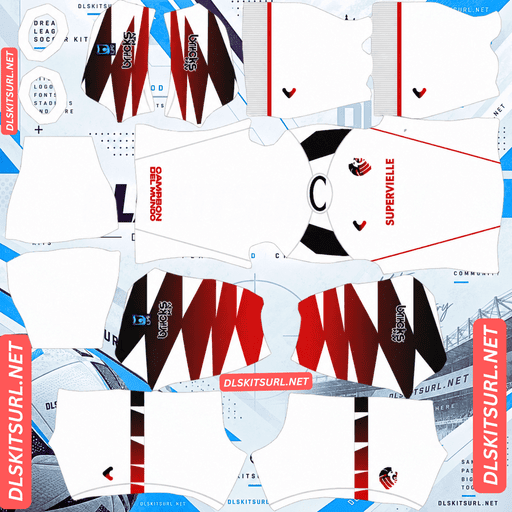
Estudiantes de La Plata Away Kit
Away Kit 512×512 (2026/27)
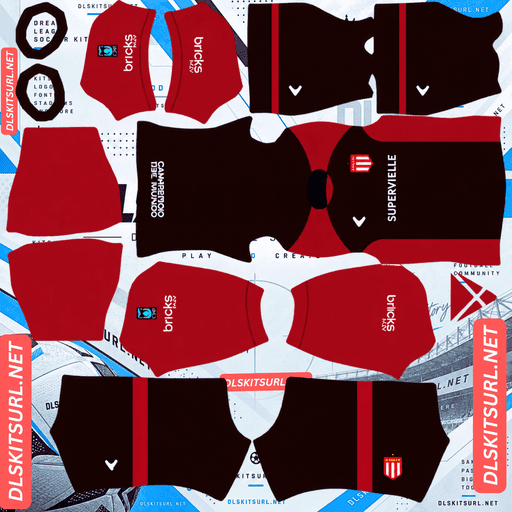
Estudiantes de La Plata Third Kit
Third Kit 512×512 (2026/27)
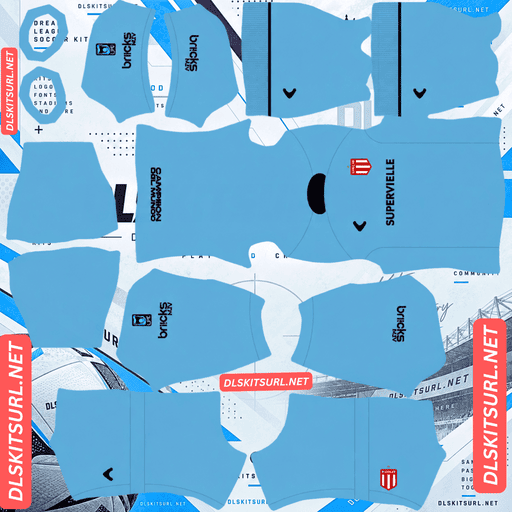
Estudiantes de La Plata GK Home Kit
GK Home Kit 512×512 (2026/27)
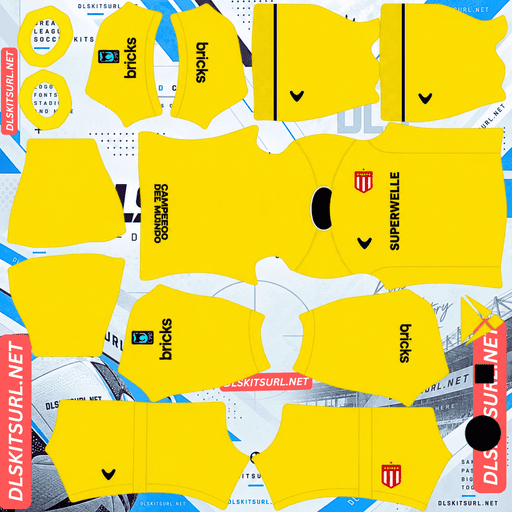
Estudiantes de La Plata GK Away Kit
GK Away Kit 512×512 (2026/27)
There is one detail about Estudiantes shirts worth checking before choosing your squad number colour: the front and back of the home shirt do not always follow the same design.
Check the back of the shirt before choosing a number colour
Most clubs use a consistent design across the front and back of their shirts. Estudiantes are different.
Recent home kits have kept the familiar red and white vertical stripes on the front while using a different design on the back. The 2024 shirt is a good example: it had red sleeves and a predominantly red back, which the club described as resembling a superhero cape.
Why the back matters in Dream League Soccer
Dream League Soccer places squad numbers on the upper back of the shirt. That means the back panel, rather than the front, determines which number colour will be easiest to read.
The kit preview mainly shows you the front, so do not rely on that alone. Open the full-size image and inspect the back panel before settling on a number colour.
Striped back: Choose a third colour that stands out against both red and white.
Solid red back: White numbers are the clearest option.
Solid white back: Use a dark number colour, since white would disappear against the shirt.
For Estudiantes, checking the back is essential. It is not just an optional detail.
The red and white stripes are easy to reproduce
Estudiantes’ traditional vertical stripes are among the more forgiving designs to import into Dream League Soccer.
The stripes only need to line up along the centre of the body. A horizontal band has to match across three positions, while a diagonal sash needs to keep both its position and angle consistent at every seam.
The red and white also provide strong natural contrast, and the stripes are wide enough to remain clear at the game’s resolution. As a result, almost any reasonably good file should produce a convincing-looking front.
Use the smaller details to judge file quality
Because broad vertical stripes are so easy to reproduce, they are not a reliable way to spot a poor-quality or upscaled image.
Pay closer attention to the details that are more likely to expose a weak file:
Collar and cuffs: Recent Estudiantes shirts have used black trim against the red and white stripes. Check that these edges are clean.
Crest and sponsor: Both should remain recognisable rather than looking blurred or soft.
Front-to-back boundary: If the shirt has a striped front and solid back, inspect where the two designs meet.
These details tell you more about the quality of an imported file than the stripes alone.
Ruge is Estudiantes’ own kit brand
Estudiantes currently use Ruge, a label associated with the club itself rather than a major international sportswear company.
Before Ruge, the club had a three-year deal with Under Armour beginning in 2019. Umbro supplied the kits before that, with Topper appearing further back in the club’s kit history.
Why Ruge kits can be harder to find
Large DLS kit libraries tend to have plenty of files from globally recognised suppliers such as Nike, Adidas and Puma. A club-associated brand like Ruge has a much smaller international footprint, fewer overseas retail outlets and less coverage from kit websites outside Argentina.
That means you should expect fewer Estudiantes options than you would find for a similarly sized club wearing Adidas or Nike. Check the actual image dimensions instead of assuming a file is correct because its filename includes the right season.
The same issue appears with Lecce’s M908, Juventude’s 19Treze, Ceará’s Vozão and Göztepe’s Göz Göz.
Supplier branding helps identify older files
Estudiantes have used four different brands across roughly fifteen years, making the supplier logo a useful way to date an image.
Ruge: Current supplier.
Under Armour: Used from 2019 under a three-season agreement.
Umbro: Used from 2016 to 2018.
Topper: Appeared around 2010.
Check the branding before trusting the season written in a file’s name.
There is another date worth remembering: Estudiantes introduced a new club crest in 2020. Any badge file from 2019 or earlier therefore carries the older design.
Some of the club’s tributes cannot appear in DLS
Estudiantes regularly refer to their golden period in club history, particularly their three consecutive Copa Libertadores victories in 1968, 1969 and 1970.
However, some of the details used to celebrate that achievement are placed where Dream League Soccer cannot reproduce them.
The 2020 shirt, for example, had a waist tag with an outer letter E and the years 1968, 1969 and 1970 inside. Another tribute was Verón’s line, “A la gloria no se llega por un camino de rosas,” printed on the outside of the labels.
These details are part of the original shirt, but they are not part of the playable kit image. The game template does not map the inside of a garment, while tiny details around the hem are too small to remain readable at 512×512.
The same limitation applies to Corinthians’ collar inscription, Toronto’s jocktag and St. Louis’ Tina Turner label. You should not expect these details to appear after importing the shirts.
The gold third kit is the exception
The 2020-21 third kit took a different approach. Instead of placing the tribute on a small label, Estudiantes used an entirely gold design to honour the same 1968–70 era.
That idea works much better in Dream League Soccer because colour transfers far more reliably than tiny printed text.
The gold base will appear as a relatively flat yellow-gold shade, but it still communicates the original design at match distance. Gold used only as narrow trim is much less dependable and can disappear during compression.
If you want a historical reference in your squad, the 2020-21 gold shirt is a strong choice for the third-kit slot. Dream League Soccer accepts any working 512×512 kit URL, regardless of how old the original design is.
Red and white stand out on the pitch
Players appear relatively small during matches, so kit visibility depends heavily on how well the shirt separates from the pitch.
Red provides strong contrast against green grass, while white remains bright and easy to distinguish. Together, the two colours make Estudiantes’ traditional striped shirt one of the more readable designs in the Argentine Primera.
A solid red back also creates a strong colour block at match distance, although it has less internal contrast than the striped front. In that situation, the white squad number becomes particularly important.
How to identify a current Estudiantes kit file
Before importing a file, use these four checks to make sure it matches the right era and design:
Supplier logo: Ruge is current. Under Armour, Umbro or Topper branding points to an older kit.
Club crest: Look for the version introduced in 2020 rather than the previous mark.
Back panel: Check whether the shirt has a striped or solid back. Estudiantes have used different treatments.
Kit appearance: Compare the actual design with the cards above instead of relying only on the season in the filename.
How to use an Estudiantes DLS kits URL
Use the copy button on the kit card rather than copying the address from your browser’s address bar. The browser address usually points to the webpage, not directly to the PNG image.
To import the shirt:
Open Dream League Soccer and go to My Club.
Select Customise.
Open Kit, not Logo. These are separate customisation options.
Choose the home, away or third-kit slot you want to replace.
Press and hold the URL field, then tap Paste.
Select Confirm to import the image. Older versions may call this button Download.
Dream League Soccer provides three outfield kit slots: home, away and third. The goalkeeper kit has its own separate slot.
If you want a historical alternative, the 2020-21 gold third kit is an excellent option for rotation.
The first custom kit requires a one-time gem unlock. Once that is done, you can change your imported kits without paying gems again.
Test the kit URL before importing it
Open the copied link in your browser first. A working direct image URL should display the shirt by itself, filling the screen, with an address ending in .png.
If the page contains buttons, headers or other website elements around the picture, you probably have a viewer page rather than a direct image link. Dream League Soccer cannot import that type of URL.
For Estudiantes, there is one more step after the import: inspect the back of the shirt and choose your squad number colour accordingly. The preview can show you the front, but that is not the panel where the numbers appear.
Why do Estudiantes kit URLs stop working?
There are three common reasons a DLS kit link can fail. Clubs using their own kit brands can be particularly affected by the first problem.
Free image hosts remove files. Estudiantes have fewer kit uploads maintained by international DLS communities than clubs with major global suppliers. An image can disappear from its hosting service even when the original webpage still looks active.
Hotlink protection blocks the game. Some hosting services only allow images to load when the request comes from their own website. Your browser might display the picture normally, but Dream League Soccer can receive a blocked response when it tries to import the same link.
The preview and download link point to different files. Some websites display a thumbnail stored on their own server but provide a separate URL for the full image. The preview may continue working even after the actual image link has stopped functioning.
On this page, the shirt displayed and the URL provided are the same file hosted in the same place, so there is no separate preview image to confuse with the download.
The Estudiantes badge
You can import the club crest during the same customisation session. Follow the same general process, but select Logo instead of Kit.
Make sure you have the correct crest version. Estudiantes introduced a new design in 2020, so older badge files dated 2019 or earlier will show the previous mark.
Dream League Soccer crops imported badges into a circle. Choose an image with enough clear space around the artwork to prevent the edges of the crest from being cut off.
The red and white areas are the most important parts to preserve at the small size used beside the match score. Fine lettering and tiny details may become softer, which is a normal result of the game’s display size rather than necessarily a problem with the original file.
Keep a backup of your Estudiantes kits
Custom kits are saved on your device, not permanently attached to your game account. A regular game update will usually leave them in place, but reinstalling Dream League Soccer or moving to a new phone can mean losing both your kits and your badge.
Estudiantes can take a little longer to set up because Ruge files are less common and two crest versions may be circulating.
Before importing anything, save all four kit URLs in a notes app. Add a short note identifying which crest version you used as well. That way, if you ever need to reinstall the game, you will not have to search for the same files all over again.
FAQ FOR RANK MATH
What is an Estudiantes DLS kits URL?
An Estudiantes DLS kits URL is a direct link to a 512×512 PNG shirt that you can paste into Dream League Soccer’s kit customisation screen. A working direct image link ends in .png.
Why should I check the back of an Estudiantes shirt?
Estudiantes have used home shirts with traditional striped fronts and differently designed backs. The 2024 home shirt, for example, had a predominantly red back. Since Dream League Soccer places squad numbers on the upper back, that panel determines which number colour will work best. The kit preview mainly shows the front, so check the full-size image.
Are Estudiantes’ red and white stripes easy to reproduce in DLS?
Yes. The vertical stripes only need to align down the centre of the body, the red and white provide strong contrast, and the bands are wide enough to remain clear at the game’s resolution.
How can I check the quality of an Estudiantes kit file?
Look closely at the collar and cuff trim, crest, sponsor and the boundary between the striped front and any differently coloured back panel. The broad stripes are easy to reproduce even in a weak image, so they are not a reliable quality test.
Who makes Estudiantes’ kits?
Ruge currently produces Estudiantes’ kits. Under Armour supplied the club from 2019 under a three-season agreement, Umbro was the supplier from 2016 to 2018, and Topper appeared earlier.
Why are Estudiantes DLS kit files harder to find than those of other major clubs?
Estudiantes use Ruge, a label associated with the club rather than an international sportswear company. It has less overseas distribution and receives less international kit coverage, so fewer 512×512 files are available than for clubs wearing Nike or Adidas.
Will Estudiantes’ 1968–70 tribute details appear in Dream League Soccer?
Most of them will not. Details such as the waist tag and Verón inscription are placed on labels or interior surfaces that the kit template cannot reproduce. The 2020-21 gold third kit is the exception because its tribute is expressed through the shirt’s overall colour.
Did Estudiantes change their club crest?
Yes. Estudiantes introduced a new crest in 2020. Badge files from 2019 or earlier therefore show the older version.