
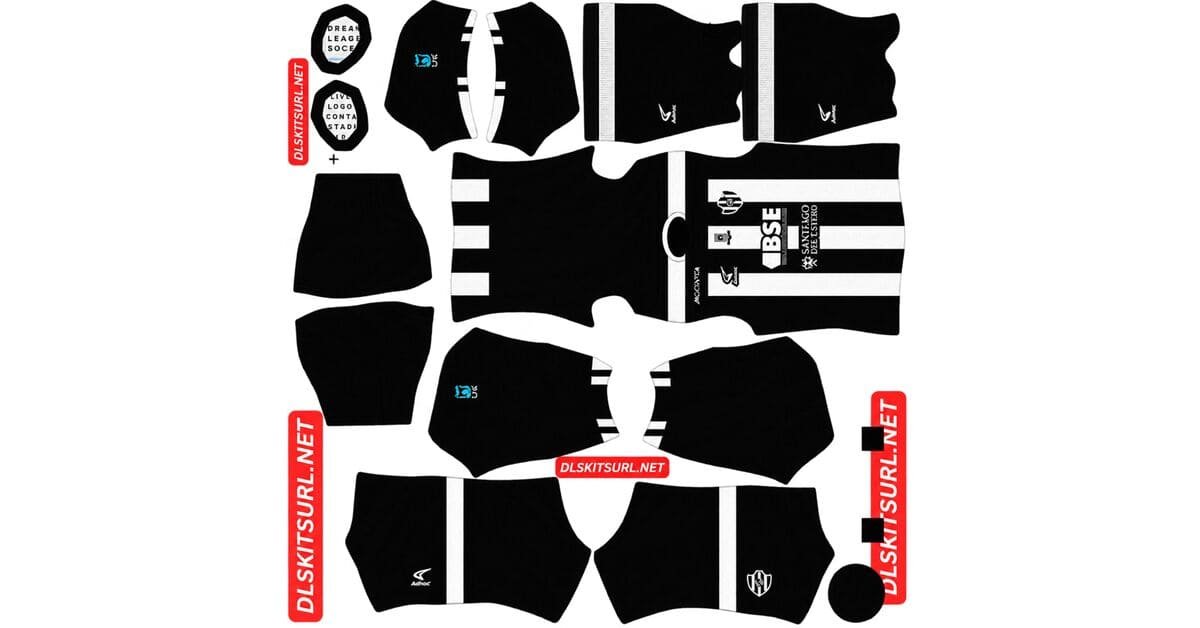
A Central Córdoba DLS kits URL is a direct link to a 512×512 PNG Ferroviario shirt that you can import into Dream League Soccer. All four kit slots are listed below, and every file has been loaded into the game before being added to this page.
Central Cordoba Logo
Official Logo 512×512 (2026/27)
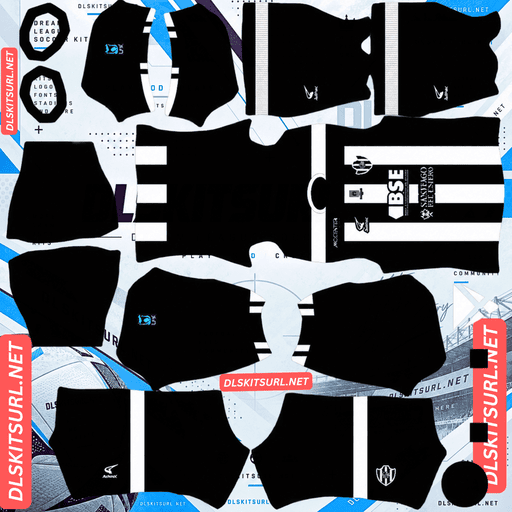
Central Cordoba Home Kit
Home Kit 512×512 (2026/27)
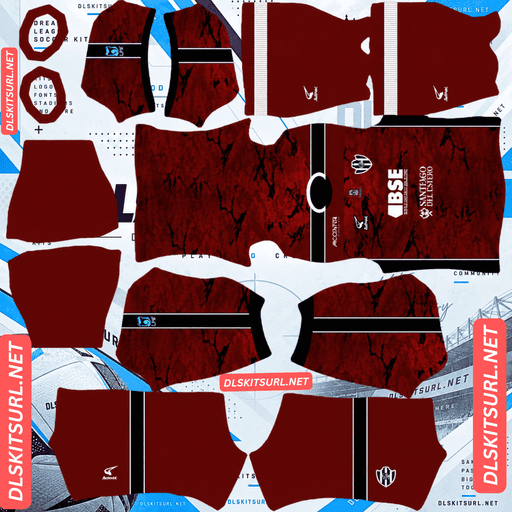
Central Cordoba Away Kit
Away Kit 512×512 (2026/27)
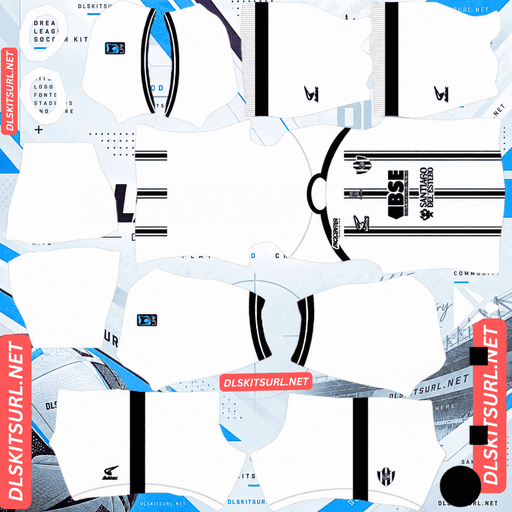
Central Cordoba Third Kit
Third Kit 512×512 (2026/27)
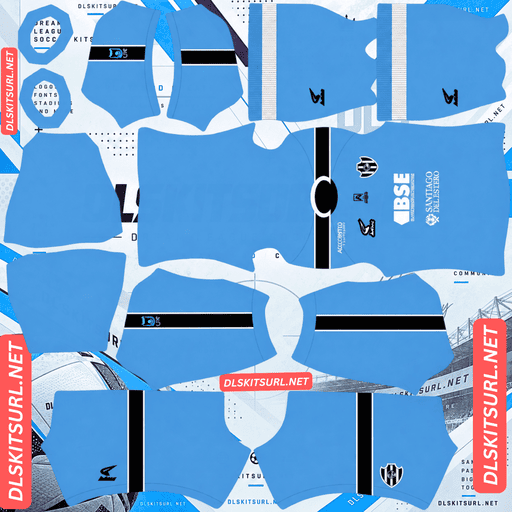
Central Cordoba GK Home Kit
GK Home Kit 512×512 (2026/27)
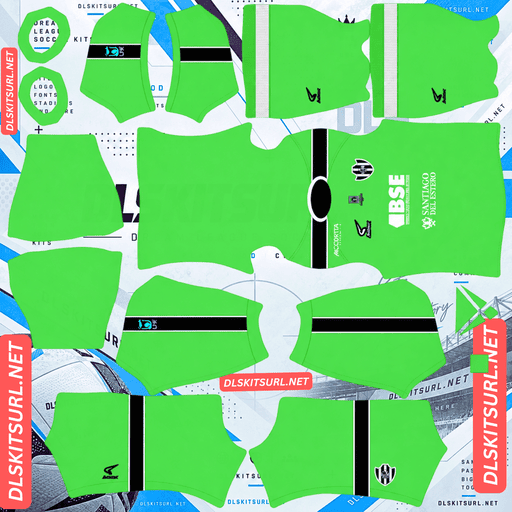
Central Cordoba GK Away Kit
GK Away Kit 512×512 (2026/27)
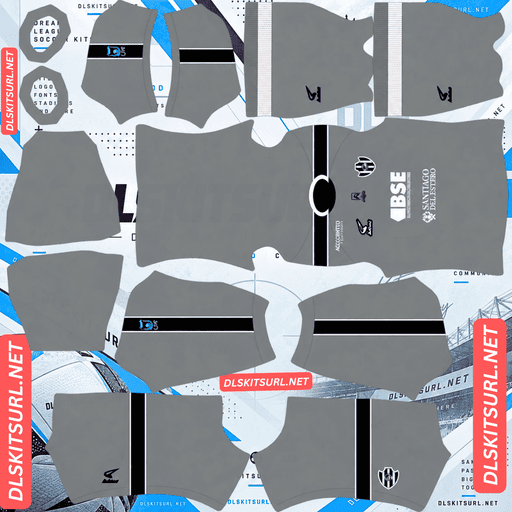
Central Cordoba GK Third Kit
GK Third Kit 512×512 (2026/27)
Before downloading anything, there is one important detail to get right: Argentina has two clubs called Central Córdoba, and both have 2026 kits.
Make sure you have the correct Central Córdoba
This page covers Central Córdoba de Santiago del Estero, the club competing in Argentina’s Liga Profesional, the country’s top division.
There is another club with the same name: Central Córdoba de Rosario, which plays in Primera C, in the lower divisions. They are separate clubs from different cities, with different crests and different 2026 shirts. The Rosario side also released home and away kits.
Three ways to tell the clubs apart
Check these details before importing a file:
The crest: The two clubs have completely different badges. This is usually the quickest way to identify the correct team.
The supplier: Central Córdoba de Rosario uses Fiume. The Santiago del Estero club does not.
The number of kits: Santiago del Estero released four outfield designs for 2026, while the Rosario club released two.
When searching for files, use the full name “Central Córdoba Santiago del Estero” rather than just Central Córdoba. Always inspect the crest before importing anything.
Fortaleza CEIF has a similar naming problem with the much larger Brazilian club of the same name.
Four kits, but only three outfield slots
Central Córdoba de Santiago del Estero released four outfield designs for 2026: home, away, third and fourth.
Dream League Soccer gives you three outfield slots — home, away and third — plus a separate goalkeeper slot. That means one of the four designs will have to wait.
There are three useful things to consider when choosing:
Which shirt will you use most? The home kit represents the club’s identity, so it is the obvious choice to keep.
Which designs look different from one another? Since the game displays only one kit at a time, choosing clearly different alternatives gives you more variety.
Which file has the best quality? A sharp 512×512 fourth kit may be a better choice than a poorly reproduced third kit.
You can rotate the unused shirt in later because kit changes are free after the initial unlock.
Other clubs also have more outfield designs than DLS can accommodate. Amed SK have six this season, while Talleres, Junior and Banfield each have four.
Supporter opinion can affect file availability
Central Córdoba’s recent alternate shirts have received very different reactions from supporters.
The 2025 Copa Libertadores third kit is among the club’s best-received designs, while the 2024 third kit received much weaker ratings despite a similar number of votes.
That difference matters when looking for DLS files. Popular shirts tend to attract more people creating and sharing 512×512 versions. Less popular designs often have fewer options available.
If two of the four 2026 kits are similar in quality, it is worth considering which design supporters have responded to more positively. You may have an easier time finding alternative files for the better-liked shirt.
Consider the Copa Libertadores kits
Central Córdoba’s dedicated 2025 Copa Libertadores away and third kits are worth looking at if you want a different design for your third DLS slot.
Both received considerably better ratings than the club’s league shirts, making them strong alternatives for your team.
There is no restriction on using a competition-specific design in Dream League Soccer. Any working 512×512 kit URL can be imported, regardless of whether the shirt was originally made for league or cup matches.
The club also released a special Copa Argentina Final kit in 2024, commemorating the match that took them into continental competition. Because it was a one-off release, finding a good DLS version may take more effort.
What to check in a Central Córdoba kit file
Detailed coverage of Central Córdoba’s 2026 designs is limited outside Argentina. For that reason, compare each file directly with the kit cards above rather than relying only on descriptions from other websites.
You should also inspect the usual design details:
Colour boundaries: Any place where two colours meet should have a clean edge, not a blurry or smeared transition.
Collar and cuffs: Look for sharp trim and clearly defined edges.
Crest and sponsor: Both should remain readable rather than appearing soft or distorted.
If these details look right, the file is more likely to have the resolution it claims.
Check the actual image dimensions too. On a computer, right-click the image and open it in a new tab. Your browser should show the real dimensions, rather than relying on a filename that simply claims to be 512×512.
What number colours work on Central Córdoba’s kits?
Dream League Soccer controls number colours through two small swatches in the kit template. The colours are not taken from the imported shirt image.
One swatch controls shirt numbers and the other controls shorts numbers.
The safest general rule is to choose a colour that contrasts with the dominant colour on the upper back, where the game places the numbers.
Light-coloured shirt: Use a dark number colour.
Dark-coloured shirt: White is usually the clearest option at the game’s small rendering size.
Striped or half-and-half shirt: Choose a third colour that contrasts with both main colours, rather than using one of the colours that may disappear into part of the design.
Set the shirt and shorts number swatches separately.
How to tell if a Central Córdoba kit file is current
Use these four checks to identify the right 2026 designs:
Confirm the club: Make sure the file belongs to Central Córdoba de Santiago del Estero, not the Rosario club in Primera C.
Check the kit count: The Santiago del Estero side has four outfield designs for 2026.
Identify the competition: Check whether the image is a regular league kit or one of the separate Copa Libertadores designs.
Compare the actual shirt: Use the kit cards above rather than trusting the season written in the filename.
The club’s shared name makes the first check especially important. A file can look like a valid Central Córdoba kit but still belong to the wrong team.
How to use a Central Córdoba DLS kits URL
Use the copy button on the kit card instead of copying the address from your browser bar. The browser address usually points to the webpage, not directly to the shirt image.
Open Dream League Soccer and follow these steps:
Go to My Club.
Select Customise.
Open Kit, not Logo. The badge is managed separately.
Choose the slot you want to replace.
Press and hold the URL field, then tap Paste.
Select Confirm. Some older versions of the game use the label Download.
Choose the correct slot before pasting, because the selected kit is the one that will be replaced.
Your three outfield slots can hold home, away and third, with a separate goalkeeper slot. Since Central Córdoba has four outfield designs, make a note of which one you leave out so you can rotate it in later.
The first custom kit requires a one-time gem unlock. After that, changing kits costs nothing.
Test the link before importing it
Open the copied URL in your browser before going into the game.
A working direct image link should display the shirt by itself, with the address ending in .png.
If you see a webpage with headers, buttons or other content around the picture, it is a viewer page rather than a direct image link. Dream League Soccer cannot import that type of URL.
Why do Central Córdoba kit URLs stop working?
There are three common reasons a kit link can fail. For Central Córdoba, the first is particularly relevant.
Free image hosts delete old uploads
Argentine clubs outside the biggest names receive limited international kit coverage. As a result, fewer people create and maintain image uploads for their shirts.
Free image-hosting services may also delete files that have not been accessed for months or years. The original URL can still look valid, even though the image is no longer available.
One-off competition shirts are at the greatest risk because they attract fewer uploads than regular home and away designs.
Hotlink protection blocks the game
Some image hosts enable hotlink protection, preventing other websites and apps from loading images directly from their servers.
This can cause a link to work when you open it in your browser but fail when you paste it into Dream League Soccer. The browser request is allowed, while the game’s request is refused.
The preview and the copied link point to different files
Some websites display a thumbnail hosted on their own server but provide a separate URL for the full-size image.
The preview may continue working even after the actual image link has stopped functioning. Always test the copied URL itself instead of assuming that a working webpage means the kit link is still valid.
For the files listed here, the shirt shown in the card and the URL you copy point to the same image on the same server.
The Central Córdoba badge
You can import the crest during the same customisation session. Open the same menu, but choose Logo instead of Kit.
First, confirm that you have the Santiago del Estero club’s badge. This is the easiest place to accidentally use a file belonging to the Rosario side, and it is one of the most noticeable mistakes once your team appears in a match.
Dream League Soccer crops every imported badge into a circle. Choose an image with enough clear space around the complete design rather than one trimmed tightly to the artwork.
If the crest includes lettering around its edge, some of that text may look softer when displayed beside the score. That is usually a result of the game’s small rendering size, not a problem with the original file. The main colours and shapes are what matter most.
Keeping your Central Córdoba kits
Custom kits are saved on your device rather than attached to your account. Updating the game usually keeps them, but reinstalling Dream League Soccer or moving to a new phone can mean losing your imported shirts and badge.
Central Córdoba needs a little extra care because of the second Argentine club with the same name, the four outfield designs and the separate competition shirts. It is easy to save a file under the wrong label or forget which version you imported.
Before starting, paste all four kit URLs into a notes app. Include the badge link and label each shirt clearly, especially if you have saved a Copa Libertadores or Copa Argentina design.
FAQ FOR RANK MATH
What is a Central Córdoba DLS kits URL?
It is a direct link to a 512×512 PNG Central Córdoba shirt that you can paste into Dream League Soccer’s kit screen. A working direct image link ends in .png.
Are there two Argentine clubs called Central Córdoba?
Yes. Central Córdoba de Santiago del Estero play in Argentina’s Liga Profesional, while Central Córdoba de Rosario compete in Primera C. Both clubs released kits for 2026.
How do I tell the two Central Córdoba clubs apart?
Check the crest, which is completely different for each club. You can also compare their suppliers: the Rosario side uses Fiume. Another clue is the number of kits, as Santiago del Estero released four outfield designs for 2026, while Rosario released two.
How many kits does Central Córdoba have for 2026?
Central Córdoba de Santiago del Estero has four outfield designs: home, away, third and fourth. Dream League Soccer has only three outfield slots, so one shirt must be left out initially.
What should I use in the third kit slot?
One of the club’s 2025 Copa Libertadores kits is worth considering. Both the away and third designs received much better ratings than the league shirts, and Dream League Soccer accepts any working 512×512 kit URL regardless of the competition it was made for.
Does supporter opinion affect DLS kit availability?
Yes. Popular designs tend to attract more people creating and sharing 512×512 versions, while less popular shirts often have fewer files available. Central Córdoba’s recent alternate kits have received very different reactions, so popularity is worth considering when choosing between them.
What number colour should I use on Central Córdoba kits?
Choose a colour that contrasts with the dominant colour on the upper back, where Dream League Soccer displays the numbers. White is usually the safest choice on dark shirts, while dark colours work better on light bases.
Why are Central Córdoba DLS kit files difficult to find?
Argentine clubs outside the biggest teams receive less international kit coverage, so fewer people create and maintain their image files. One-off competition shirts are especially difficult to find because they attract fewer uploads than regular league kits.