
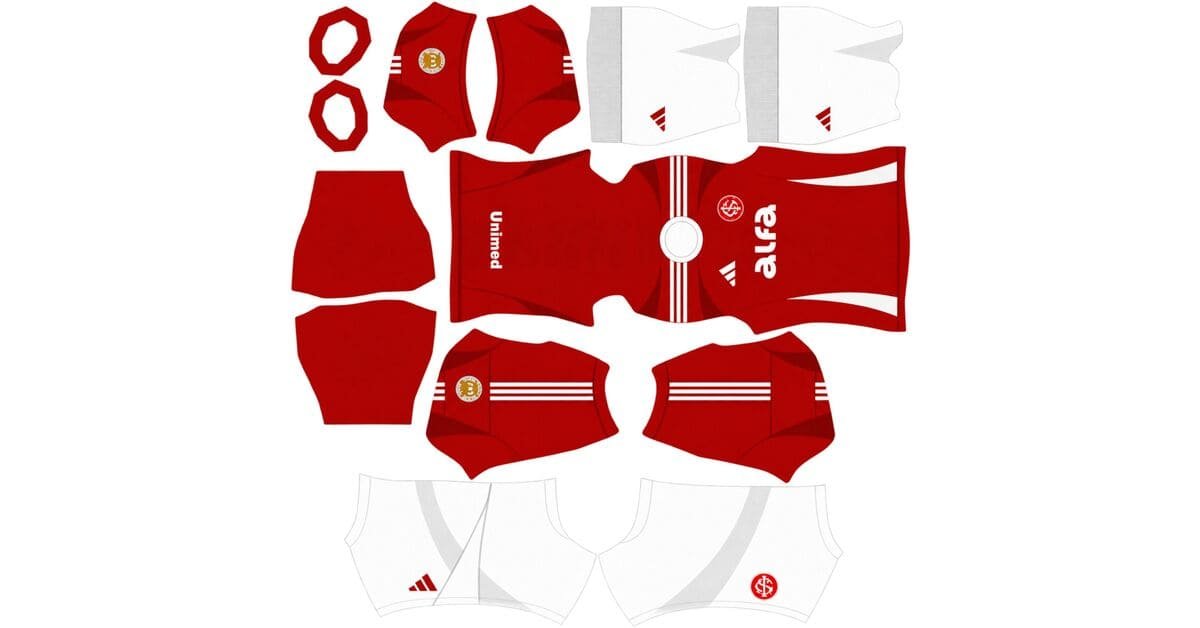
An Internacional DLS kits URL is a direct link to a 512×512 PNG shirt that you can import into Dream League Soccer. All four kit slots are covered below, and each image has been loaded into the game before being featured here.
Sport Club Internacional Logo
Official Logo 512×512 (2026/27)
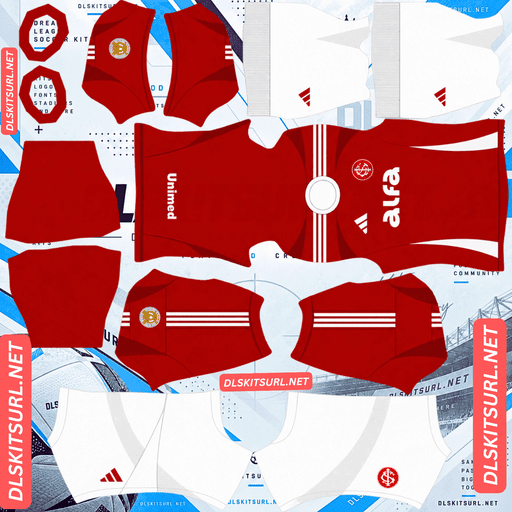
Sport Club Internacional Home Kit
Home Kit 512×512 (2026/27)
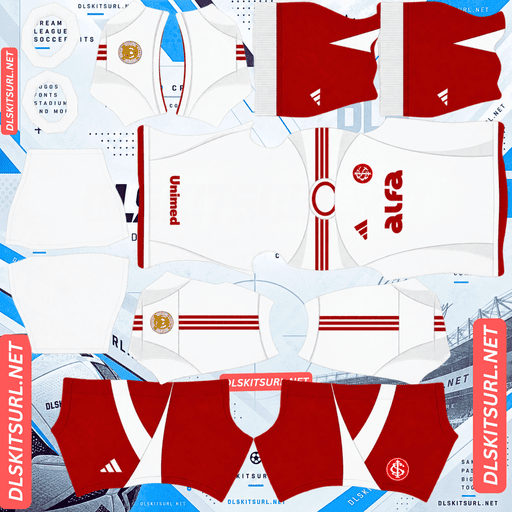
Sport Club Internacional Away Kit
Away Kit 512×512 (2026/27)
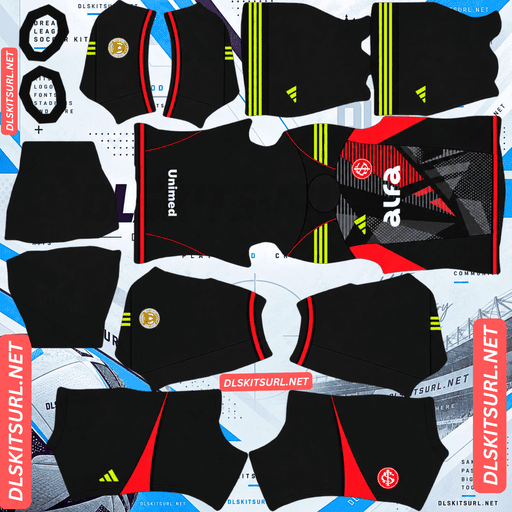
Sport Club Internacional GK Home Kit
GK Home Kit 512×512 (2026/27)
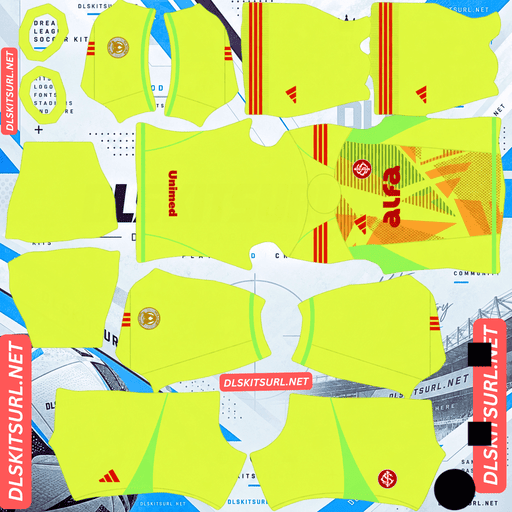
Sport Club Internacional GK Away Kit
GK Away Kit 512×512 (2026/27)
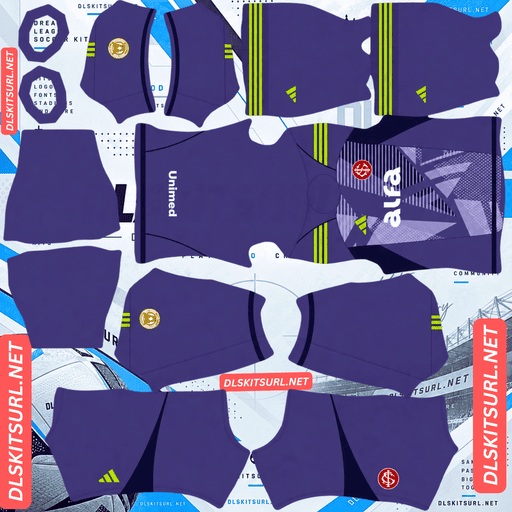
Sport Club Internacional GK Third Kit
GK Third Kit 512×512 (2026/27)
Adidas built Internacional’s 2026 collection around two major 20th anniversaries. The three shirts celebrate those historic achievements in different ways, but their designs behave quite differently once they are imported into DLS.
Two Anniversaries, Three Internacional Kits
Kit
What It Commemorates
Release Date
Home
20 years since the 2006 Copa Libertadores victory
28 January 2026
Away
20 years since the 2006 Club World Cup triumph
8 May 2026
Third
The same Club World Cup victory, represented through a dragon design
August 2026
The year 2006 remains one of the most important in Internacional’s history. The Brazilian club won its first Copa Libertadores before defeating Barcelona in the Club World Cup final in Japan. Adidas has used both achievements as inspiration for the 2026 collection.
Internacional Home Kit — Textured Red Stripes
Released on 28 January 2026, the home shirt features a red base, subtle vertical stripes and white detailing.
The main challenge is the texture of those stripes.
Rather than appearing as ordinary printed lines, the stripes are designed to show through the fabric’s weave as light catches the raised and recessed threads. A flat 512×512 PNG cannot reproduce that kind of physical surface detail.
The stripes are also tonal, using different shades of red instead of a strongly contrasting colour. When an image is compressed or displayed at a smaller size, those subtle differences can become even harder to see.
What to expect in DLS: the shirt will look mostly red, with the white detailing providing the clearest visual contrast. It will still be recognisable as Internacional, but the original fabric texture will largely disappear.
When checking the imported image, focus on the white trim rather than expecting the textured stripes to remain clearly visible.
This is a familiar limitation in DLS kit designs. Woven patterns, embossed maps and jacquard textures used by other clubs face the same problem when converted into flat images.
Internacional Away Kit — The Most Faithful Design
The away shirt was revealed on 4 May 2026 and officially launched on 8 May, ahead of a match against Fluminense.
Inspired by Internacional’s original 2006 Club World Cup shirt, it commemorates the victory over Barcelona in Japan. The design features a white base, red Adidas shoulder stripes, a white polo collar and a retro club crest with commemorative stars above it.
Why the Away Kit Works So Well in DLS
This shirt relies on clear colour blocking rather than subtle textures. The contrast between red and white remains strong even when the image is compressed or viewed on a small player model.
The polo collar is defined by its visible outline, while the Adidas shoulder stripes are straightforward colour elements. Neither feature depends on fabric texture to remain recognisable.
There is very little for DLS to lose when importing this design.
The away shirt is also the best-received of the three among supporters, making it a particularly good choice if you want a kit that looks close to the original in-game.
The Retro Crest Requires a Separate Choice
The away kit uses a retro Internacional crest with commemorative stars, rather than the club’s standard modern badge.
Dream League Soccer displays one team crest regardless of which kit you select. That means you need to decide which version suits your setup.
Home kit: use the standard Internacional crest.
Third kit: use the standard Internacional crest.
Away kit: use the retro crest for the most accurate historical pairing.
There is one detail to watch: DLS crops imported badges into a circle. The top of the design is particularly vulnerable to cropping, which can cut into the commemorative stars above the retro crest.
Choose a badge image with enough empty space around the artwork so the complete design has room to fit inside the circular crop.
Supporters of clubs such as São Paulo, Uruguay, France, Grêmio and Cape Verde encounter similar issues when their badge designs include details close to the edges.
Internacional Dragon Third Kit — A Test of Image Quality
Leaked and released in August 2026, the third shirt features a burgundy base with a large oriental dragon graphic in different shades of red. The SCI monogram and Adidas logo sit in the centre of the chest, referencing Internacional’s Club World Cup victory in Japan.
The Dragon’s Size Helps, but Its Colours Do Not
Two aspects of this design affect how well it survives in DLS.
First, the dragon is large. Large shapes generally retain their outlines better than tiny details when an image is compressed. That gives the dragon a reasonable chance of remaining recognisable in-game.
The problem is its colour scheme. The dragon uses shades of red against a burgundy background, so there is little contrast between the graphic and the shirt itself.
Expect the dragon’s overall silhouette to survive, while much of its finer detail disappears. Scales, claws, facial features and delicate lines may blend into the surrounding colours.
That makes the third kit a useful way to judge image quality. The more of the dragon’s internal detail you can still distinguish, the better the PNG is likely to be.
Check the Chest Before Importing
The SCI monogram and Adidas logo are positioned centrally on the chest, close to the area where Dream League Soccer displays your imported badge.
Before importing the shirt, open the PNG at full size and inspect the chest area. Make sure the existing design will not clash awkwardly with the badge placement in-game.
This is not unique to Internacional. Other kits, including designs associated with Japan, PSG, Panama and Le Mans, can present similar problems when their central graphics compete with the imported team badge.
Which Internacional Kit Looks Best in DLS?
Kit
Main Design Feature
What to Expect in DLS
Home
Red shirt with tonal, textured stripes
The texture fades, leaving a mostly red shirt with white trim
Away
Strong red-and-white colour blocking
The design remains clear and close to the original
Third
Large tonal dragon on burgundy
The dragon’s shape survives, but fine details may disappear
The away kit is the best overall choice. It preserves its original design more successfully, has been well received by supporters and does not depend on textures or subtle colour differences to make its concept work.
The home and third shirts are still worth using, especially if you want the complete anniversary collection. Just keep their limitations in mind when choosing your PNG files.
Best Number Colours for Internacional DLS Kits
Dream League Soccer does not automatically take the shirt and shorts number colours from your imported PNG. Instead, you control them using two small colour swatches in the kit settings: one for shirt numbers and another for shorts numbers.
Recommended colours for Internacional’s 2026 collection are:
Home kit — White: matches the shirt’s white detailing and stands out against the red base.
Away kit — Red: matches the Adidas stripes and remains visible against the white shirt. White numbers would blend into the background.
Third kit — White: offers clear contrast against burgundy, while red numbers could disappear into the dragon graphic.
Remember to set the shirt and shorts swatches separately. Matching the number colour to the shirt does not automatically set the shorts correctly.
How Visible Are Internacional’s Kits on the Pitch?
All three kits should remain easy to distinguish from the pitch because their main colours are well separated from grass green.
In DLS, players appear relatively small during matches, so a shirt’s main colour matters more than fine design details.
The red home kit stands out clearly against the grass, making it easy to follow players during gameplay.
The white away kit with red stripes is also highly visible. The red details give the white shirt a more defined appearance, helping players remain distinguishable at match distance.
The burgundy third kit stays clear of the pitch colour too, although it appears darker than the home shirt. Once the dragon’s internal details fade, the third kit also loses some of the contrast that makes the real design distinctive.
How to Identify the Correct Internacional 2026 Kits
Use these four checks to make sure you have the current collection rather than an older design:
Adidas branding: all three 2026 shirts should feature Adidas.
Home kit: look for a red base with white detailing. The 2024/25 home shirt has a different design.
Away kit: it should have a white base, red Adidas stripes, a white polo collar and the retro crest.
Third kit: look for the burgundy base and dragon graphic, not the grey wave-patterned third shirt from 2024/25.
These details make it easier to distinguish the anniversary collection from older Internacional kits circulating online.
How to Use an Internacional DLS Kits URL
Importing a custom kit is straightforward as long as you copy the direct image link and select the correct slot.
Find the kit you want and copy its URL using the Copy URL button on the kit card. Avoid copying the browser’s address bar, which may contain the webpage address instead of the image link.
Open Dream League Soccer and go to My Club.
Select Customise, then open Kit. Do not choose Logo, because badges use a separate import option.
Select the correct kit slot before importing. The slot currently selected is the one that will be replaced.
Press and hold the URL field, tap Paste, then select Confirm. Depending on the game version, the button may be labelled Download.
Repeat the process for the remaining kits.
Your three outfield kit slots are home, away and third, with the goalkeeper kit occupying the fourth slot. Once all four are imported, check them together on the team screen rather than leaving the default goalkeeper design unchanged.
The first custom-kit import requires a one-time gem unlock. After that initial unlock, changing your kits does not cost additional gems.
Test the Internacional Kit URL Before Importing
It is worth checking the link in your browser before opening DLS.
A working direct image link should display the shirt by itself, filling the browser window. Its address should end in .png.
If the link opens a webpage containing menus, headings or buttons around the shirt, it is probably a viewer page rather than a direct image URL. Dream League Soccer cannot import that webpage as a kit image.
On a computer, you can right-click the image and open it in a new tab to inspect it. Check the dimensions reported by your browser as well.
This is particularly important for the third kit. Because its dragon graphic relies on subtle tonal differences, a good-quality image gives those details the best possible chance of remaining visible.
Why Do Internacional DLS Kit URLs Stop Working?
A kit link can stop working for several reasons, even if it appeared fine when you first copied it.
The Image Host Deletes the File
Some free image-hosting services remove uploads that have not been accessed for a long time. The URL may remain in an old article, but the actual image is no longer available.
Hotlink Protection Blocks the Game
An image host may prevent other websites or apps from loading its images directly. Your browser might display the shirt successfully, while Dream League Soccer’s request is rejected.
This explains why a URL can work when you click it in a browser but fail when you paste it into the game.
The Preview and the Download Link Are Different
Some websites display a thumbnail stored on their own server while providing a download URL that points to another location. The preview can continue working even after the actual image link has expired.
For the kits listed here, the displayed shirt and the copied URL point to the same file on the same server.
The Internacional Badge — Standard or Retro?
Set your badge during the same session as your kits, but select Logo instead of Kit in the Customise menu.
Internacional’s crest features the club’s initials in red and white within a circular design. Its round shape works well with DLS because the game crops imported badges into a circle.
A circular crest generally loses less of its design at the edges than a badge with important details extending into the corners. However, it is still worth choosing a file with some clear space around the artwork rather than one cropped tightly against the design.
That extra margin is especially important for the retro crest with commemorative stars. The stars sit near the top, where the game’s circular crop can cut into them.
For the most historically accurate setup, use the retro crest with the white away kit. The standard crest remains the better match for the home and dragon third kits.
How to Keep Your Internacional Kits Safe
Custom kits are saved on your device rather than being permanently linked to your game account. Routine game updates will usually leave them in place, but reinstalling the game or switching phones can mean losing your imported kits and badge.
Internacional’s anniversary collection also takes a little more setup than a typical three-kit release because you may want both the standard and retro crests.
Before importing anything, save all four kit URLs in a notes app. Keep the links for both badge versions alongside them so you can restore your preferred setup later.
These anniversary designs commemorate achievements from 2006, and keeping your links together makes it easier to bring the collection back if you change devices or need to reinstall the game.
Frequently Asked Questions
What Is an Internacional DLS Kits URL?
An Internacional DLS kits URL is a direct link to a 512×512 PNG shirt for Sport Club Internacional that you can import into Dream League Soccer. A working direct image link should end in .png.
What Do Internacional’s 2026 Kits Commemorate?
The collection celebrates two 20th anniversaries from 2006. The home shirt marks Internacional’s first Copa Libertadores title, while the away and third kits commemorate the Club World Cup victory over Barcelona in Japan.
Why Does the Internacional Home Kit Look Plain Red in DLS?
The home shirt’s vertical stripes are textured rather than simply printed. They rely on the way light catches the fabric’s weave, and a flat PNG cannot reproduce that physical surface relief. The stripes also use similar shades of red, making them harder to distinguish after compression.
What Is Internacional’s Dragon Kit?
The dragon kit is Internacional’s 2026/27 third shirt. It has a burgundy base, a large oriental dragon graphic in shades of red and a centrally placed SCI monogram. The design references the club’s 2006 Club World Cup victory in Japan.
Will the Dragon Show Up in DLS?
The dragon should remain partly visible. Its large overall shape is more likely to survive image compression, but the tonal colours make its internal details harder to preserve. Scales, claws and facial features may blend into the burgundy background.
Which Internacional Kit Works Best in DLS?
The away kit is the strongest option. Its red-and-white colour blocking, polo collar and clear Adidas stripes translate well into a flat image without relying on subtle textures or tonal graphics.
Which Internacional Badge Should I Use?
Use the standard crest with the home and third kits, and the retro crest with commemorative stars for the away kit. Keep in mind that DLS’s circular crop can cut into the stars, so choose a badge file with sufficient space around the design.
Who Makes Internacional’s Kits?
Adidas makes Internacional’s 2026 kits.